

Label LIVE
Label design and printer software
Label LIVE lets users turn a spreadsheet of data into printed labels in a few steps. After uploading a table, the program maps each row to a label layout, then a drag‑and‑drop interface lets you add logos, product names, barcodes and images. The design view mirrors the final output, and variables such as serial numbers update automatically across all labels.
The software works with any printer that can handle label media, including thermal, inkjet, laser and popular label printers. It supports both full‑color CMYK printing and one‑color thermal printing, handling label rolls or label sheets without requiring special drivers. Barcodes of many common types are rendered directly from the design.
Targeted at users who need to produce labels from existing data—such as inventory managers, office staff or small‑business owners—Label LIVE offers a straightforward workflow without subscriptions or complex templates. It runs on macOS and Windows, providing a consistent experience across platforms.
Reviews
Loading reviews…
Similar apps
3D, CAD & Modeling
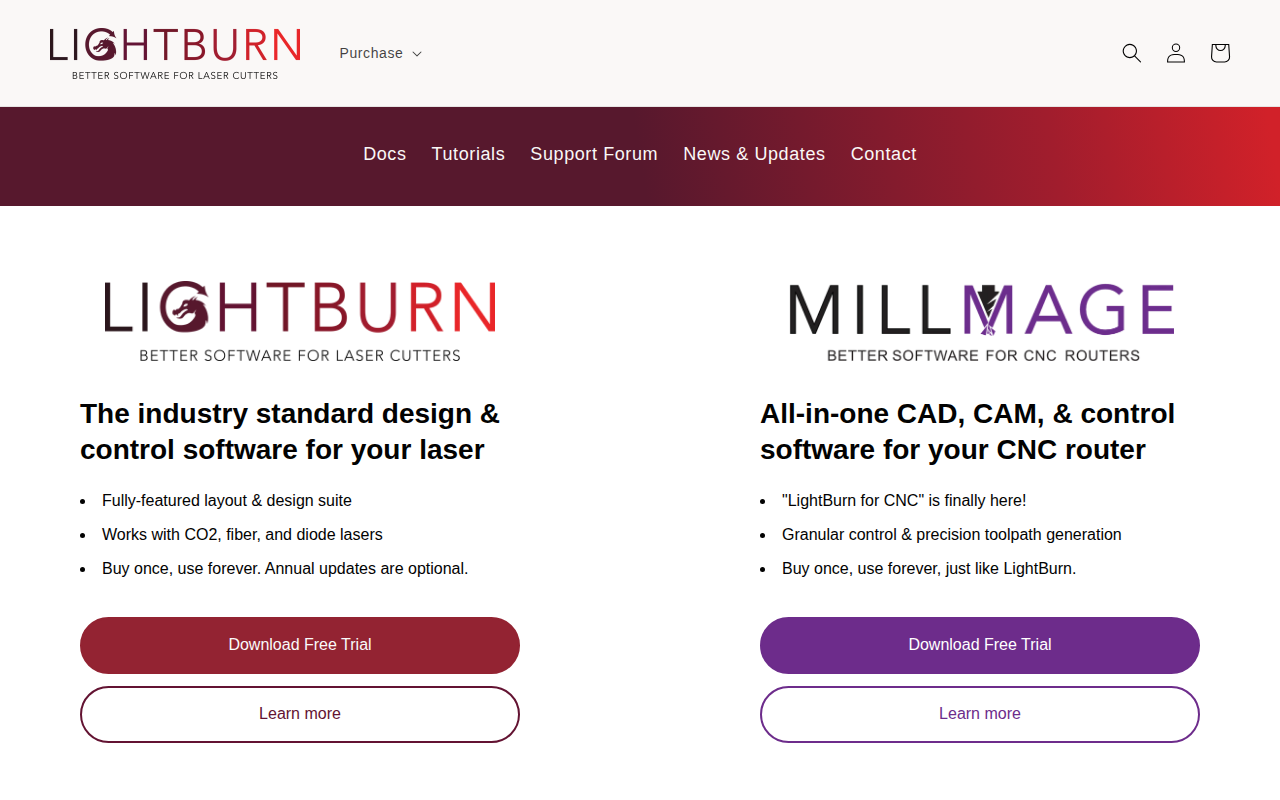
LightBurn
Layout, editing, and control software for laser cutters
Documents, Forms & Contracts
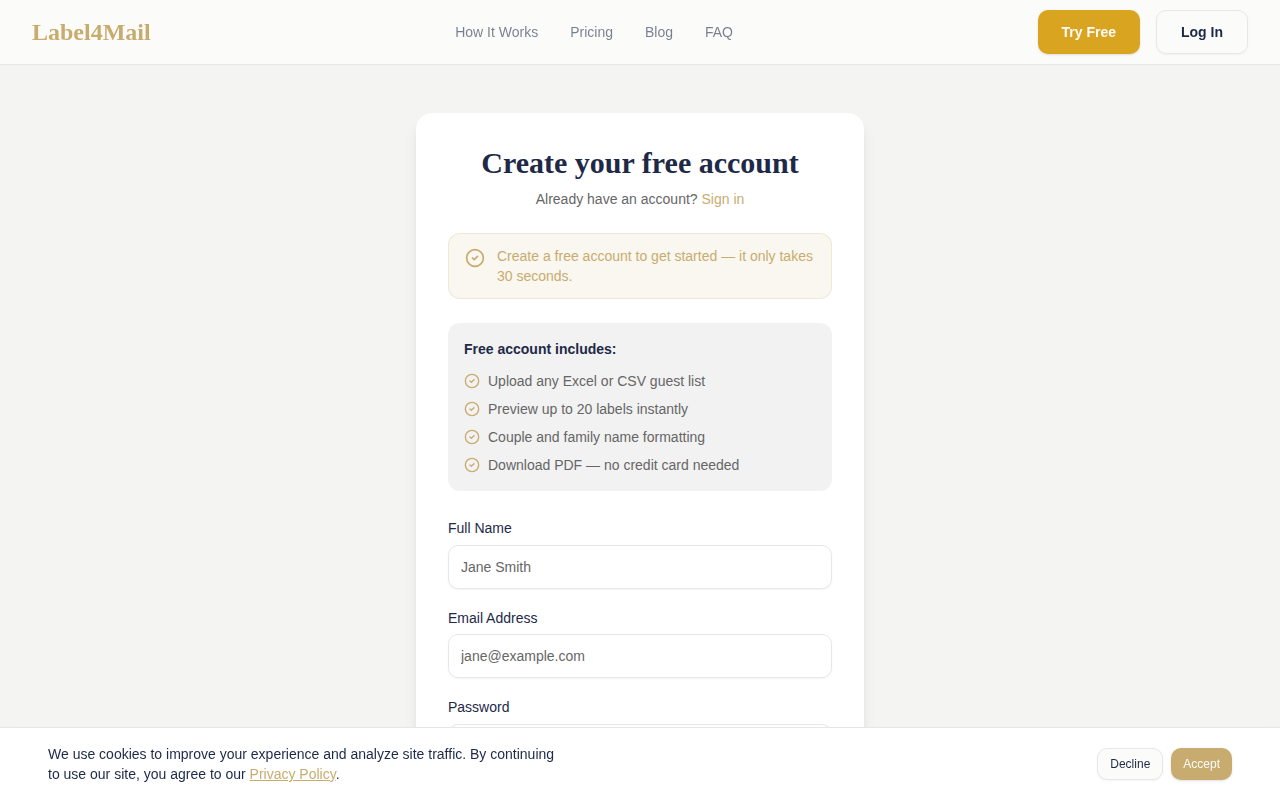
Label4Mail
Create mailing labels for all of your guests in seconds.
Family & Home
Live Home 3D
Home & floorplan designer & renderer

Clipboard, Input & Automation
Dymo Connect
Software for DYMO LabelWriters
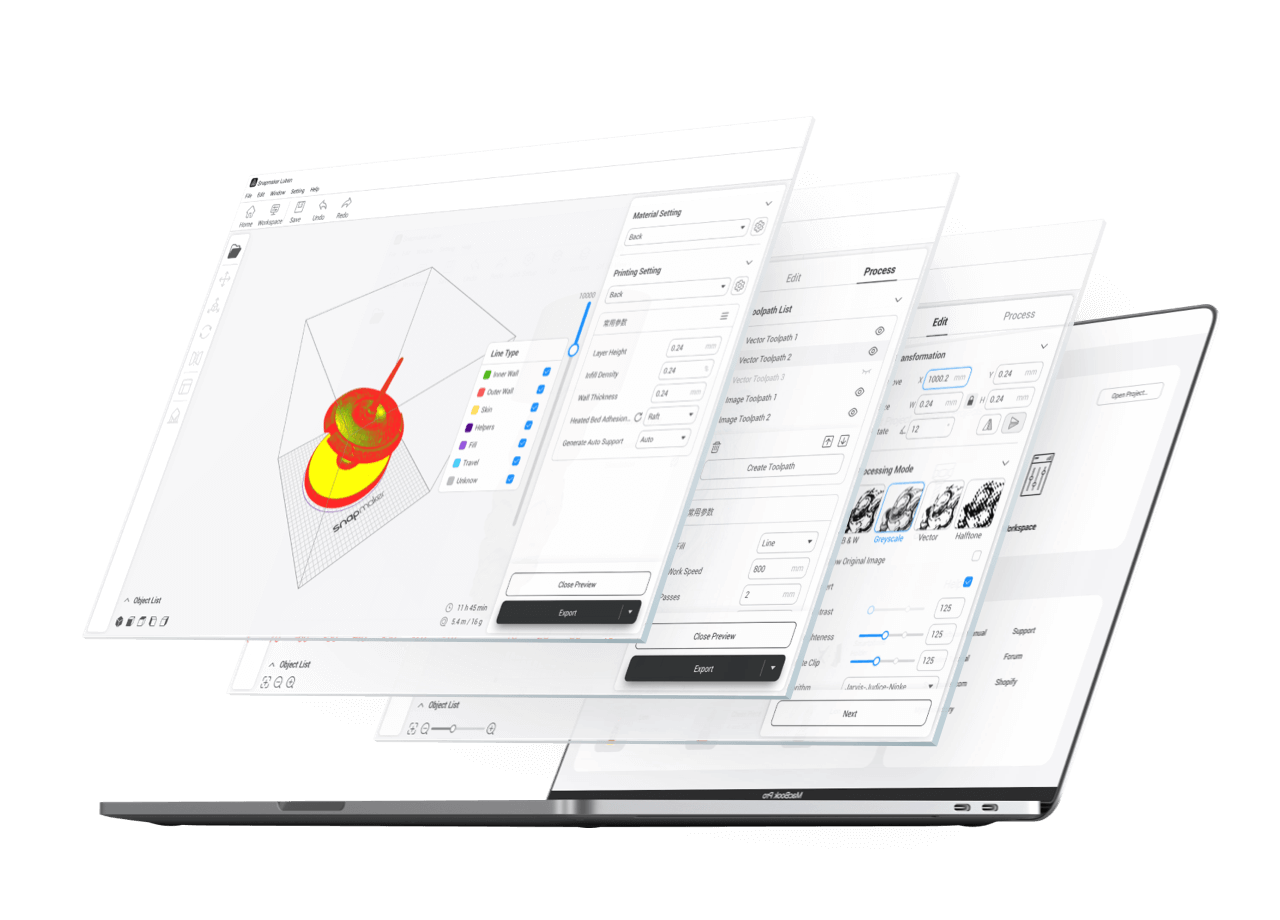
Photo & Video Management
Snapmaker Luban
3D printing software

Photo & Video Management
Lychee Slicer
Slicer for Resin 3D printers