
LightProxy
Proxy & Debug tools based on whistle with Chrome Devtools UI
LightProxy is a cross‑platform web debugging proxy built on the Whistle framework and presents its controls through a Chrome DevTools‑style interface. It captures and displays HTTP/HTTPS traffic, allowing users to inspect request and response headers, bodies, and timing details in a familiar panel layout. The tool supports modifying and, responses on the fly, enabling developers to test changes without altering server code.
The application is targeted at developers and QA engineers who need to diagnose network issues, test API behavior, or debug client‑side interactions during web development. Its macOS‑centric core provides a stable environment for running the proxy locally, while the DevTools UI offers a visual workflow that aligns with common browser debugging practices.
What distinguishes LightProxy is its combination of Whistle’s programmable proxy capabilities with a graphical interface that mirrors Chrome’s developer tools, reducing the need to switch between command‑line configurations and browser panels. This integration streamlines the debugging process for users familiar with DevTools, while still exposing the full power of a configurable proxy backend.
Reviews
Loading reviews…
Similar apps
Remote Access & VPN
SpechtLite
Rule-based proxy app for macOS.
Code Editors & IDEs
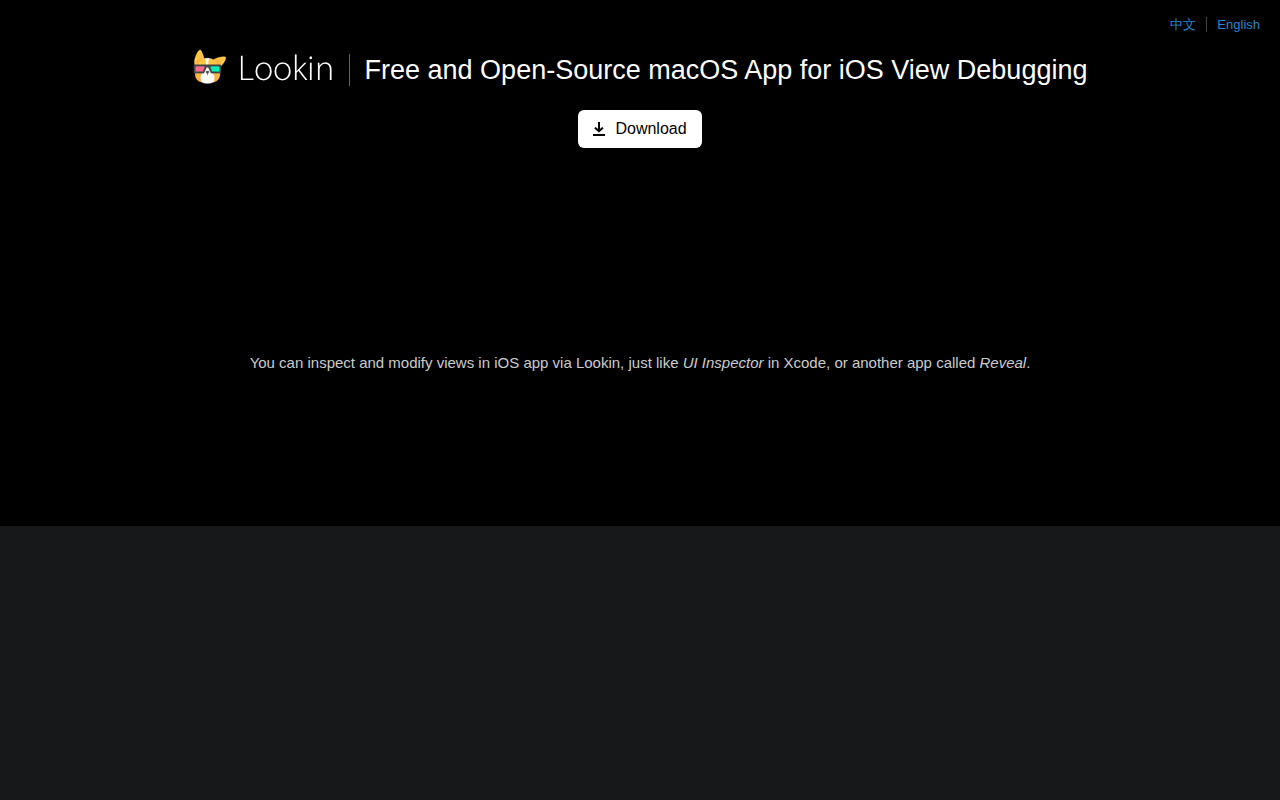
Lookin
App for iOS view debugging
API & Network Testing
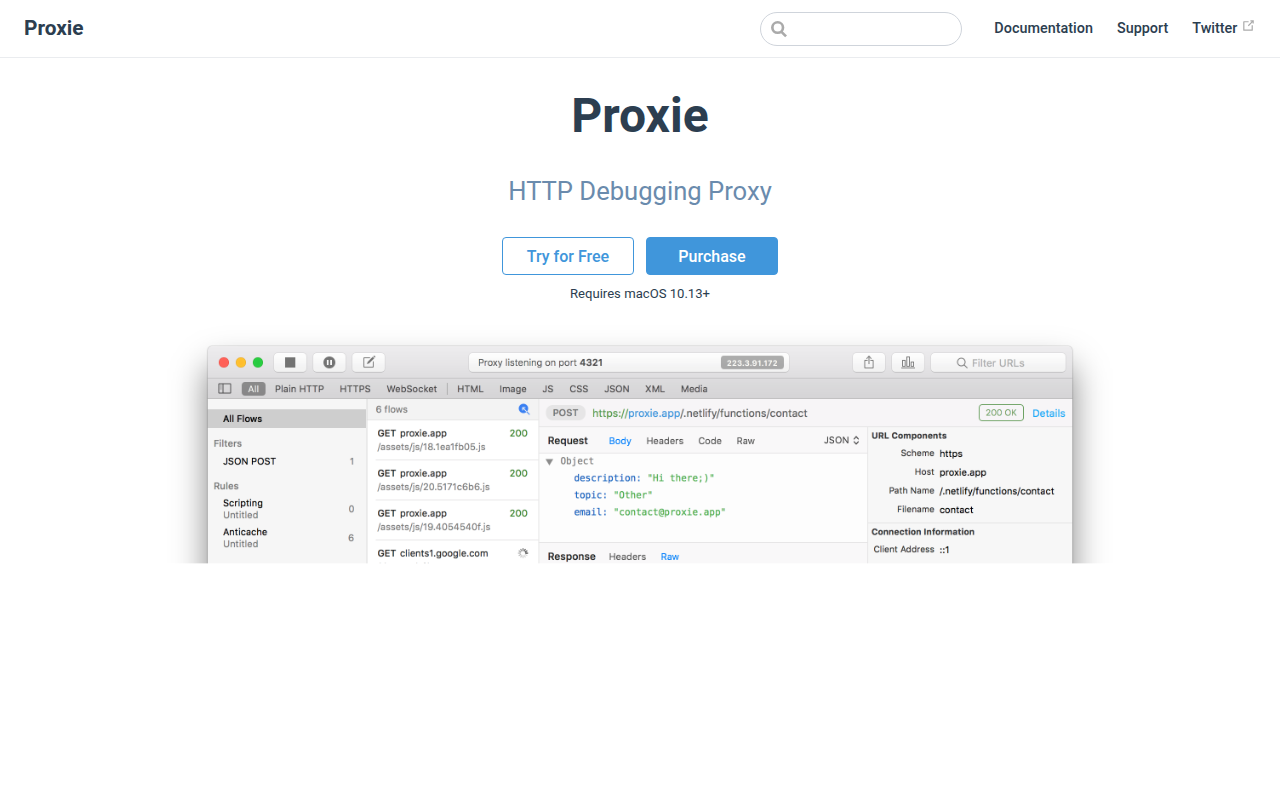
Proxie
HTTP debugging proxy.
API & Network Testing
Proxyman
Modern and intuitive HTTP debugging proxy for macOS. ![Freeware][Freeware Icon]
Task & Project Management
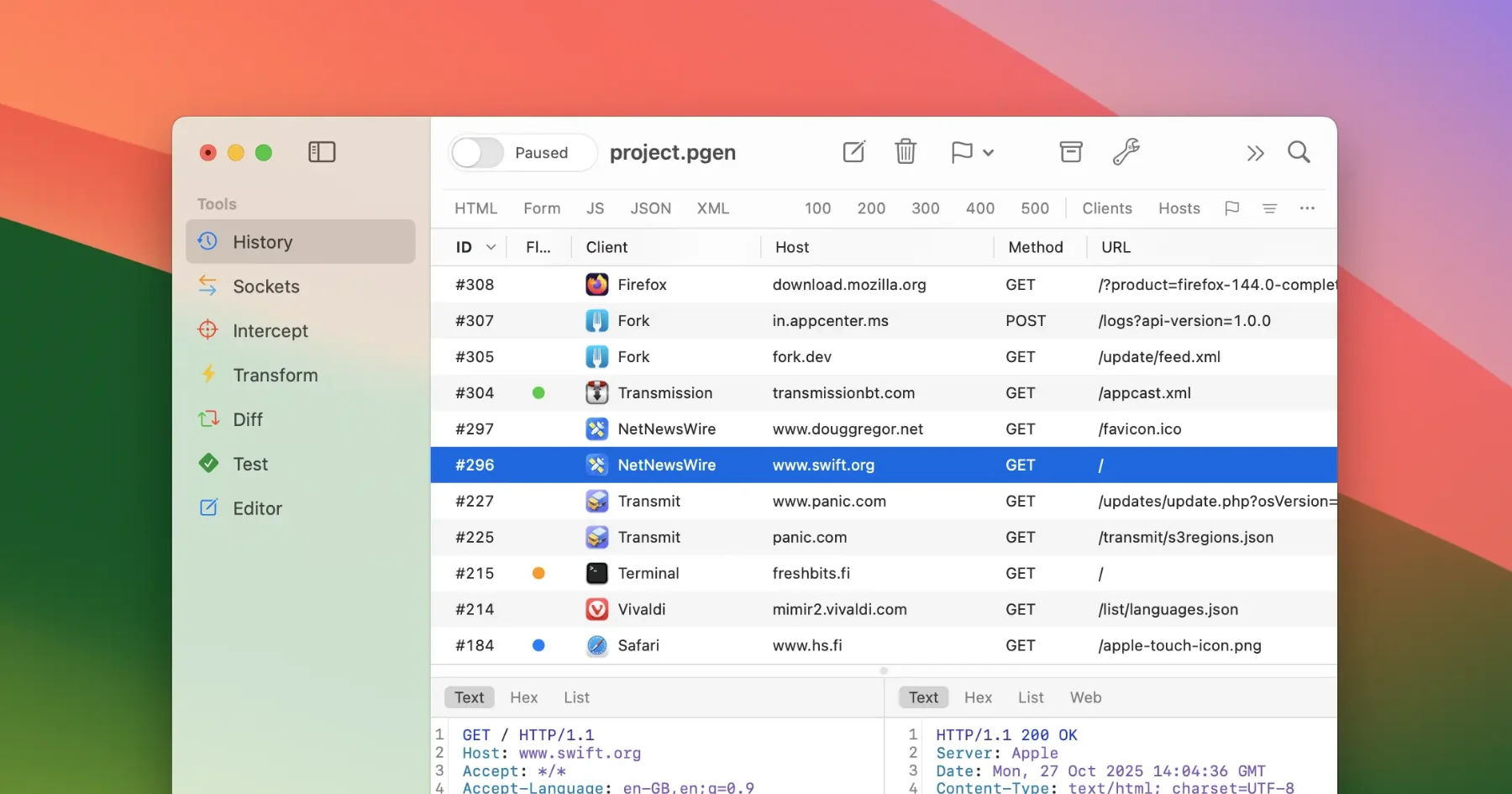
Proxygen
HTTP proxy tool

API & Network Testing
Rockxy
HTTP proxy