
MacHg
GUI for the Mercurial distributed revision control system
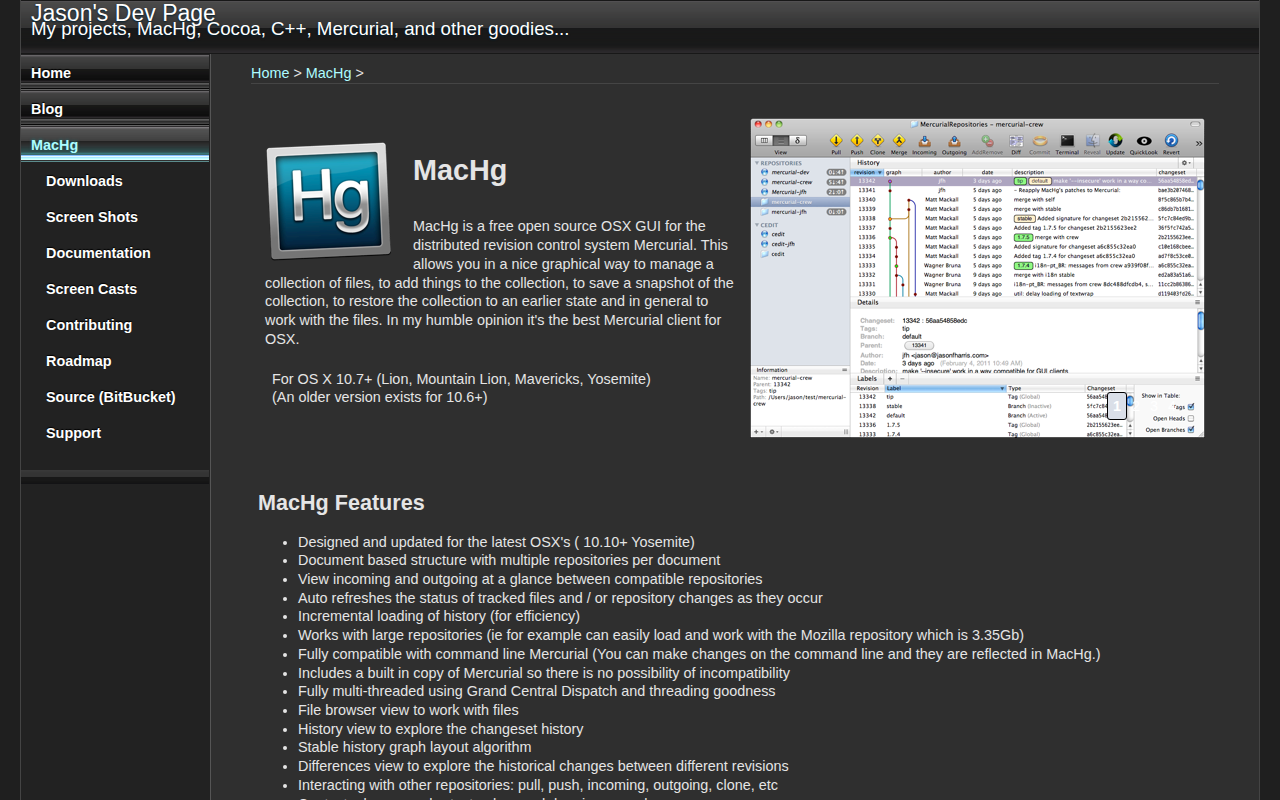
MacHg provides a graphical interface for the Mercurial distributed revision control system on macOS. It lets users manage file collections, create snapshots, and revert to earlier states without using the command line, presenting incoming and outgoing changes, repository status, and history in a document‑based window that can hold multiple repositories.
The client is built for recent macOS releases (10.10 and later) and supports large repositories such as the 3 GB‑plus Mozilla codebase. It refreshes file and repository status automatically, loads history incrementally for efficiency, and runs multi‑threaded via Grand Central Dispatch. All Mercurial operations—pull, push, clone, merge, rebase, histedit, and tag or branch management—are available through contextual menus, shortcuts, and drag‑and‑drop.
MacHg includes an embedded Mercurial binary to avoid compatibility issues and integrates with a range of external diff and merge tools. It also offers QuickLook previews, a stable history graph layout, and in‑application updates through the Sparkle framework, making it a fully functional desktop client for developers who prefer a GUI workflow on macOS.
Reviews
Loading reviews…
Similar apps
Version Control & Git
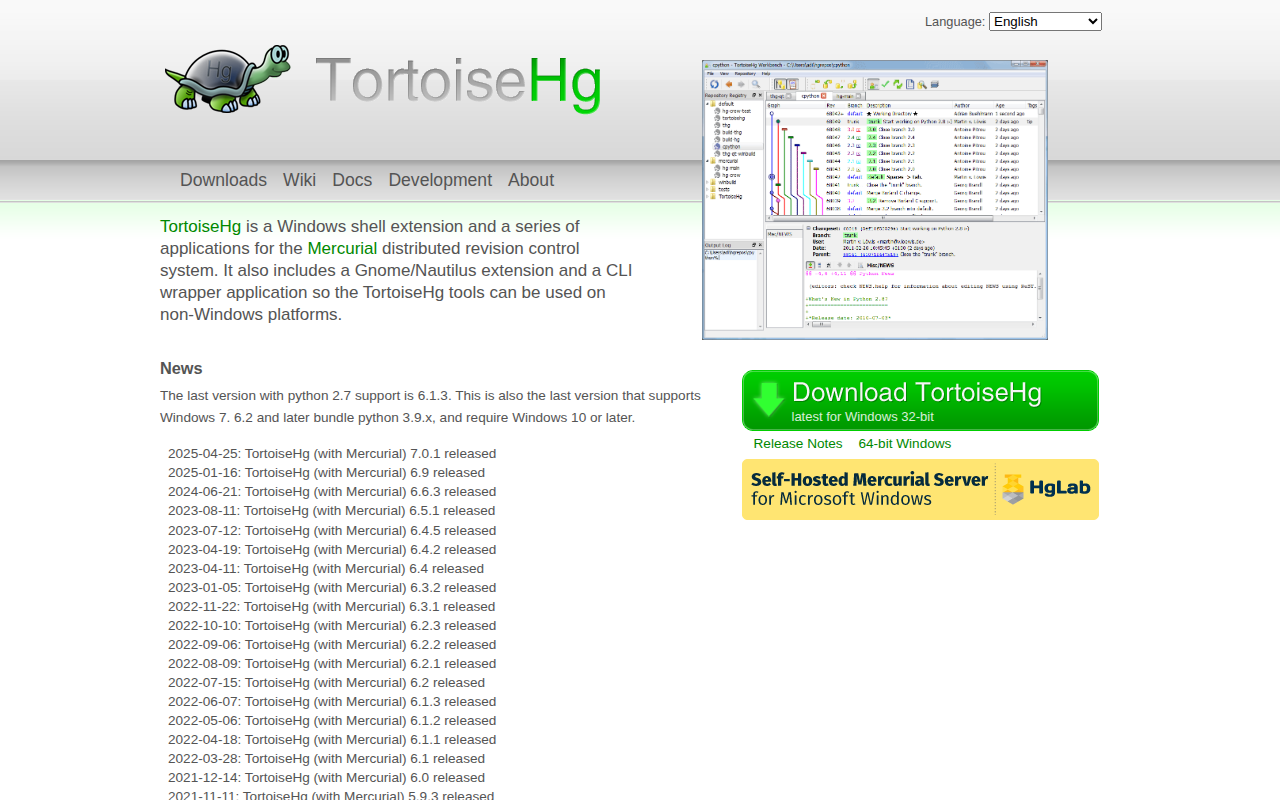
TortoiseHg
Tools for the Mercurial distributed revision control system
Version Control & Git
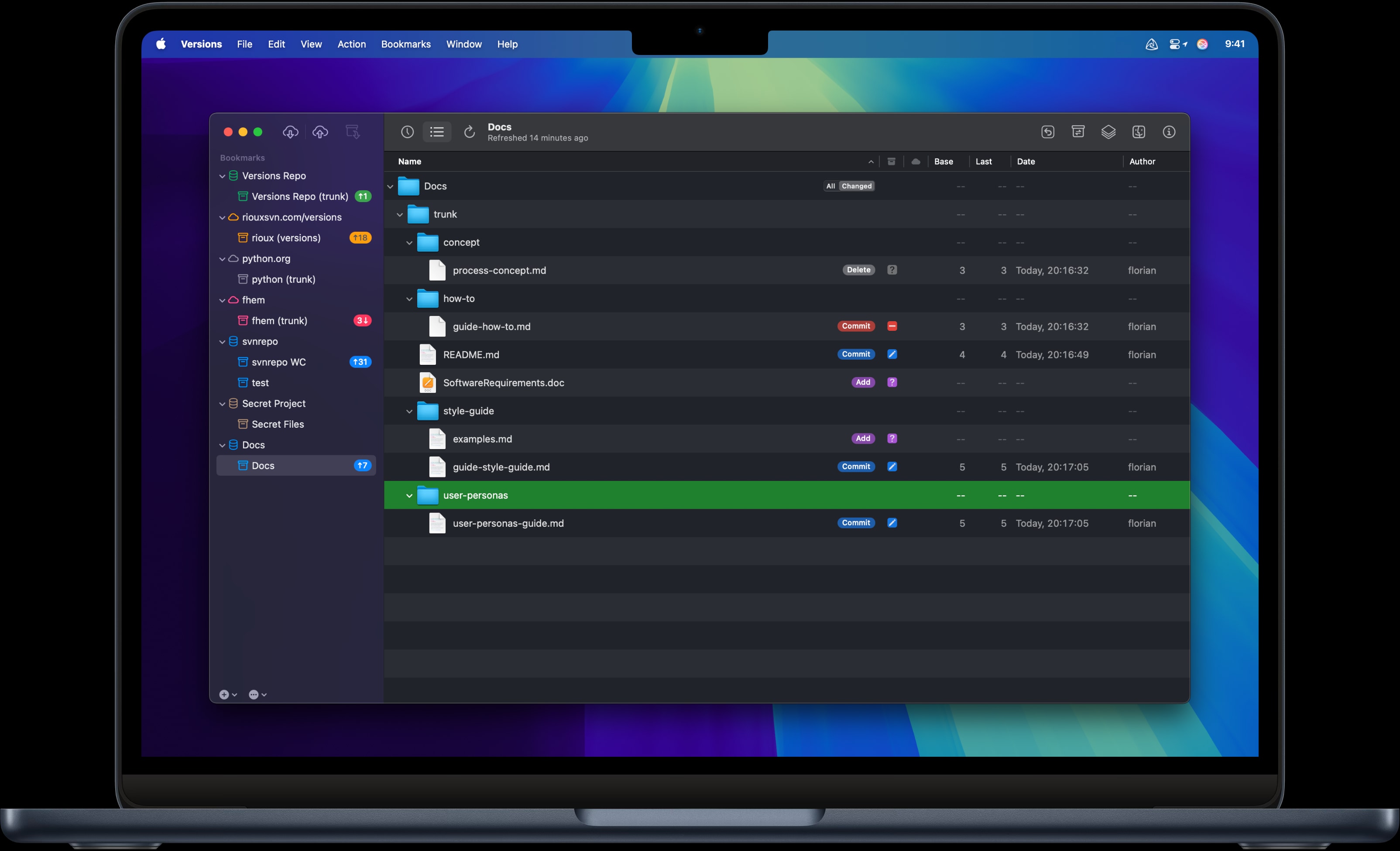
Versions
Subversion client
Version Control & Git
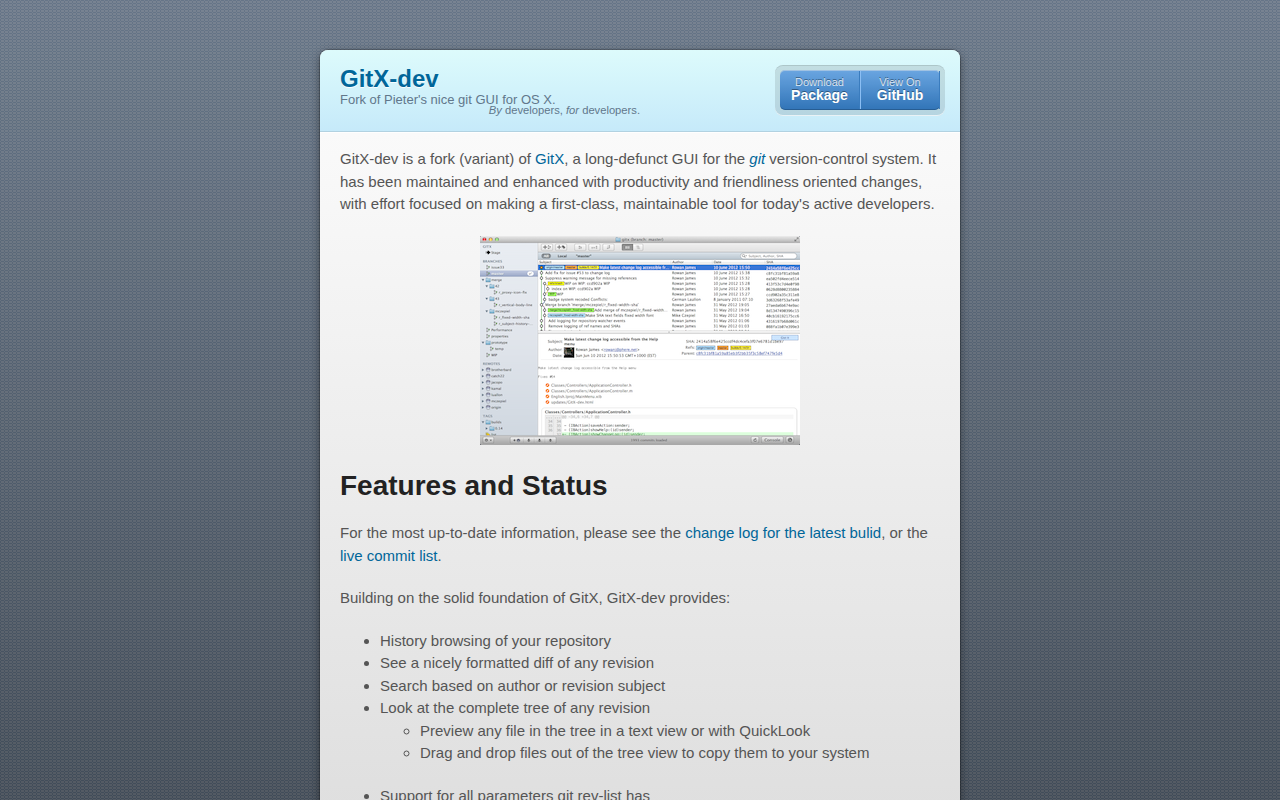
GitX-dev
Fork of [Pieter's](https://github.com/pieter/gitx) nice git GUI for OS X. Includes branch/tag sidebar and various fixes.
Version Control & Git
Versions
Mac Subversion (SVN) Client.
File Management & Transfer
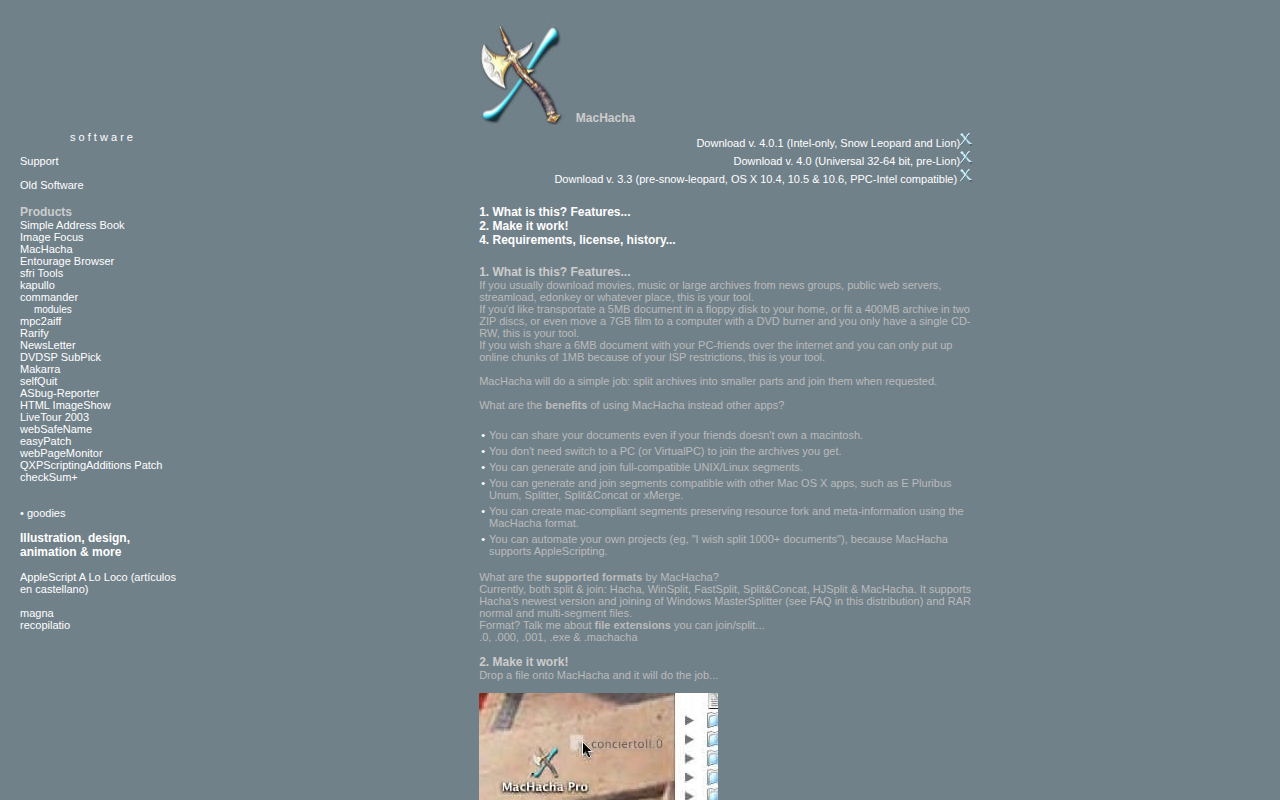
MacHacha
Split archives into smaller parts and join them when requested
Code Editors & IDEs
JuxtaCode
Diff, merge, and compare code