

MacWipe
Disable your keyboard + trackpad to safely clean your screen
MacWipe provides a “cleaning mode” for macOS that instantly disables the keyboard, trackpad and mouse clicks, allowing the user to wipe the screen or keyboard without triggering any shortcuts or accidental input. The utility activates with a single command, and all input devices remain blocked until the user presses the Escape key or the mode times out after two minutes.
The application is intended for macOS users who need a safe way to clean their hardware without the risk of unintended actions caused by stray key presses or trackpad taps. It is positioned as a lightweight, privacy‑focused tool that does not perform any tracking.
Built with Clade Code and Xcode, MacWipe runs locally on the Mac and requires no external services. Its experimental status indicates that it is still early in development, but it offers a straightforward solution for preventing accidental input while cleaning a Mac’s display or keyboard.
Reviews
Loading reviews…
Similar apps
Clipboard, Input & Automation
Keyboard Cleaner
Lock your Mac keyboard from the menu bar while cleaning it
Clipboard, Input & Automation
PawseKeys
Shield your keyboard from kids and pets

Clipboard, Input & Automation
CleanupBuddy
Clean keyboard and trackpad
Clipboard, Input & Automation
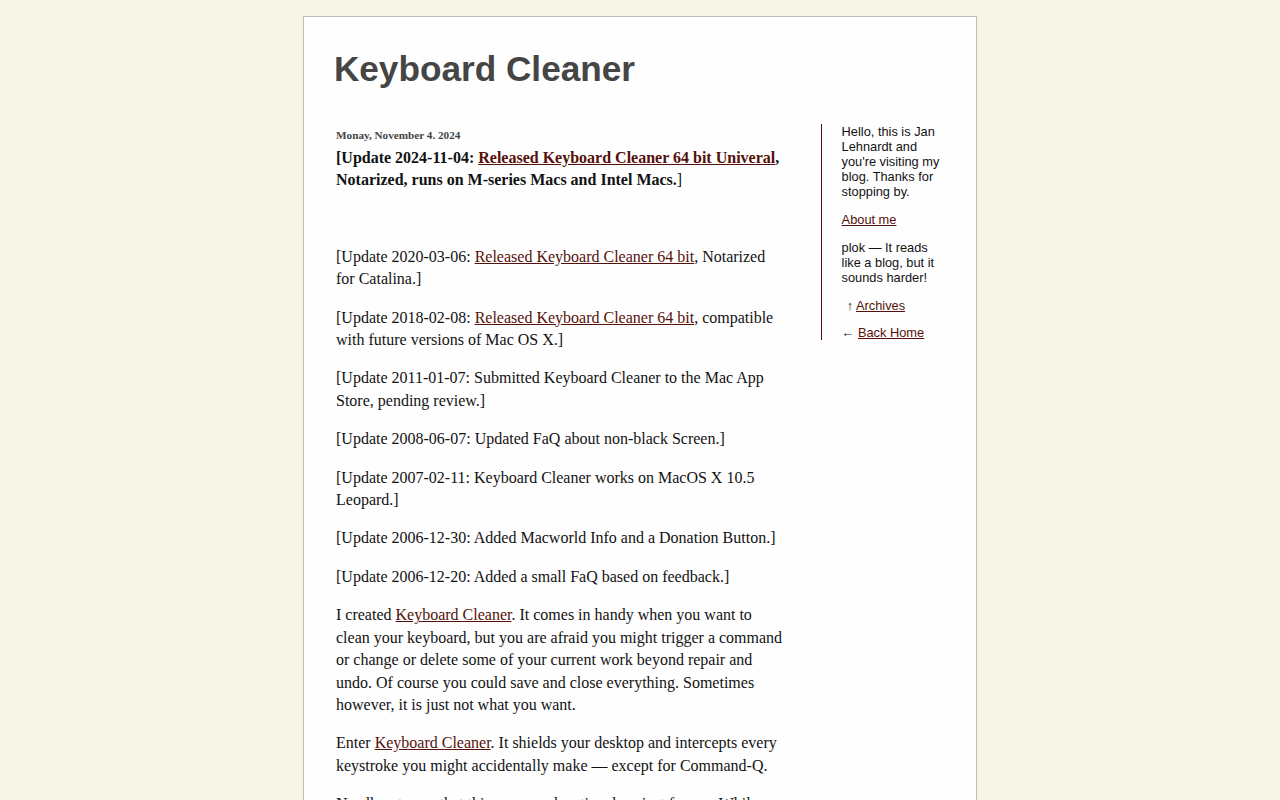
Keyboard Cleaner
Desktop shield and keystroke interceptor
Clipboard, Input & Automation
Unclack
Mutes your keyboard while you type
Password & Security
Lockpaw
Menu bar screen guard for macOS — lock and unlock your screen with a hotkey.