

Middle
Add middle click for Trackpad and Magic Mouse
The app adds a configurable middle‑click action to macOS devices that lack a native middle button. By assigning a three‑finger tap, a four‑finger tap, a force‑touch, or a combination of the function key with a regular click, users can generate a middle‑click signal on any Apple Trackpad or Magic Mouse running macOS 10.15 or later, on both Intel and Apple Silicon hardware.
This functionality is useful for workflows that rely on middle‑click behavior, such as opening links in new browser tabs, panning in CAD programs, or pasting selected text in Terminal. The gestures are simple to activate and can be customized to suit personal preferences, providing a lightweight way to fill a common usability gap.
The software is distributed as a stable macOS‑only package, created by Ryan Hanson, and is part of a broader suite of productivity utilities that include window management and spatial memory tools. It can be tried for a limited period before purchase.
Reviews
Loading reviews…
Similar apps

Clipboard, Input & Automation
MiddleDrag
Middle-click and middle-drag via three-finger trackpad gestures
Clipboard, Input & Automation
MiddleDrag
Three-finger trackpad gestures for middle-click and middle-drag on macOS.
Clipboard, Input & Automation
MiddleClick
Utility to extend trackpad functionality

Task & Project Management
Multitouch
Add more gestures for Trackpad and Magic Mouse
Clipboard, Input & Automation
Scroll
Configure scrolling on Trackpad and Magic Mouse
Clipboard, Input & Automation
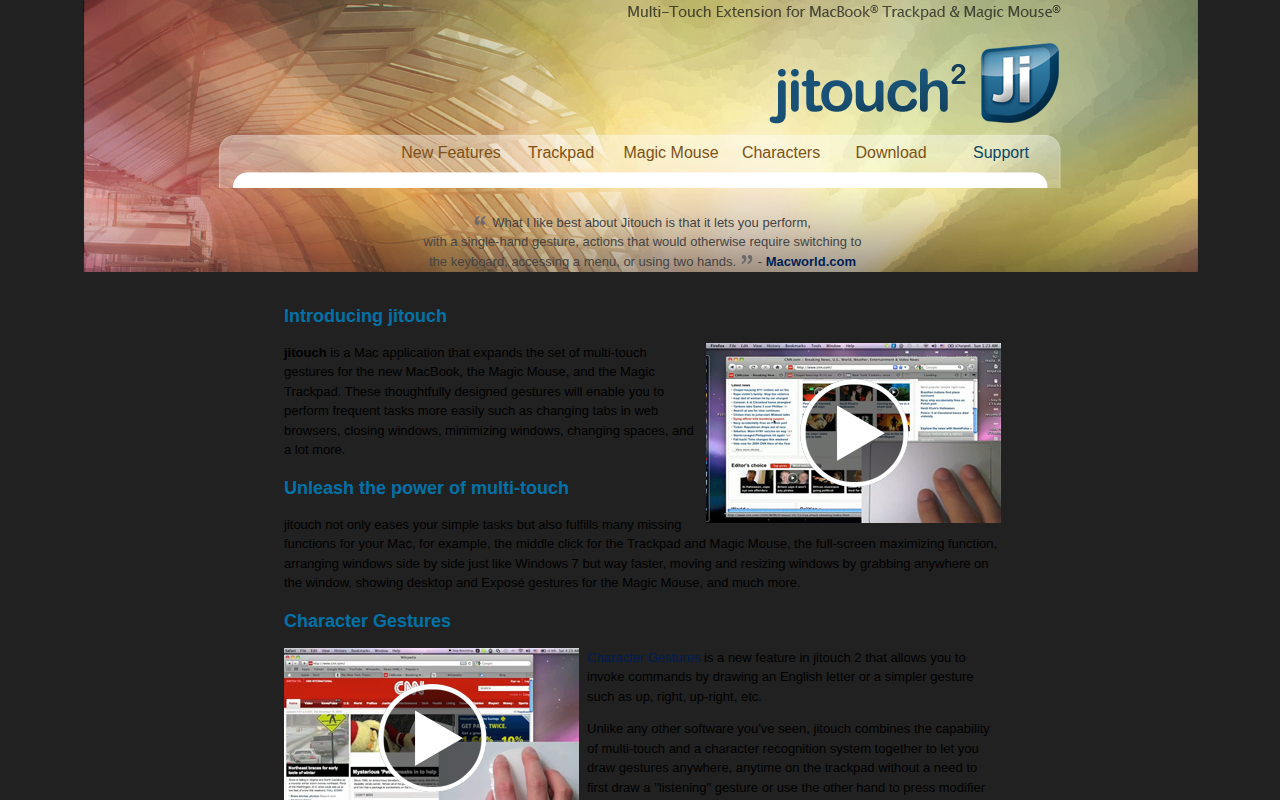
Jitouch
Multi-touch gestures editor