
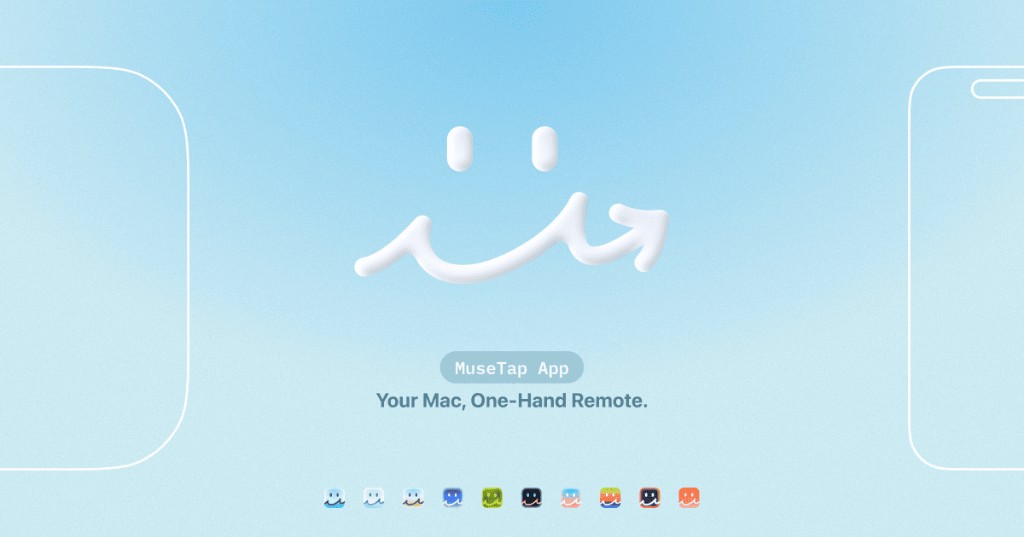
MuseTap
Turn your iPhone into a Mac remote
MuseTap lets an iPhone function as a wireless trackpad, keyboard, and media remote for a Mac on the same Wi‑Fi network. After installing the companion HiMuseTap app on macOS 13+ and granting the necessary system permissions, the user pairs the iPhone by entering a code displayed in the Mac’s menu bar. Once connected, the iPhone provides cursor control, text entry, volume adjustment, and shortcut activation, making it suitable for living‑room entertainment setups and everyday remote tasks.
The software supports any Apple Mac that meets the macOS 13+ requirement, including Mac mini, iMac, and MacBook, and works with iPhones running iOS 17 or later. Pairing and control occur over the local network, and the app includes a quick launcher and Wake‑on‑LAN feature. Users can customize shortcut buttons and themes, and the pairing addresses privacy and security concerns.
MuseTap is positioned as an experimental utility for users who want a convenient, single‑handed remote interface to their Mac without additional hardware, leveraging existing iPhone and Wi‑Fi capabilities.
Reviews
Loading reviews…
Similar apps
Remote Access & VPN
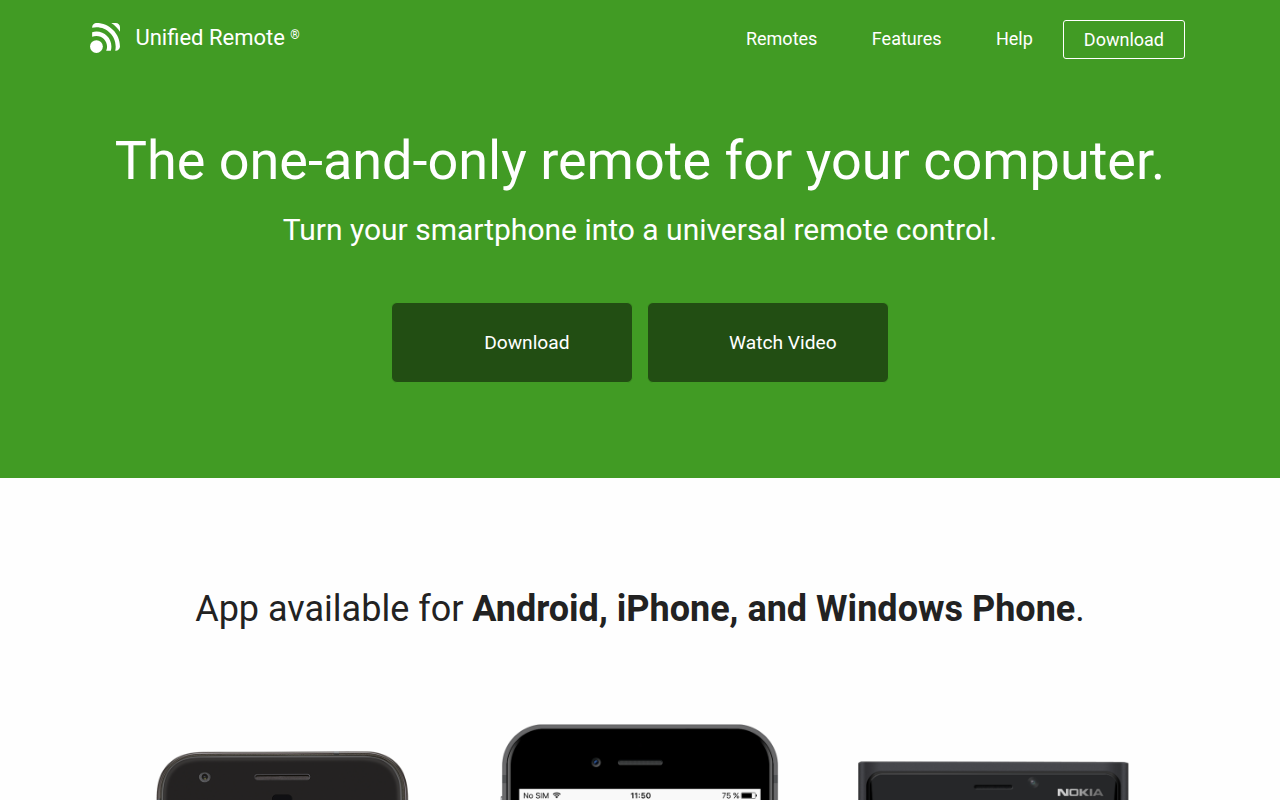
Unified Remote
Turn your smartphone into a universal remote control
Remote Access & VPN
Itsytv
Control your Apple TV from the menu bar.
Remote Access & VPN
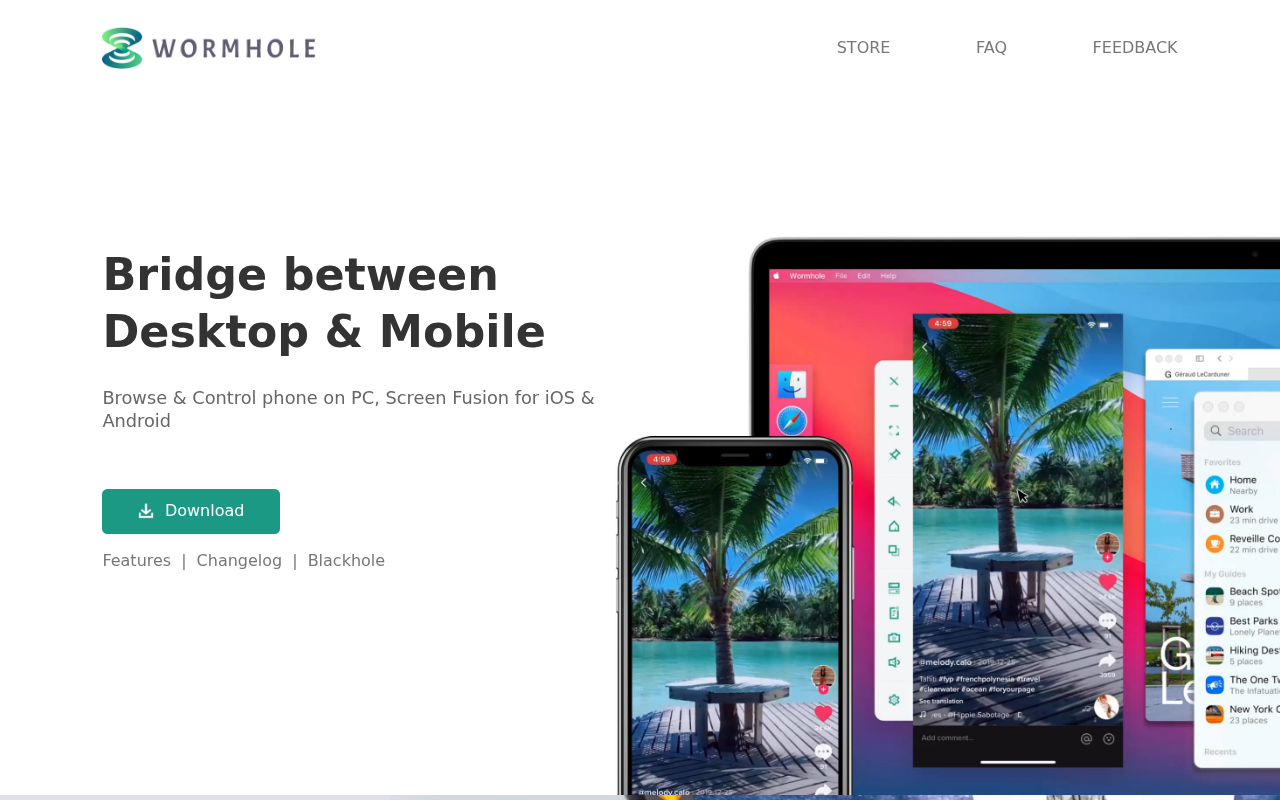
Wormhole
Browse & Control phone on PC, Screen Fusion for iOS & Android
Clipboard, Input & Automation
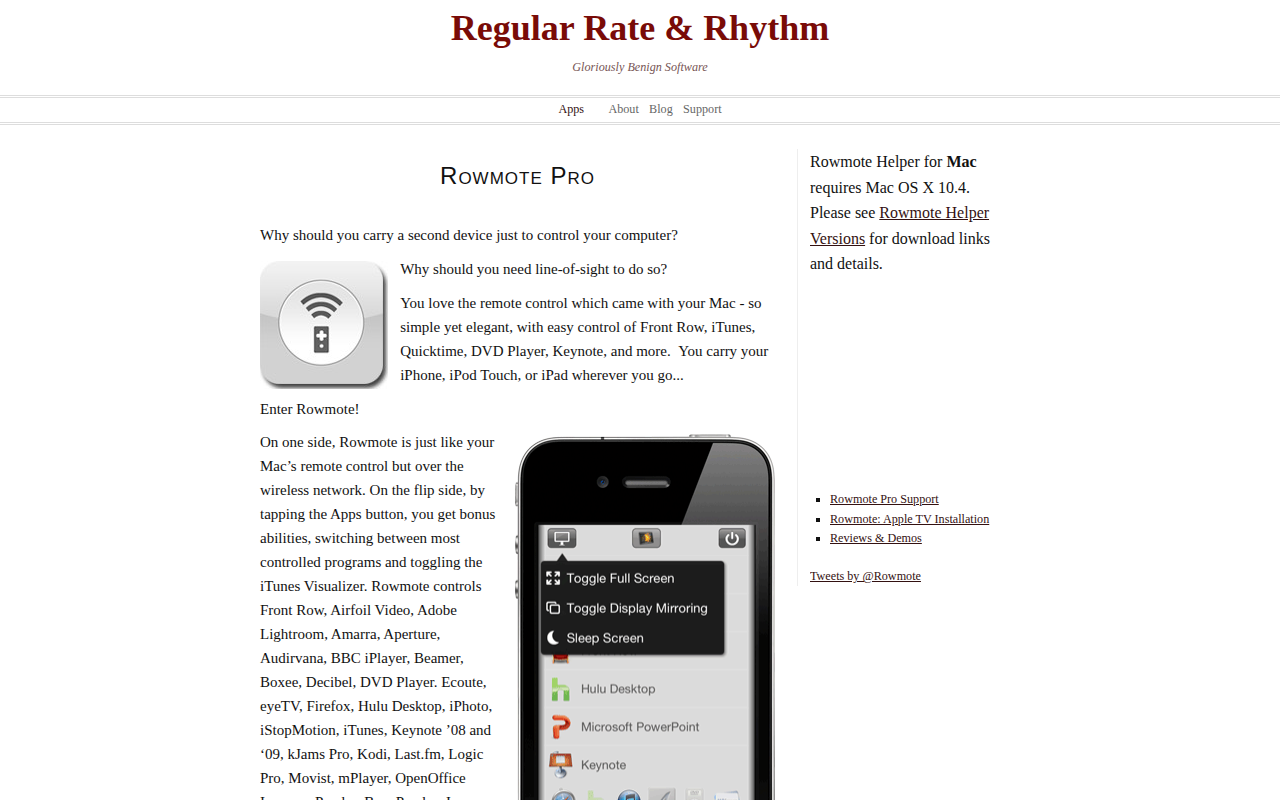
Rowmote Helper
Control system with Rowmote Pro remote control
Task & Project Management
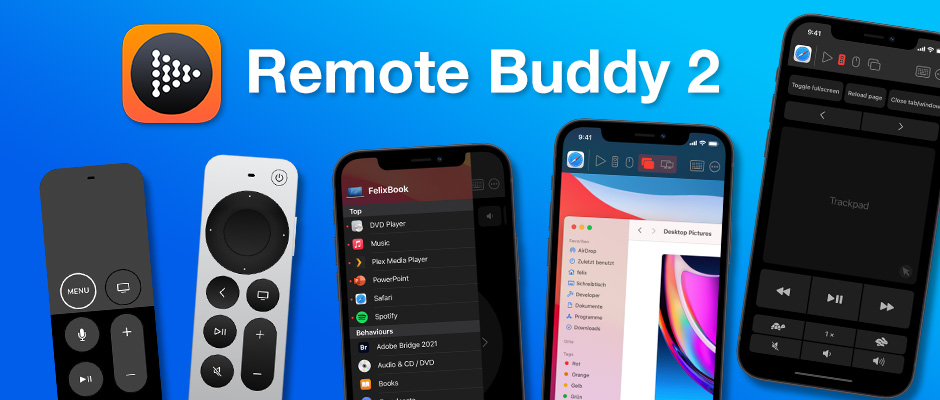
Remote Buddy
Control apps and web videos from your phone

Remote Access & VPN
GLKVM
App for controlling GL.iNet KVM devices