
MyTabSearch
Three keyboard shortcuts to master your Chrome tabs
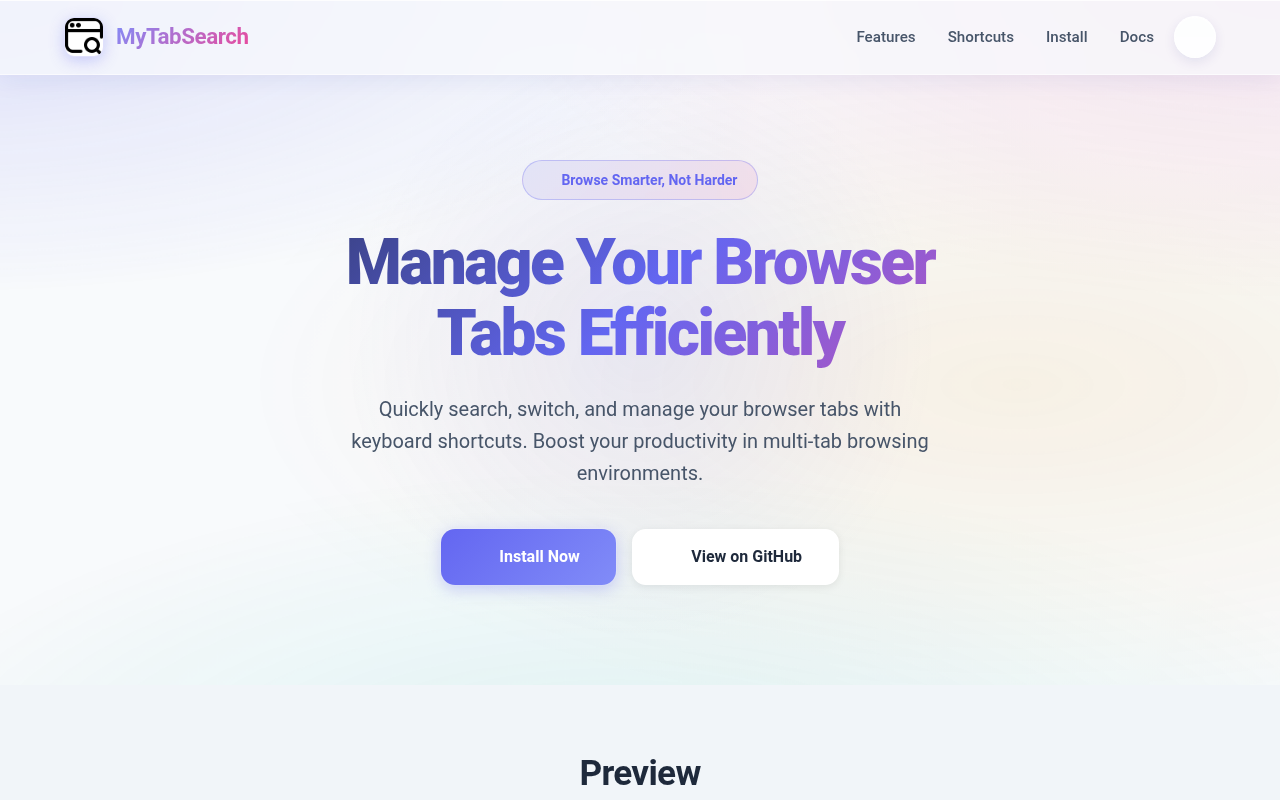
The extension adds a searchable overlay that lets users locate and activate any open Chrome tab by typing part of its title. Results appear instantly, can be navigated with the arrow keys, and the selected tab opens when Enter is pressed. A separate view shows pinned tabs, and a shortcut toggles back to the previously active tab, while another key deletes the current tab.
Keyboard shortcuts drive the workflow: one opens the search popup, another displays the pinned‑tab list, and a third returns to the last tab. The UI includes website icons for quick visual identification, and the extension remembers the last active tab state to enable fast toggling between two tabs.
The tool targets users who keep many tabs open—such as developers, researchers, and other multitaskers—and aims to reduce mouse reliance by handling search, navigation, switching, and deletion entirely from the keyboard. It supports English and Chinese and offers a simple installation via the Chrome Web Store or manual loading.
Reviews
Loading reviews…
Similar apps

Task & Project Management
KanbanTab
Turn your New Tab into a fast & private Kanban board
Window & Desktop Management
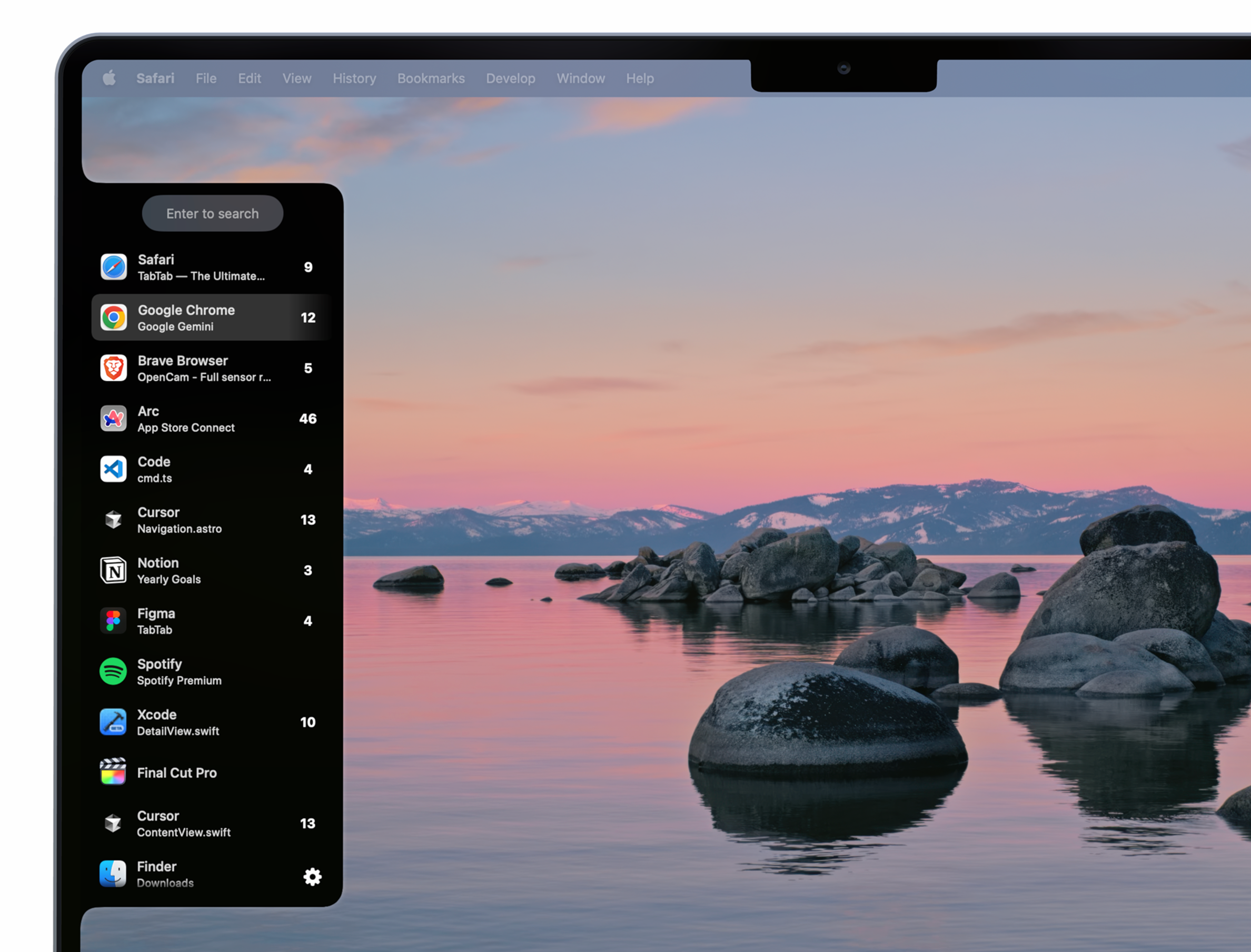
TabTab
Window and tab manager
Clipboard, Input & Automation
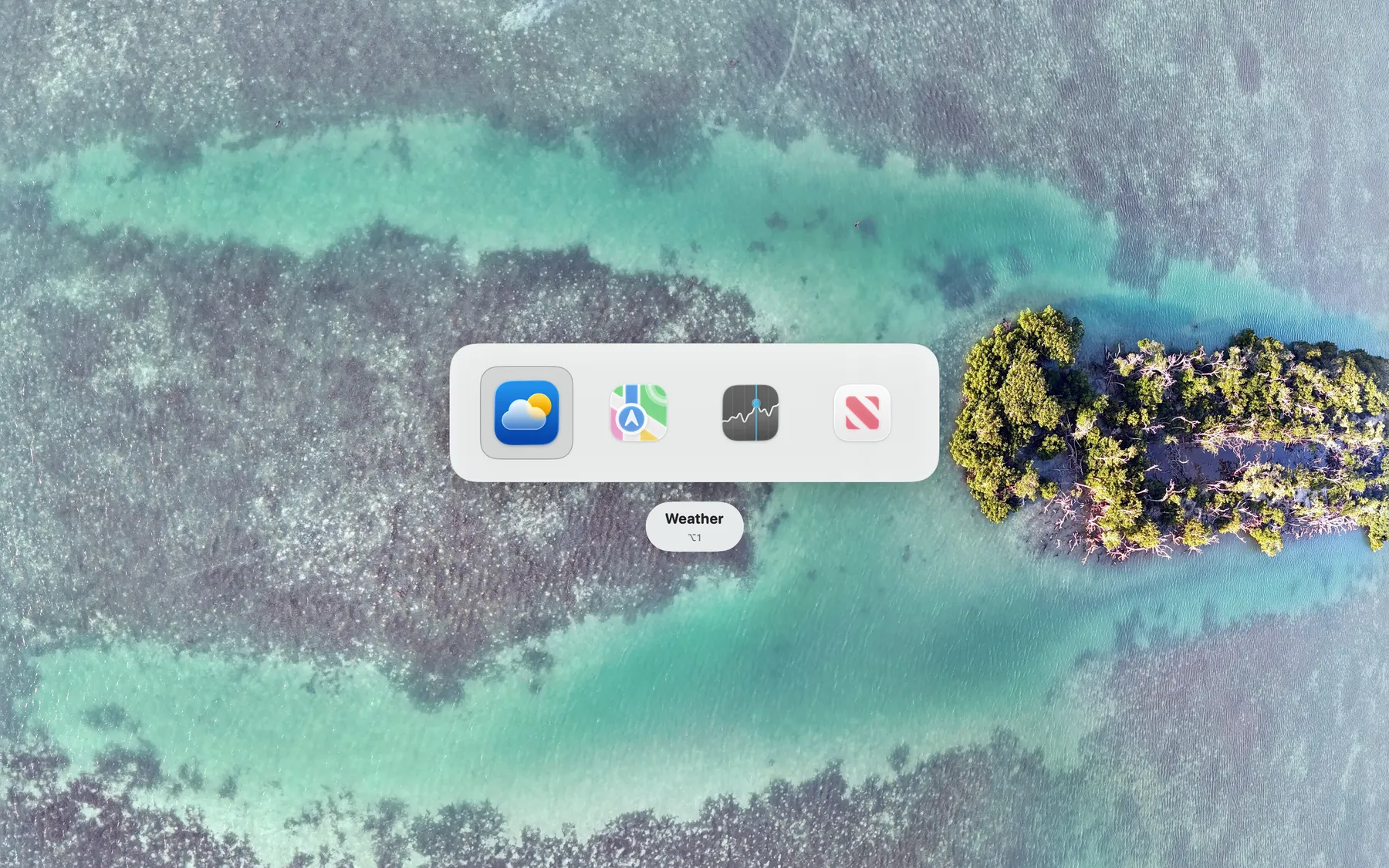
ShortcutCycle
Switch between context-based app groups with a single hotkey.
Window & Desktop Management
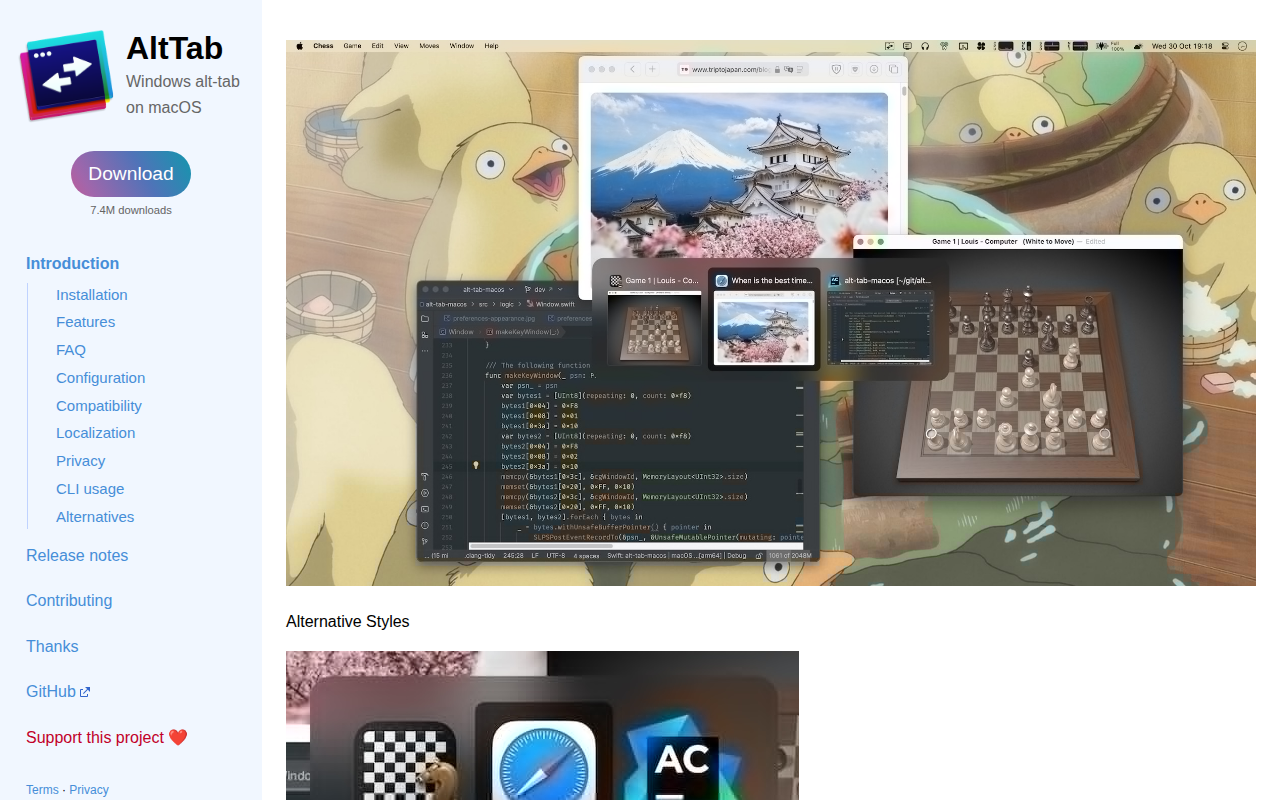
AltTab
Enable Windows-like alt-tab
Task & Project Management
Hoptab
the workspace manager macOS should've shipped with
Window & Desktop Management
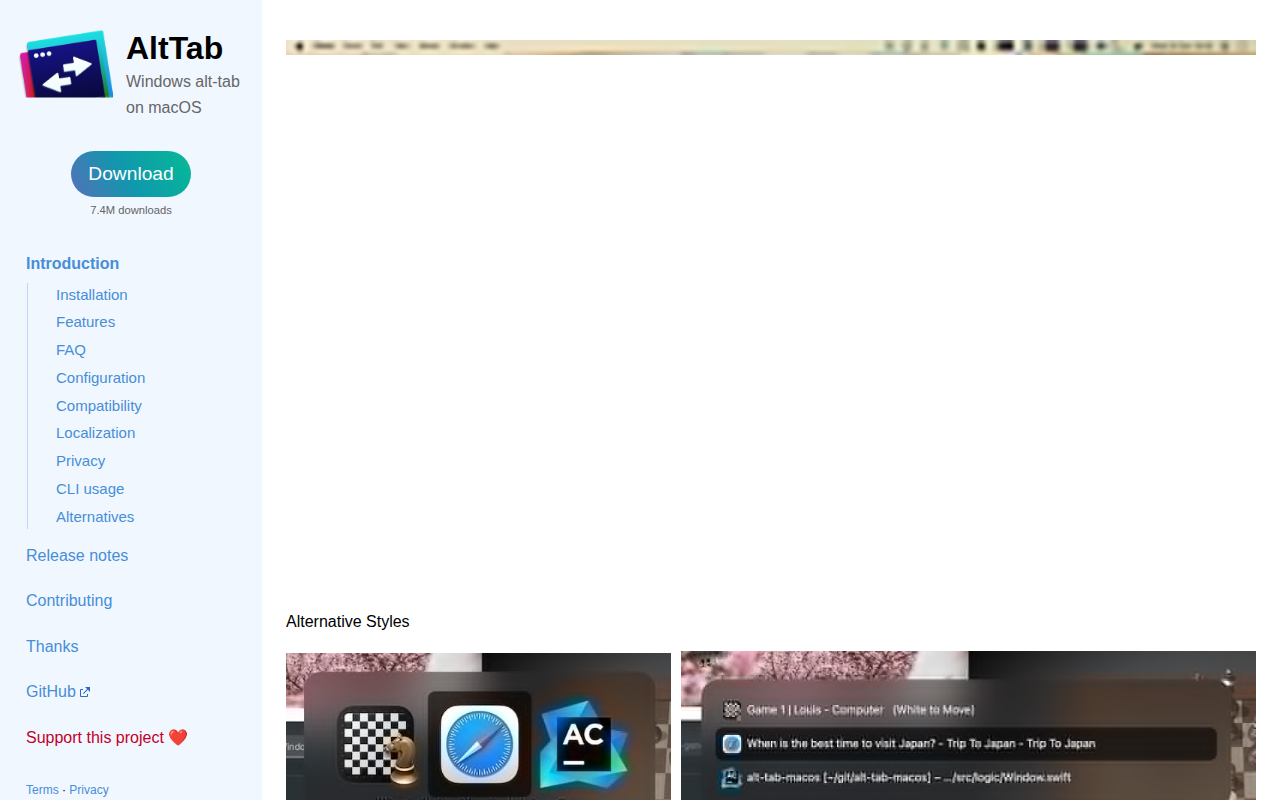
AltTab
Brings Windows-style alt-tab window switching to macOS. See thumbnails of every window across every app, switch to any of them with one…