
Objektiv
Browser switcher utility
Objektiv provides a macOS‑only utility for quickly changing the system’s default web browser. It places an icon in the menu bar, allowing users to select a different browser with a single click, and optionally bind the action to a global hotkey that opens an overlay window for even faster switching. The overlay can hide browsers that are incorrectly detected by holding the Option key.
The tool is aimed at web designers or anyone who regularly works with multiple browsers and needs to toggle the default setting without navigating System Preferences each time. It requires macOS 10.8 or later and can be installed via a direct download or Homebrew. Because newer macOS versions prompt for confirmation when changing the default browser, users must first set Objektiv itself as the default browser in System Preferences.
Objektiv is built with CocoaPods, uses several open‑source components such as ZeroKit, MASShortcut, and Sparkle, and is distributed under the MIT License. Development originated at the web‑development studio nth loop, with contributions from multiple developers to keep it functional on modern macOS releases.
Reviews
Loading reviews…
Similar apps
Network & Connectivity
Browserosaurus
Open-source browser prompter

Window & Desktop Management
Übersicht
Run commands and display their output on the desktop
Window & Desktop Management
OpenIn
Take control of installed apps on your Mac

Window & Desktop Management
Overview
Create live window previews for any application
Display & Accessibility
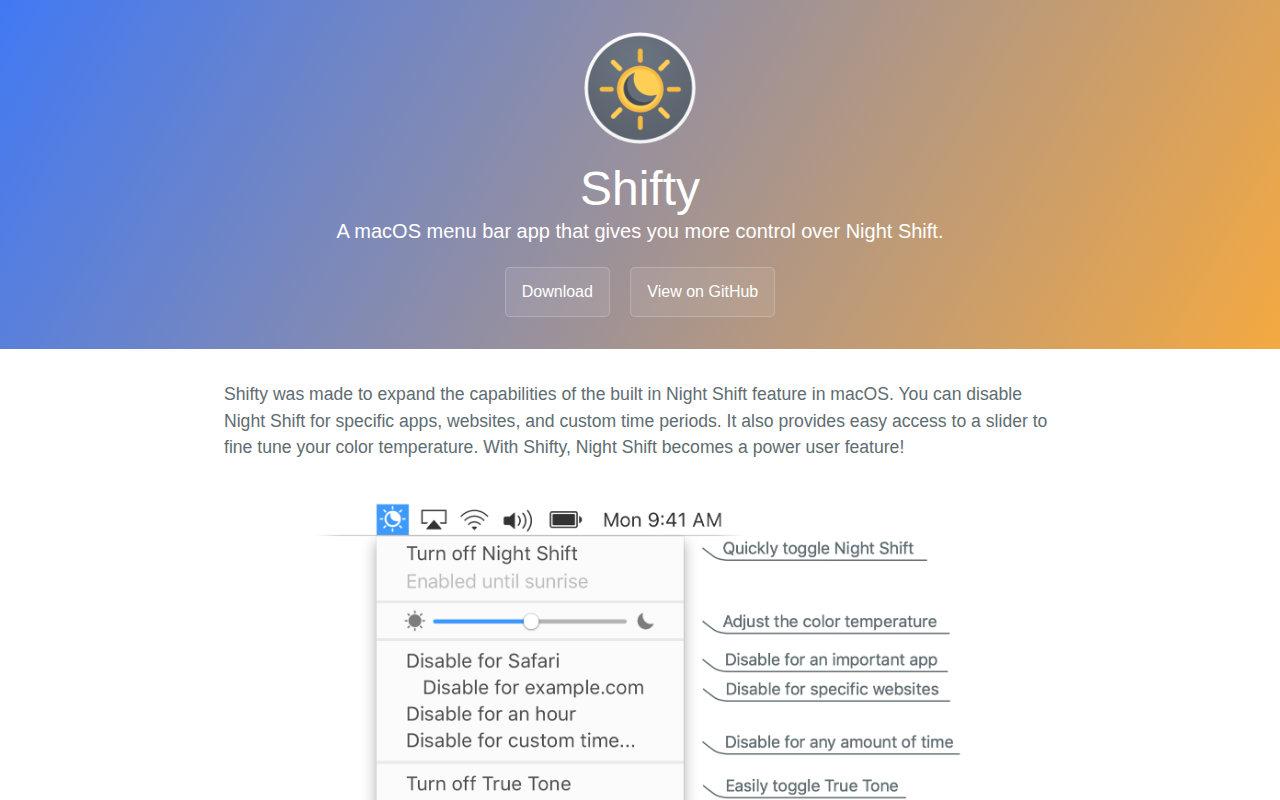
Shifty
A macOS menu bar app that gives you more control over Night Shift.
Window & Desktop Management
ShiftIt
Managing window size and position in OSX.