
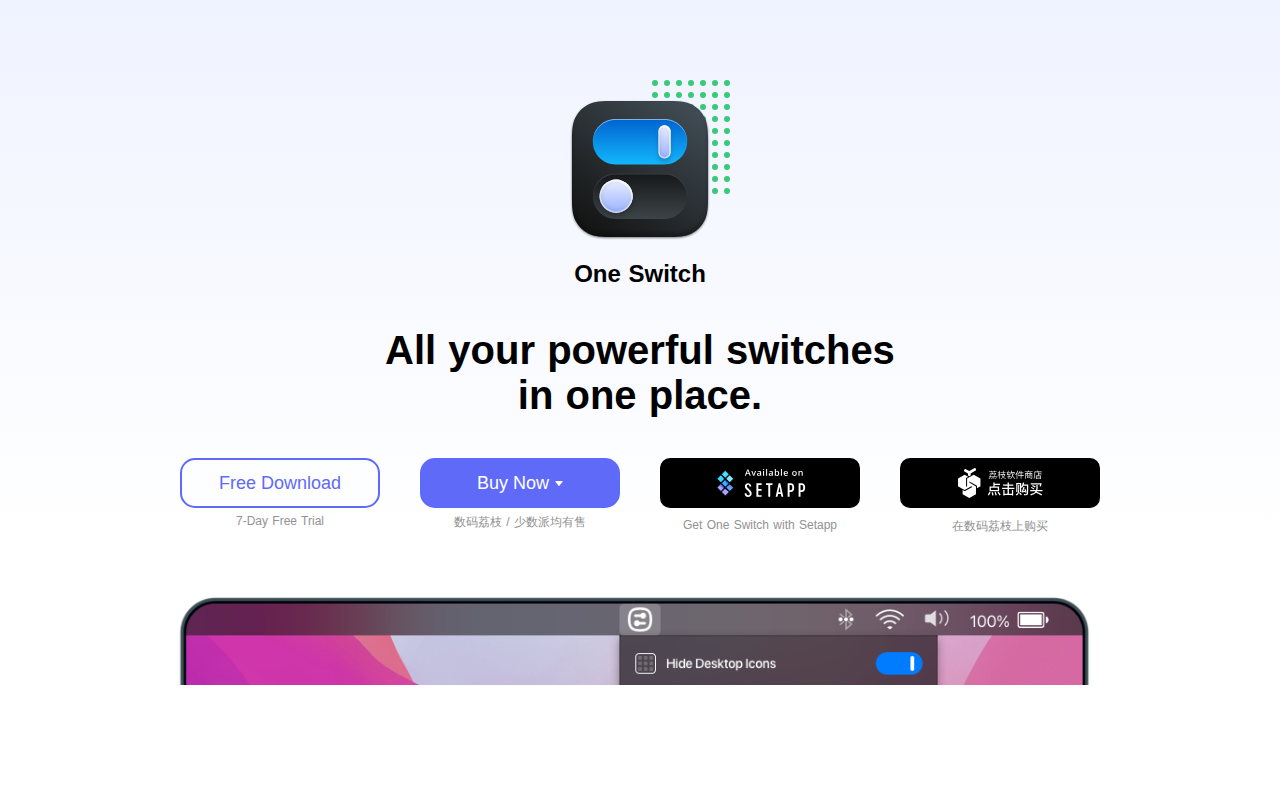
One Switch
Mac menu bar app that adds various switches to the Mac's menu bar.
One Switch places a collection of frequently used toggles directly in the macOS menu bar, allowing users to activate or deactivate system features with a single click. The app includes switches for hiding desktop icons, toggling Dark and Light mode, keeping the computer awake, starting the screen saver, and connecting AirPods instantly. Additional controls cover Night Shift, Do Not Disturb, Presentation Mode, and other common macOS settings.
Targeted at macOS users who prefer quick, centralized access to these functions, the utility is compatible with macOS Monterey (12) and later versions. It is presented as a stable, ready‑to‑use solution that can be trialed for seven days before purchasing a license, which unlocks a lifetime activation code and free updates.
The interface is designed to blend with the native menu bar, offering a lightweight way to manage everyday toggles without opening System Preferences or separate applications. Support is provided through in‑app feedback, Twitter, and Reddit channels.
Reviews
Loading reviews…
Similar apps

Terminals & CLI
OnlySwitch
⚙️ All-in-One menu bar app, hide 💻MacBook Pro's notch, dark mode, AirPods, Shortcuts
Window & Desktop Management
Hides
App to hide all open apps except the current one

Window & Desktop Management
Manico
App launcher and switcher
Clipboard, Input & Automation
Magic Switch
Switch Magic Keyboard, Mouse, and Trackpad between multiple Macs.
Window & Desktop Management
WidgetToggler
Tool to toggle the visibility of homescreen widgets
Display & Accessibility
Nightfall
Menu bar utility for toggling dark mode