
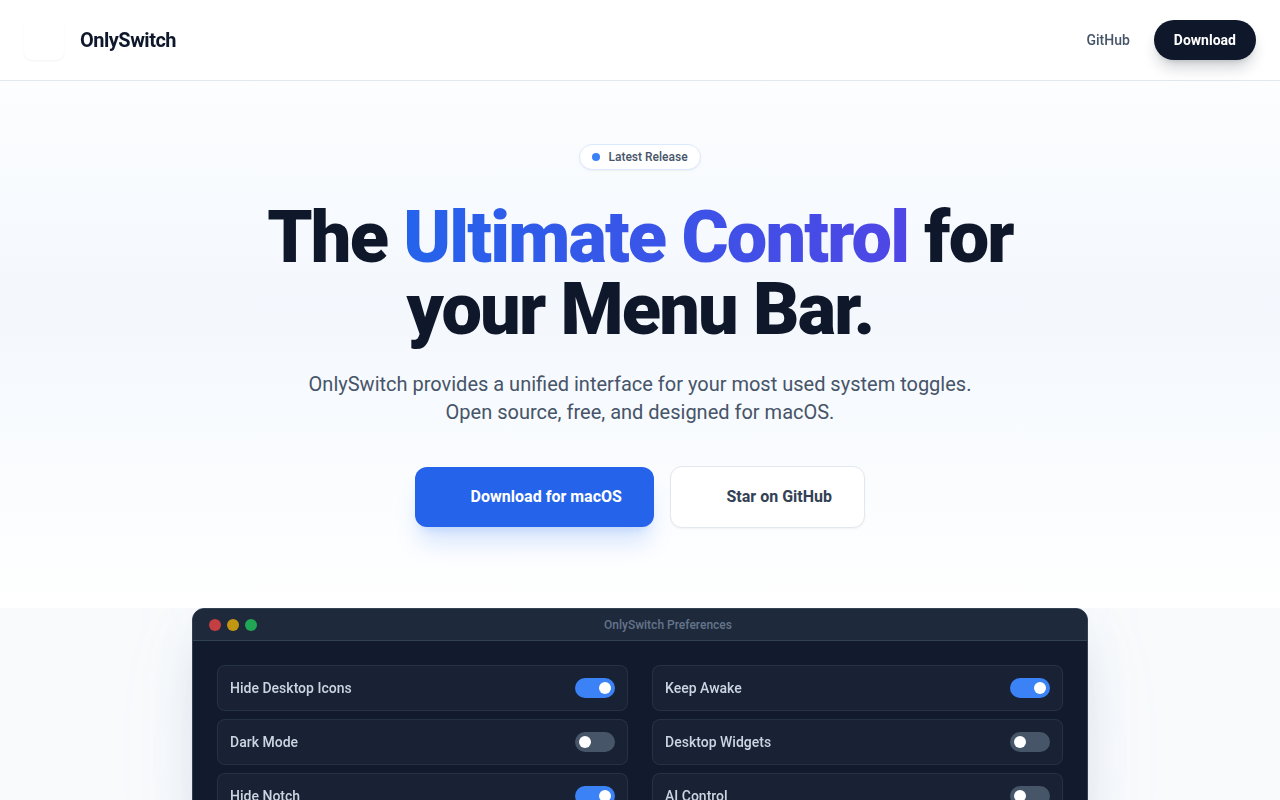
OnlySwitch
⚙️ All-in-One menu bar app, hide 💻MacBook Pro's notch, dark mode, AirPods, Shortcuts
OnlySwitch places a collection of toggle switches in the macOS menu bar, letting users control a variety of system settings and custom Shortcuts with a single click or keyboard shortcut. Features include hiding desktop icons, toggling dark mode, concealing the notch on recent MacBook Pro models, managing AirPods, and enabling low‑power or night‑shift modes, among many others. The app also supports macOS widgets on Sonoma and later, and allows users to add, remove, or reorder switches and Shortcuts to suit their workflow.
The utility targets macOS users who want quick, centralized access to routine configuration changes without navigating multiple preference panes. It is open‑source, distributed under the MIT license, and can be installed via Homebrew or a direct DMG download. Community contributions extend a Shortcuts gallery, providing ready‑made automations that appear alongside native switches.
Distinctive aspects are the integration of both native system toggles and user‑defined Shortcuts in one menu‑bar interface, keyboard shortcut support, and the ability to expose these controls as desktop widgets. The project maintains a stable release track and offers a free tier for all users.
Reviews
Loading reviews…
Similar apps
Window & Desktop Management
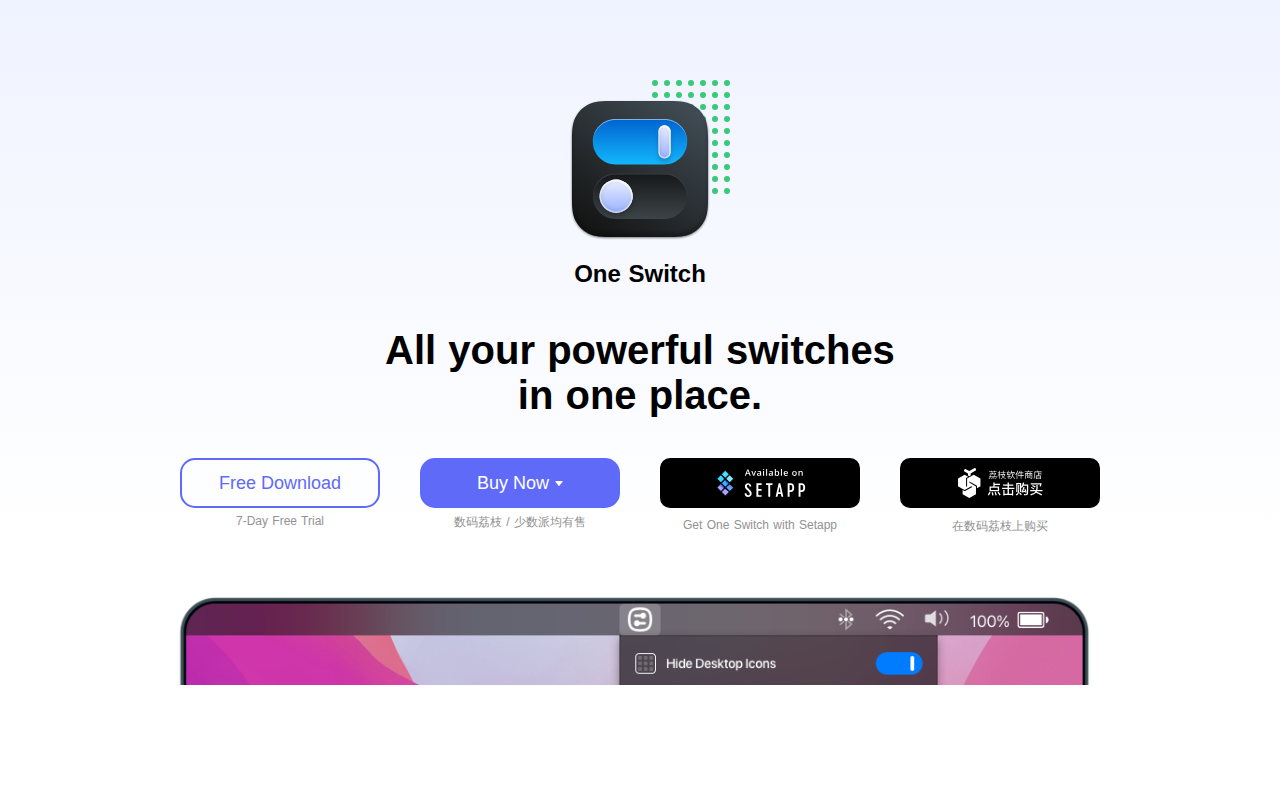
One Switch
Mac menu bar app that adds various switches to the Mac's menu bar.
Window & Desktop Management
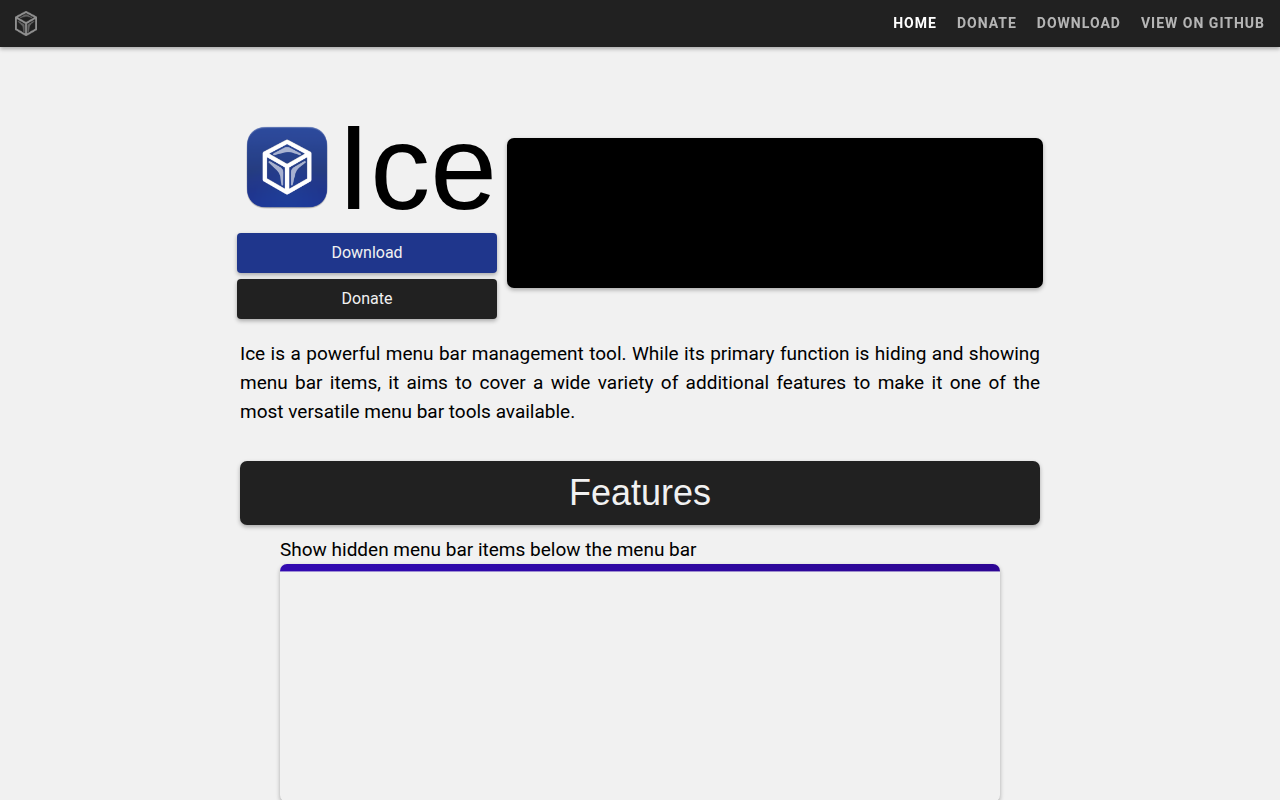
Ice
Menu bar manager for hiding icons and organizing layouts.
Window & Desktop Management
WidgetToggler
Tool to toggle the visibility of homescreen widgets

Window & Desktop Management
SwiftBar
Powerful macOS menu bar customization tool.
Window & Desktop Management
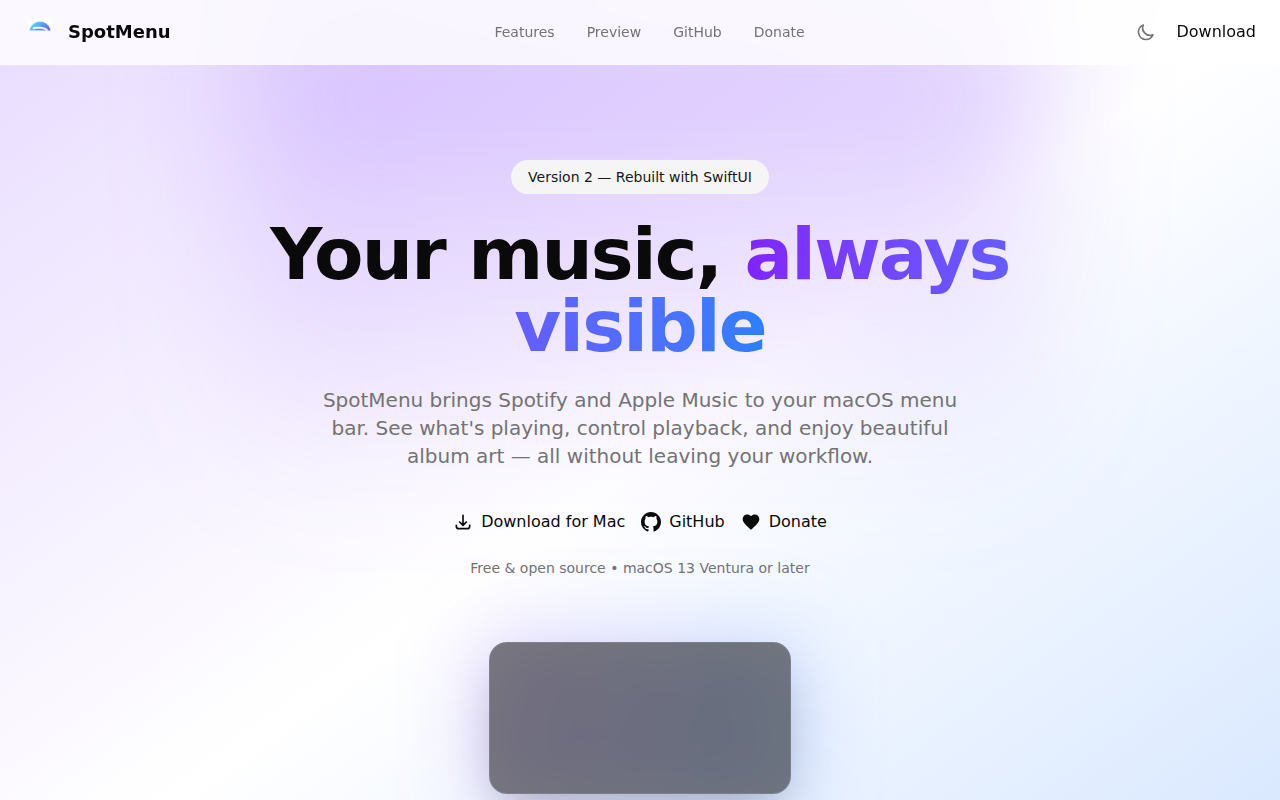
SpotMenu
Spotify and iTunes in your menu bar.
Window & Desktop Management
Dozer
Hide MacOS menubar items.