
PDF Converter Master
Document converter
The application converts PDF files into sixteen different document formats on macOS, including Microsoft Office (Word, Excel, PowerPoint), iWork (Pages, Numbers, Keynote), EPUB, CSV, TXT, RTF, and common image types such as JPG, PNG, BMP, GIF, and TIFF. It preserves the original font styles, colors, graphics, tables, and page layouts, aiming to produce output that requires minimal post‑conversion editing. Batch processing is supported, allowing multiple PDFs to be converted in a single operation, and a built‑in PDF reader enables previewing files before conversion.
Designed for users who need to repurpose PDF content for editing or publishing, the tool targets professionals and students working on macOS who require accurate, fast conversion to office and publishing formats. The interface follows a three‑step workflow—import, select format, and convert—providing a straightforward experience without a steep learning curve.
Key distinguishing aspects include the breadth of supported output formats, the emphasis on preserving layout fidelity, and the ability to handle large PDFs quickly while offering batch conversion and integrated preview within a single macOS application.
Reviews
Loading reviews…
Similar apps
File Management & Transfer
Wondershare PDFelement for Mac
Create, edit, convert and sign PDF documents
Wikis & Collaborative Docs
Master PDF Editor
PDF editor

File Management & Transfer
PDF Expert
Read, annotate and edit PDFs, change text and images.
File Management & Transfer
PDF Reader Pro
You Can view, create, sign, convert and compress any PDF documents.
Password & Security
PDFKey Pro
Utility to unlock password-protected PDFs
Media Conversion
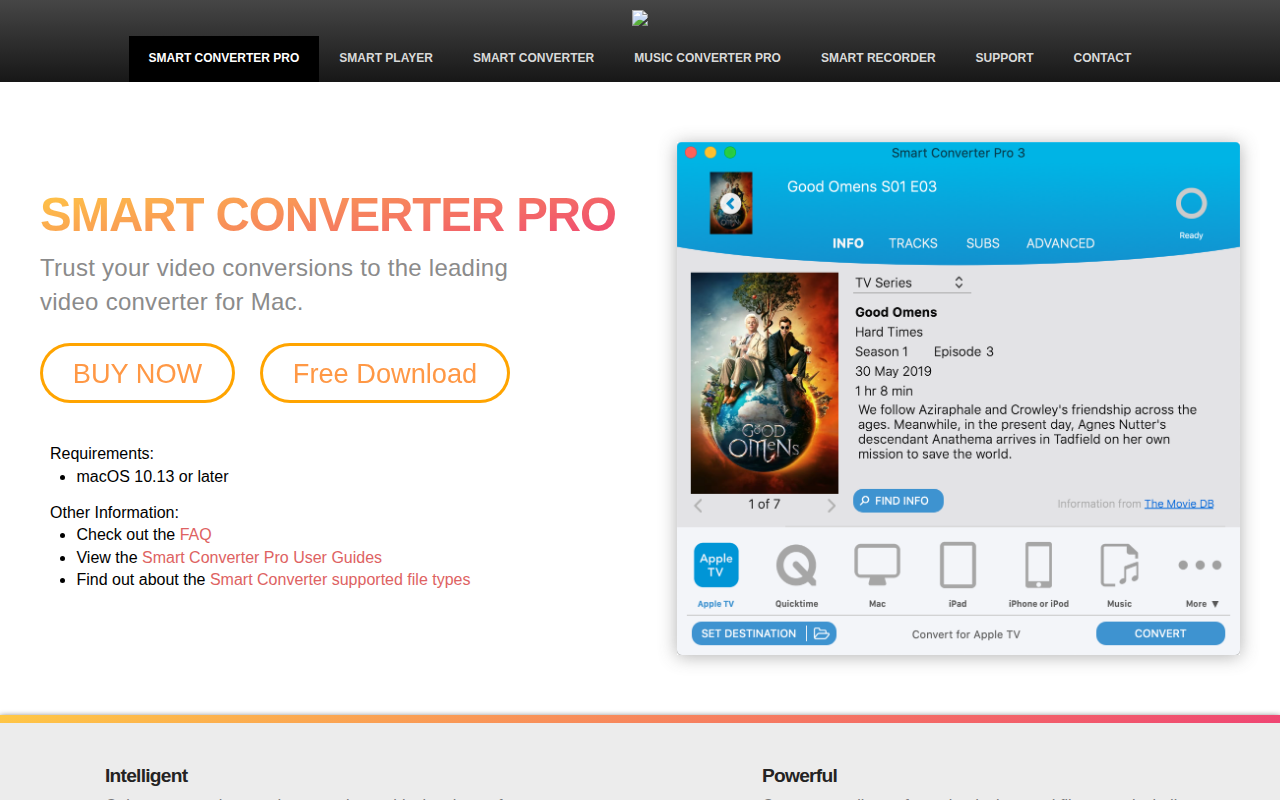
Smart Converter Pro
Video converter