
Peninsula
Dynamic Peninsula for macOS, focusing on window switching, notifications, and file storage.
Peninsula replaces the standard macOS Cmd‑Tab switcher with a customizable window selector that can be invoked by holding Cmd and pressing Tab, Shift, or Esc. Users can also assign a separate shortcut to open a searchable view, where typing filters the displayed windows and pressing Enter activates the chosen one. The switcher integrates with the system’s accessibility APIs to retrieve the list of running apps and display notification counts.
The app adds a notch‑based interface that opens five distinct panels: an inner‑screen app switcher, a notification center for selected apps, a temporary‑file tray, a menu with basic actions, and a settings page. The notification center shows icons for recent alerts, aggregates counts, and provides quick access to the originating applications. A built‑in timer lets users set countdowns by typing time strings such as “2h15m”.
Peninsula is an open‑source, free‑tier utility for macOS that combines window management, notification handling, and lightweight file storage in a single notch‑driven UI, targeting users who want more control over app switching and quick access to notifications without leaving the desktop.
Reviews
Loading reviews…
Similar apps

Window & Desktop Management
Dynamic Notch 2.0
Turn your Mac notch into a native 6-in-1 command center
Window & Desktop Management
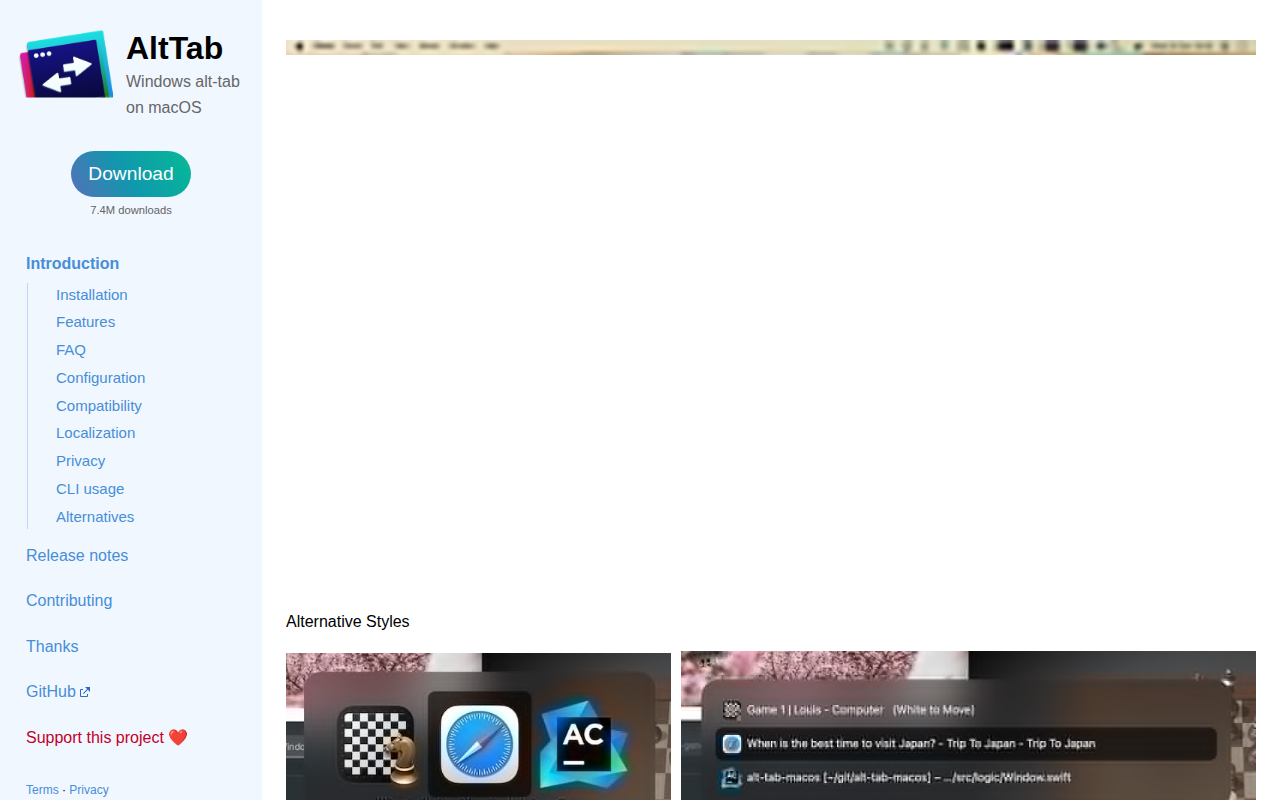
AltTab
Brings Windows-style alt-tab window switching to macOS. See thumbnails of every window across every app, switch to any of them with one…

Window & Desktop Management
Atoll
Turns the notch into a Dynamic Island-style hub for media controls, live activities, and quick utilities.

Window & Desktop Management
Alcove
Utility to add Dynamic Island like features to notch area

Window & Desktop Management
DockDoor
Free and open source window peeking & alt-tab for macOS.
Terminals & CLI
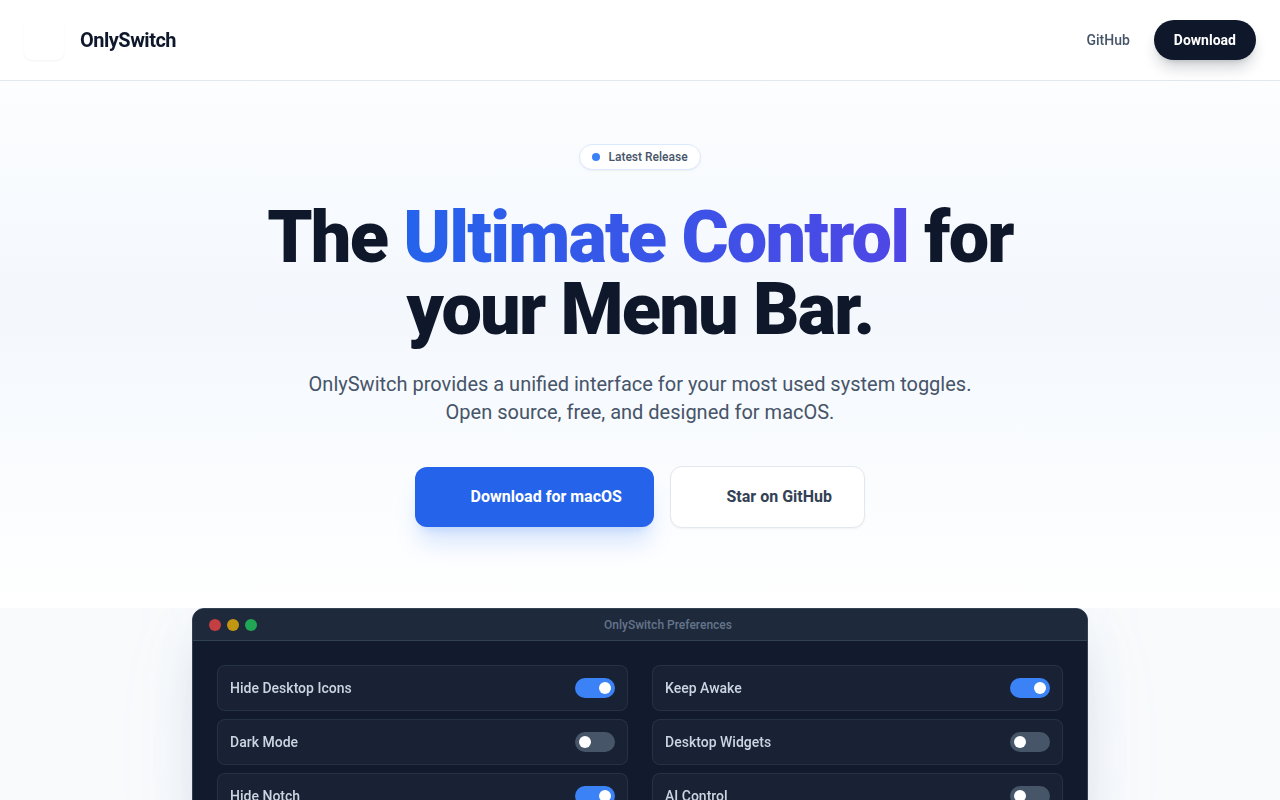
OnlySwitch
⚙️ All-in-One menu bar app, hide 💻MacBook Pro's notch, dark mode, AirPods, Shortcuts