
PiBar
Pi-hole(s) management in the menu bar
PiBar integrates Pi‑hole administration directly into the macOS menu bar, allowing users to monitor and control DNS filtering without opening a web interface. It detects the Pi‑hole version, port and SSL settings automatically, and can display live query statistics, toggle the service on or off, and warn when any managed instance becomes unreachable or disabled.
The application supports both Pi‑hole v5 and v6+, multiple simultaneous installations, and even complex fail‑over configurations. Credentials are stored securely in the macOS Keychain, and session handling for v6 includes auto‑refresh with saved passwords.
Designed for macOS 15 (Sequoia) or later (with older versions for macOS 10.12+), PiBar is distributed as open‑source software and can be installed via direct download, the App Store, or Homebrew. It provides a lightweight, menu‑driven interface for administrators who need quick access to Pi‑hole status and controls.
Reviews
Loading reviews…
Similar apps
Window & Desktop Management
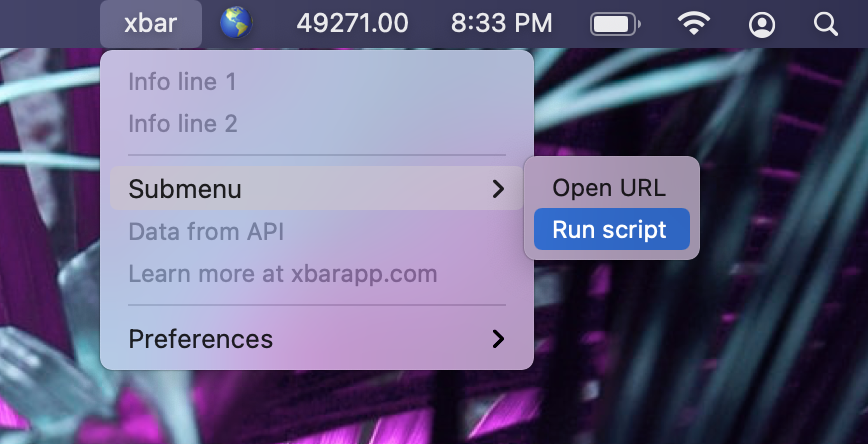
Xbar
Put the output from any script or program into your macOS Menu Bar (the BitBar reboot).
Window & Desktop Management
BitBar
Utility to display the output from any script or program in the menu bar
System Monitoring & Maintenance
Net Bar for MacOS
A minimal powerful and native system monitor for MacOS
Network & Connectivity
Pi-hole
Blackhole for Internet advertisements with a GUI for management and monitoring.
Version Control & Git
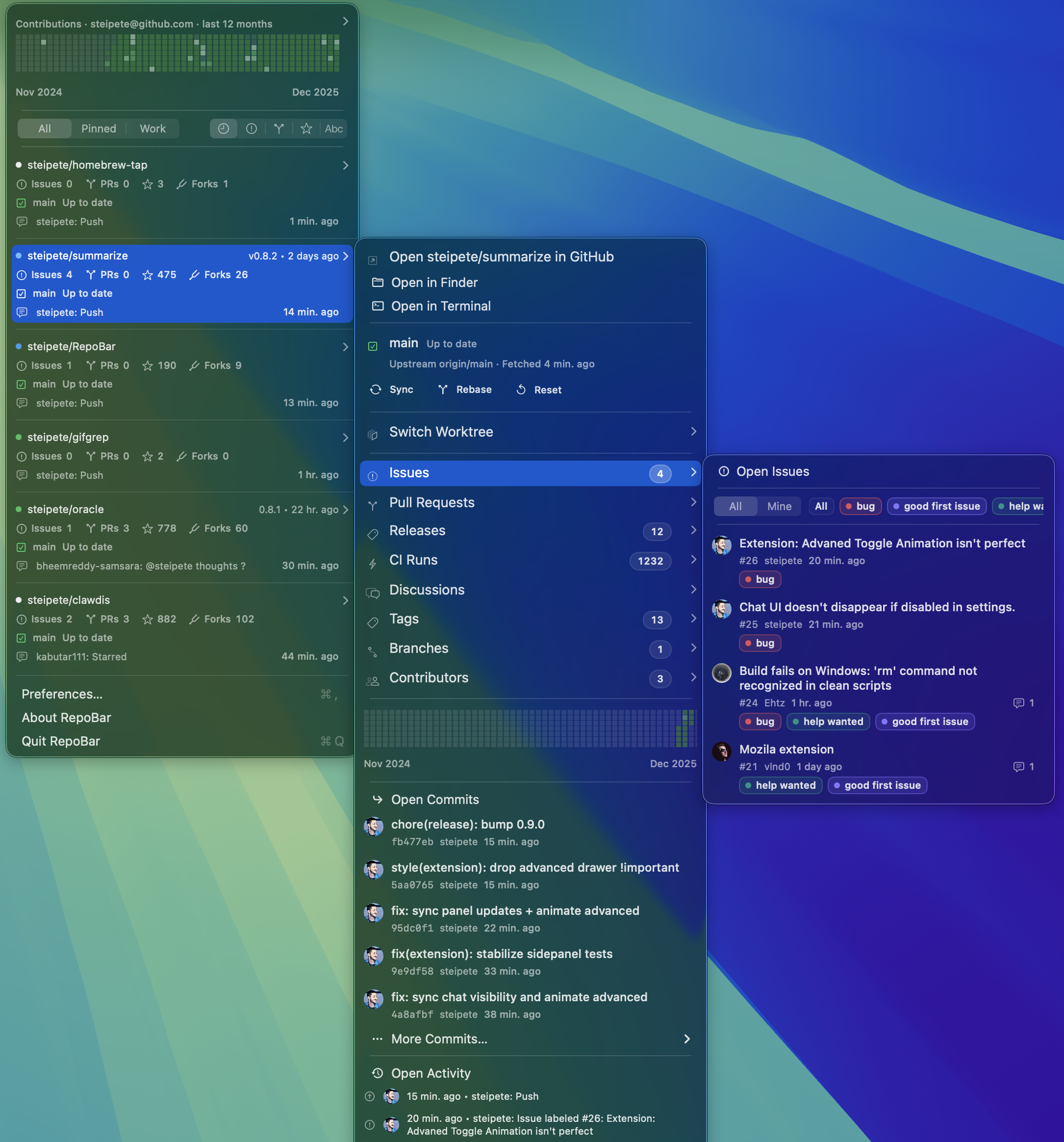
RepoBar
Menu bar dashboard for GitHub repository health
Window & Desktop Management
AnyBar
Menu bar status indicator