
Net Bar for MacOS
A minimal powerful and native system monitor for MacOS
Net Bar lives in the macOS menu bar and presents core system metrics—CPU load, memory pressure, disk storage, battery health, and device temperature—together with real‑time network statistics such as download/upload speeds, Wi‑Fi diagnostics, and latency. It also shows VPN connection status, public IP address, and offers a one‑click DNS quick‑switcher for common providers.
The utility includes additional network tools like a Wi‑Fi channel scanner, captive‑portal detection, scheduled speed tests, and bandwidth‑limit tracking, with sound and native macOS notifications for events such as Wi‑Fi drops, ping spikes, or high data usage. Users can customize the layout through drag‑and‑drop reordering, dynamic filtering, typography control, and optional unstacked speed displays.
Designed for macOS Sonoma and later, Net Bar targets users who want detailed performance insight without cluttering the desktop, providing a unified, native interface for monitoring hardware health and network conditions.
Reviews
Loading reviews…
Similar apps
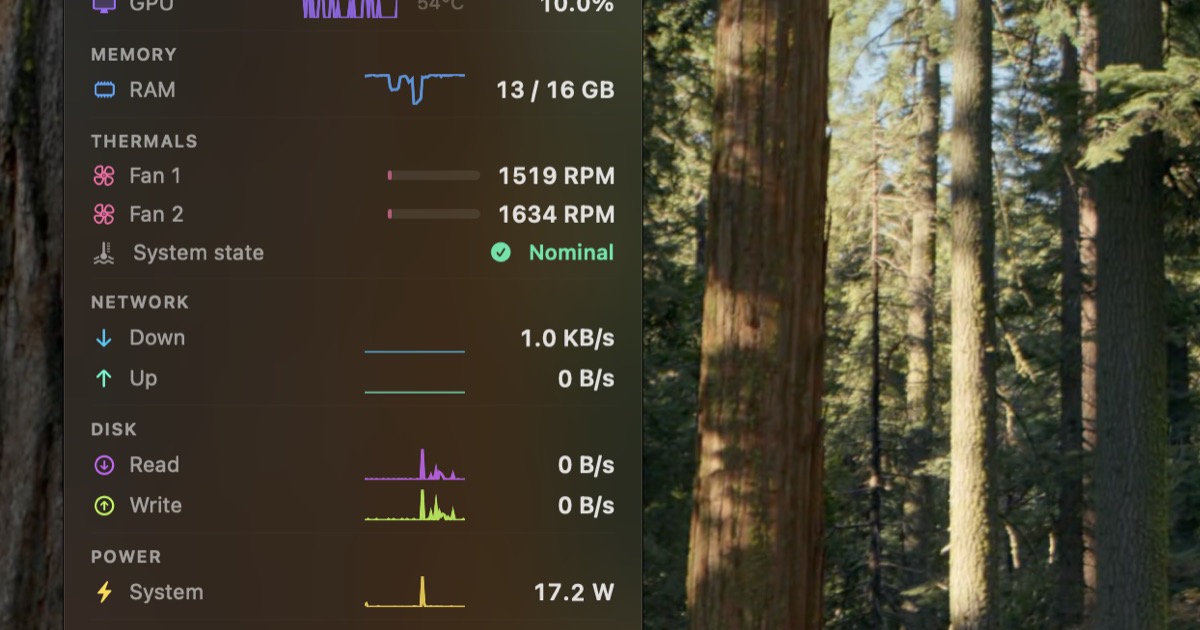
System Monitoring & Maintenance
StatusStats
Mac Metrics In Your Menu Bar
System Monitoring & Maintenance
CatBar
RevenueCat stats in your macOS menu bar.
Network & Connectivity
NetFluss
Native menu bar app for real-time upload/download speeds and top bandwidth-using apps.
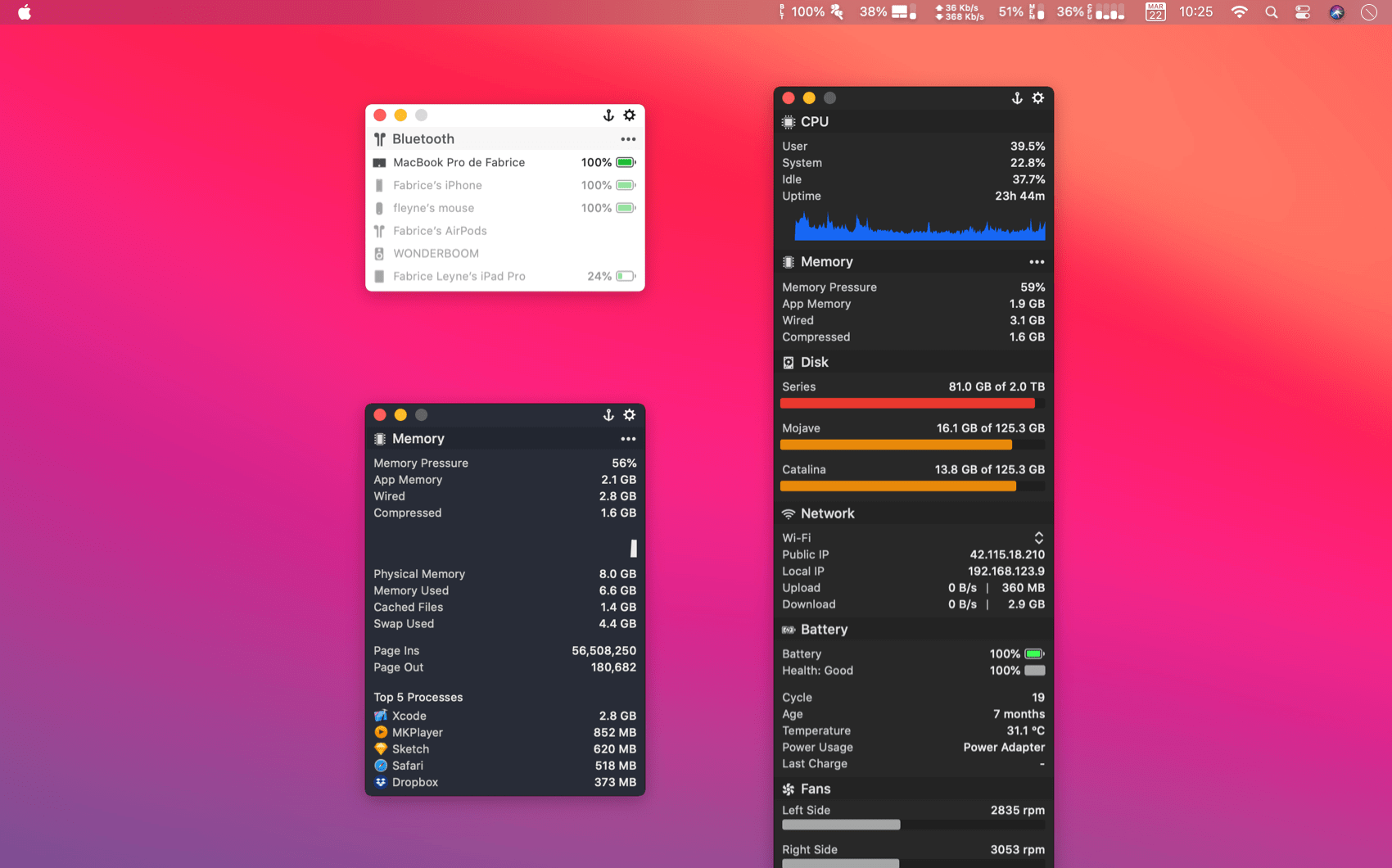
System Monitoring & Maintenance
MenuBar Stats
System monitor with temperature & fans plugins

DevOps & Infrastructure
EthosBar
Know it's not your code. Real-time status in your menu bar.
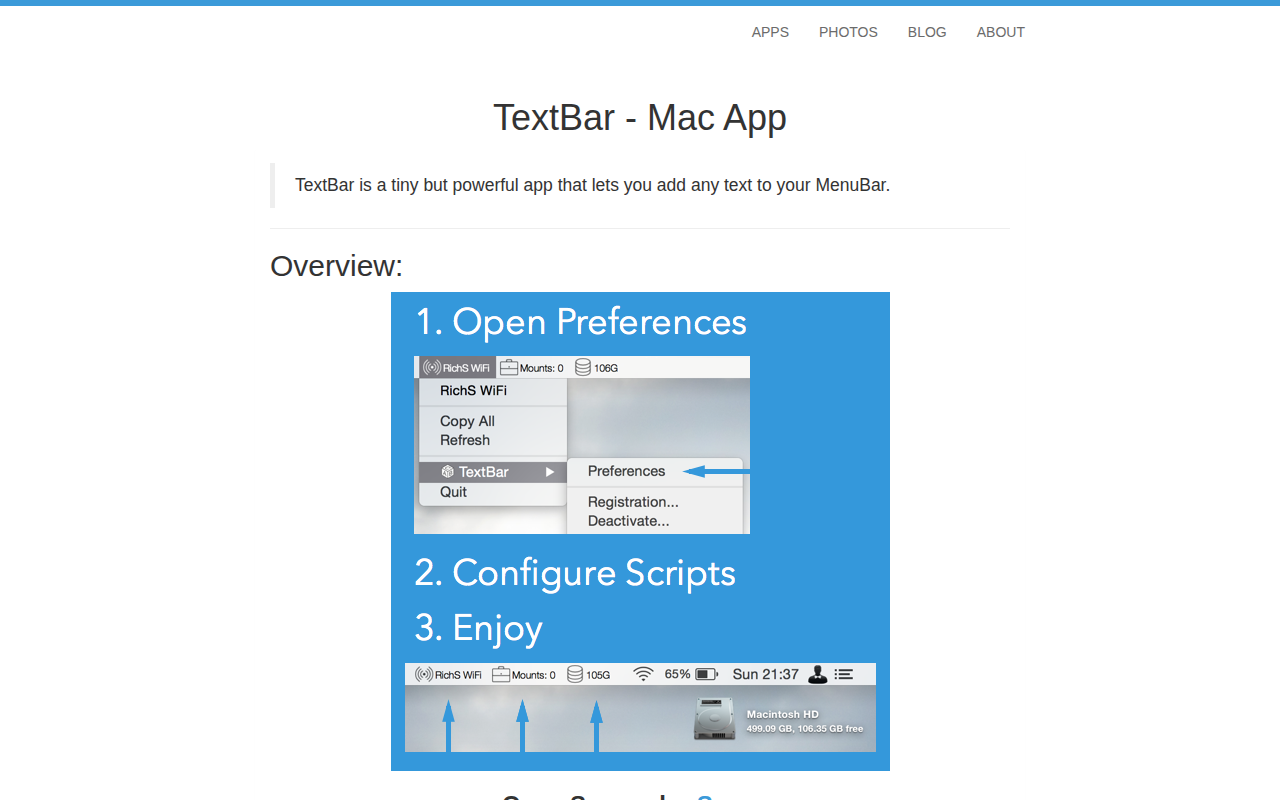
Window & Desktop Management
TextBar
Add any text to menu bar