

QuitAll
Quickly quit one, some, or all apps
QuitAll provides a single interface for closing applications on macOS, allowing users to quit one, several, or all running apps from a compact window. It prompts each app to save unsaved work before closing, and users can hold a modifier key to switch to a forced quit when an app is unresponsive or saving is unnecessary.
The tool also includes an automatic quit feature that shuts down idle applications after a configurable period, helping to keep the system tidy without manual intervention. A “Hide and Seek” view lists background processes, making it easy to identify and terminate hidden apps. Users can tailor shortcuts and preferences to speed up repeated actions, and the interface adapts to both light and dark appearance modes.
Designed for macOS, QuitAll targets individuals who want quick, keyboard‑driven control over their running applications, reducing the need to manually close each program or restart the computer. It is offered as a stable, fully functional product.
Reviews
Loading reviews…
Similar apps
Window & Desktop Management
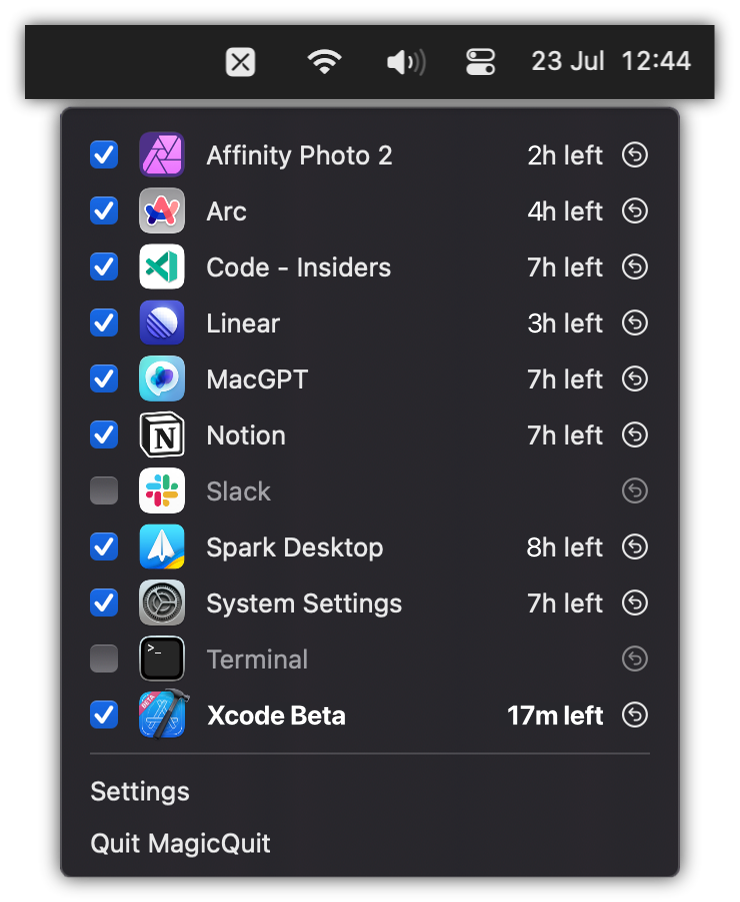
MagicQuit
Automatically quit inactive apps to reduce clutter and free resources.
Window & Desktop Management
SwiftQuit
Enables automatic quitting of macOS apps when closing their windows.
Task & Project Management
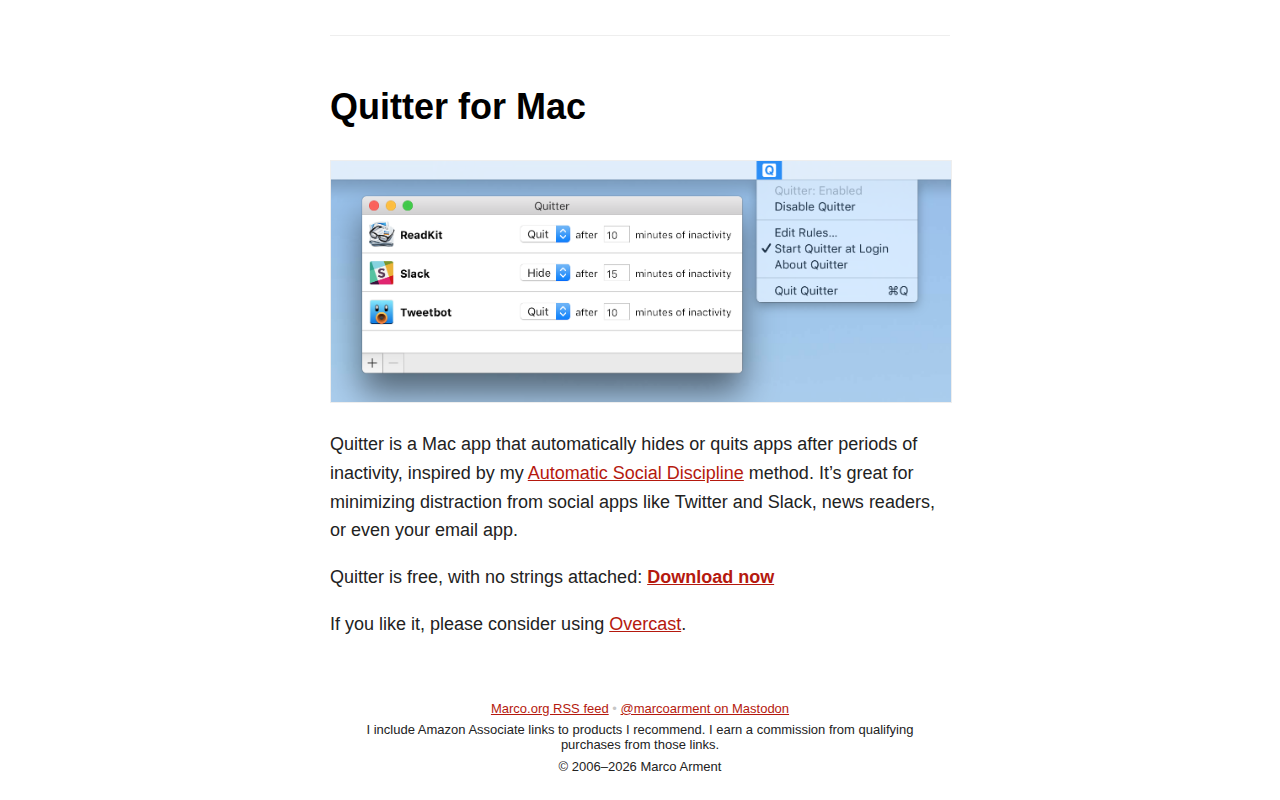
Quitter
Automatically hides or quits apps after periods of inactivity

Window & Desktop Management
CommandQ
Never accidentally quit an app again
Window & Desktop Management
RedQuits
Quit an app when closing the last window
Window & Desktop Management
SlowQuitApps
An OS X app that adds a global delay of 1 second to the Cmd-Q shortcut.