
Screenize
Open-source screen recorder with auto-zoom, cursor effects, and timeline editing.
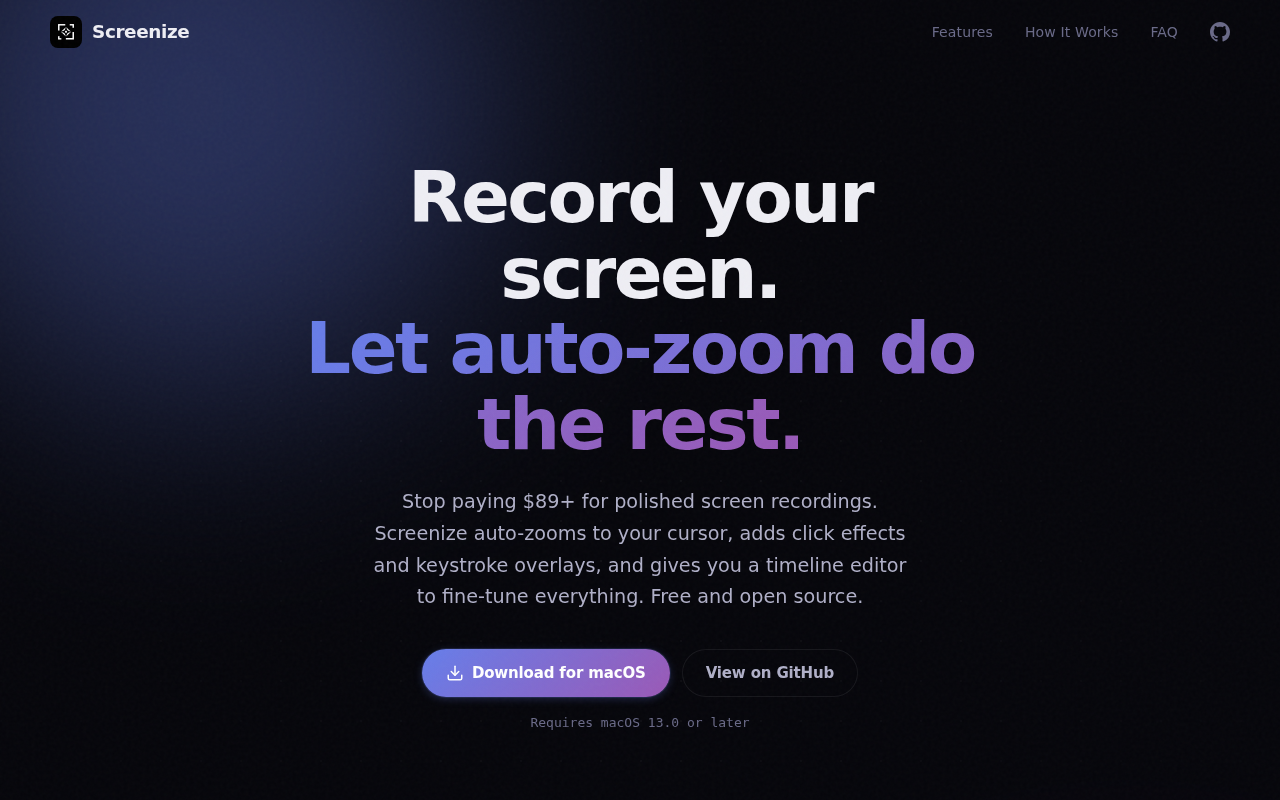
Screenize records macOS screens and automatically generates zoom keyframes based on cursor movement, clicks, and other interactions. The software detects where the user clicks and scrolls, then creates smooth zoom‑in and zoom‑out animations without manual effort. It also overlays click visual effects, keystroke indicators, and offers a selection of cursor styles and background presets to improve visual clarity.
The recorded footage can be refined in a multi‑track timeline that separates camera, click effects, cursor, and keystroke layers. Each track supports independent keyframes and easing curves, allowing users to edit timing, intensity, and appearance before exporting. Real‑time preview lets creators fine‑tune the output to their preferences.
Screenize is distributed under the Apache 2.0 license, requires macOS 13.0 or later, and is free of subscriptions, tracking, or vendor lock‑in. It targets developers, educators, and content creators who need a straightforward, open‑source tool for producing polished screen tutorials and demos.
Reviews
Loading reviews…
Similar apps
Screenshot & Screen Recording
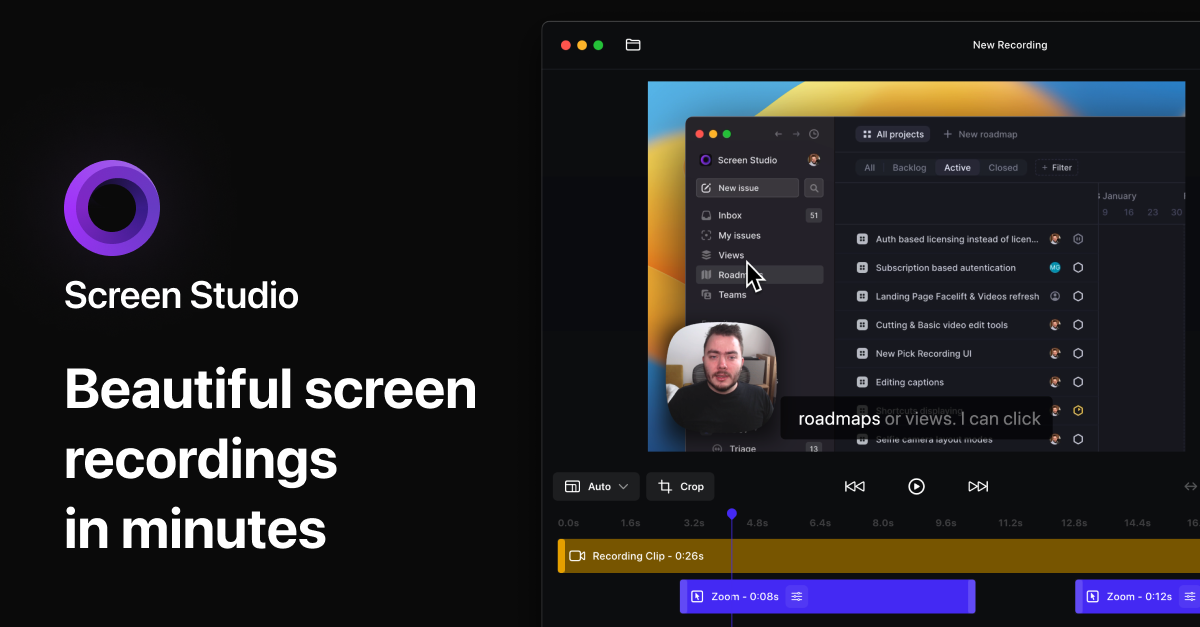
Screen Studio
Screen recorder for polished videos with automatic motion effects.
Screenshot & Screen Recording
Screen Studio
Screen recorder and editor
Screenshot & Screen Recording
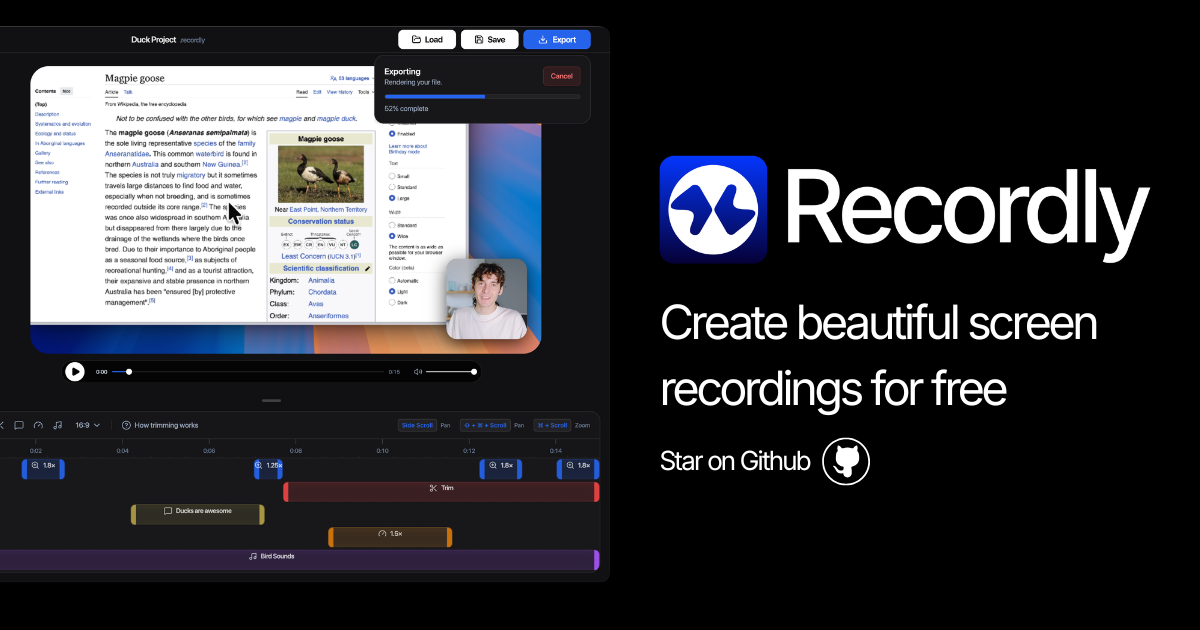
Recordly
Open-source screen recorder and editor for polished demos, tutorials, and product videos.
AI Photo Editing
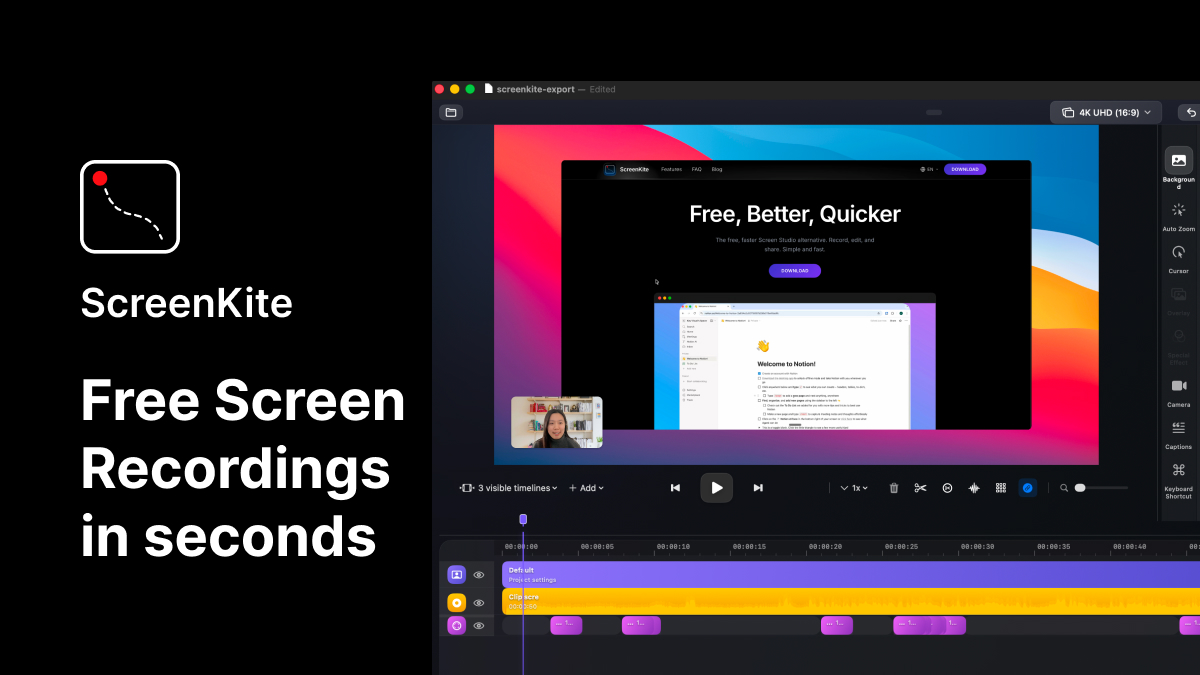
ScreenKite
Native screen recorder and editor with auto-zoom, AI enhancements, device mockups, and teleprompter. ![Freeware][Freeware Icon]
Screenshot & Screen Recording
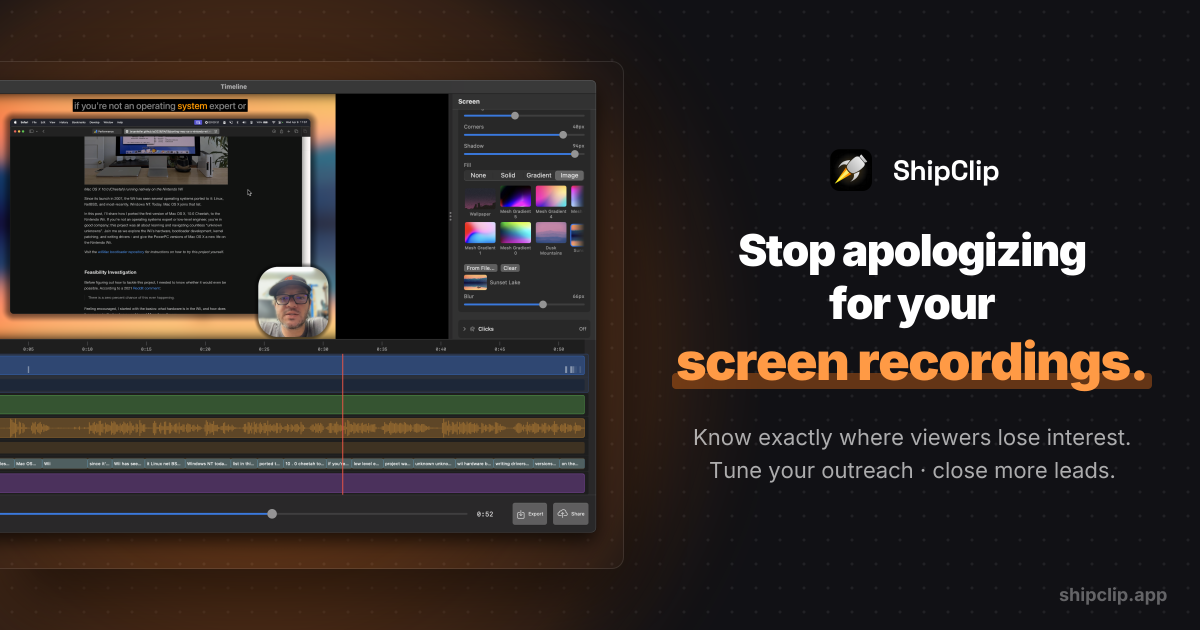
ShipClip
Native macOS screen recorder. Record polished demos with zoom-to-click, multi-track audio, and camera PiP; share a link and see exactly who…
Screenshot & Screen Recording
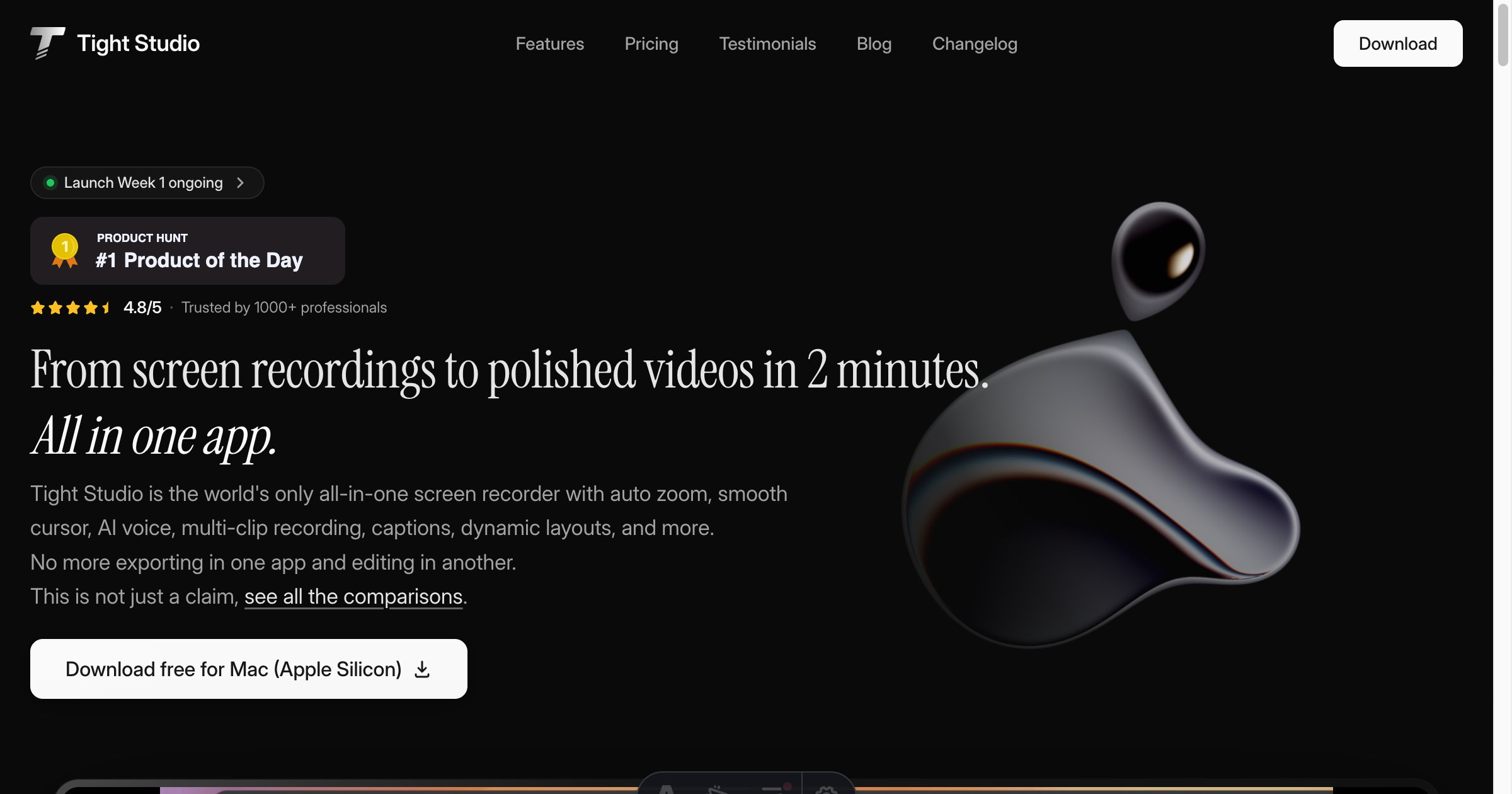
Tight Studio
Screen recorder with smart zoom, captions, and AI voiceovers.