
Rocket
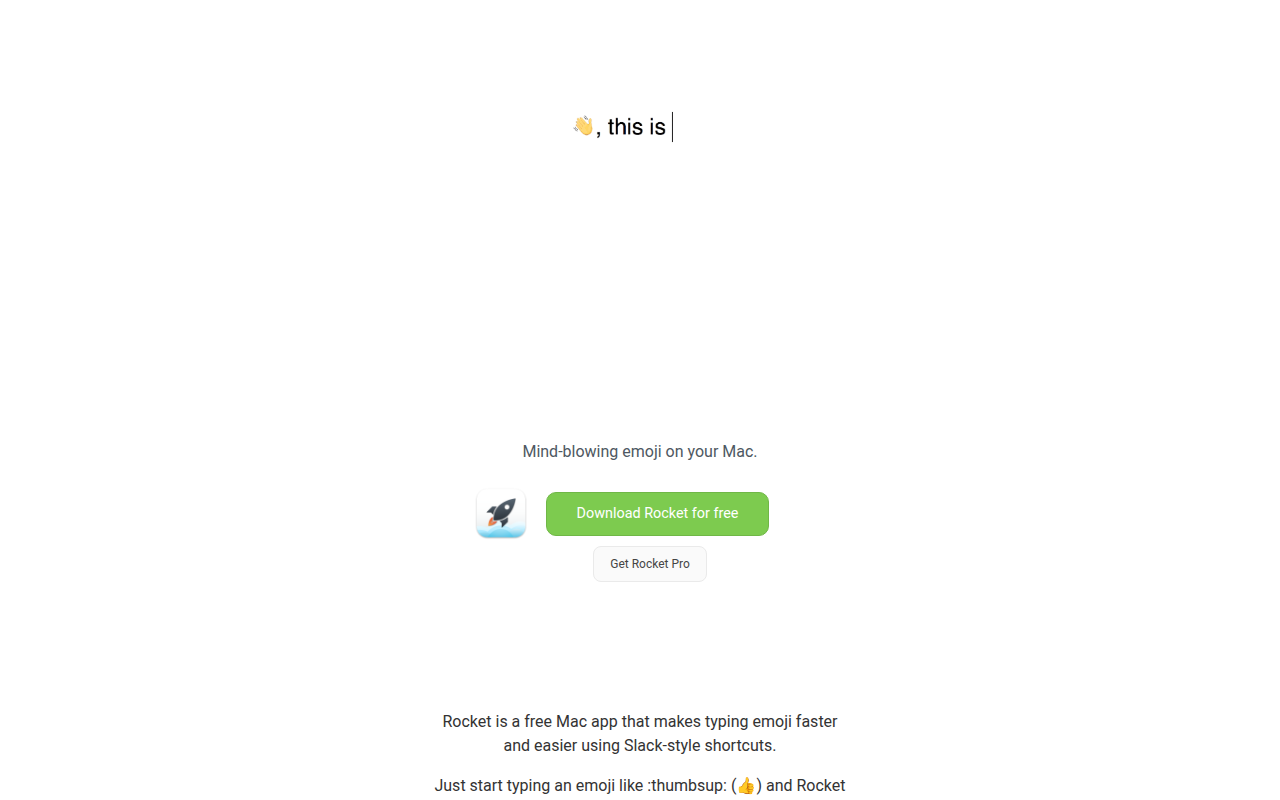
Makes typing emoji faster and easier using Slack-style shortcuts. ![Freeware][Freeware Icon]
Rocket is a free macOS utility that lets users insert emoji by typing Slack‑style shortcuts. When a colon is entered, typing the emoji name (e.g., :thumbsup:) triggers an autocomplete list, and pressing Enter inserts the selected symbol in any application. The app also offers light and dark themes and the ability to choose skin tones for applicable emoji.
The core version provides quick access to the full set of Unicode emoji through a searchable window. An optional Pro upgrade adds support for GIFs, images, and memes, as well as custom emoji shortcuts, text‑expansion snippets, and usage statistics. Users can also add their own emoji phrases and associated media to the autocomplete list.
Rocket targets Mac users who want a faster, keyboard‑centric alternative to the built‑in emoji picker. It is positioned as a lightweight, system‑wide emoji picker that mirrors the familiar Slack workflow, with optional enhancements for those who need richer media and personalization.
Reviews
Loading reviews…
Similar apps

File Management & Transfer
Quickgif
Quickly Find and Share GIFs. ![Freeware][Freeware Icon]

Clipboard, Input & Automation
Snap
Launch an app in a snap. Ridiculously easy shortcut management. ![Freeware][Freeware Icon]

Clipboard, Input & Automation
Hyperkey
Turn Caps Lock or another modifier into a Hyper key. ![Freeware][Freeware Icon]
Clipboard, Input & Automation
Touch Emoji
Emoji picker for MacBook Pro Touch Bar.
STEM Tools & Simulations
OpenRocket
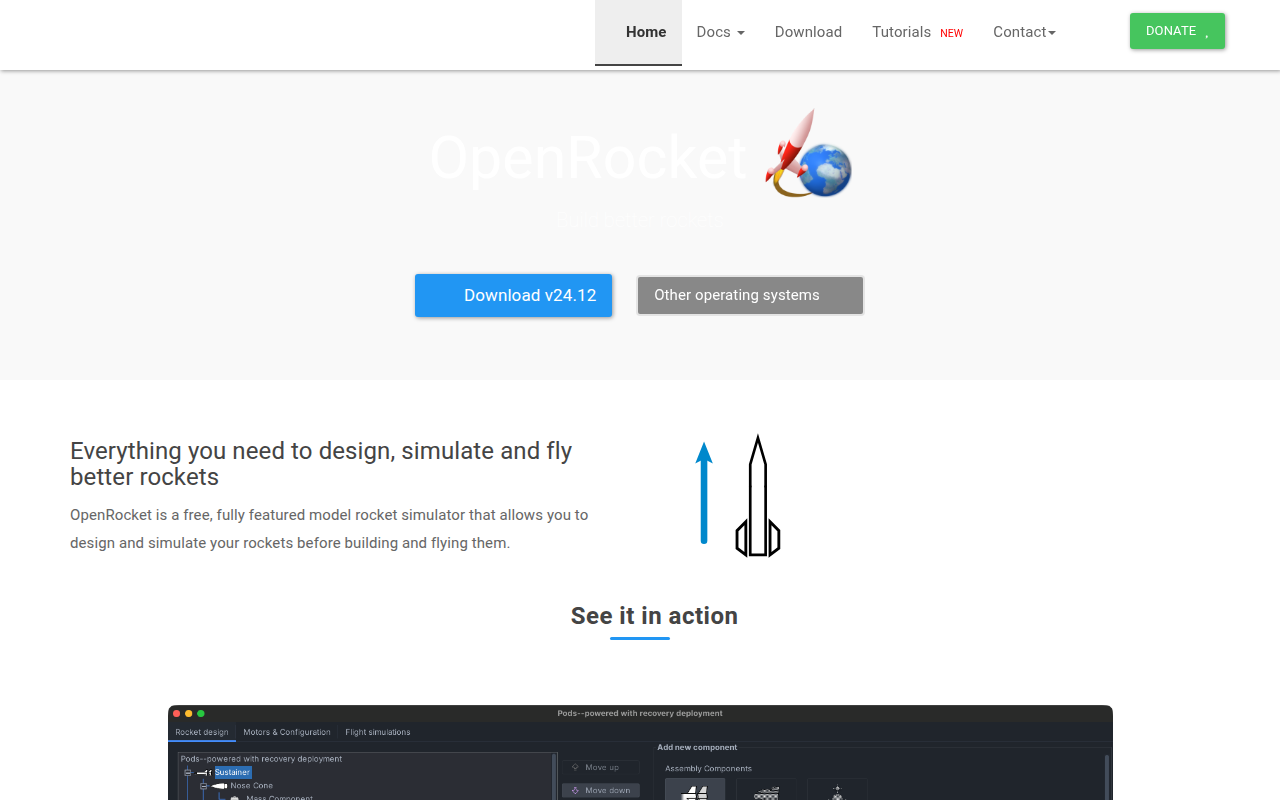
Model rocket simulator
Clipboard, Input & Automation
Apptivate
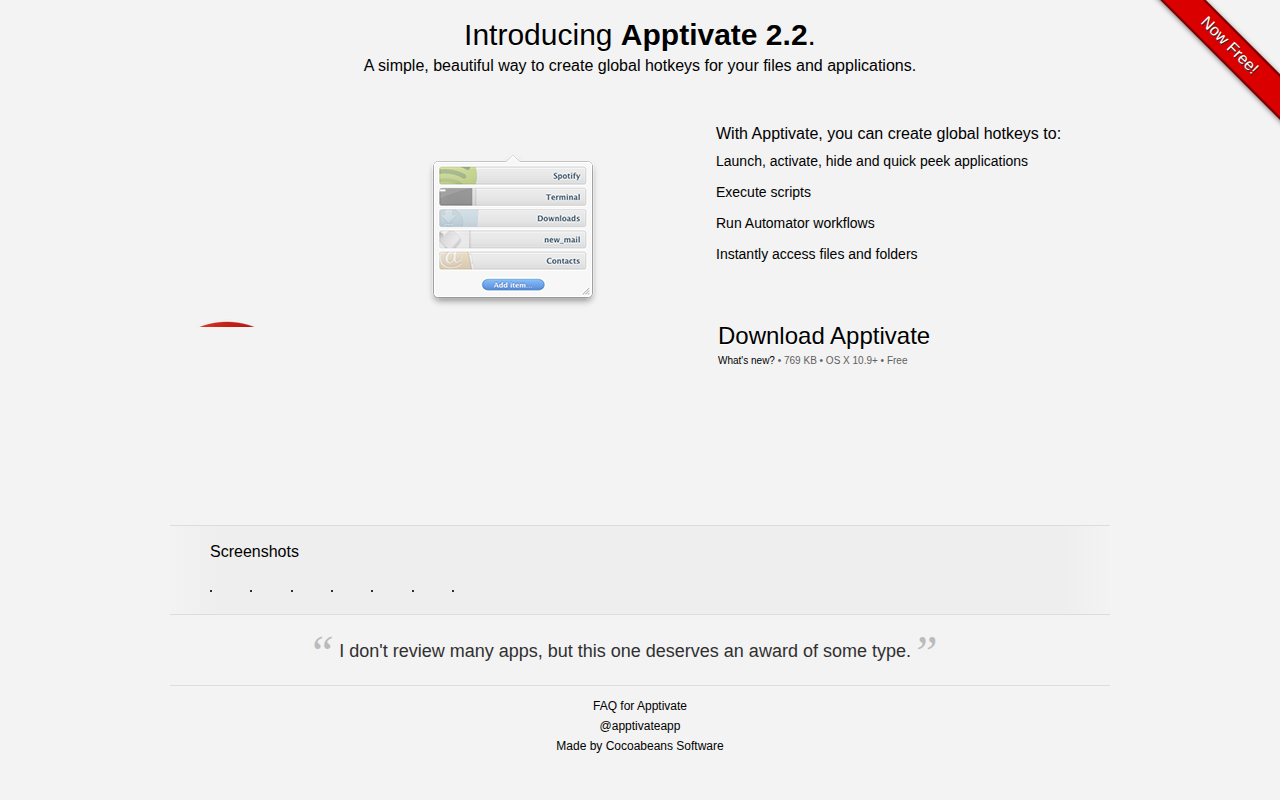
Create global hotkeys for your files and applications