
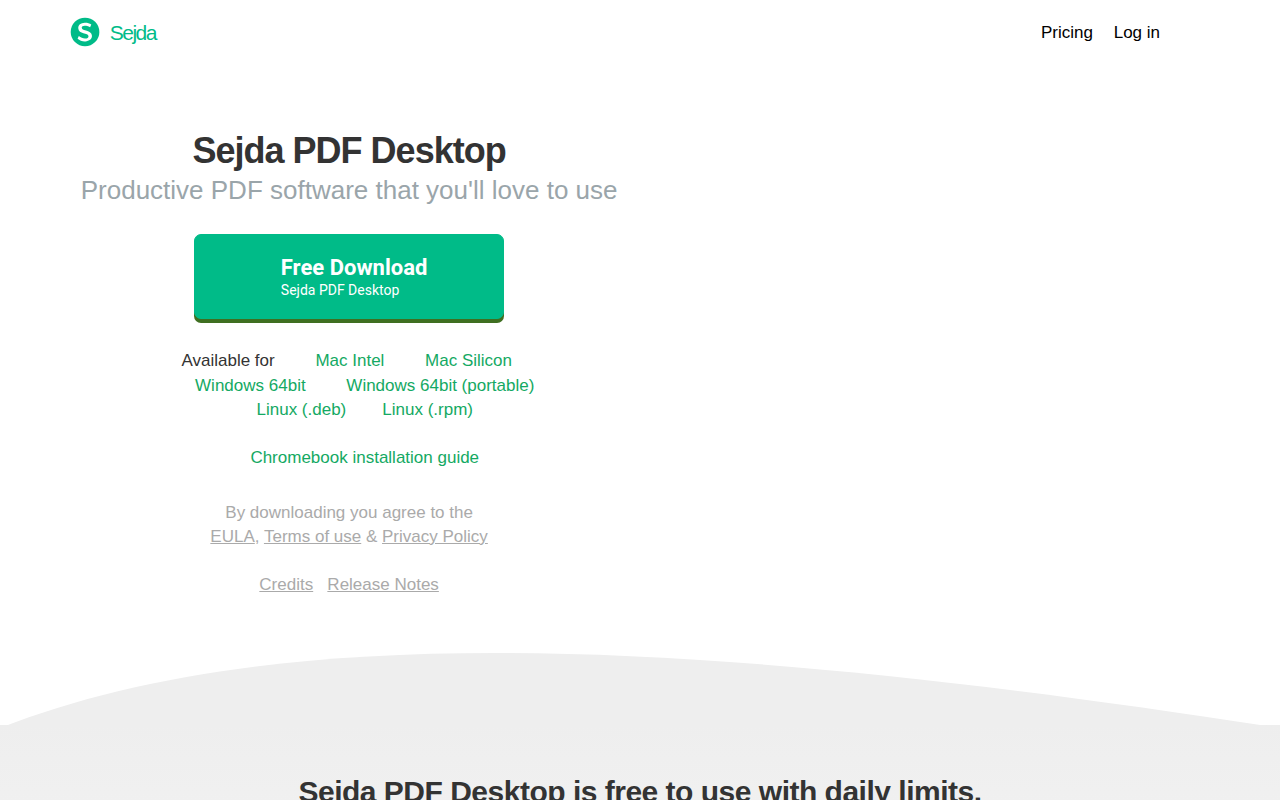
Sejda PDF Desktop
PDF editor
Sejda PDF Desktop provides a set of PDF manipulation tools that run locally on a computer, avoiding the need for cloud processing. It supports common tasks such as merging multiple PDFs into a single file, splitting a document into separate pages, converting PDFs to Office or image formats, compressing file size, and applying passwords or restrictions. The software also offers editing capabilities like adding watermarks, converting pages to grayscale, cropping, and inserting new text, though it does not support editing text within scanned documents.
The application is aimed at individuals and businesses that require offline PDF handling for privacy or compliance reasons. Its feature set mirrors that of the Sejda online service, making it a straightforward replacement for users who prefer desktop processing. The tool is available for macOS and is described as stable and ready for productive use.
Sejda PDF Desktop can be used without a subscription up to daily limits, with paid plans offering unlimited access and additional enterprise‑friendly licensing options. Support is provided through a contact form and email address on the vendor’s website.
Reviews
Loading reviews…
Similar apps
Documents, Forms & Contracts
EditoraPDF
Privacy-first PDF editing, conversion, document tools online
Documents, Forms & Contracts
Foxit PDF Editor
PDF Editor
Wikis & Collaborative Docs
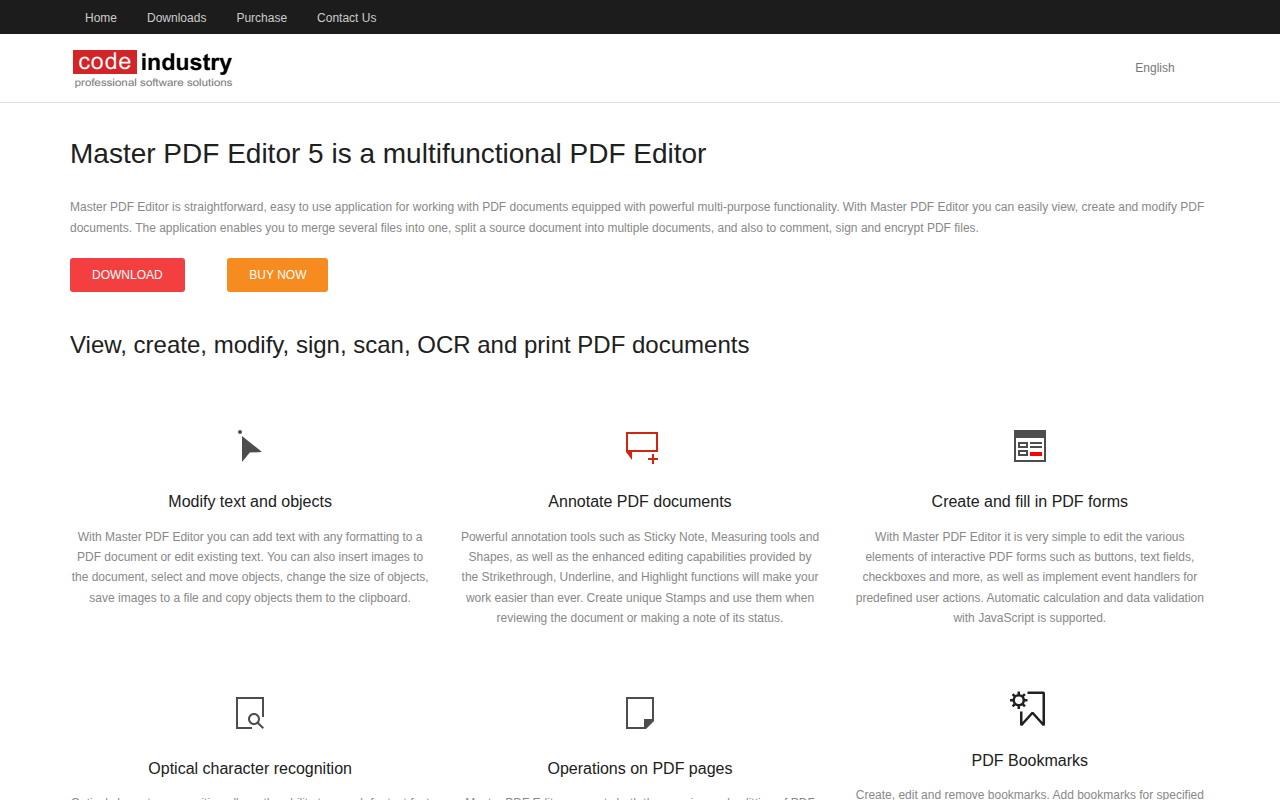
Master PDF Editor
PDF editor
File Management & Transfer
CrabPDF
Edit PDFs privately.. no uploads, no server, no tracking.
File Management & Transfer
PDFify
Create searchable and smaller PDF
File Management & Transfer
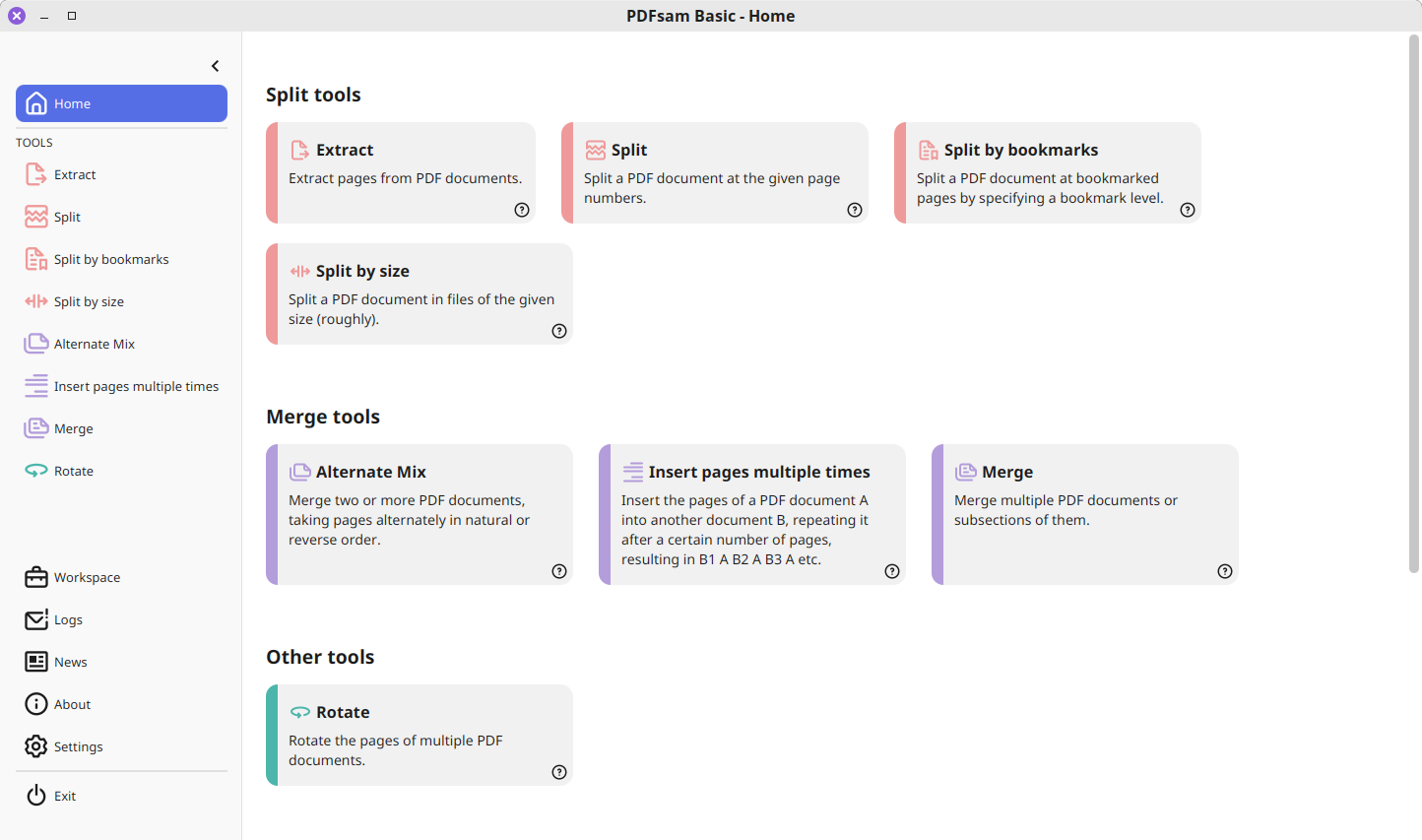
PDFsam Basic
Extracts pages, splits, merges, mixes and rotates PDF files