

Sende.site
Send files between devices. No app, no sign-up.
Sende.site enables users to transfer files between devices directly through a web browser, eliminating the need for dedicated applications or user accounts. When two devices share the same network, a file can be sent by scanning a QR code displayed on the sender’s browser, establishing a peer‑to‑peer connection that bypasses any intermediate server. For transfers across different networks, a session code can be generated and entered on the receiving device, allowing remote sharing without registration.
The service supports a variety of file types—images, videos, documents—and is designed to handle large payloads efficiently. Files transferred remotely are automatically removed after ten minutes, while users retain the option to delete shared items manually. Compatibility is limited to any device capable of running a modern browser, making it usable on smartphones, tablets, and computers alike.
Targeted at individuals who need quick, ad‑hoc file exchange between personal devices, Sende.site offers a straightforward, browser‑only workflow that prioritizes simplicity and privacy without requiring installations or persistent accounts.
Reviews
Loading reviews…
Similar apps
File Management & Transfer
TransmitFlow
Instant file transfer - no upload, no cloud, no account

File Management & Transfer
Send Anywhere
File sharing app

File Management & Transfer
WeTransfer
Online service for sending large files to others.
File Management & Transfer
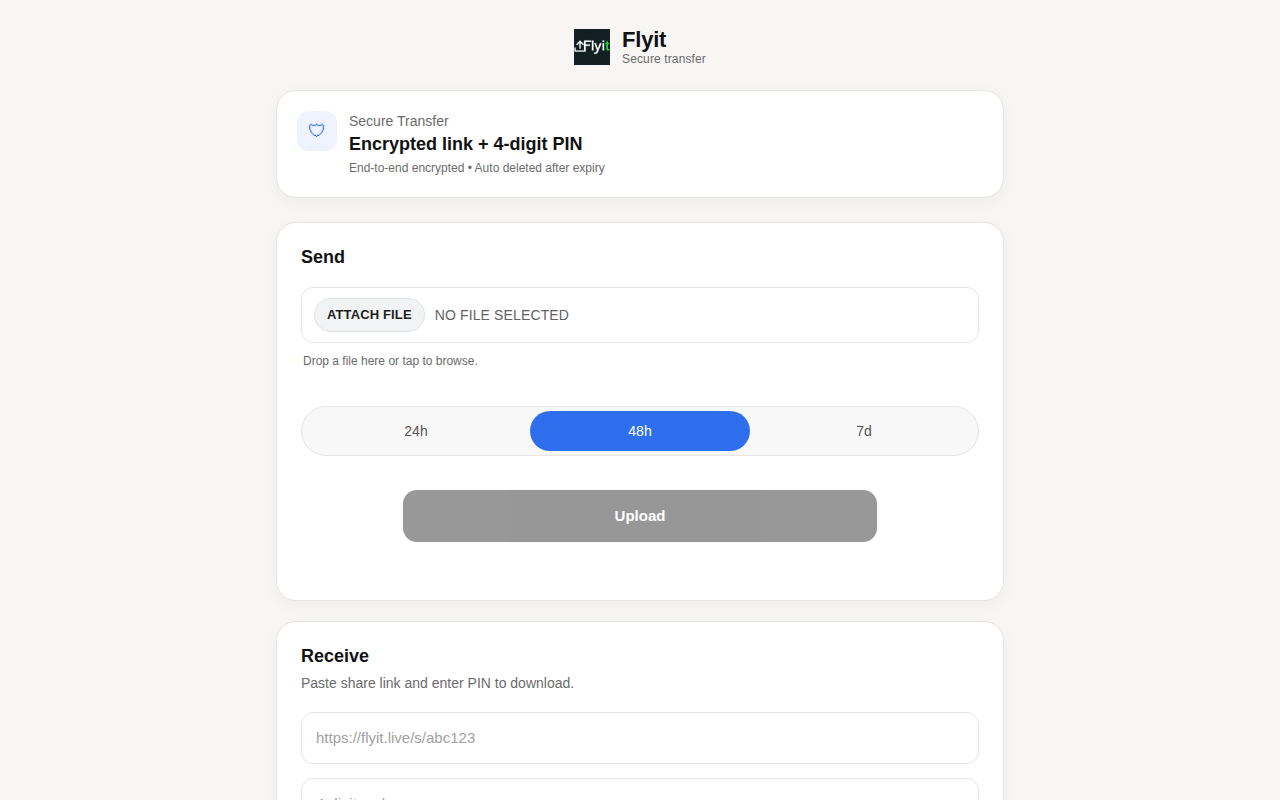
FlyIt
Send files that stay locked until you approve
File Management & Transfer
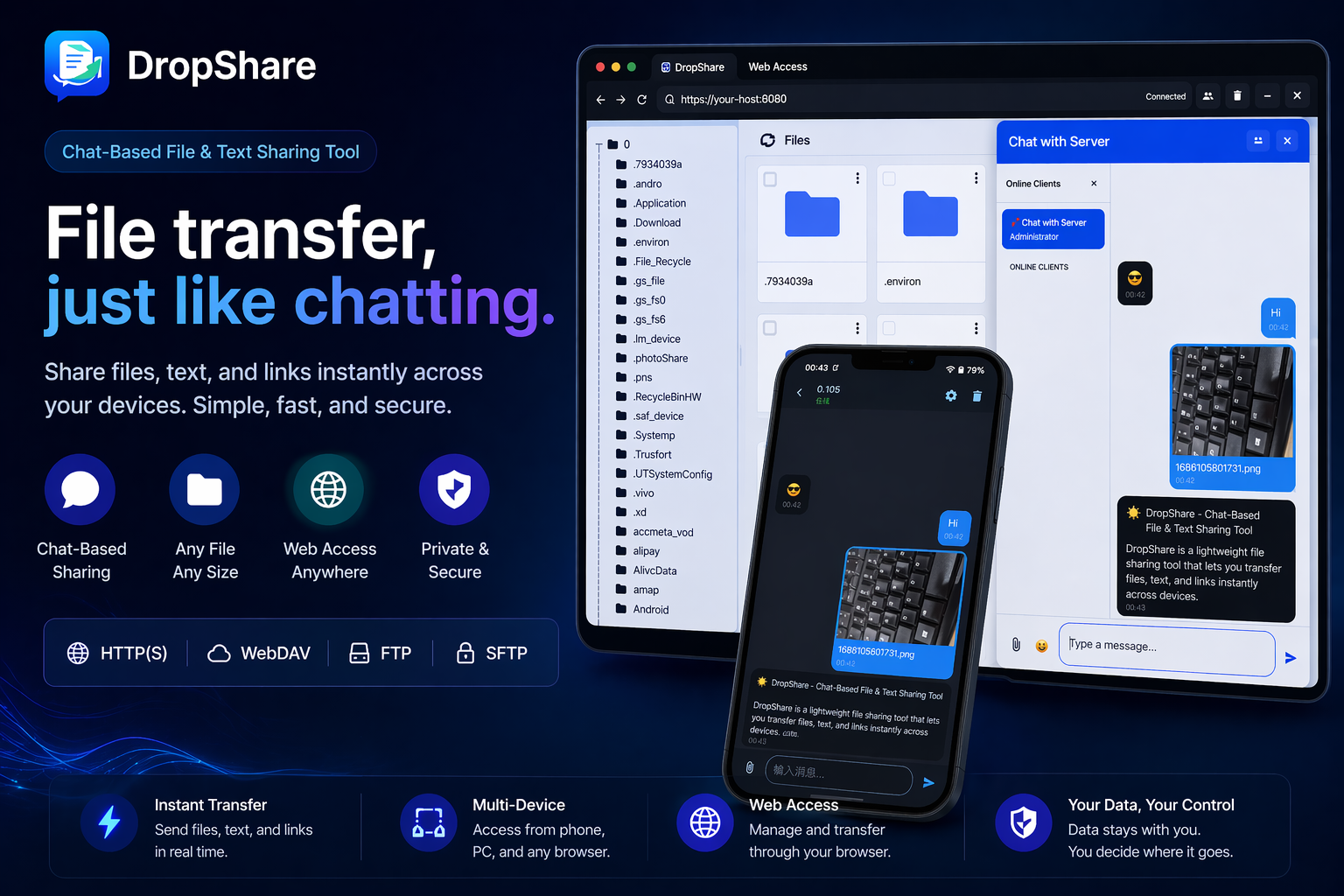
DropShare
Chat-based file sharing that works in any browser
File Management & Transfer
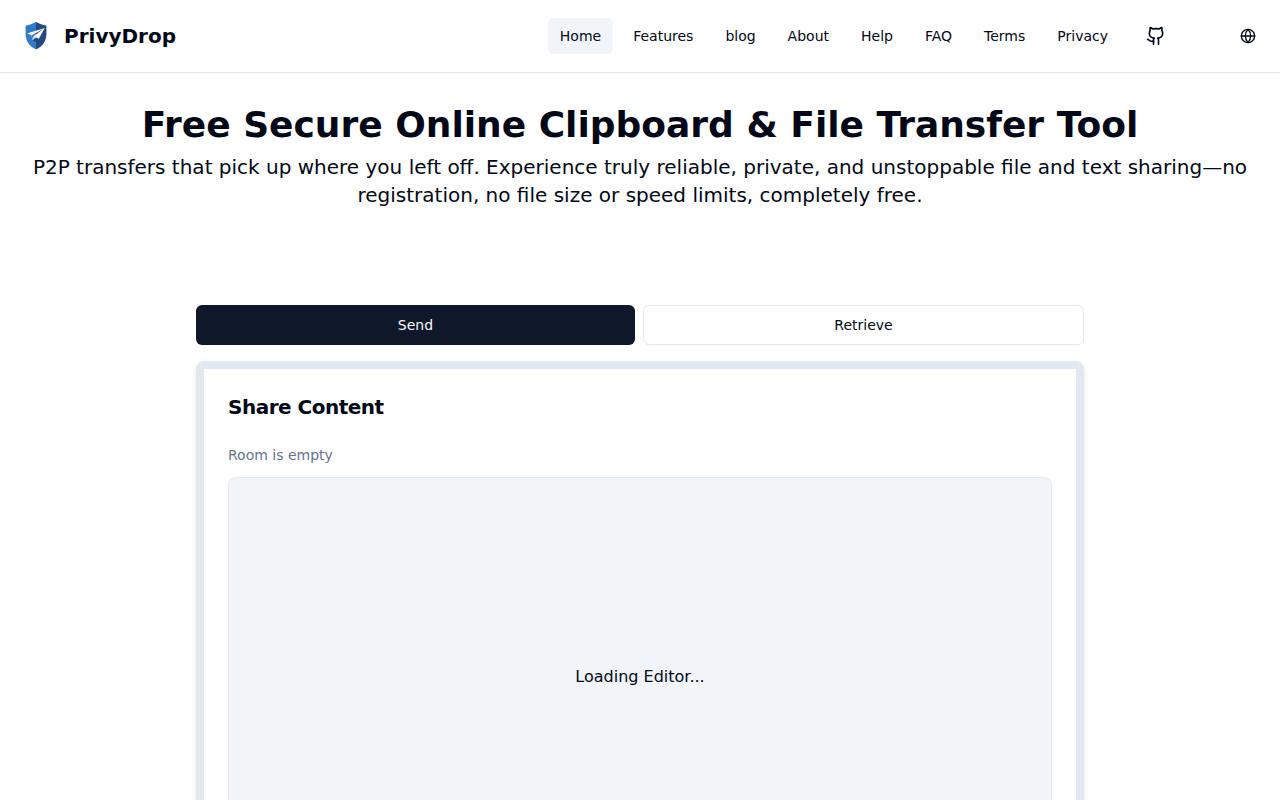
PrivyDrop
Simple and user-friendly, breakpoint-resumable peer-to-peer text, image, and file transfer tool based on WebRTC.