
Slack CLI
CLI to create, run, and deploy Slack apps
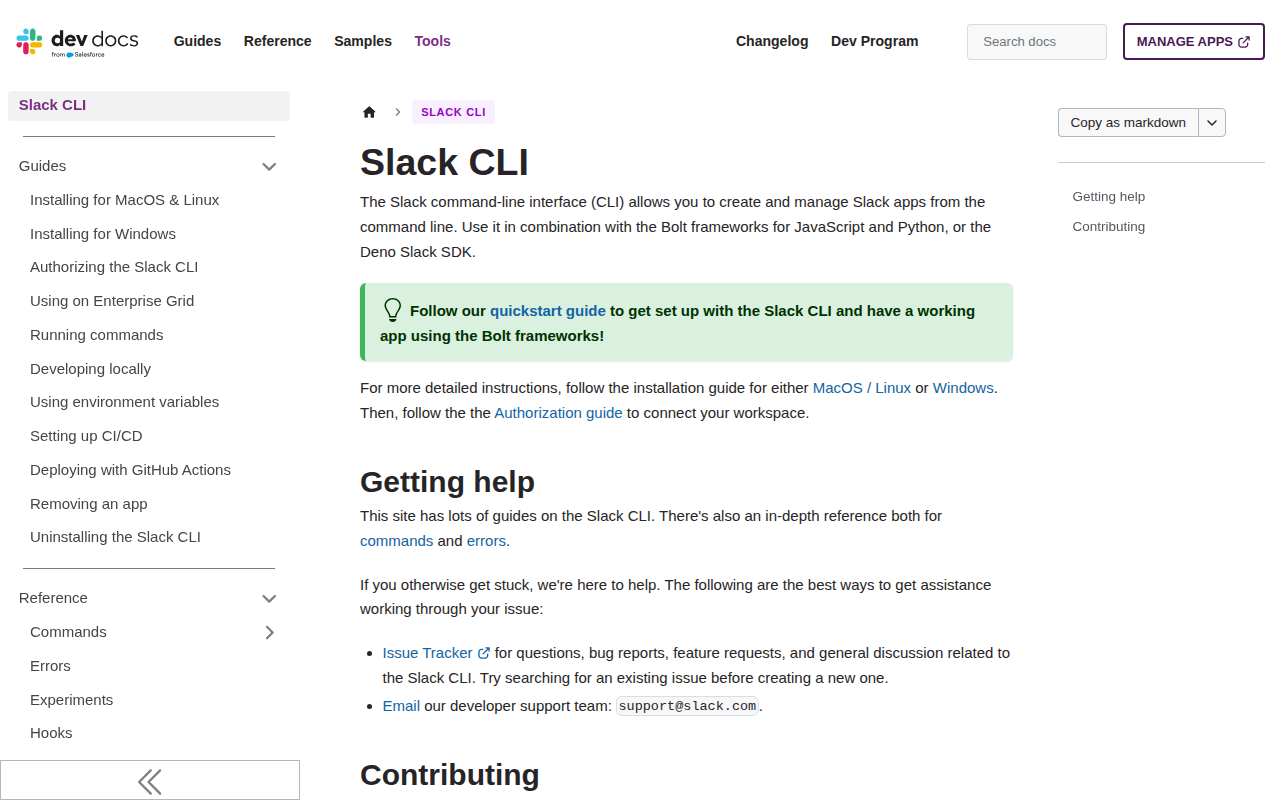
The Slack command‑line interface lets developers create, run, and deploy Slack applications directly from a terminal. It integrates with the Bolt frameworks for JavaScript and Python as well as the Deno Slack SDK, enabling a quick start that produces a functional app using those libraries. Installation guides cover macOS, Linux, and Windows, and an authorization flow connects the app to a workspace.
The tool provides a set of commands for managing app lifecycle tasks such as scaffolding new projects, launching a local development server, and pushing updates to Slack. Detailed reference documentation describes each command and its error messages, while a collection of guides helps users troubleshoot and extend functionality.
Support is available through an issue tracker, email, and community contributions, and the repository welcomes external developers to submit improvements following the provided contributor guidelines.
Reviews
Loading reviews…
Similar apps
Terminals & CLI
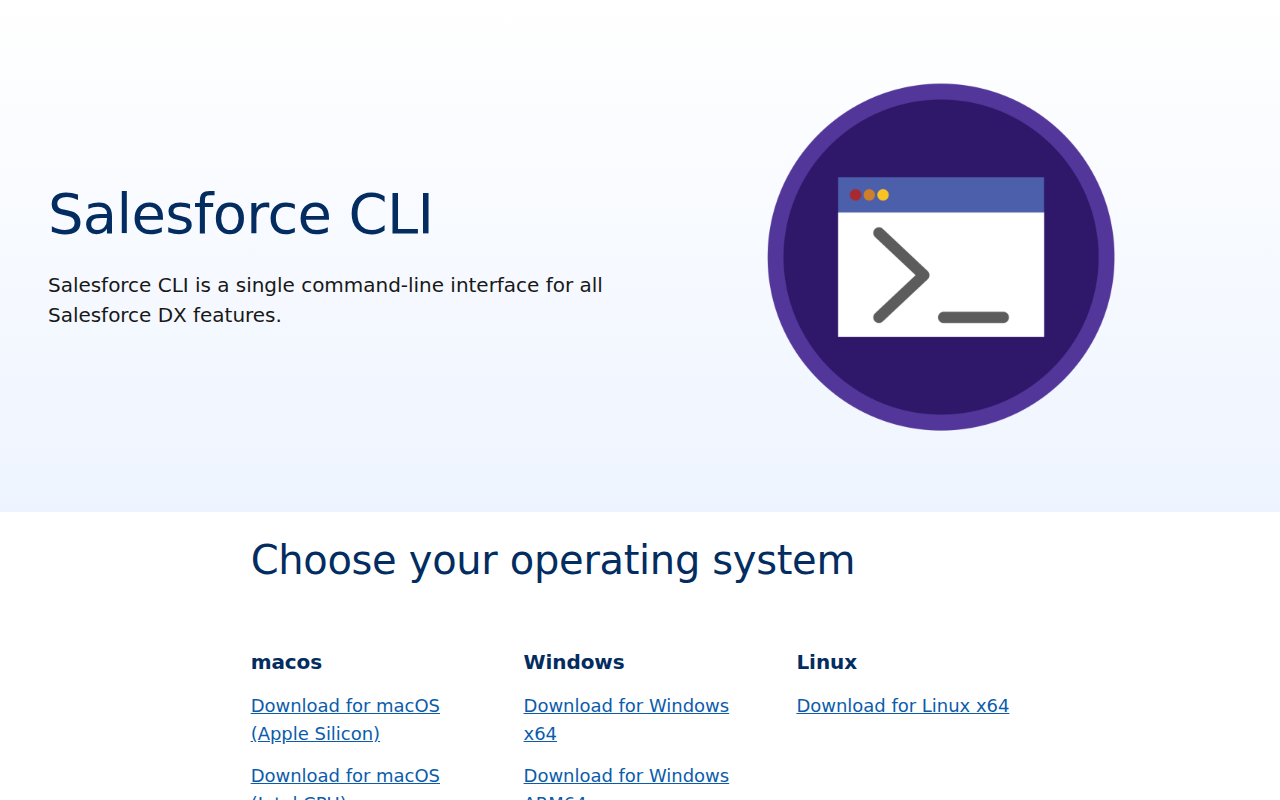
Salesforce CLI
CLI tools for Salesforce
Terminals & CLI
Script Kit
Create and run scripts
Terminals & CLI
IBM Cloud CLI
Command-line API client
Terminals & CLI
fig
Reimagine your terminal
AI Coding Agents
GitHub Copilot CLI
Brings the power of Copilot coding agent directly to your terminal
Terminals & CLI
Orka CLI
Orchestration with Kubernetes on Apple