
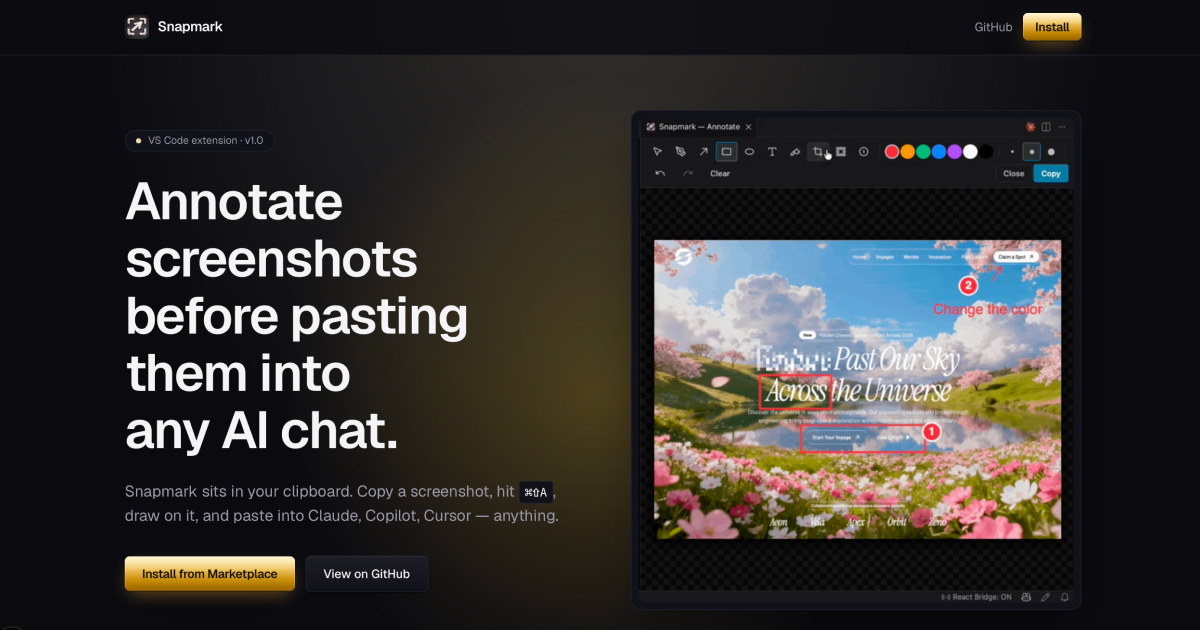
Snapmark
Annotate screenshots before pasting them into any AI chat
Snapmark is a VS Code extension that intercepts images on the clipboard, lets you draw annotations directly in the editor, and then copies the modified image back to the clipboard for pasting into any AI chat interface. The workflow consists of three steps: capture a screenshot with the operating‑system tool, trigger the annotator (⌘⇧A or Ctrl+Shift+A) to add blurs, numbered step callouts, or resize the image, and finally paste the result into services such as Claude, GitHub Copilot Chat, Cursor, or any other platform that accepts pasted images.
The extension focuses on three capabilities not typically provided by other tools: blurring sensitive regions to hide API keys, tokens, or personal data; adding numbered markers to guide a model through a UI sequence; and automatically compressing large screenshots to a maximum edge length of 1920 px to reduce token consumption for vision models. All processing occurs locally, with no telemetry or external network calls.
Snapmark is released as free, open‑source software and can be installed from the VS Code Marketplace. It is intended for developers and users who need to quickly prepare visual context for AI assistants without manually editing images in separate graphics programs.
Reviews
Loading reviews…
Similar apps
Screenshot & Screen Recording
LazyScreenshots - Screenshots for builders
One keystroke. Auto-paste into Claude. Zero context switching.
Screenshot & Screen Recording
Xnapper
Screenshot tool
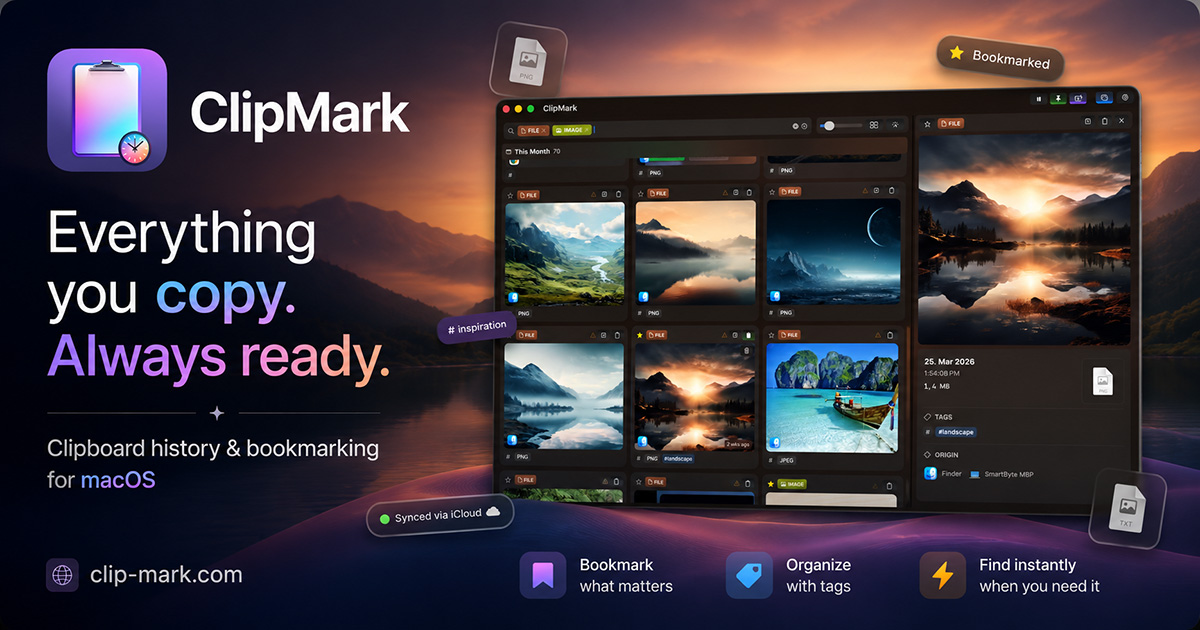
Clipboard, Input & Automation
ClipMark
Never lose anything you copy again
Task & Project Management
Screenshot Brain
Turn your screenshots into searchable AI knowledge
DevOps & Infrastructure
AutoKap - Automated Screenshots for SaaS
Your SaaS screenshots on autopilot, powered by your AI IDE
Code Editors & IDEs
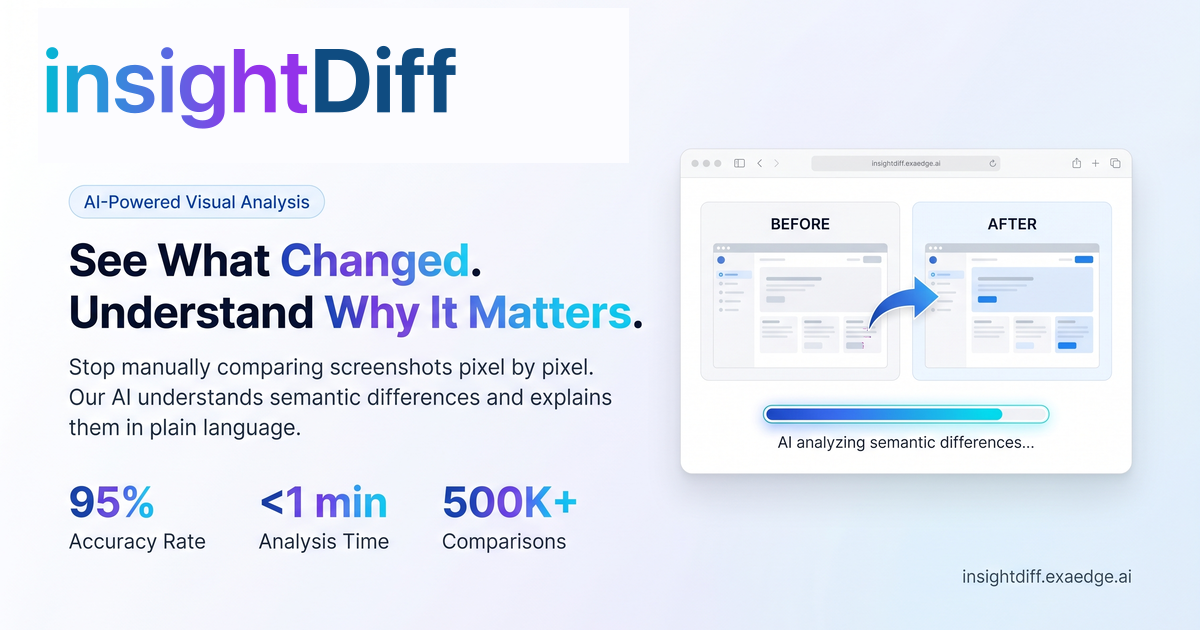
insightDiff
insightDiff — software product.