

Xnapper
Screenshot tool
Xnapper is a macOS‑only application that captures screenshots quickly and applies automatic visual enhancements. When a user initiates a capture, the tool balances the image composition, selects an appropriate background color or gradient, and can redact sensitive data such as email addresses, credit‑card numbers, IP addresses, or API keys with a single click. It also integrates macOS’s built‑in vision engine to recognize text within the screenshot, allowing users to select and copy it directly.
The app includes typical annotation features—arrows, shapes, text, blur—along with a history of recent captures and the ability to open images from files or the clipboard. Users can choose preset dimensions for social‑media sharing, customize background images, and compress the output. A global shortcut and a window‑capture mode streamline the workflow, and the software offers a free tier with an optional one‑time purchase to remove a watermark.
Xnapper targets creators and everyday Mac users who need fast, aesthetically balanced screenshots without manual editing. Its distinguishing aspects are automated composition, background handling, and on‑device text recognition, all delivered through a native macOS interface.
Reviews
Loading reviews…
Similar apps
Screenshot & Screen Recording
Xnip
Handy Screenshot App.
Screenshot & Screen Recording
PixPin
Screenshot tool
Screenshot & Screen Recording
Snapr
Screenshot, record, annotate & edit video in one app

Photo & Video Management
CleanShot X
Discover a superior way to capture your Mac's screen.
Screenshot & Screen Recording
SnapNDrag
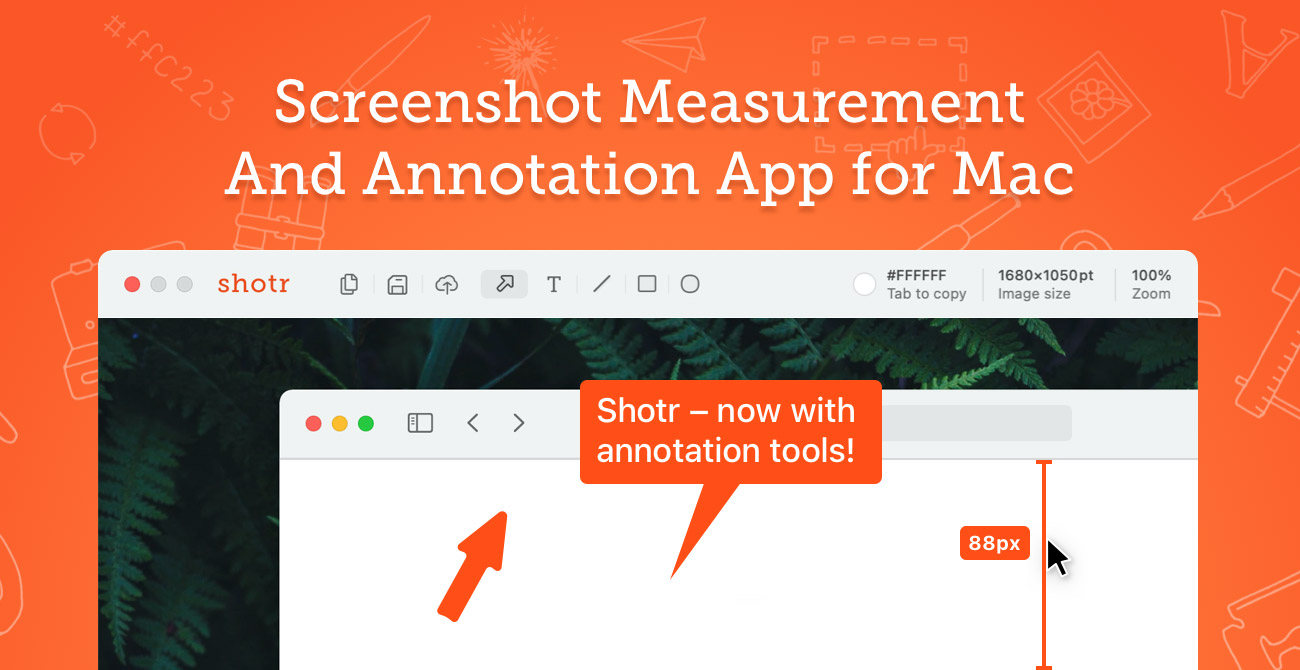
Screen capture application
Screenshot & Screen Recording
Shottr
Screen capture application with features like Scrolling capture, OCR and markup.