

Space Capsule
Spaces management tool
Space Capsule provides a keyboard‑driven interface for navigating macOS virtual desktops, known as Spaces, arranging them in a grid layout. Users can jump to a specific Space by name, using the keyboard, cursor, or trackpad gestures, and the app highlights the current location within the grid for quick visual reference. The tool operates without needing elevated system privileges, except for optional accessibility access to capture trackpad gestures, and it does not collect or transmit user data.
The application is targeted at macOS users who want faster, more organized access to their multiple workspaces, especially those who prefer keyboard shortcuts over mouse clicks. It supports the “Displays have separate Spaces” setting, which is required for full functionality, and it respects macOS limitations by not allowing creation, deletion, or window movement between Spaces from within the app.
Space Capsule is distributed as a stable macOS‑only product, offering a free trial period before purchase. Its design focuses on minimal intrusion and privacy, handling only the input needed to display the Space grid and navigate between existing desktops.
Reviews
Loading reviews…
Similar apps
Window & Desktop Management
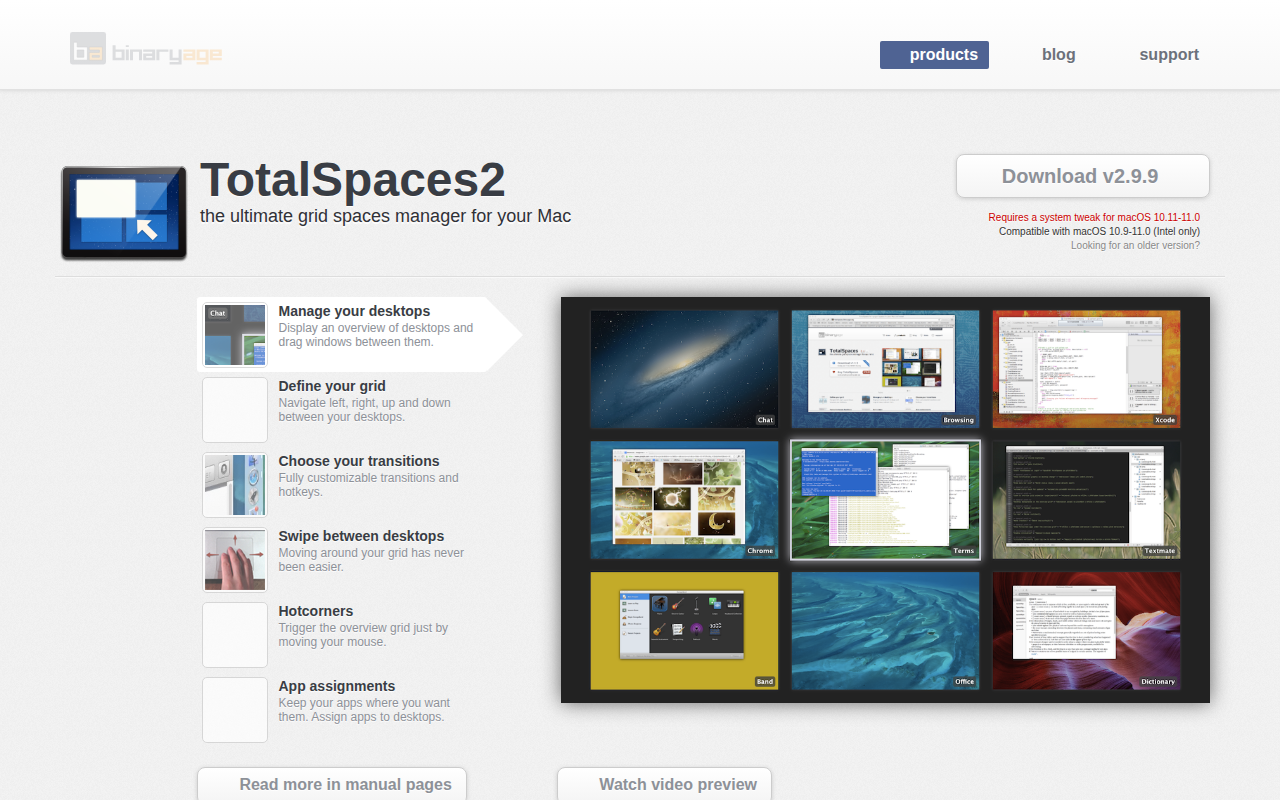
Total Spaces
Workspace manager with hotkeys and spatial overview.
Window & Desktop Management
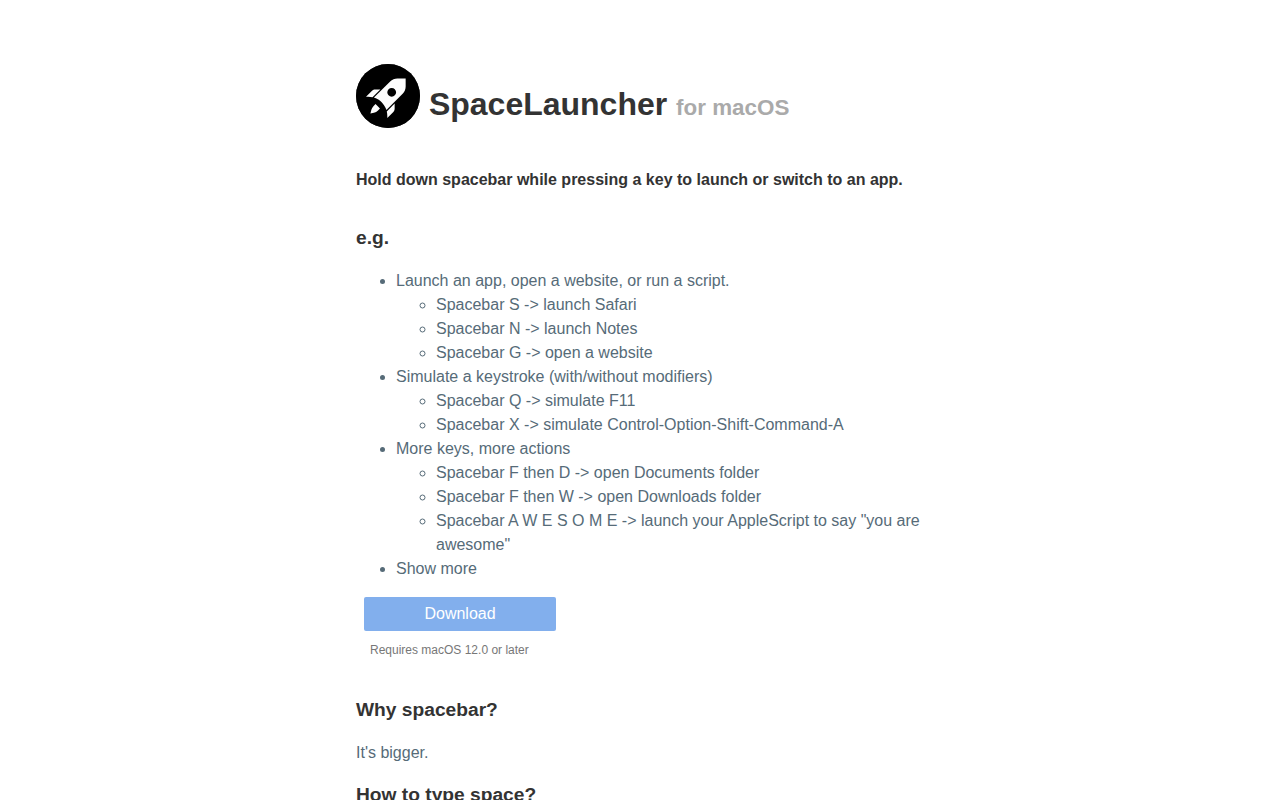
SpaceLauncher
App launcher/switcher
Window & Desktop Management
FlashSpace
Virtual workspace manager
Window & Desktop Management
WhichSpace
Active space menu bar icon
Design & UI Prototyping
SpaceSaver
Application designed to help you manage and optimize your workspace
Window & Desktop Management
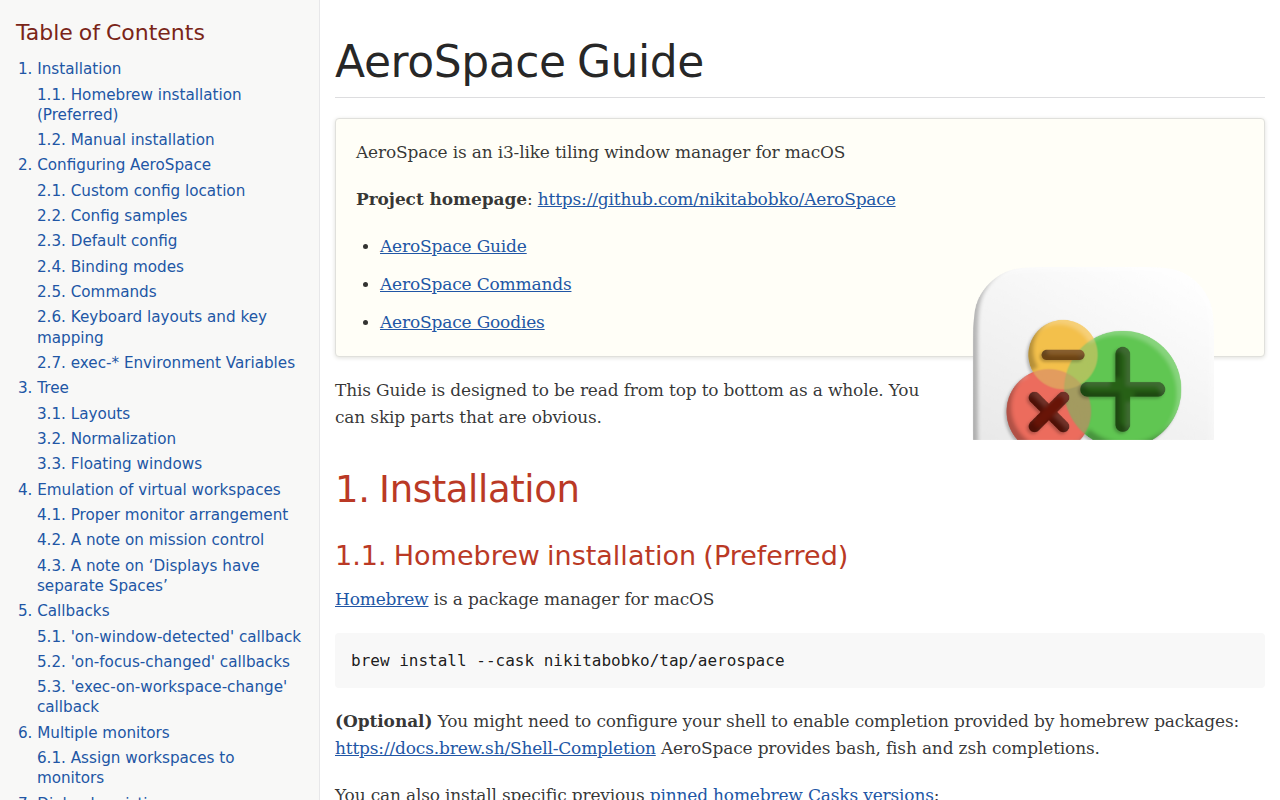
AeroSpace
i3-like tiling window manager for macOS.