
WhichSpace
Active space menu bar icon
WhichSpace adds a menu‑bar icon that reflects the active macOS Space and lets users switch between Spaces with a single click. It can display only the current Space or all Spaces, and supports multiple monitors by showing each display’s Spaces side‑by‑side with a separator. Users may customize the appearance per Space—choosing foreground and background colors, icons, symbols, emojis, badges, or custom text labels—and adjust icon size and padding to fit their preferences.
Beyond visual tweaks, the app offers optional sound feedback when changing Spaces, using built‑in macOS sounds or user‑provided files placed in the Library/Sounds folder. AppleScript commands expose the current space number, label, and a method to switch to a specific space, enabling automation and integration with other workflows. The utility runs automatically at login, updates itself, and is available via Homebrew Cask or direct download, with support for multiple languages.
Reviews
Loading reviews…
Similar apps
Window & Desktop Management
SpaceId
Menu bar indicator showing the currently selected space
Window & Desktop Management
FlashSpace
Virtual workspace manager
Window & Desktop Management
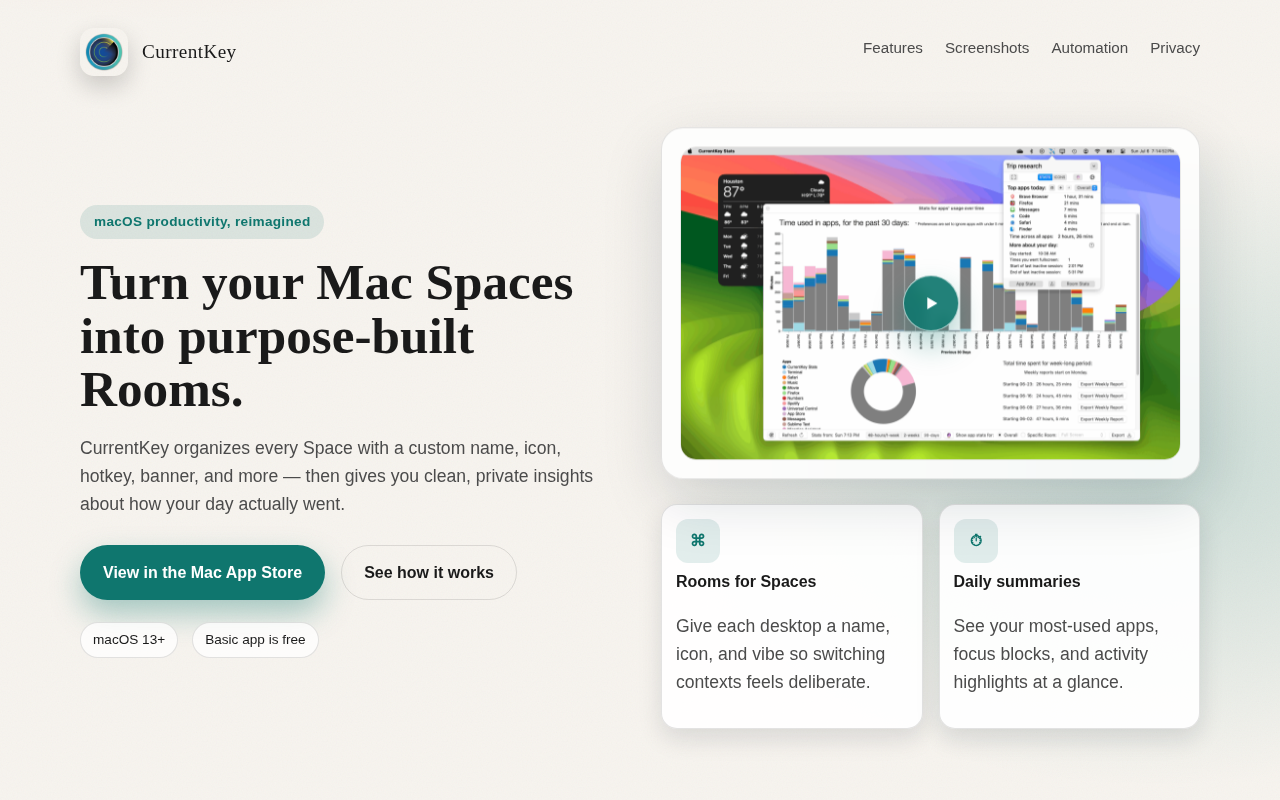
CurrentKey
Add custom names and icons to Spaces and track app usage time.

Window & Desktop Management
Space Capsule
Spaces management tool
Window & Desktop Management
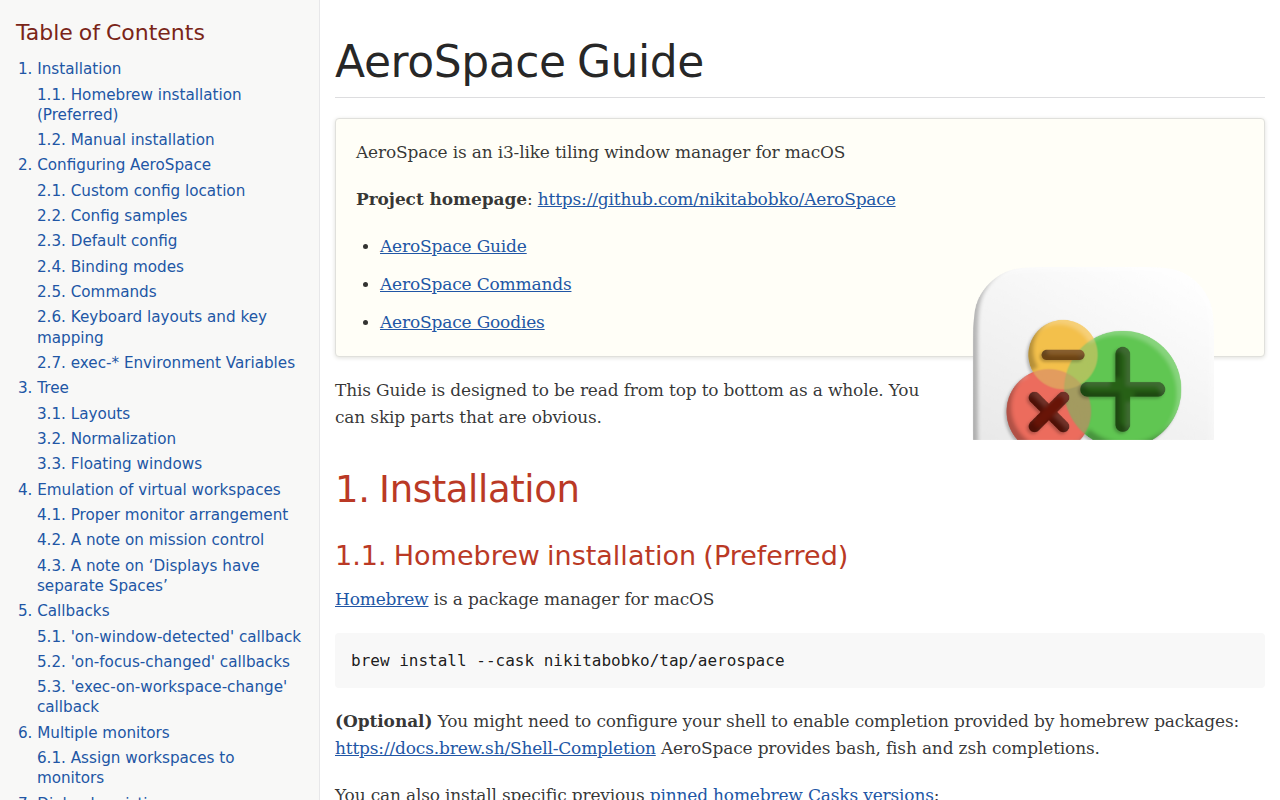
AeroSpace
i3-like tiling window manager for macOS.
Window & Desktop Management
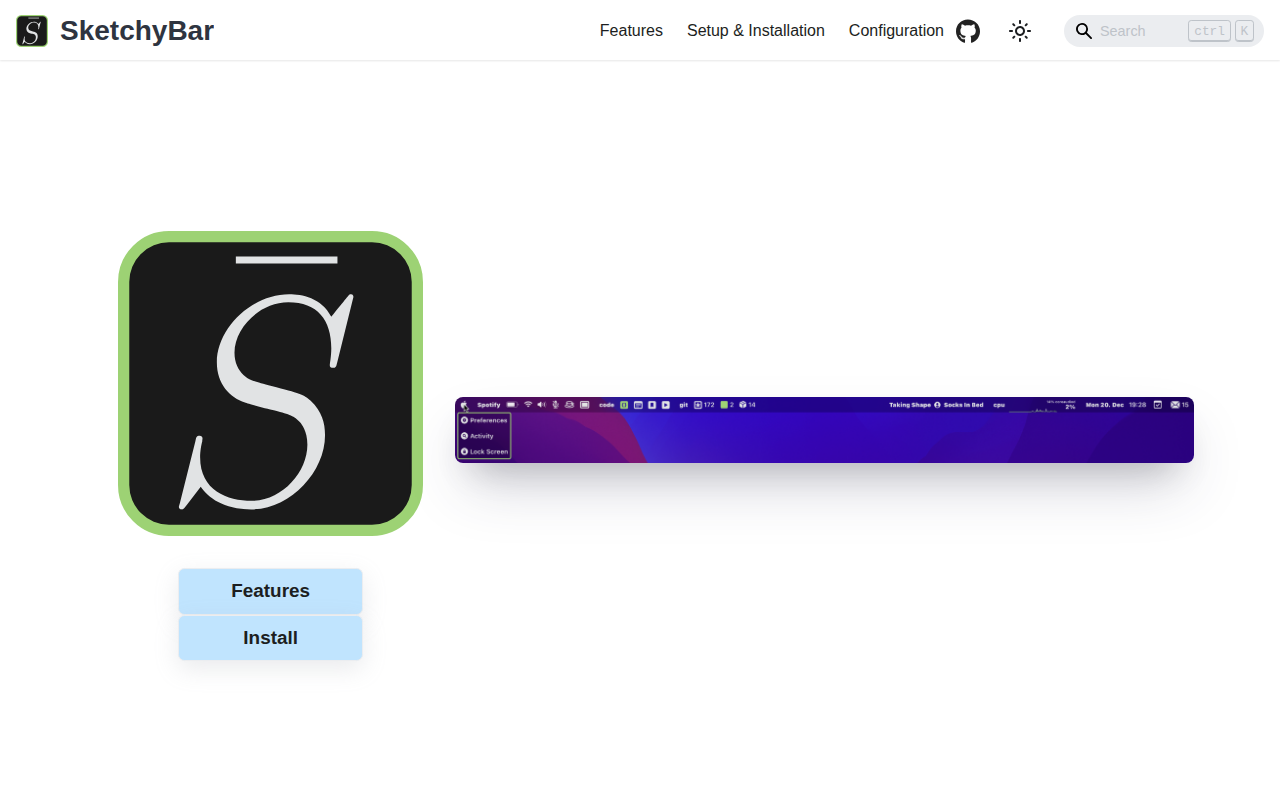
SketchyBar
A highly customizable macOS status bar replacement.