
Statusfy
Spotify in the status bar
Statusfy places Spotify controls directly in the macOS status bar, allowing users to view track information and manage playback without opening the full application. The interface shows the current song title, artist, and album art, and provides buttons for play, pause, skip, and volume adjustments. By residing in the menu bar, it offers quick access while keeping the desktop uncluttered.
The tool is targeted at macOS users who regularly listen to Spotify and prefer a lightweight, always‑available control surface. It is useful for those who want to monitor and control music while working in other applications, such as browsers, editors, or terminal windows. The status‑bar placement means the controls are reachable from any foreground app.
Statusfy is distributed as a stable macOS binary and can be downloaded from its GitHub releases page. It requires no additional configuration beyond installing the provided package, and it integrates directly with the Spotify client to reflect the current playback state in real time.
Reviews
Loading reviews…
Similar apps
Window & Desktop Management
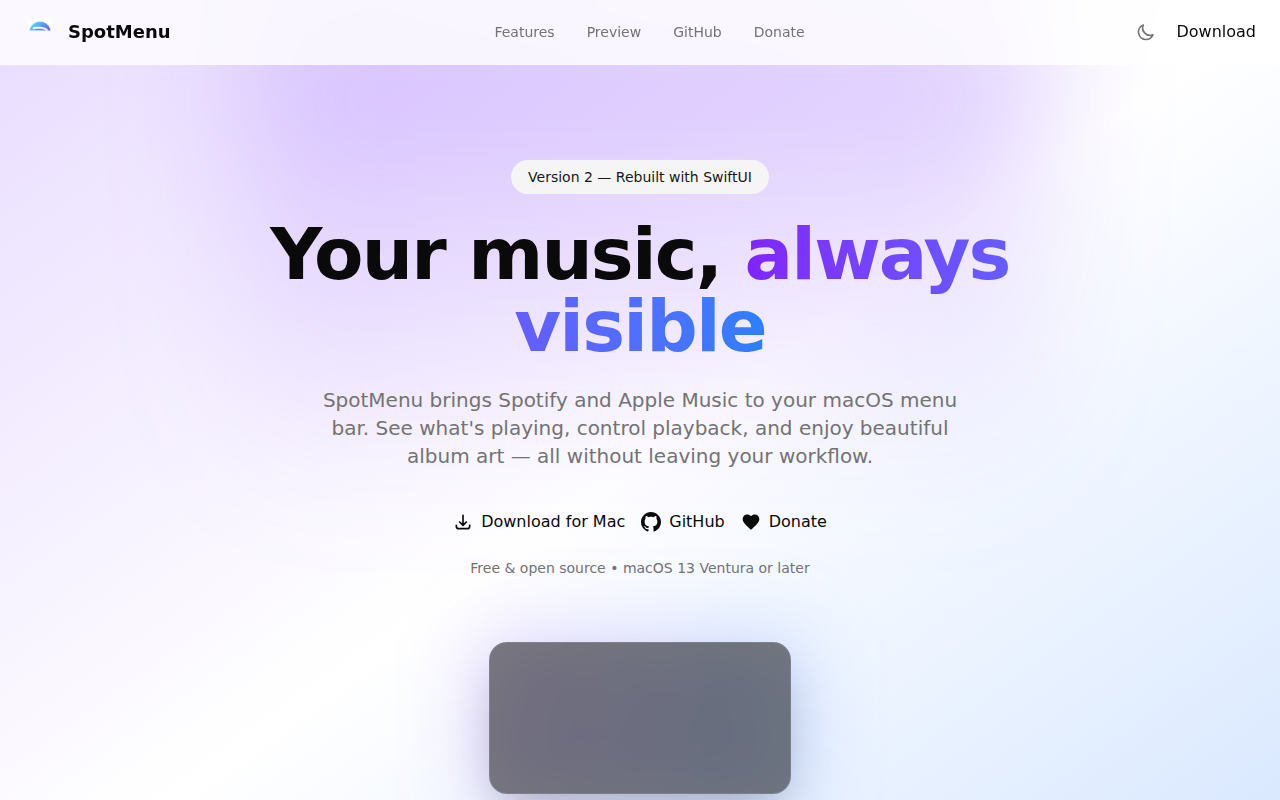
SpotMenu
Spotify and iTunes in your menu bar.
Music Players & Streaming
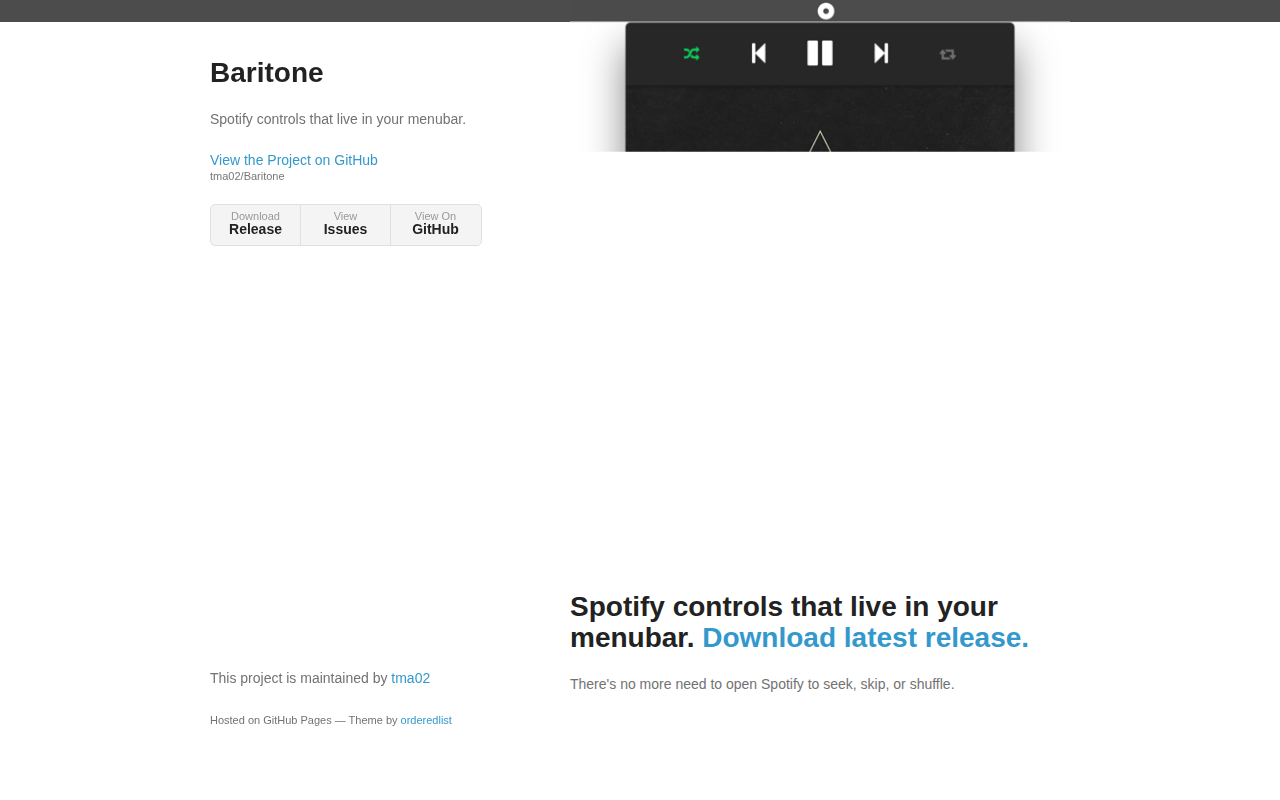
Baritone
Spotify controls that live in the menu bar
System Monitoring & Maintenance
Spotifly
Lightweight Spotify player focused on fast playback control.

Music Players & Streaming
Lofi
Spotify player with WebGL visualisations
Music Players & Streaming
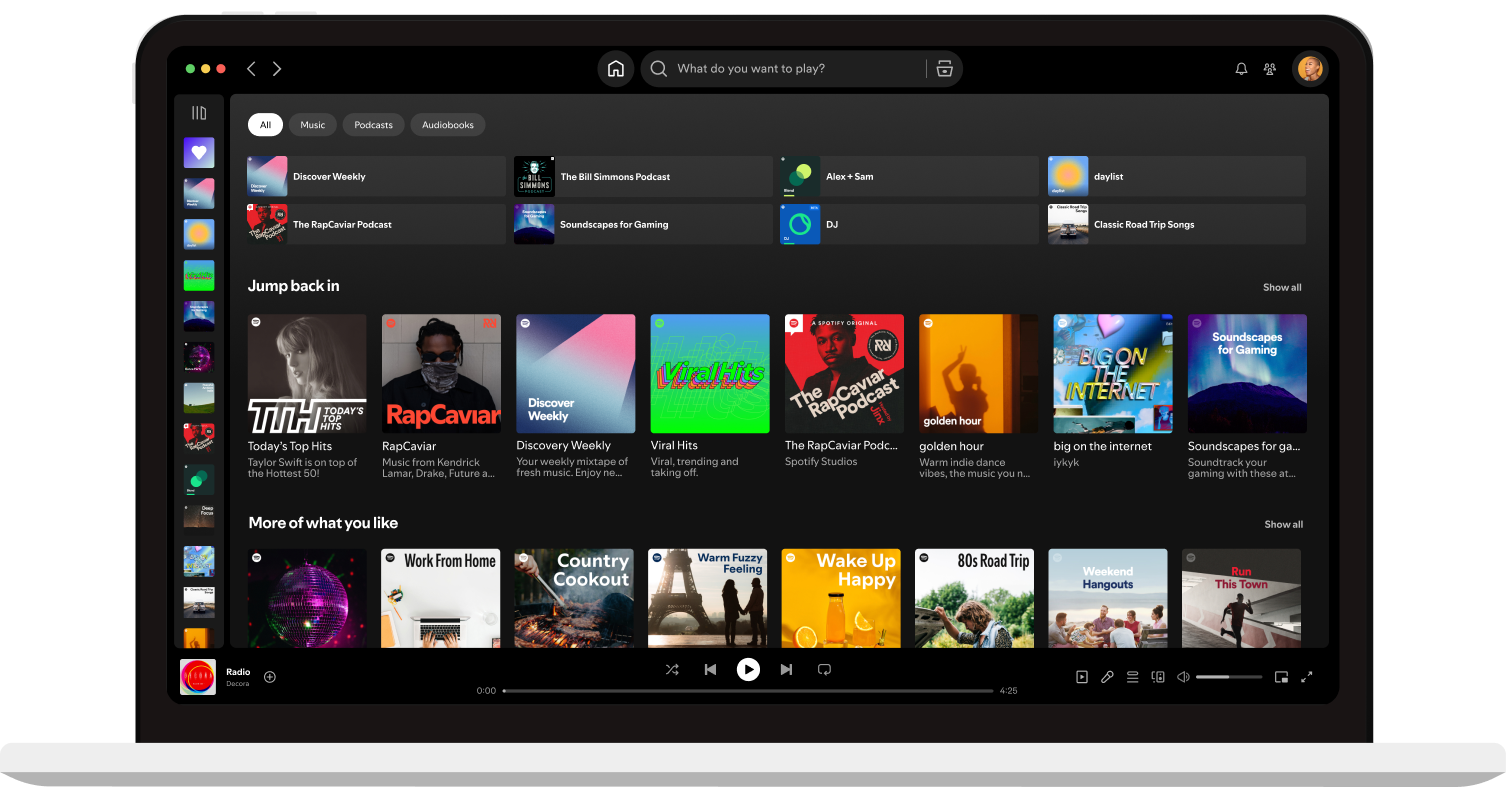
Spotify
Music streaming service
Window & Desktop Management
Spotify4BigSur
Implements a Widget for Spotify in the Notification Center