
Table Tool
CSV file editor
The application provides a native macOS interface for opening, viewing, and editing CSV files. When a file is loaded, it automatically determines the delimiter, character encoding, decimal separator, and quoting style, allowing the data to be displayed in a grid without manual configuration. Users can modify individual cells, rows, or columns directly in the table view and can also change the detected specifications if needed.
In addition to editing, the program can convert an existing CSV file to a different format by applying a new set of specifications, making it useful for preparing data for other spreadsheet or database tools. The focus is on simple, spreadsheet‑free manipulation of tabular data; features such as formulas or advanced formatting are intentionally omitted.
The project is maintained by a small team of contributors and is released under the MIT License, with source code and issue tracking available on GitHub. It is distributed through the Mac App Store and is classified as a stable, core macOS productivity tool.
Reviews
Loading reviews…
Similar apps
Wikis & Collaborative Docs
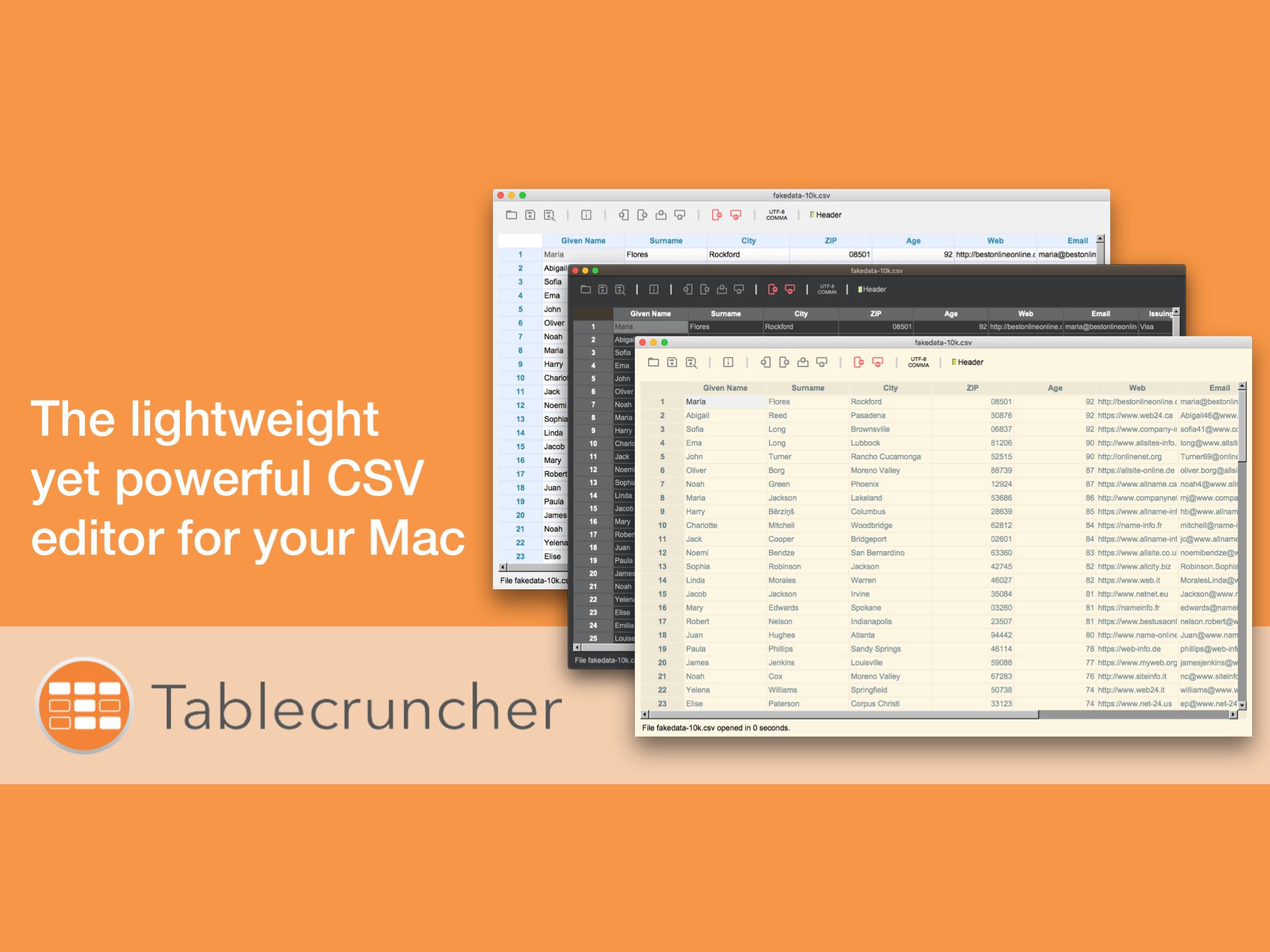
Tablecruncher
Lightweight CSV editor
System Monitoring & Maintenance
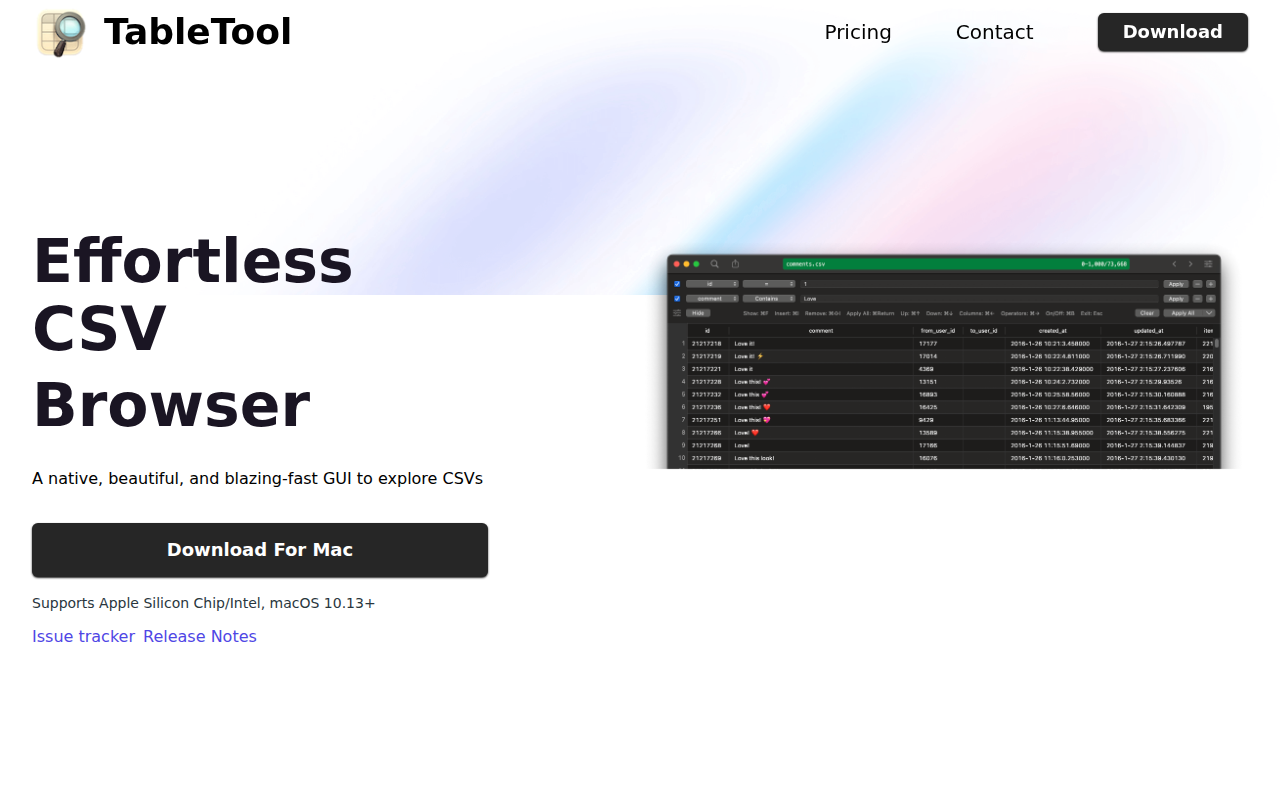
TableTool
Effortless CSV Browser!

Task & Project Management
SmoothCSV
CSV editor

File Management & Transfer
Comma Chameleon
CSV editor
Markdown Editors
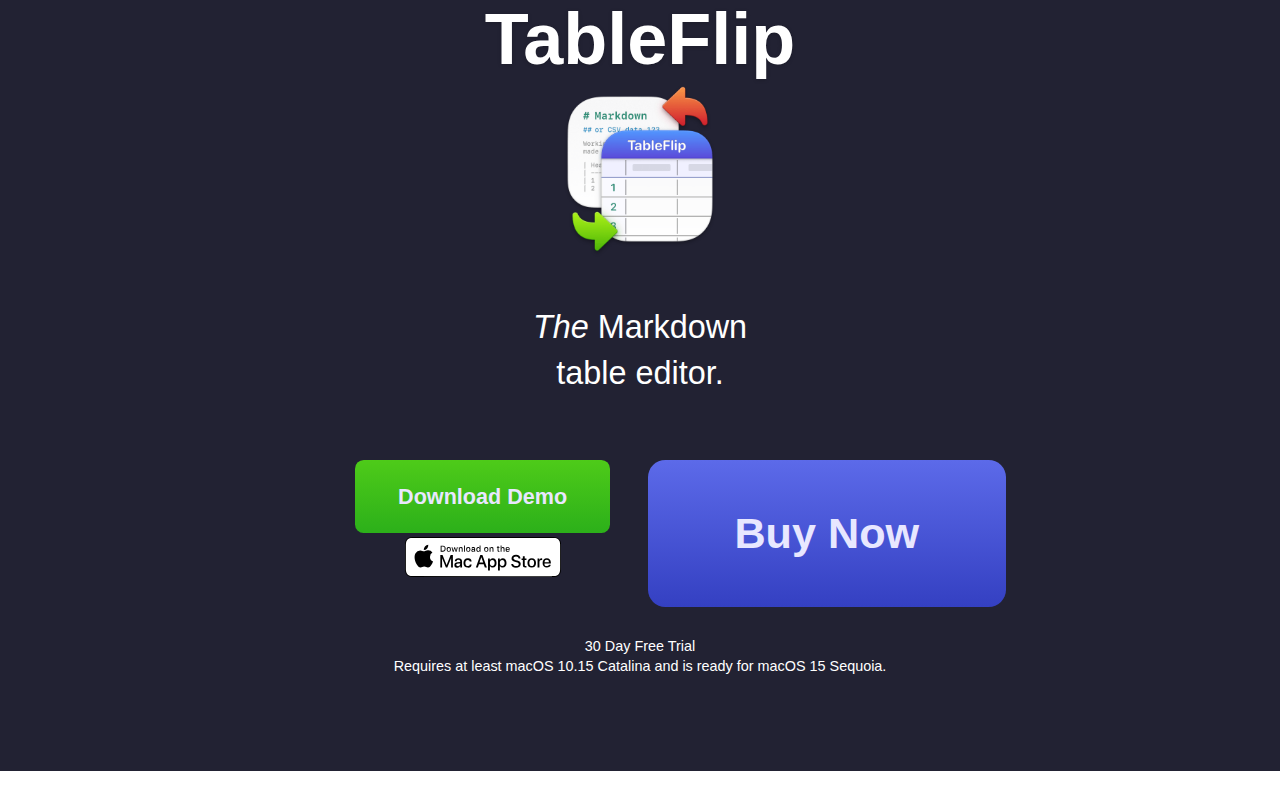
TableFlip
Edit plain text tables in place: Markdown, CSV, JSON. LaTeX and HTML export
Task & Project Management
QuickLookCSV
Quick Look plugin for CSV files