

Taphouse
Native GUI for Homebrew package management
Taphouse provides a native graphical interface for managing Homebrew packages on macOS, allowing users to browse, install, update, and uninstall software without using the terminal. It presents the Homebrew catalog visually, supports searching through thousands of packages, and shows real‑time progress during installations and removals. The application also includes tools for cleaning up old versions, caches, and unused dependencies to recover disk space.
The GUI extends Homebrew’s capabilities with service management, letting users start, stop, and restart background services, and offers a health dashboard that highlights outdated packages, orphaned items, and overall system health. Additional features include a security scanner that checks installed packages for known CVEs and a release‑notes preview that fetches change logs from GitHub releases.
Designed for macOS 13 and later, Taphouse runs as a fully native SwiftUI app and supports multiple languages. It is free to use, requires no account, and works on both Intel and Apple‑silicon Macs, providing a visual alternative to command‑line Homebrew operations.
Reviews
Loading reviews…
Similar apps
Terminals & CLI
Brewy
Simple Homebrew GUI
Terminals & CLI
Cakebrewjs
Homebrew GUI app

System Monitoring & Maintenance
Applite
User-friendly GUI app for Homebrew
System Monitoring & Maintenance
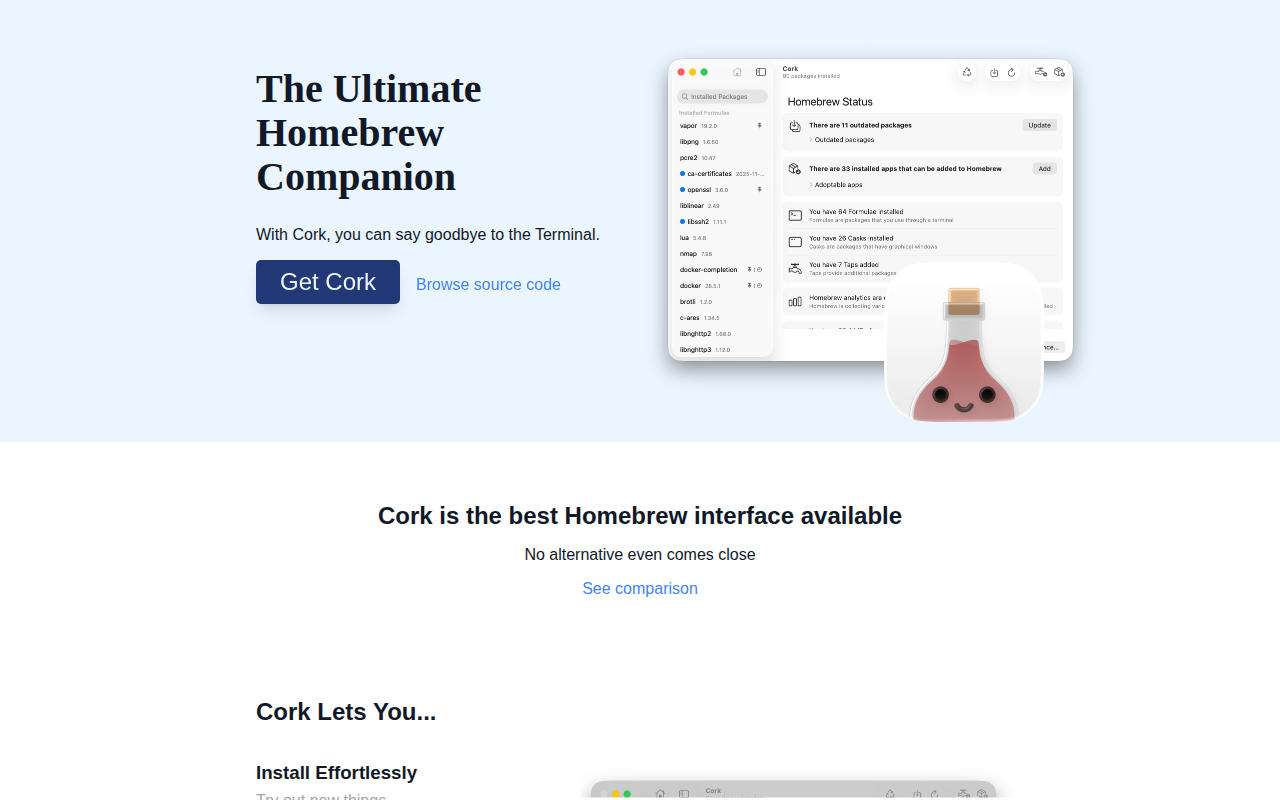
Cork
GUI companion app for Homebrew
System Monitoring & Maintenance
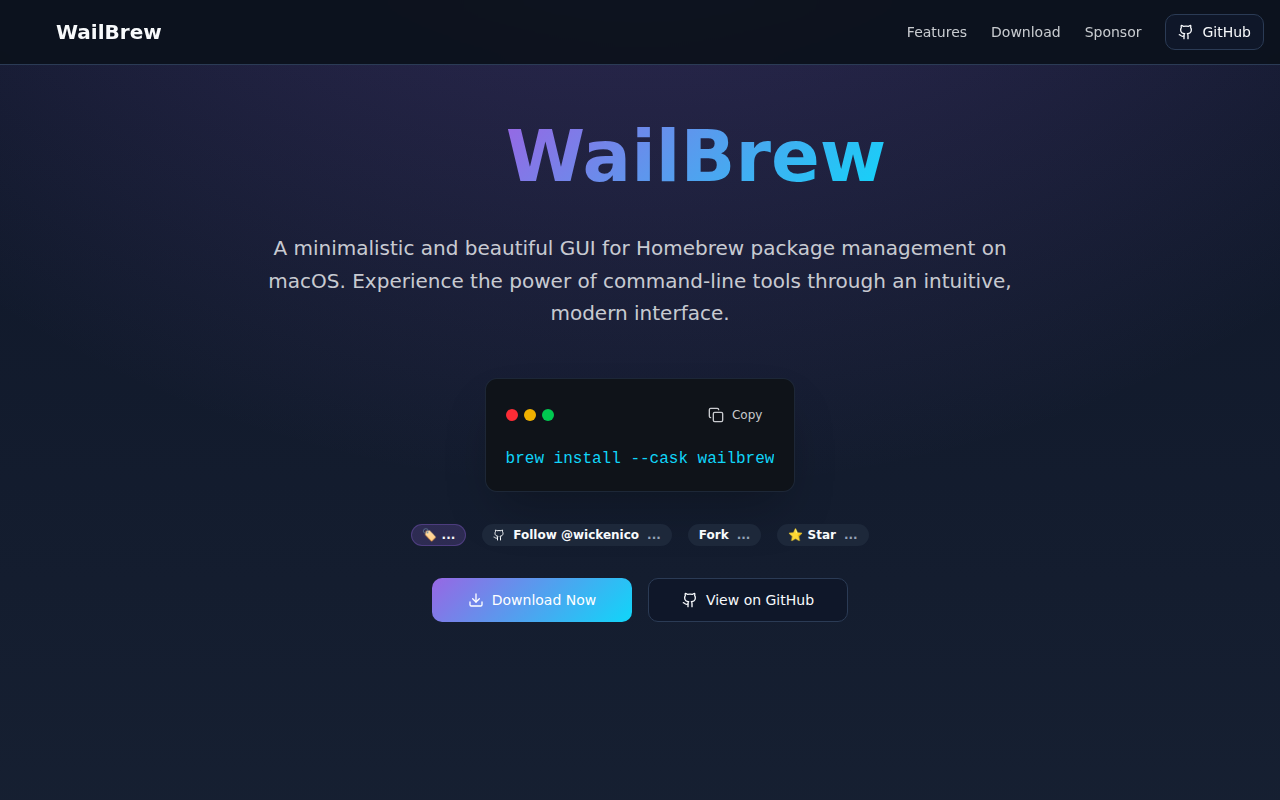
WailBrew
Manage Homebrew packages with a UI

DevOps & Infrastructure
Kubeterm
Kubernetes graphical management tool