

Typora
Truly minimal Markdown editor featuring seamless live preview.
The editor provides a seamless writing experience by integrating the preview directly into the editing area, eliminating separate view panes and mode switches. Markdown syntax is rendered in real time, allowing users to focus on content without visual clutter. It supports a full range of Markdown elements—including headings, lists, tables, code fences, mathematical expressions, diagrams, and inline styles—while offering features such as drag‑and‑drop image insertion, cloud‑based image upload on macOS, and customizable CSS for personalized styling.
For technical writing and note‑taking, the tool includes syntax highlighting for roughly one hundred programming languages, line numbers, and a live error hint system. Tables can be resized by dragging, and shortcuts enable quick creation and reordering of tables and lists. Task lists, internal header links, and automatic table‑of‑contents generation further aid organization.
Additional capabilities cover mathematical notation via MathJax extensions, auto‑numbered equations, and diagram rendering through flowchart.js, Mermaid, and SVG sequence diagrams. Emoji input and support for relative image paths make it suitable for blogging and documentation workflows.
Reviews
Loading reviews…
Similar apps

Markdown Editors
Typora
Configurable document editor that supports Markdown
Markdown Editors
Marxico
Delicate Markdown editor for Evernote. Reliable storage and sync.

Markdown Editors
Notable
Markdown-based note-taking app that doesn't suck
Markdown Editors
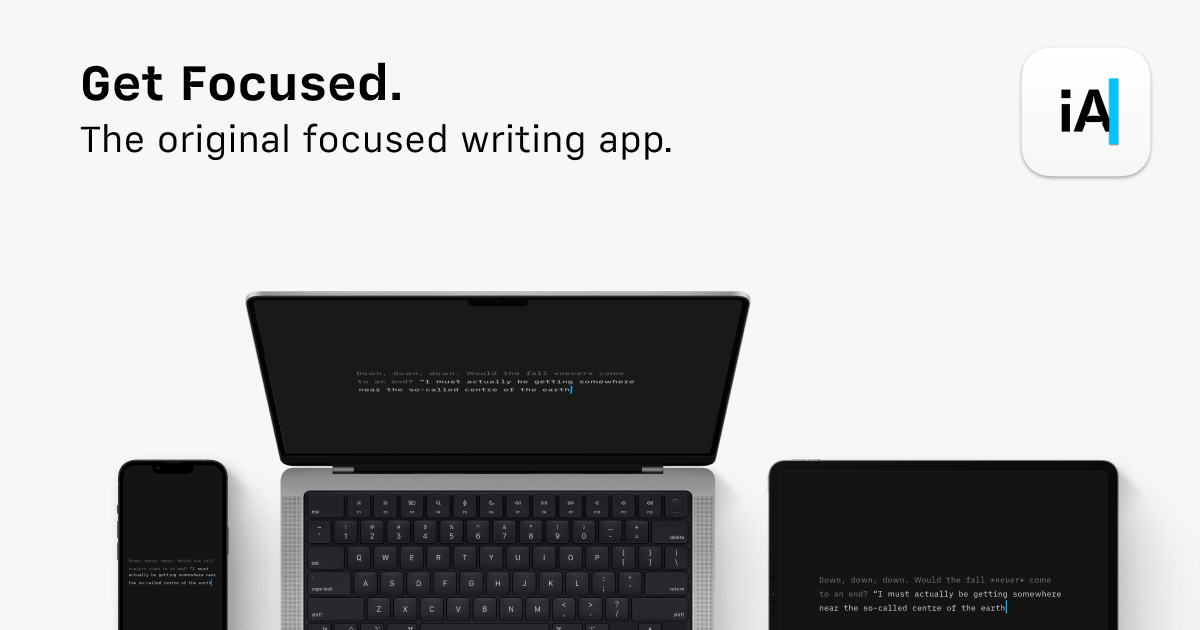
iA Writer
Writing app with an emphasis on simplicity and design.
Markdown Editors
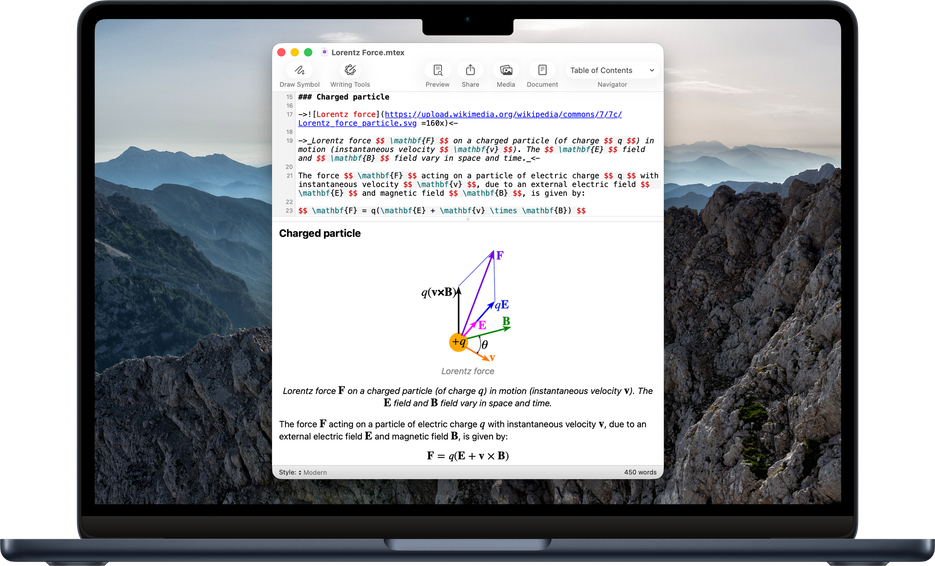
Archimedes
Native macOS Markdown editor geared toward mathematical writing with inline LaTeX support.
Markdown Editors
(Un)colored
Rich text (HTML & Markdown) editor that saves documents with themes