
ultracopier
Replacement for files copy dialogs
Ultracopier replaces the standard file‑copy dialogs, offering users more control over copy and move operations. It presents options for handling collisions—such as overwriting newer files, always overwriting, or retrying later—so that accidental data loss is reduced. The software also includes a collision manager, error handling, and detailed speed information, helping both casual and advanced users manage large transfers more reliably.
The program runs on macOS, Windows, and Linux, and can use either an internal buffer/threaded copy engine or the native operating‑system copy routine to achieve optimal performance for different storage configurations, including network‑attached storage. Users can customize the interface with multiple skins, plugins, and advanced renaming rules, and the application supports multiple languages.
A free version provides core functionality, error recovery, and collision management, while an optional paid upgrade adds features such as checksum verification, pause/resume, speed limits, and professional support. The source code is available under an open‑source license.
Reviews
Loading reviews…
Similar apps
File Management & Transfer
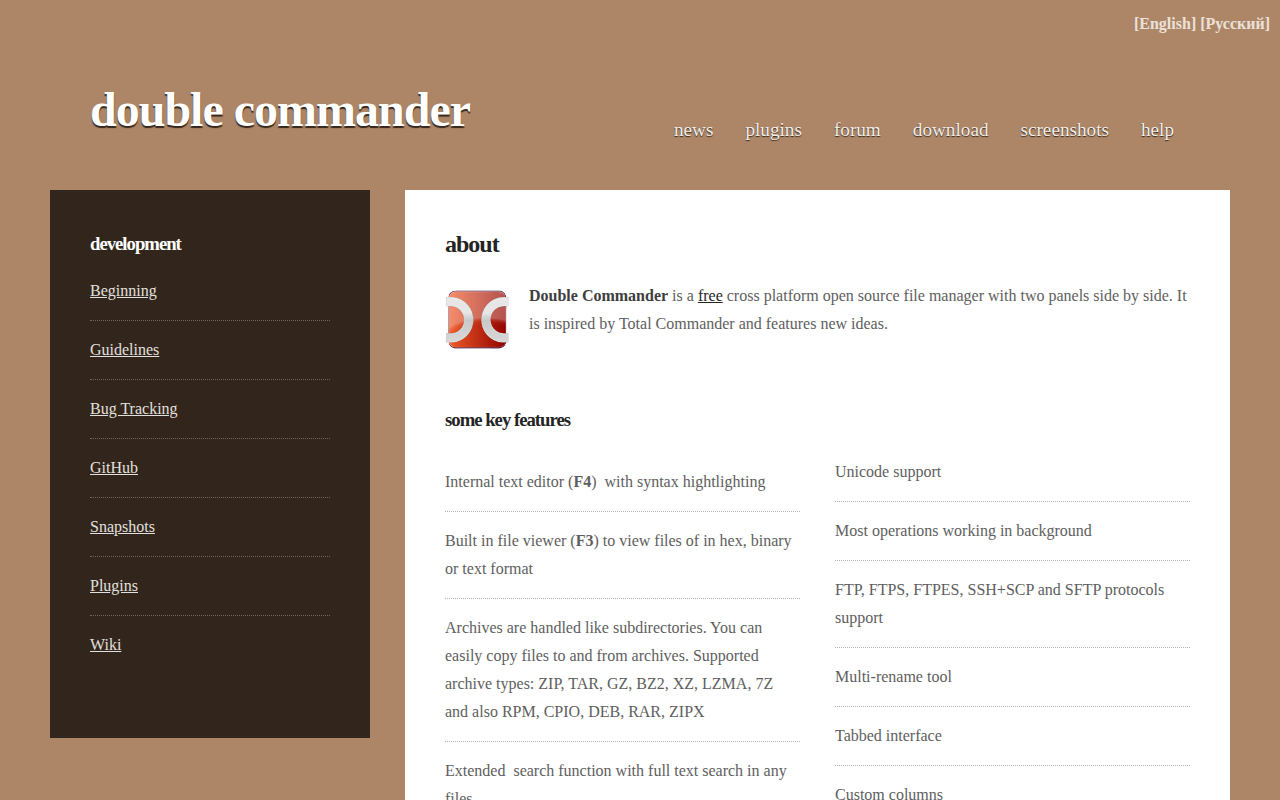
Double Commander
File manager with two panels
File Management & Transfer
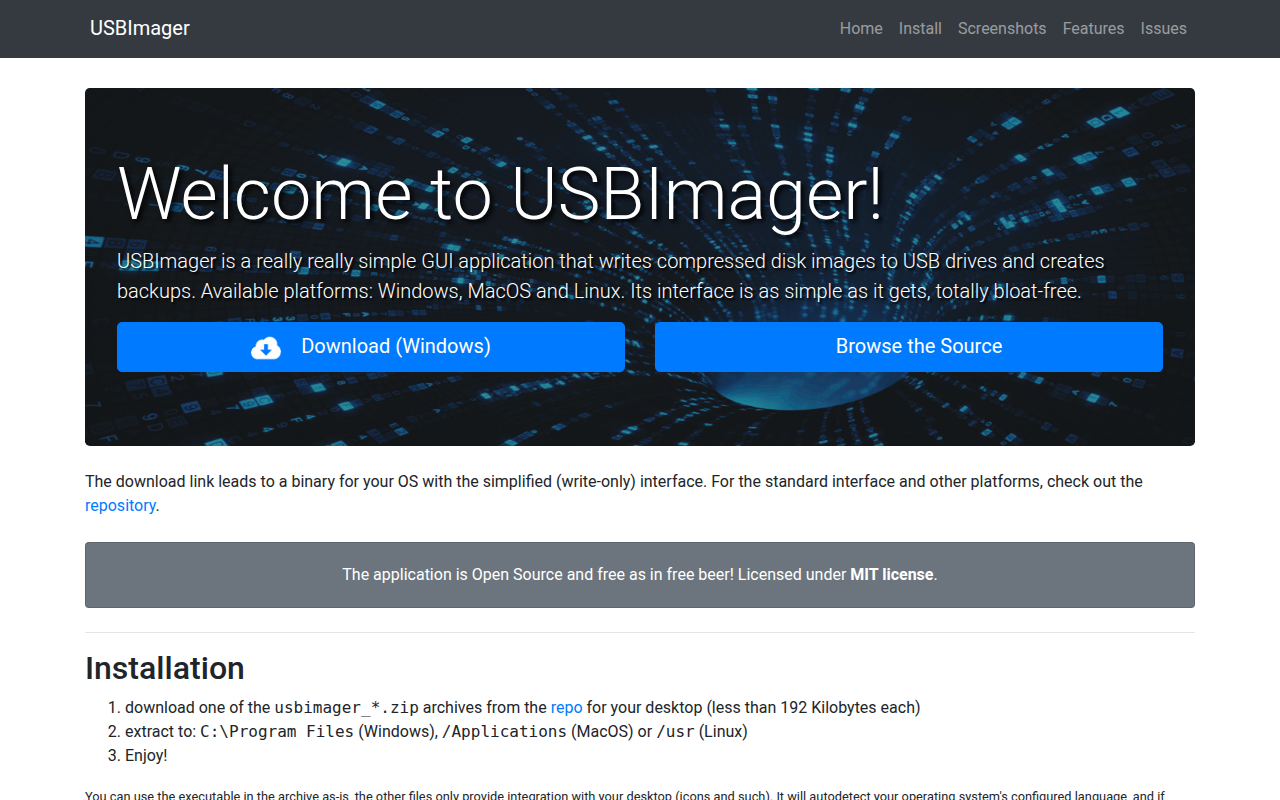
USBImager
Very minimal GUI app that can write/read to disk images and USB drives

File Management & Transfer
FreeFileSync
Folder comparison and synchronization software
File Management & Transfer
Carbon Copy Cloner
Hard disk backup and cloning utility
File Management & Transfer
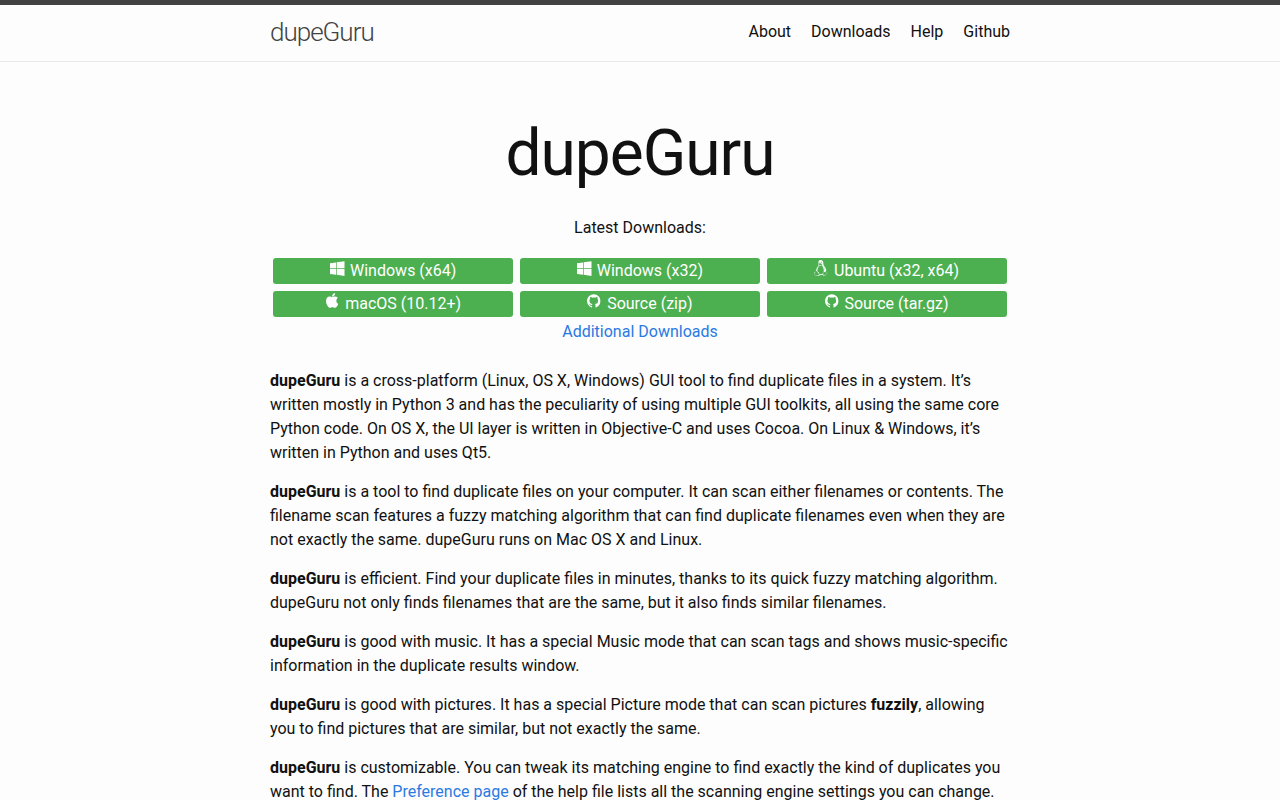
dupeGuru
Finds duplicate files in a computer system

File Management & Transfer
KopiaUI
Backup/restore tool