
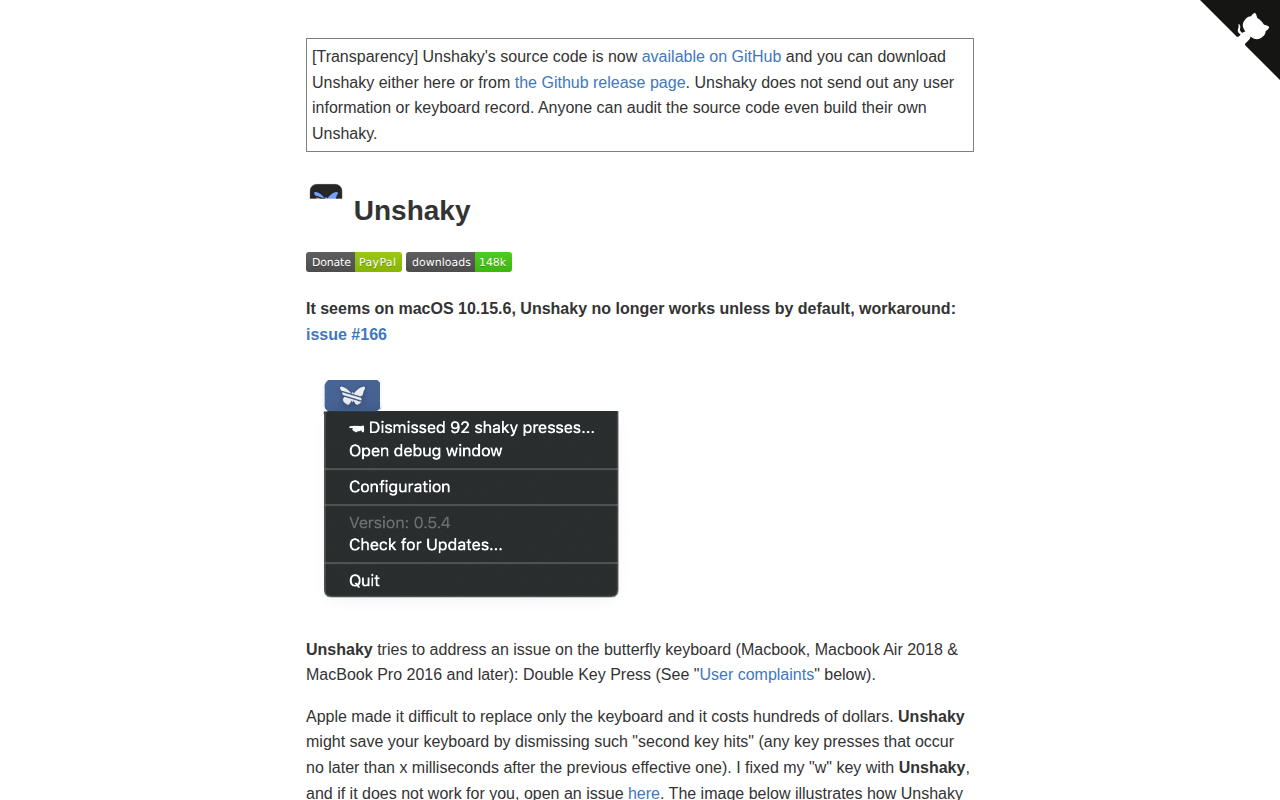
Unshaky
Software fix for double key presses on Apple's butterfly keyboard
Unshaky runs as a background macOS utility that intercepts keyboard events and suppresses any key press occurring within a configurable short interval after a previous effective press. By filtering out these rapid successive events, it prevents the double‑key‑hit behavior reported on Apple’s butterfly‑style keyboards in MacBook and MacBook Air models from 2016 onward. The program is installed as a standard macOS app, placed in the Applications folder, and requires Accessibility permission to monitor input.
The tool is aimed at owners of affected MacBooks who experience unintended duplicate characters when typing, a problem that Apple’s hardware repair program does not always resolve promptly. Users can adjust the time window that defines a “second hit” to match the responsiveness of their particular keyboard, allowing normal rapid typing while blocking the spurious repeats.
Unshaky is maintained in a stable, maintenance‑only mode; updates focus on bug fixes and compatibility with newer macOS releases. It is distributed as a free download from its GitHub releases page, with source code and issue tracking available for community contributions.
Reviews
Loading reviews…
Similar apps
Clipboard, Input & Automation
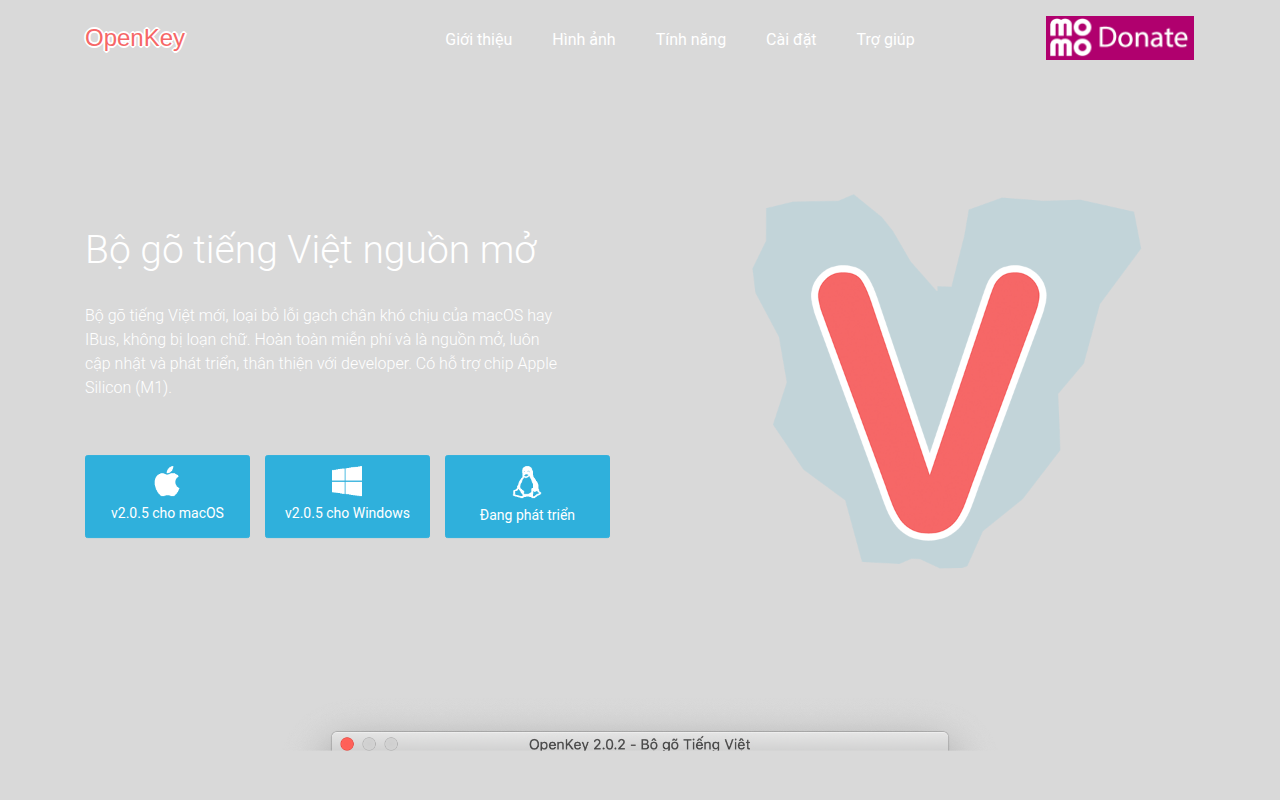
OpenKey
Vietnamese input system
Clipboard, Input & Automation
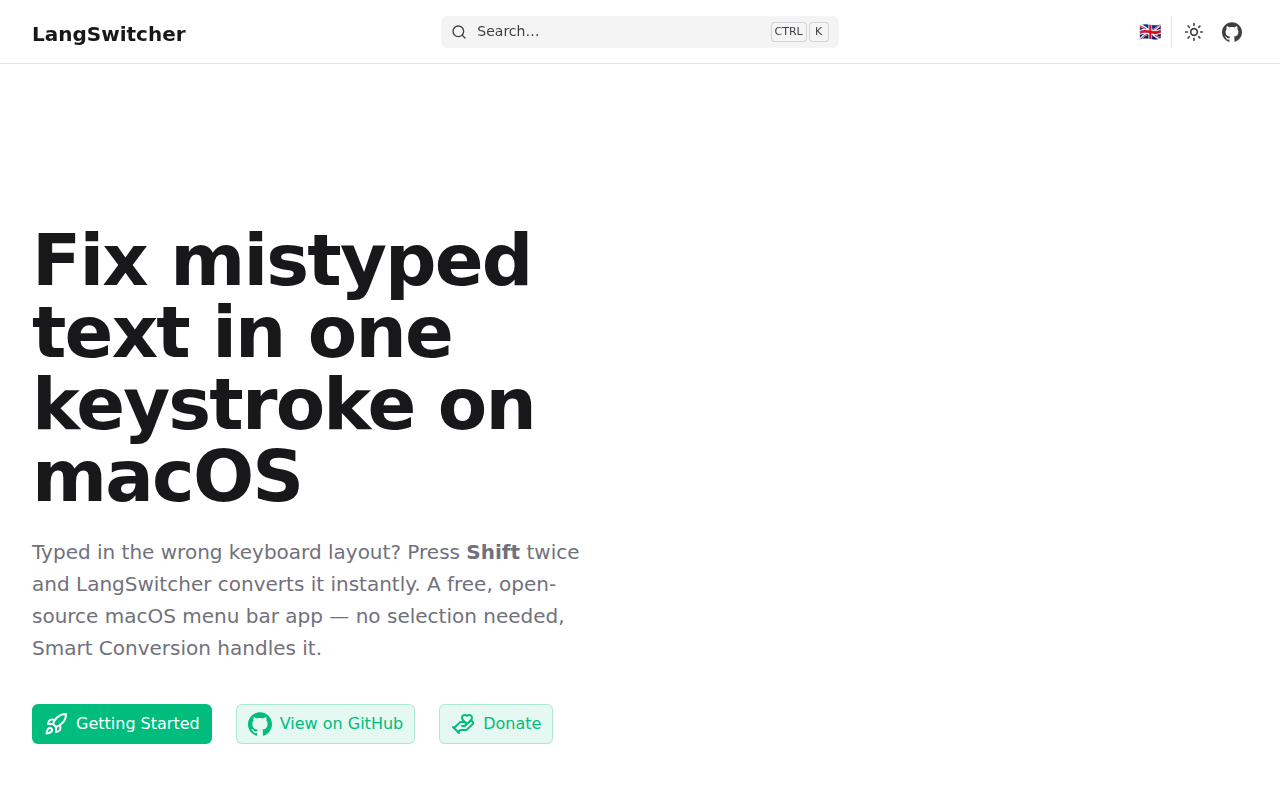
LangSwitcher
Keyboard layout converter for mistyped text.
Clipboard, Input & Automation
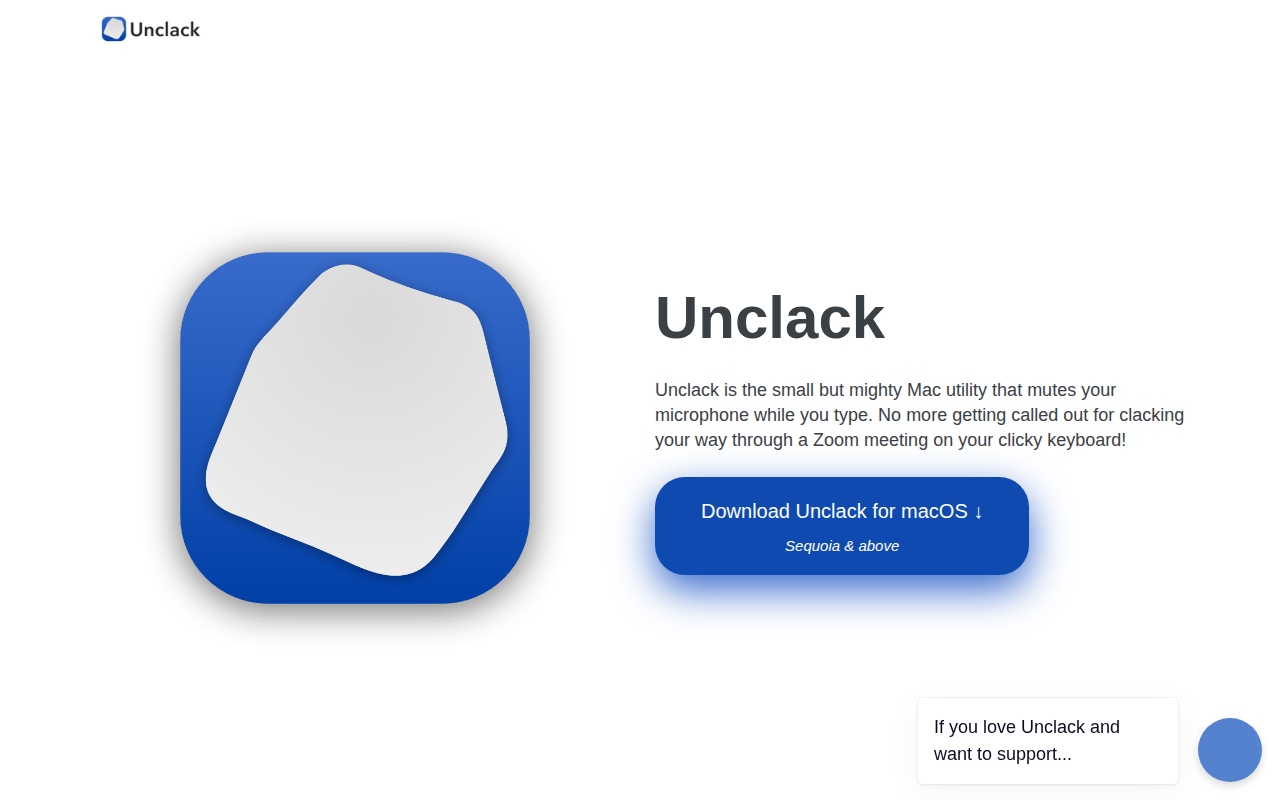
Unclack
Mutes your keyboard while you type
Clipboard, Input & Automation
CapsLockNoDelay
Removes caps-lock key activation delay for fast typers.
Clipboard, Input & Automation
XKey
Vietnamese input method engine
Clipboard, Input & Automation
HapticKey
Trigger haptic feedback when tapping Touch Bar