
uPic
macOS native app, powerful terse image hosting client.
uPic is a native macOS client for uploading images and files to a variety of online hosting services. It runs from the menu bar, monitors upload progress, and automatically copies the resulting URL to the clipboard, supporting plain URLs, HTML, or Markdown formats. Users can upload by selecting files in Finder, pasting from the clipboard, capturing screenshots, or dragging items onto the status‑bar icon, with configurable global shortcuts for each method.
The application integrates with many popular providers, including SMMS, UPYUN USS, Qiniu KODO, Alibaba Cloud OSS, Tencent Cloud COS, Baidu Cloud BOS, Weibo, GitHub, Gitee, Amazon S3, Imgur, and custom APIs. It offers a simple interface for configuring accounts and choosing the desired link format, making it convenient for blogging, chat, or documentation workflows.
uPic is distributed as free, open‑source software and can be installed via the Mac App Store, Homebrew, or direct download from GitHub or Gitee releases. The latest App Store version is recommended, while earlier releases remain available for manual compilation.
Reviews
Loading reviews…
Similar apps

File Management & Transfer
PicGo
Support for common cdn image hosting tool.

File Management & Transfer
PicList
Cloud storage manager tool
Screenshot & Screen Recording
mac2imgur
Upload images and screenshots to Imgur
File Management & Transfer
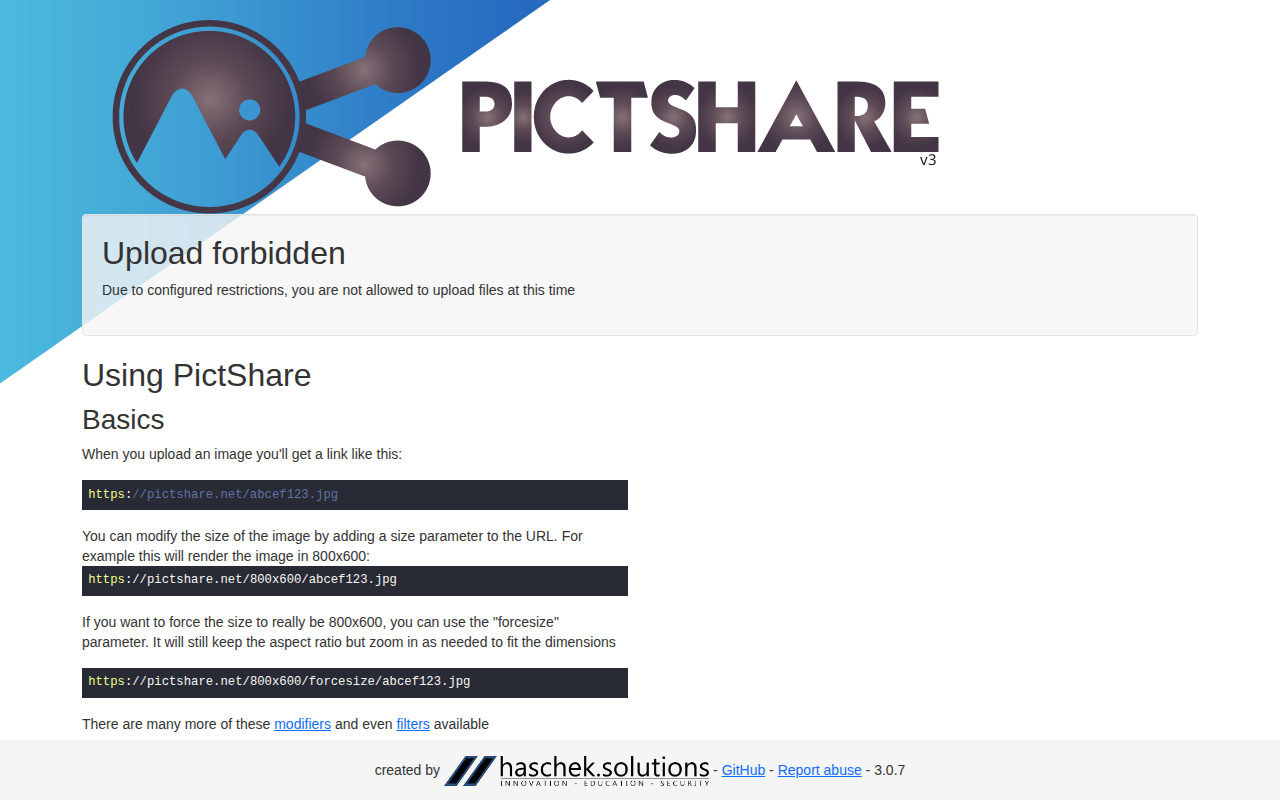
PictShare
Multi lingual image hosting service with a simple resizing and upload API.
Screenshot & Screen Recording
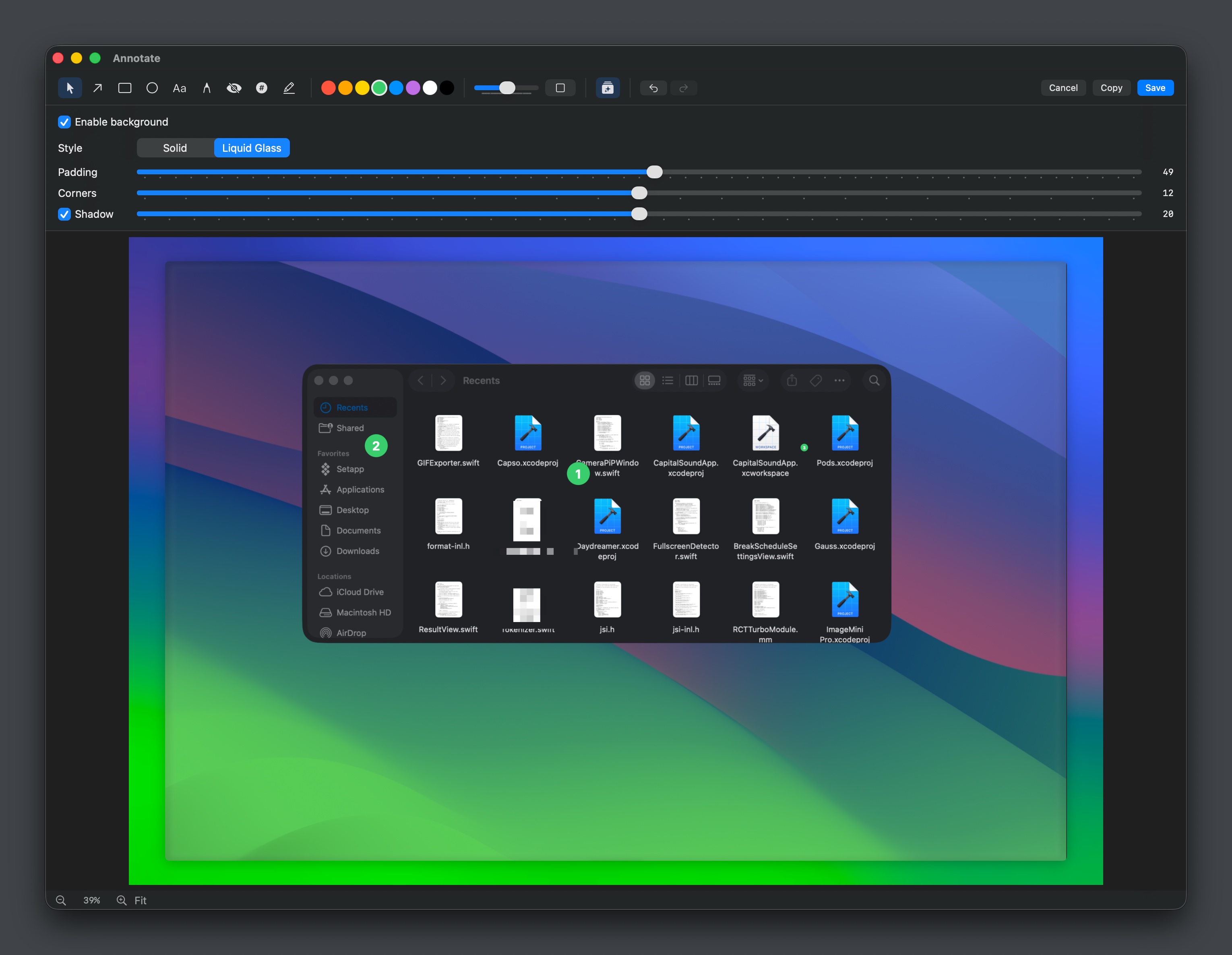
Capso
Open-source screenshot and screen recording tool with annotations, OCR, and webcam overlays.
Clipboard, Input & Automation
MoePeek
Translation tool with text selection, OCR, clipboard, and manual input support.