
RDM
Set a Retina display to custom resolutions
The tool provides a menu‑bar interface for macOS that lets users select resolutions beyond the default set supported by Retina MacBook Pro displays. It can enable the highest native resolution, such as 3360×2100 on a 13‑inch model, and also offers HiDPI scaling options indicated by a lightning icon. Users can add custom scaled resolutions through an integrated generator/editor for display‑override property list files, specifying the desired resolution directly without needing to calculate the doubled pixel count.
It is intended for macOS users who need finer control over screen scaling, such as developers, designers, or anyone requiring non‑standard resolutions for specific workflows. The application can be added to Login Items for automatic launch, and it includes scripts for installation and uninstallation that respect an optional `$RDM_PATH` variable.
The project builds on a previous open‑source implementation and incorporates code for toggling display mirroring. It requires macOS 10.10 or later and Xcode 10 for building, with testing reported on macOS 10.15.6. All changes can be reverted by deleting the Overrides folder under `/Library/Displays/Contents/Resources`.
Reviews
Loading reviews…
Similar apps
Display & Accessibility
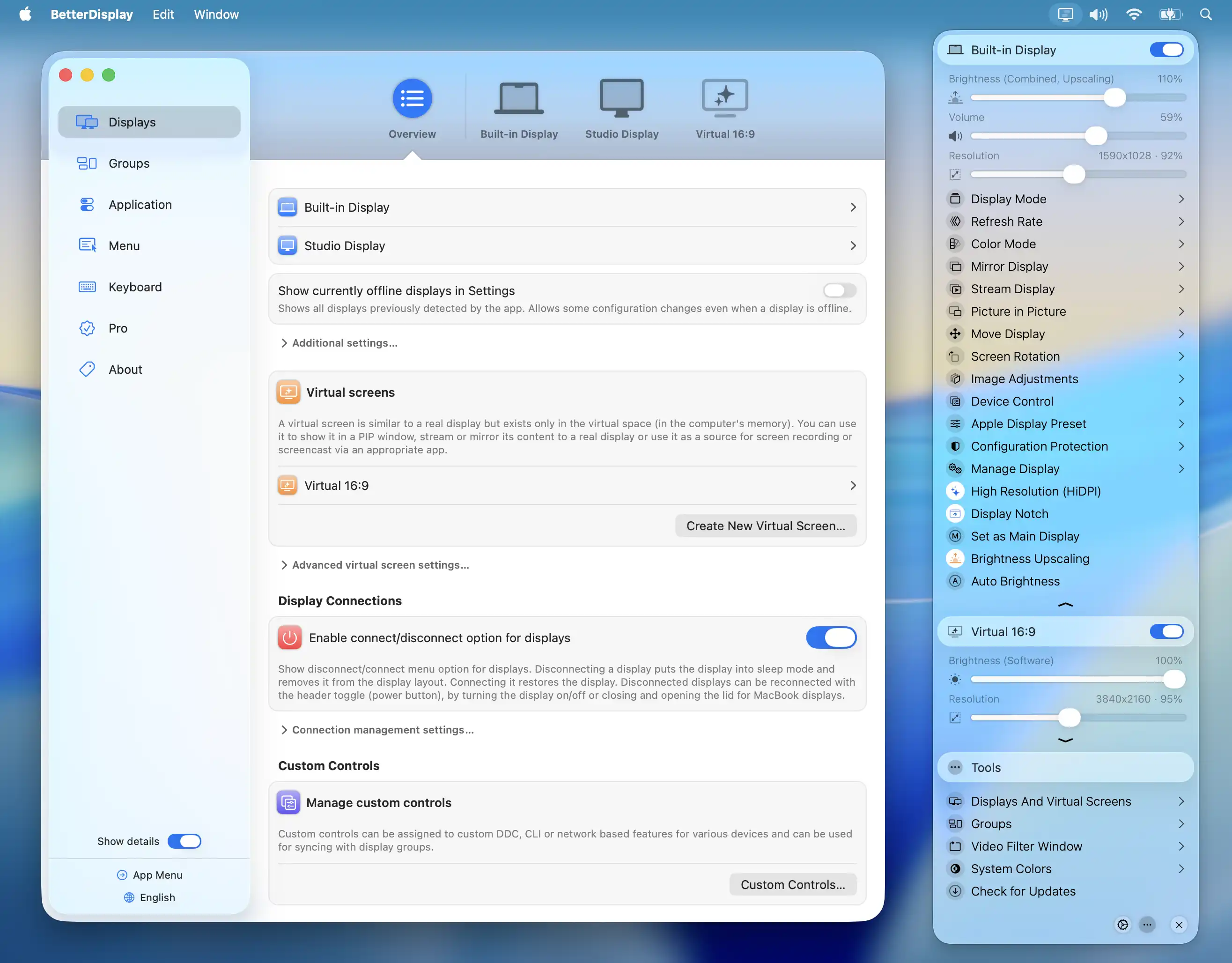
BetterDisplay
Display management tool
Display & Accessibility
BestRes
Quickly change your screen resolution from the menubar
Display & Accessibility
MonitorControl
Control external display brightness and volume directly.
Display & Accessibility
SwitchResX
Controls screen display settings
Display & Accessibility
Brisync
Utility to automatically control the brightness of external displays
Display & Accessibility
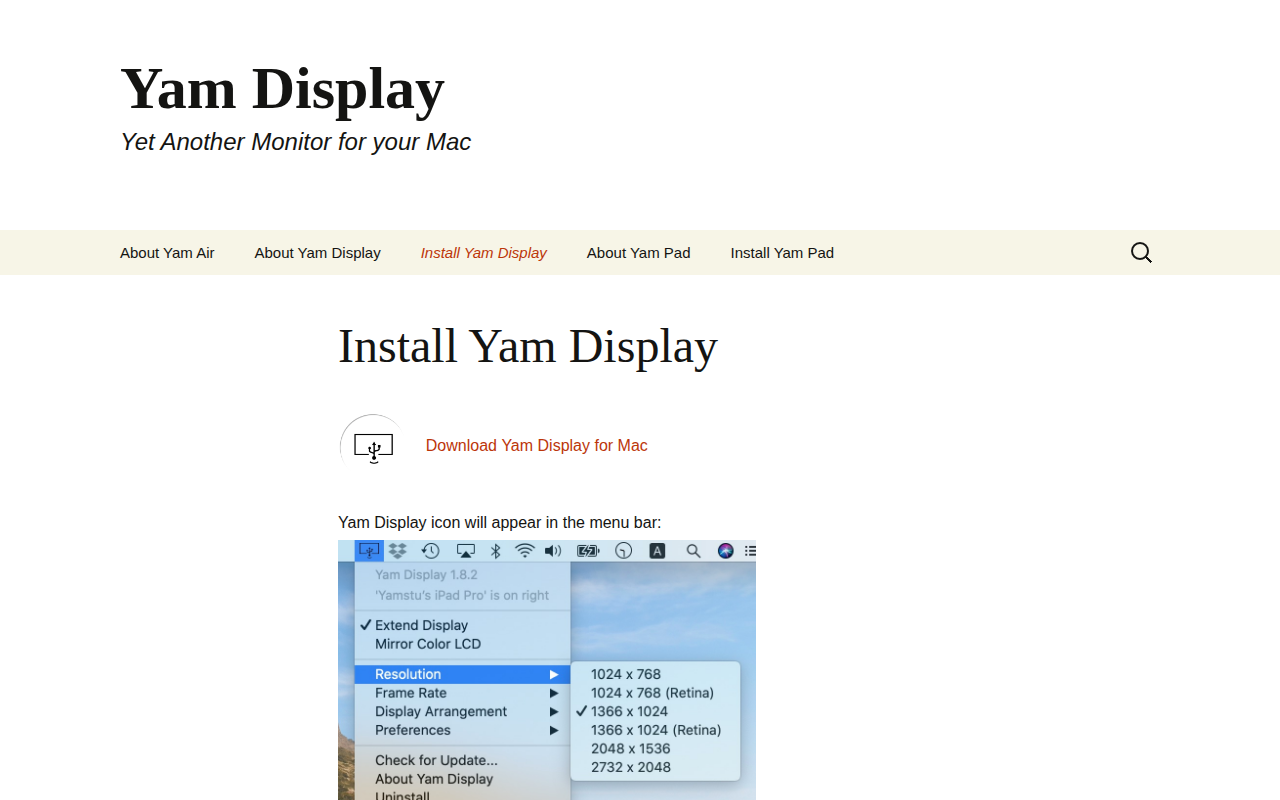
Yam Display
Yet another monitor