
MonitorControl
Control external display brightness and volume directly.
The app lets macOS users adjust the brightness, volume and contrast of external displays directly from the menu bar, keyboard shortcuts, or native Apple keys. It supports a range of control methods, including DDC for most monitors, Apple’s native protocol for built‑in screens, gamma‑table dimming, and shade control for AirPlay, Sidecar and DisplayLink devices. Brightness changes are shown with the display’s native on‑screen display (OSD) and can be smoothed or extended to full black using combined hardware and software dimming.
Users can sync multiple monitors with a single slider, replicate ambient‑light sensor or Touch Bar adjustments on non‑Apple screens, and define custom keyboard shortcuts. Advanced settings expose dozens of options for fine‑tuning behavior to match specific hardware configurations. The interface is designed to be minimal and to blend with macOS aesthetics.
The software is open‑source, free to use, and distributed as a macOS‑only .dmg or via Homebrew cask. It is marked as stable, though a known issue exists for certain macOS 15 configurations that may require manual updates.
Reviews
Loading reviews…
Similar apps
Display & Accessibility
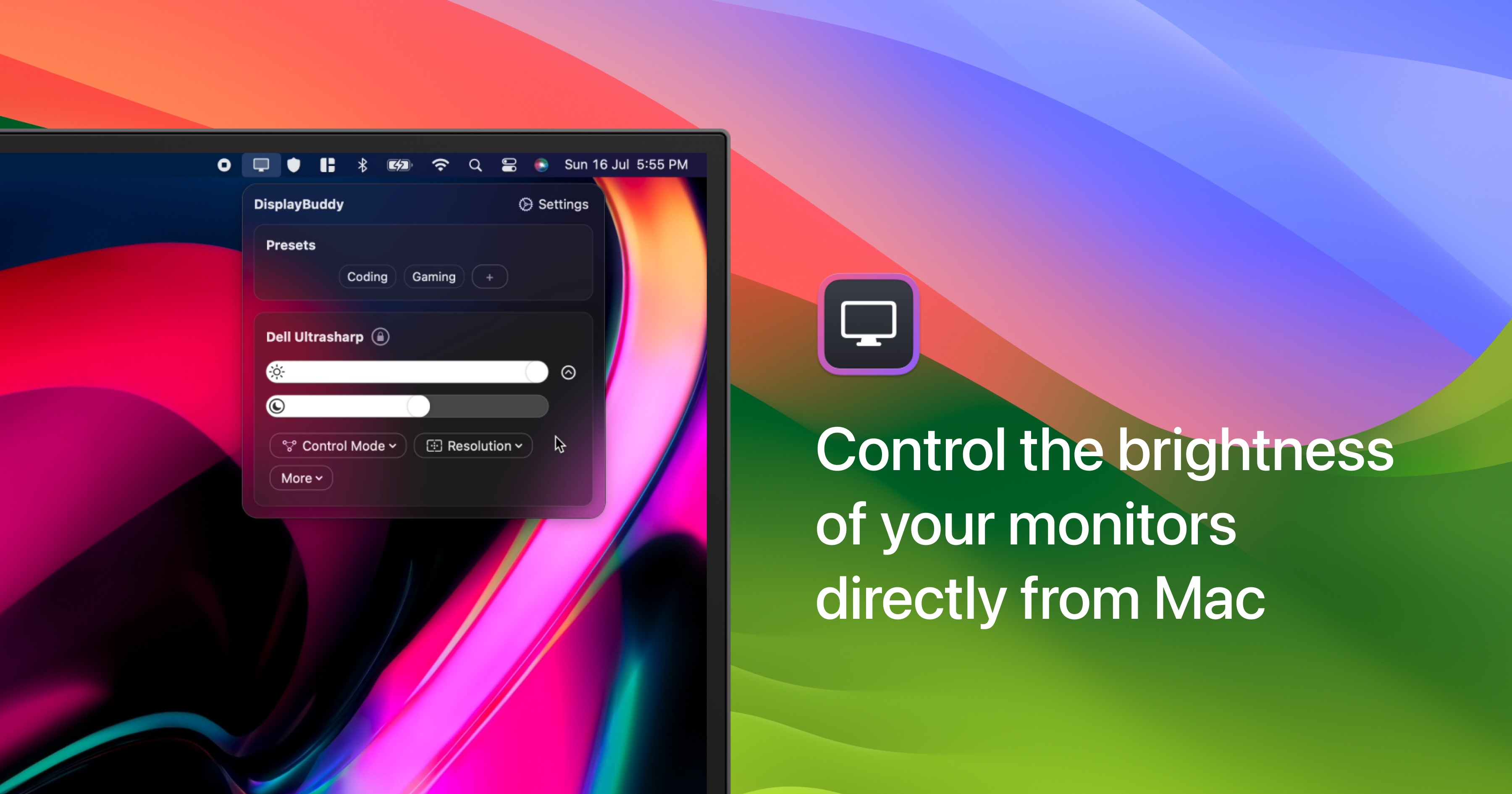
DisplayBuddy
Control external display brightness, contrast, and input source.
Display & Accessibility
Brightness Sync
Utility to synchronise the brightness of LG UltraFine display(s)
Display & Accessibility
Brisync
Utility to automatically control the brightness of external displays
Display & Accessibility
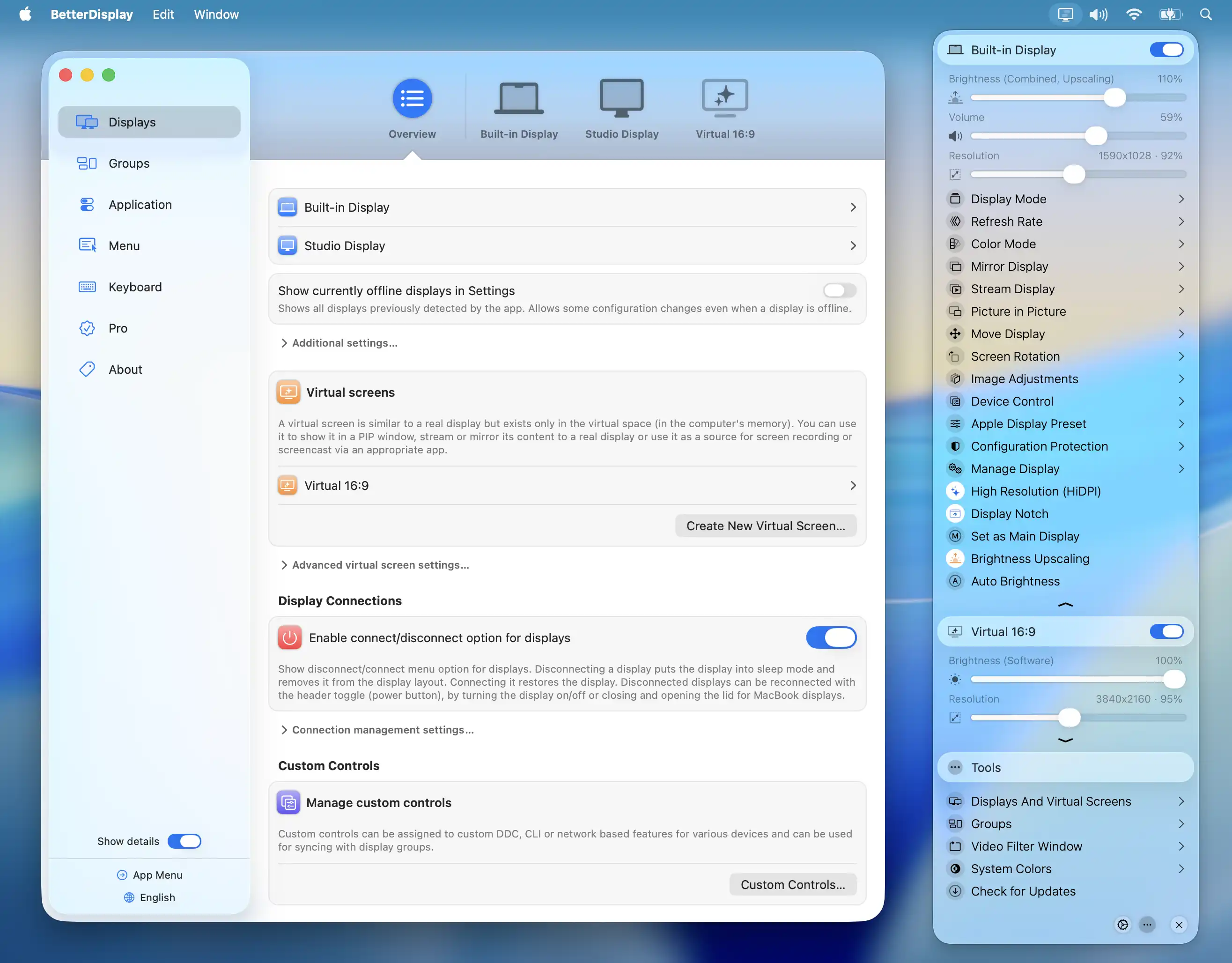
BetterDisplay
Display management tool
Display & Accessibility
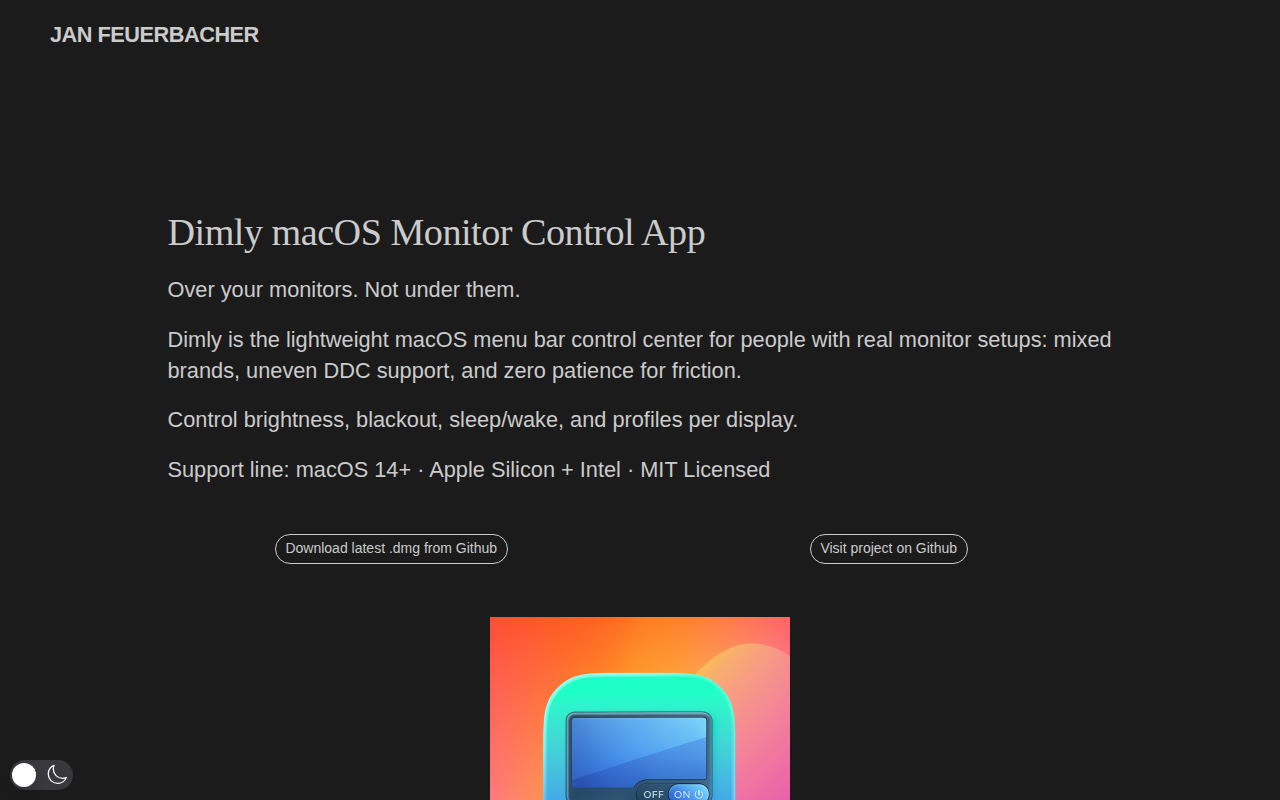
Dimly
Control brightness across mixed monitor setups from one menu bar app.

Display & Accessibility
Lunar
Help you adujst brightness, contrast and volumn of your external display.