
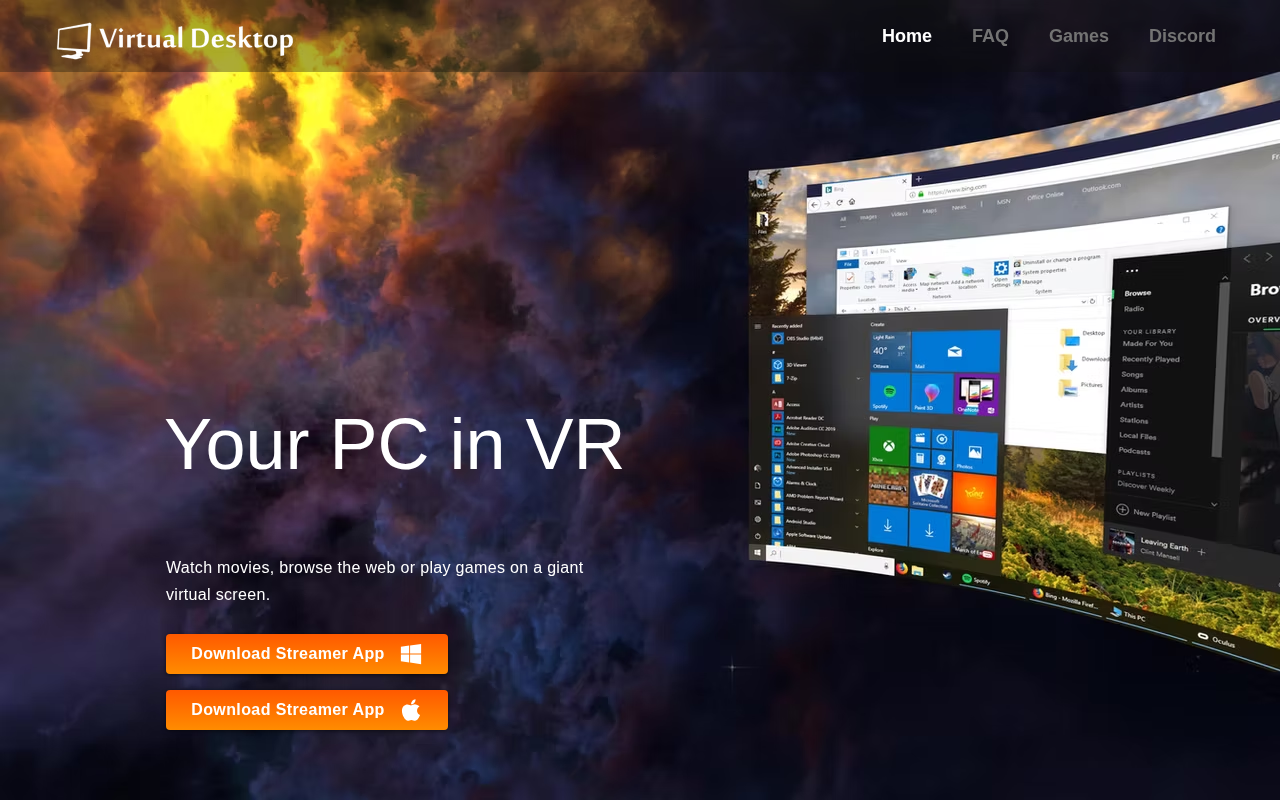
Virtual Desktop Streamer
VR Virtual Desktop Streamer
Virtual Desktop Streamer enables a VR headset to display a personal computer’s desktop as a large virtual screen, allowing users to watch movies, browse the web, or run applications while immersed in virtual reality. The software runs on a Windows 10/11 64‑bit system or macOS Catalina and later, and it requires a VR‑ready PC with a compatible GPU and a 5 GHz Wi‑Fi connection to stream the desktop to supported headsets such as Meta Quest, Pico, HTC Vive, and Valve Index.
It is intended for users who want to extend their traditional desktop experience into a VR environment, including gamers who wish to play SteamVR or Oculus Rift titles from the VR interface, as well as anyone seeking a virtual workspace for media consumption or productivity tasks. The application includes troubleshooting guidance for network configuration, firewall settings, and driver updates to ensure reliable connectivity between the PC and headset.
The program is distributed as a standalone streamer app and also appears on platforms like Steam, the Quest Store, Pico Store, and Viveport, offering a stable, mature solution for integrating a personal computer’s display with a variety of VR headsets.
Reviews
Loading reviews…
Similar apps
Remote Access & VPN
Amazon Workspaces
Cloud native persistent desktop virtualization

Game Launchers & Stores
SideQuest
Virtual reality content platform
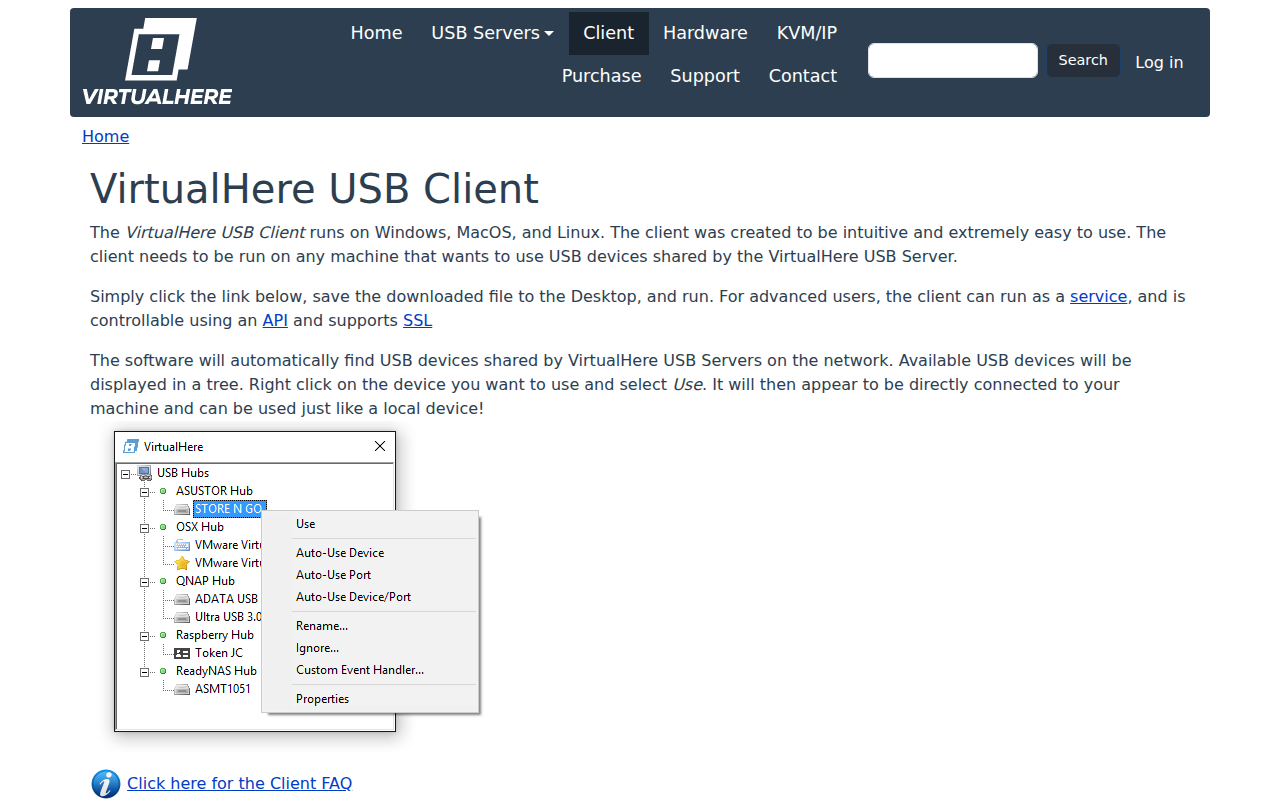
Remote Access & VPN
VirtualHere
Use USB devices remotely over a network

Remote Access & VPN
AirServer
Most advanced screen mirroring software receiver for Mac, PC and Xbox One.
Remote Access & VPN
Shadow
Online virtualised computer

Remote Access & VPN
Chrome Remote Desktop
Remotely access another computer through the Google Chrome browser