

Vxero Neo
SSH-native CLI that manage servers, apps, infrastructure
The CLI operates entirely over SSH, initializing a VPS by installing Docker and Caddy, then building and transferring container images from the local machine. It reads a project's docker‑compose.yml, Dockerfile, and .env files, auto‑generating a .neo.yml configuration that defines apps, sidecars, workers, volumes, and environment variables. Deployment is a single command that loads the image, performs health checks, and swaps traffic with zero‑downtime blue‑green switching, while Caddy provides automatic HTTPS via Let’s Encrypt or user‑supplied certificates.
Developers can use the same tool for local development and for staging or production environments, with commands to generate configuration, run containers locally, assign temporary sslip.io domains, and sync server state back to version‑controlled files. Multi‑server management is supported through environment flags, allowing distinct domains, variables, and SSL settings per target.
The package includes built‑in handling of persistent volumes, background workers, and sidecar services, and it offers commands to set, import, or update environment variables that trigger container restarts. The software is released as a free, experimental project with no additional agents or control‑plane components.
Reviews
Loading reviews…
Similar apps
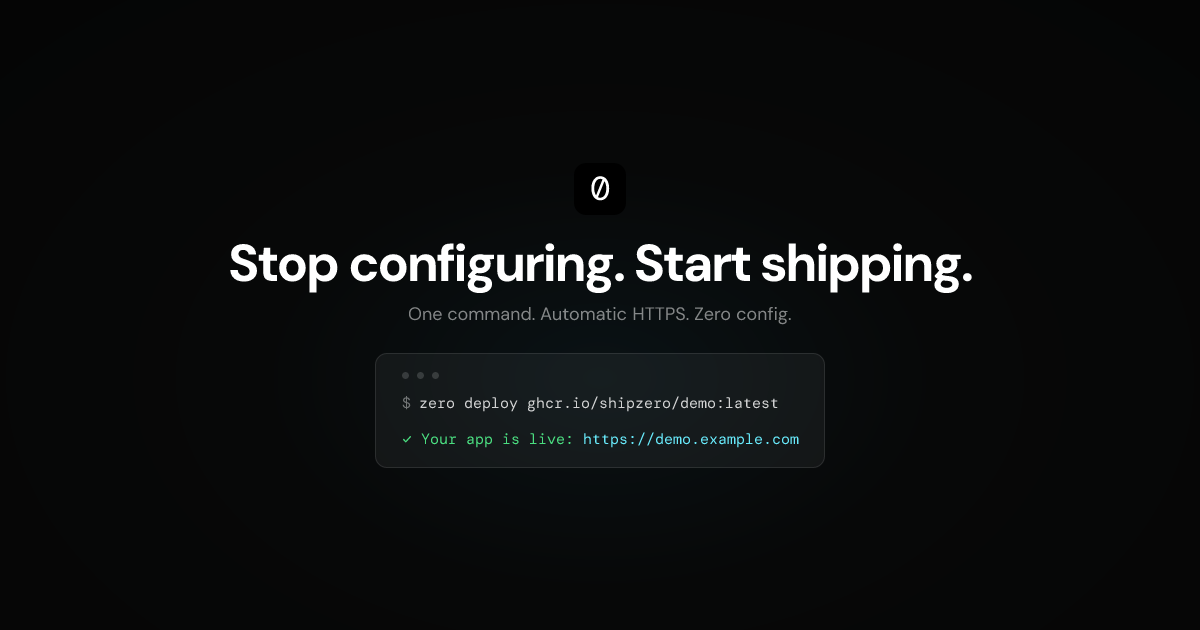
DevOps & Infrastructure
zero
One command to deploy Docker containers to your own server
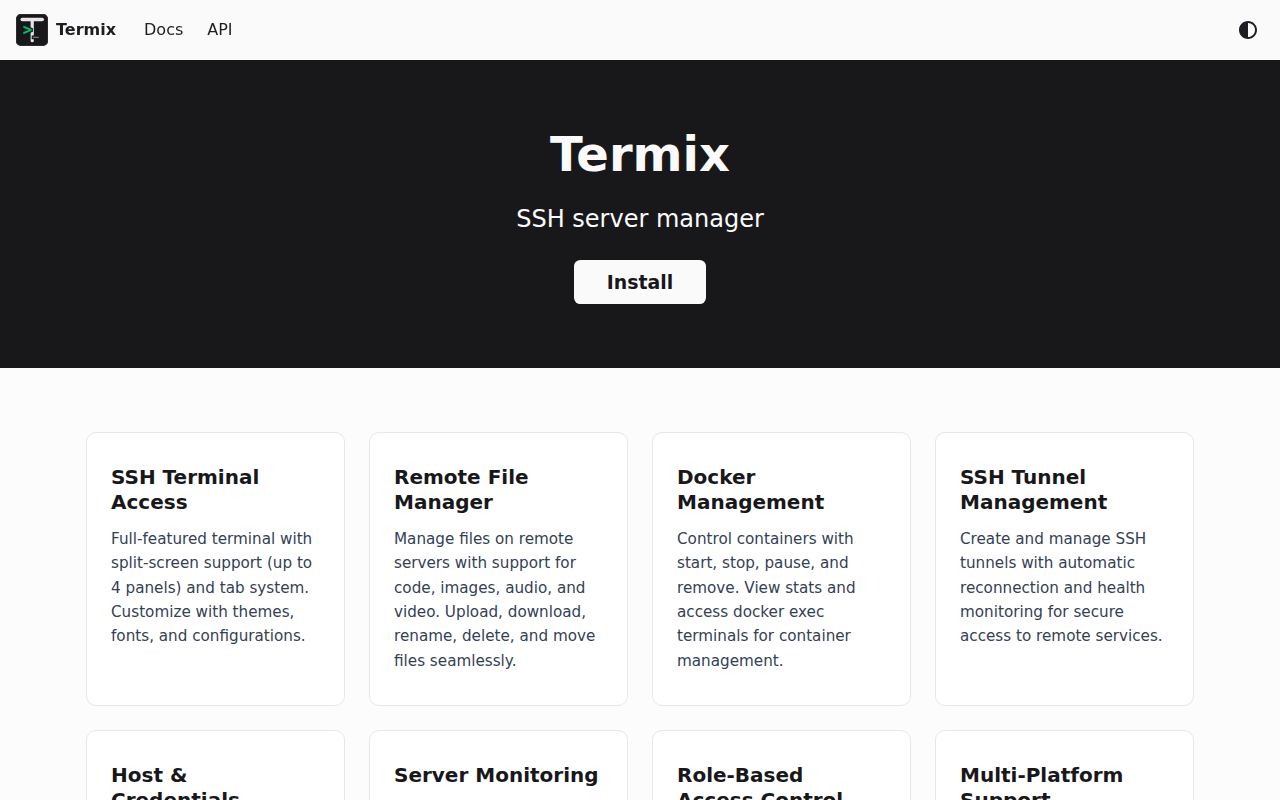
Terminals & CLI
Termix
Clientless web-based server management platform with SSH terminal, tunneling, and file editing capabilities.

Task & Project Management
Nexenv – Dev Environment Manager
Open any project with the right env - instantly
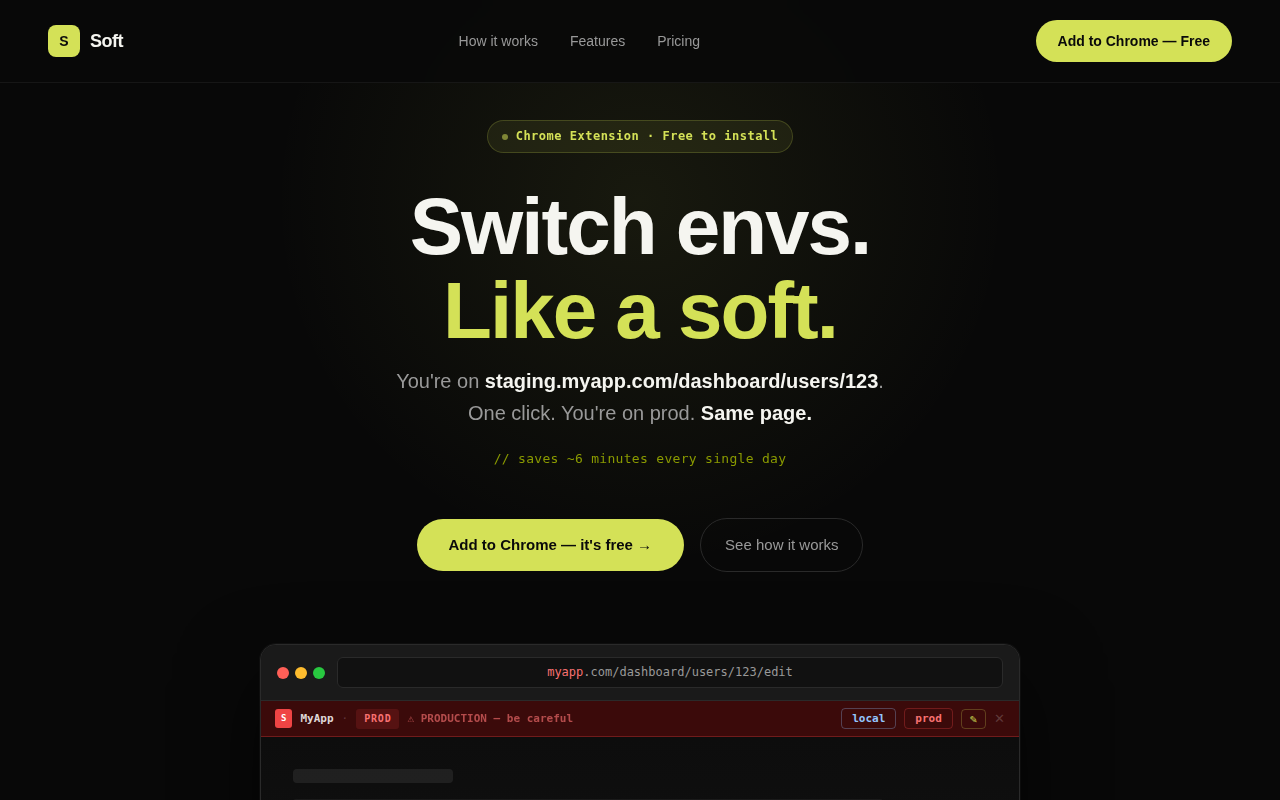
Terminals & CLI
Soft
Switch environments in one click. Path preserved.
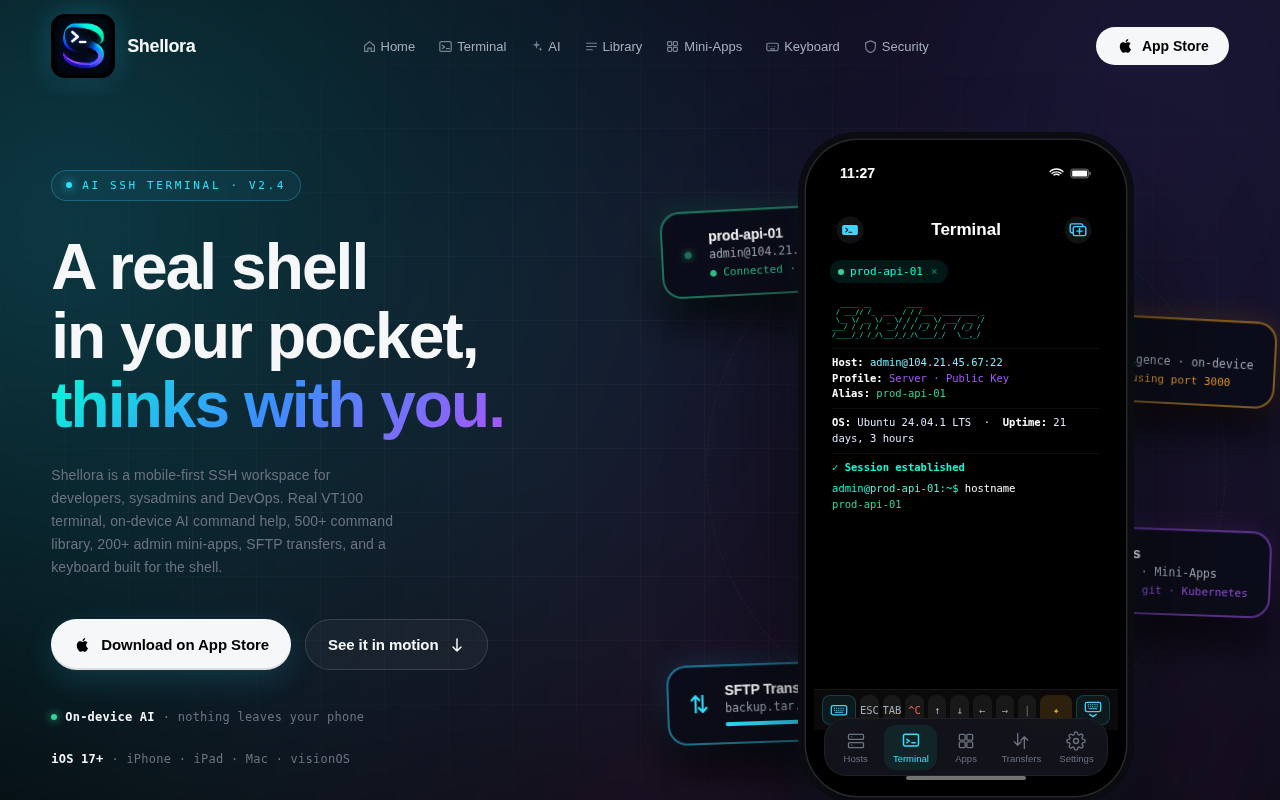
Terminals & CLI
Shellora
SSH terminal, AI help, and server tools on iPhone & iPad
Terminals & CLI
ThinLinc
Linux remote desktop server