
Wins
Window manager
Wins extends macOS window handling with a set of productivity‑focused features that emulate familiar Windows‑style behaviors while preserving the native look and feel. It adds a system‑level Cmd‑Tab replacement that shows previews, lets users navigate with arrow keys, and close windows via shortcuts, reducing reliance on the mouse. Additional tools include a “Flick Dock” action that minimizes a window with a second click, enhanced Mission Control that supports quick close and quit commands, and a Dock Preview that displays window thumbnails for faster switching.
The utility also offers quick‑split window arrangements, floating windows, and the ability to move windows between displays, all accessible through configurable keyboard shortcuts. Smooth animations and system‑level integration aim to make window management more fluid and less disruptive to the user’s workflow.
Designed for macOS users who want tighter control over their desktop layout, Wins targets developers, designers, and anyone who spends extensive time multitasking on a Mac. It is positioned as a stable, core‑macOS utility with a user base exceeding thirteen thousand and a focus on efficiency rather than extensive third‑party integrations.
Reviews
Loading reviews…
Similar apps

Window & Desktop Management
Sempliva Tiles
Window manager
Window & Desktop Management
Grid
Window manager
Window & Desktop Management
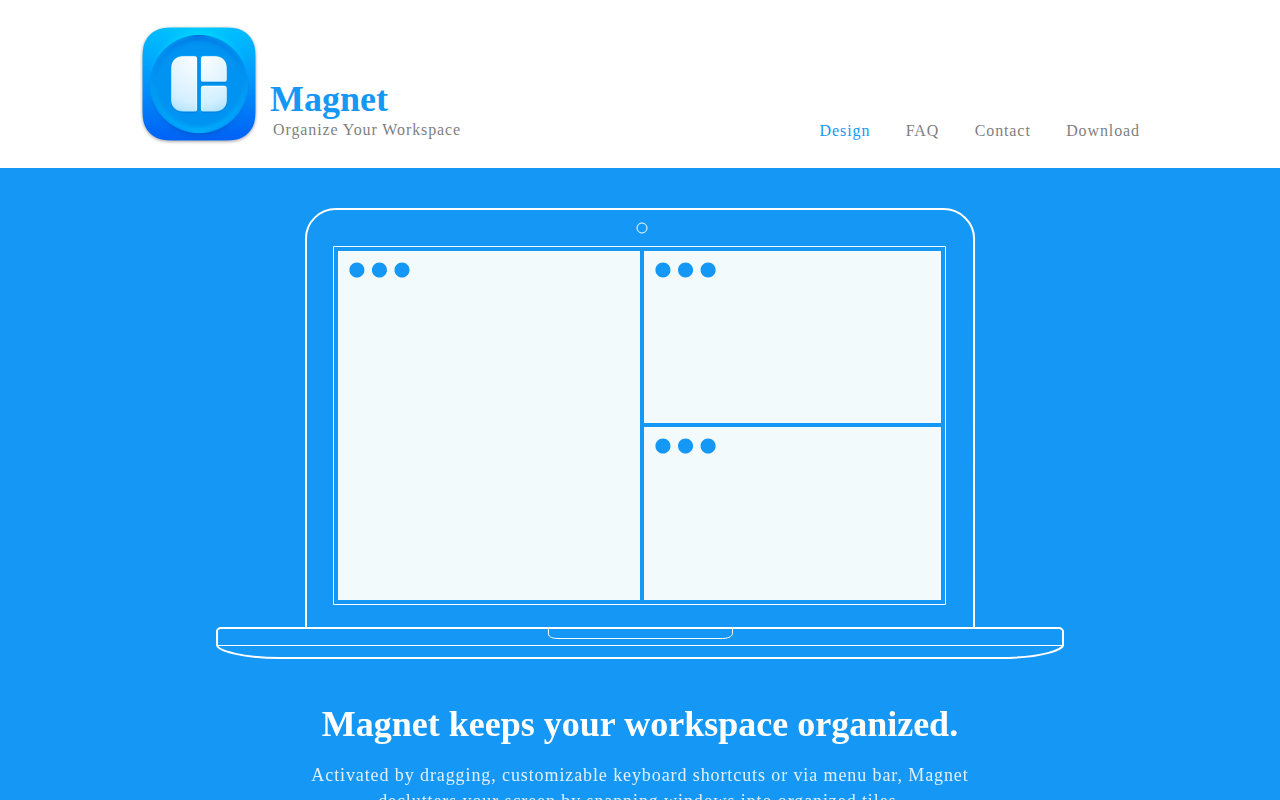
Magnet
Window manager that keeps your workspace organized.

Window & Desktop Management
AltTab
Enable Windows-like alt-tab

Window & Desktop Management
Mission Control Plus
Manage your windows in Mission Control
Window & Desktop Management
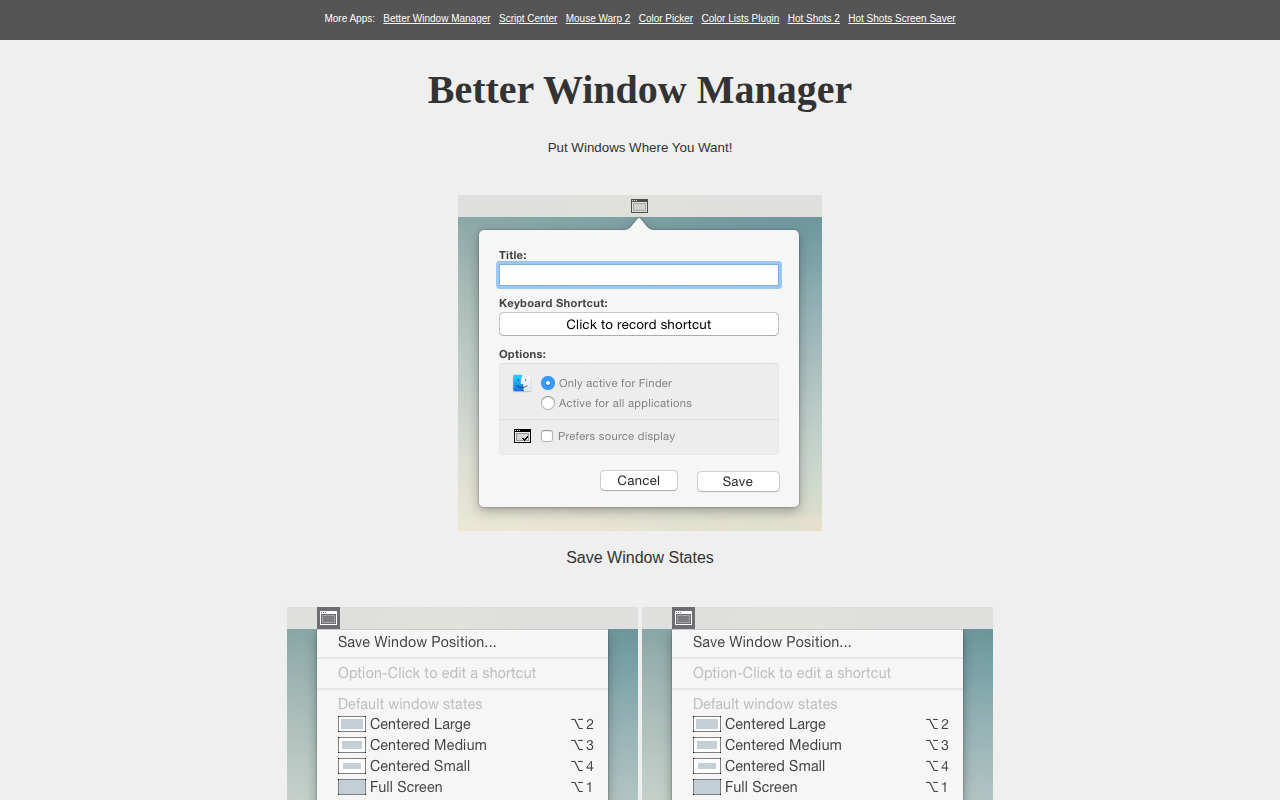
Better Window Manager
Tools to save/restore window states