

Woodpecker
View iOS app's Sandbox files, UserDefaults, Keychain items on a Mac.
The tool provides a macOS interface for inspecting the contents of an iOS application’s sandbox. It allows developers to browse files stored in the app’s document and cache directories, view the values stored in UserDefaults, and examine keychain entries associated with the app. By connecting a device or simulator, the utility extracts the relevant data and presents it in a navigable view, enabling quick verification of persisted state without needing to rebuild or run the app.
It is aimed at iOS developers who need to debug storage‑related issues, confirm configuration settings, or audit secure data during development. The application runs on a Mac and works with both physical devices and simulators, supporting the typical workflow of testing and troubleshooting iOS apps on a desktop environment.
The software is marked as stable, indicating that its core functionality for browsing sandbox files, UserDefaults, and keychain items is reliable for everyday use. It does not include additional features beyond inspection, focusing solely on providing transparent access to an app’s persisted data.
Reviews
Loading reviews…
Similar apps
Code Editors & IDEs
Lookin
App for iOS view debugging
Code Editors & IDEs
XcodePilot
Toolset for Apple developers to increase productivity and efficiency

Code Editors & IDEs
XCSnippetsApp
Explore, view, and edit Swift and iOS code snippets for Xcode.
Code Editors & IDEs
MacSystemColors
Mac app that shows all system colors in light and dark mode for Cocoa developers.
Databases & Data Tools
Core Data Editor
Core Data Editor lets you easily view, edit and analyze applications‘ data.
Code Editors & IDEs
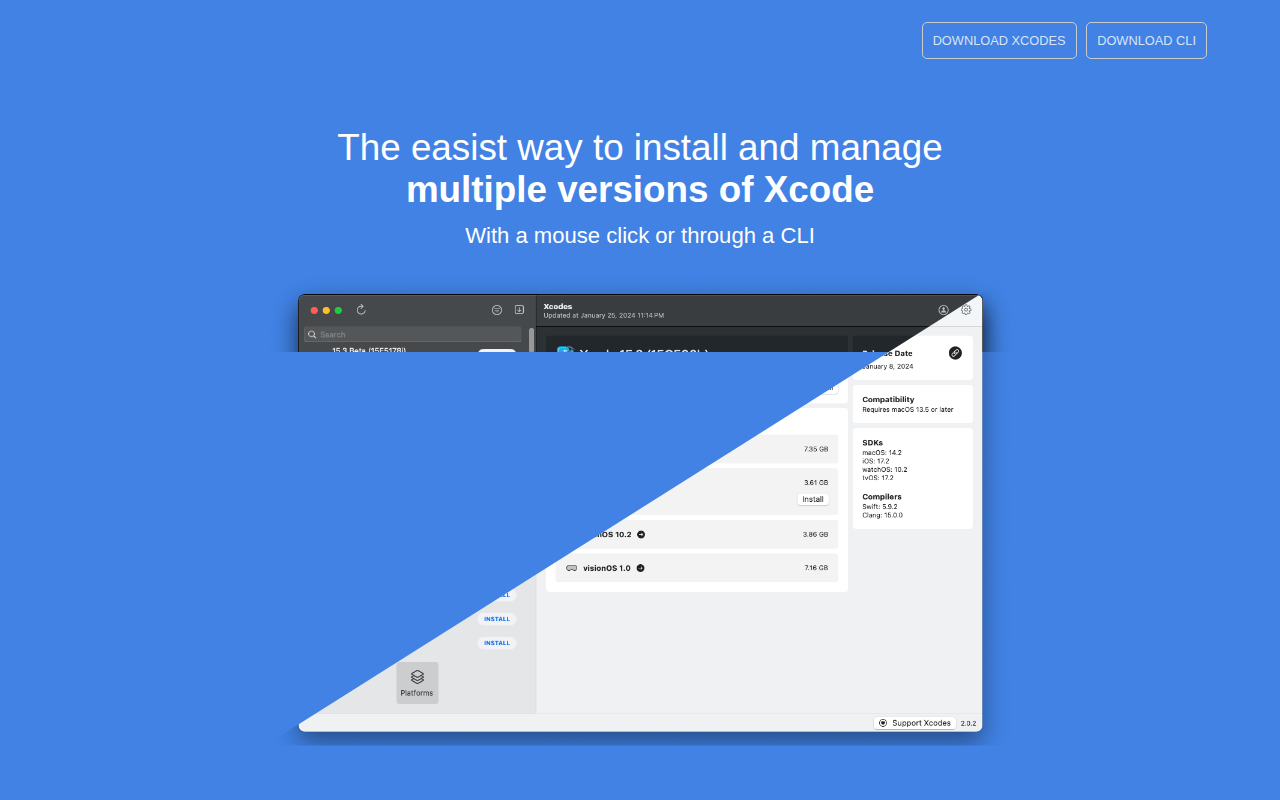
Xcodes
Install and switch between multiple versions of Xcode.