
XcodeClangFormat
Format code in Xcode with clang-format
XcodeClangFormat integrates the Clang 10 `libclangFormat` library into Xcode’s source‑editor extensions, allowing developers to reformat Objective‑C, Swift, C, and C++ files directly from the Xcode Editor menu. Users select a formatting style or load a project‑specific `.clang-format` file through a small configuration app, then invoke the “Format Source Code” command to apply the chosen style to the current selection or whole file.
The plugin is built for macOS and works with Xcode 8 through at least Xcode 11.4, relying on the operating system’s sandboxing model; it always uses the style configured in the app rather than locating the nearest `.clang-format` file on disk. Installation involves downloading the precompiled bundle or building it from source, then enabling the extension in System Preferences → Extensions and optionally assigning a keyboard shortcut via Xcode’s key‑binding settings.
Because Xcode extensions cannot access the file system or trigger on‑save actions, the tool operates only when the user explicitly runs the formatting command, and it adheres to the selected style regardless of the file’s location. This makes it a stable, macOS‑only solution for developers who want consistent clang‑format styling within the Xcode environment.
Reviews
Loading reviews…
Similar apps
Code Editors & IDEs
X-SwiftFormat
Xcode extension to format Swift code
Code Editors & IDEs
SwiftFormat for Xcode
Xcode Extension for reformatting Swift code
Code Editors & IDEs
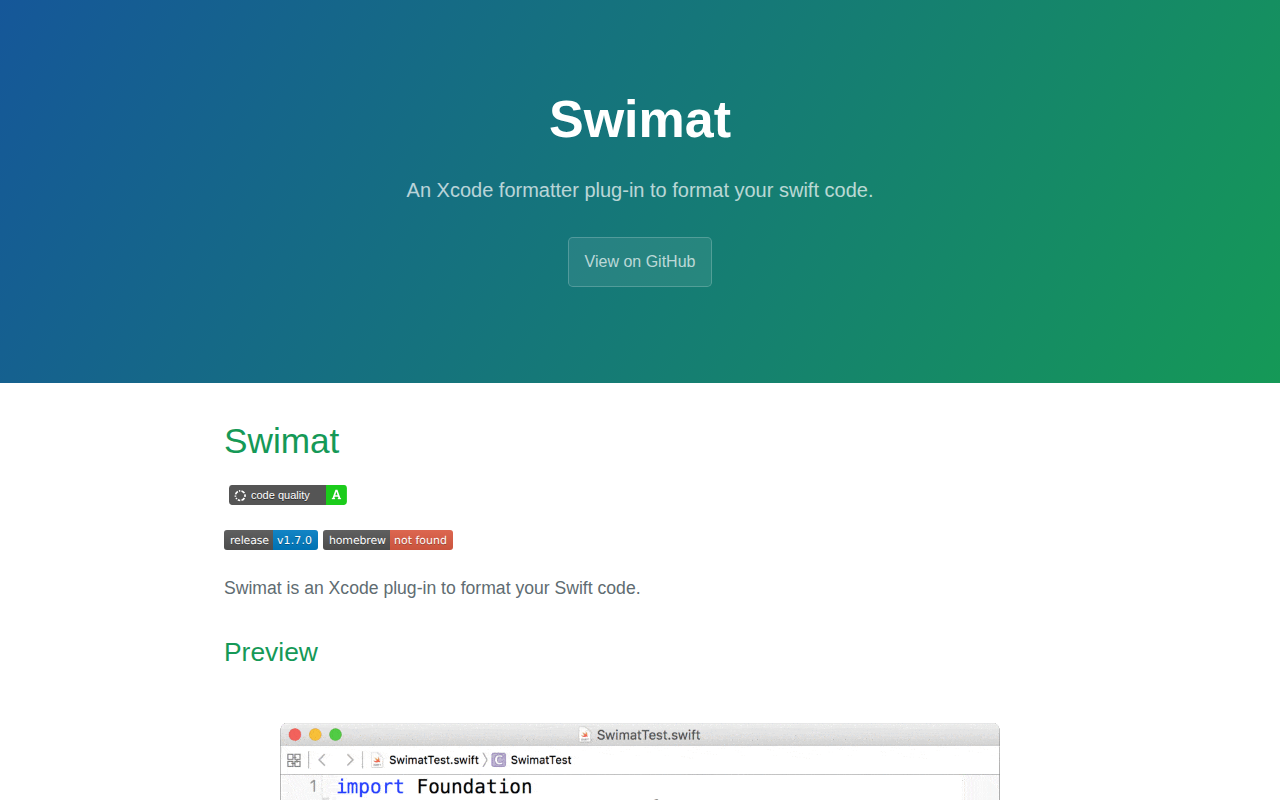
Swimat
Xcode formatter plug-in for Swift code
Code Editors & IDEs
UncrustifyX
Uncrustify utility and documentation browser
AI Coding Agents
GitHub Copilot for Xcode
Xcode extension for GitHub Copilot
AI Coding Agents
Copilot for Xcode
Xcode extension for GitHub Copilot