
X-SwiftFormat
Xcode extension to format Swift code
X‑SwiftFormat is an Xcode extension that formats Swift source files directly within the editor. After installing the extension and enabling it in macOS System Preferences, users can invoke the “Format Swift Code” command from Xcode’s Editor menu or assign a custom keyboard shortcut for quick access. The tool also offers a preview mode to display the formatting result before applying changes and can export a `.swift-format` configuration file for reuse.
The extension relies on Apple’s Swift‑Format utility, supporting Swift 6.2 and Xcode 15, and can be installed via a downloadable archive or Homebrew Cask. It integrates with the system’s privacy and security settings to appear under Xcode Source Editor extensions, ensuring that formatting is performed locally on macOS.
Targeted at iOS and macOS developers who work in Xcode, X‑SwiftFormat provides a straightforward way to enforce consistent code style without leaving the IDE, leveraging the underlying Swift‑Format command‑line capabilities for both single‑file and recursive folder formatting.
Reviews
Loading reviews…
Similar apps
Code Editors & IDEs
SwiftFormat for Xcode
Xcode Extension for reformatting Swift code
Code Editors & IDEs
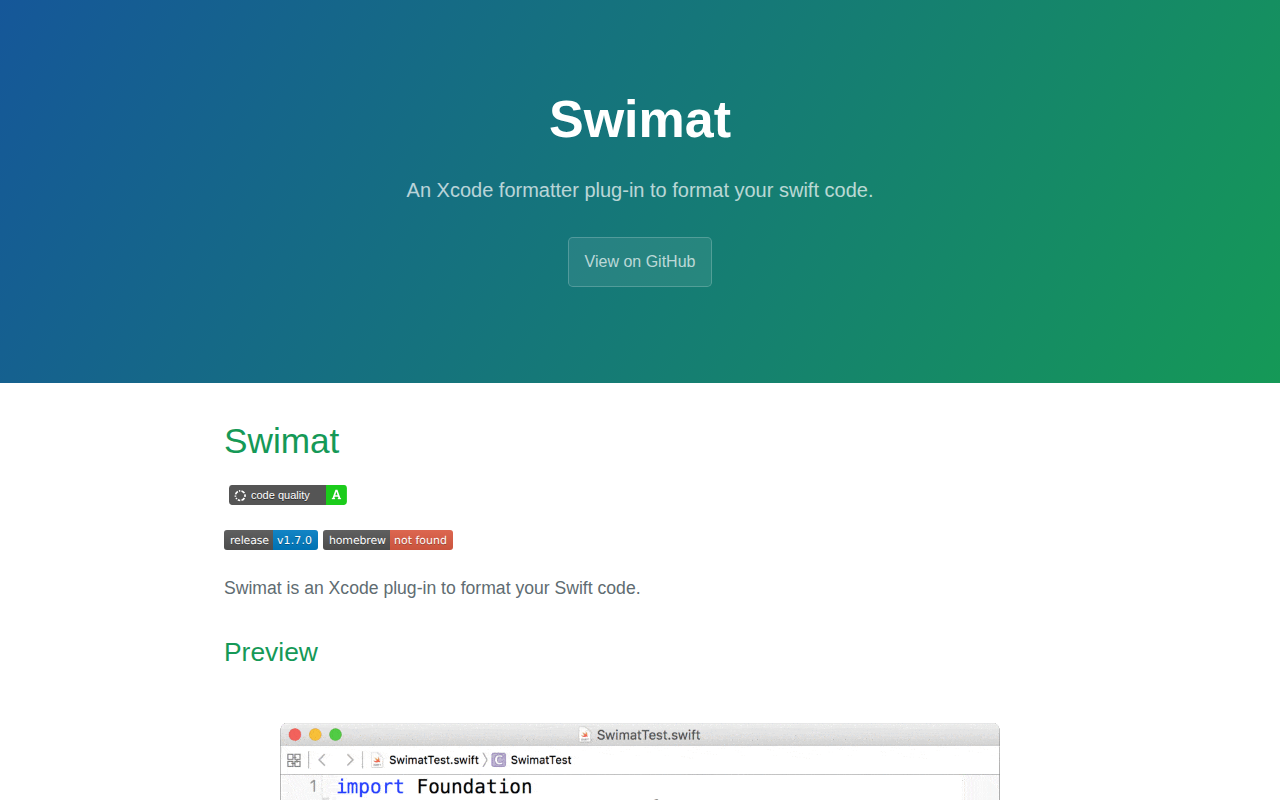
Swimat
Xcode formatter plug-in for Swift code
Code Editors & IDEs
XcodeClangFormat
Format code in Xcode with clang-format

Code Editors & IDEs
XCSnippetsApp
Explore, view, and edit Swift and iOS code snippets for Xcode.
Code Editors & IDEs
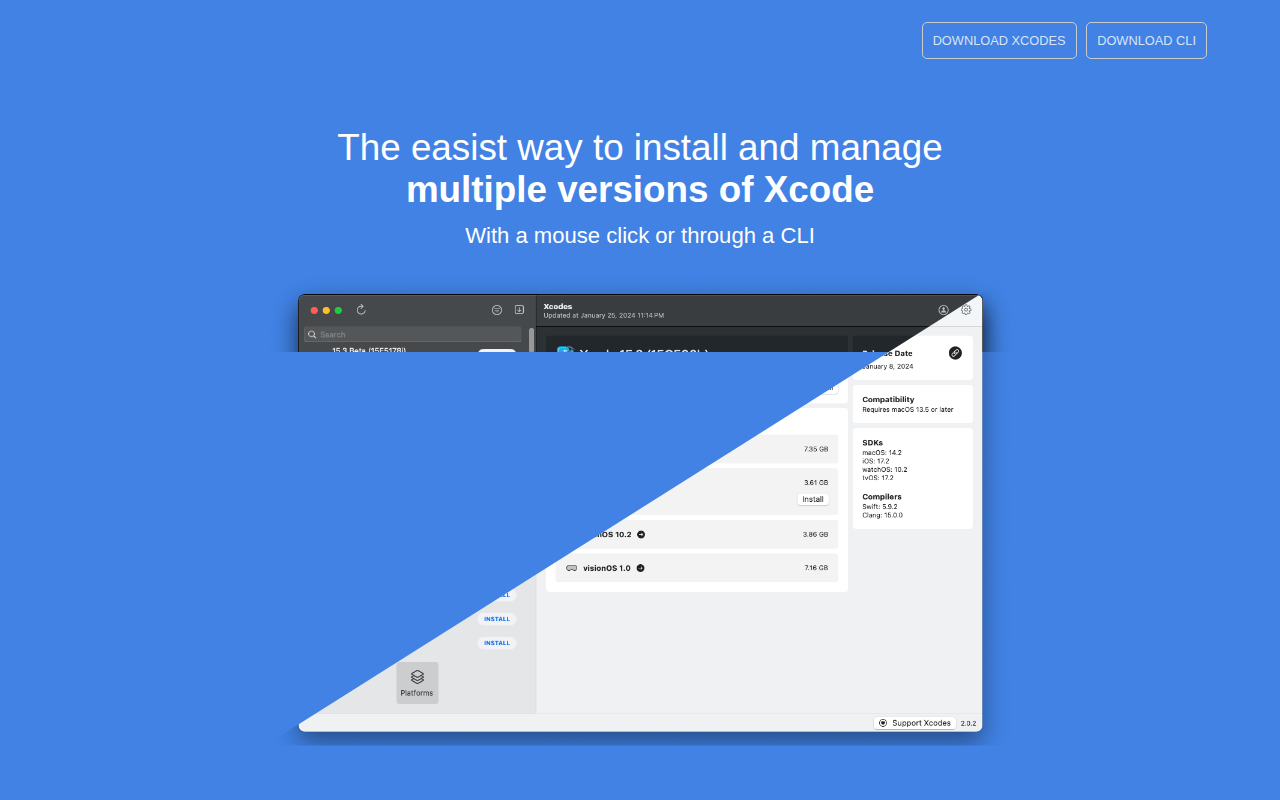
Xcodes
Install and switch between multiple versions of Xcode
Code Editors & IDEs
Xcodes
Install and switch between multiple versions of Xcode.