

XnSoft XnConvert
Image-converter and resiser tool
XnConvert provides batch processing of images, allowing users to rotate, crop, resize, convert, compress and apply a wide range of adjustments, filters and effects to large photo collections. It supports more than 500 input formats—including JPEG, PNG, TIFF, GIF, WebP, PSD, RAW, HEIC, PDF and many others—and can export to roughly 70 different formats. Users can create and reuse presets, edit metadata, and automate workflows by watching folders for new or changed files.
The tool offers an extensive set of over 80 operations such as brightness, contrast, saturation adjustments, blurring, embossing, sharpening, masking, watermarking and vignetting. It includes drag‑and‑drop handling, multilingual interfaces in over 20 languages, and integrates with NConvert for command‑line usage. Compatibility spans Windows, macOS (10.13+ on Intel and ARM) and Linux, supporting both 32‑bit and 64‑bit architectures.
XnConvert is distributed as freeware for private, educational and non‑profit use, with a license required for commercial deployment. The software is positioned as a free, ad‑free solution for users who need versatile, high‑volume image conversion and editing without additional cost.
Reviews
Loading reviews…
Similar apps
Media Conversion
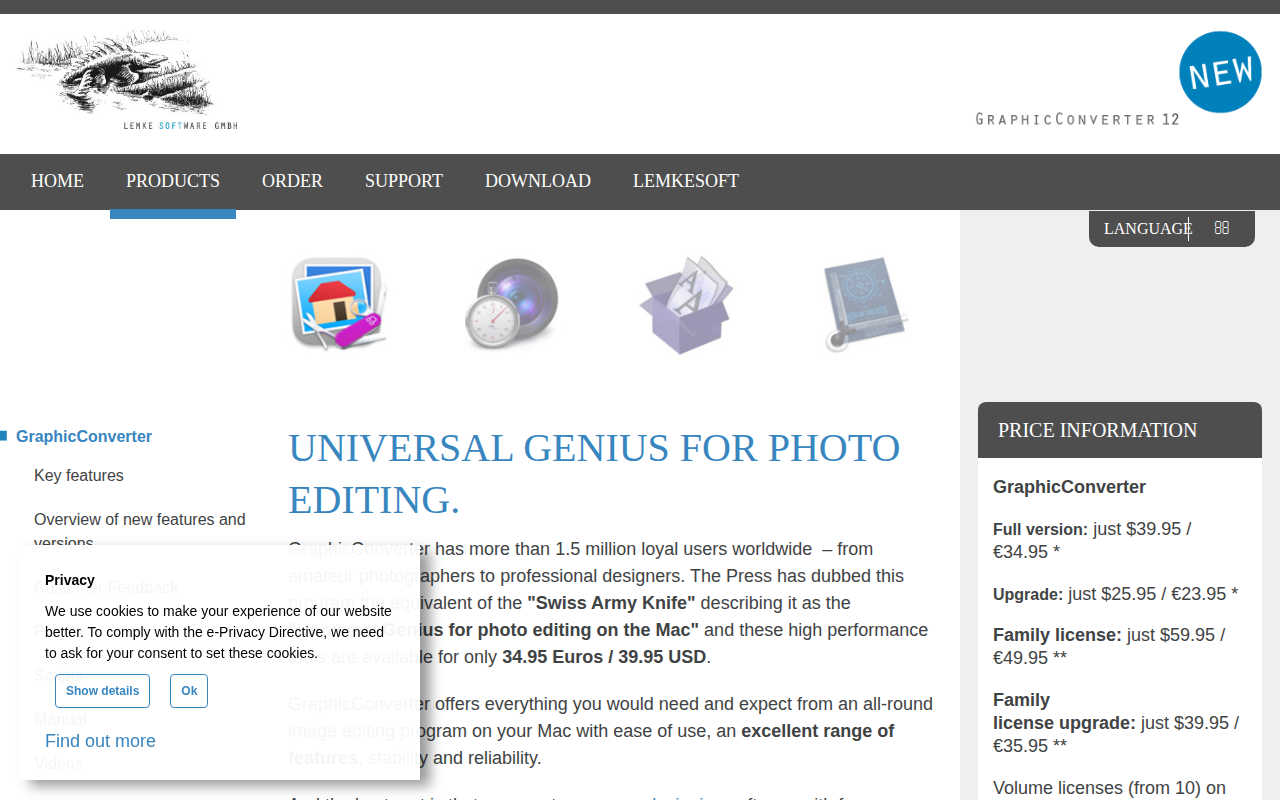
GraphicConverter
For browsing, enhancing and converting images

Media Conversion
4K Image Compressor
Image compressor
Media Conversion
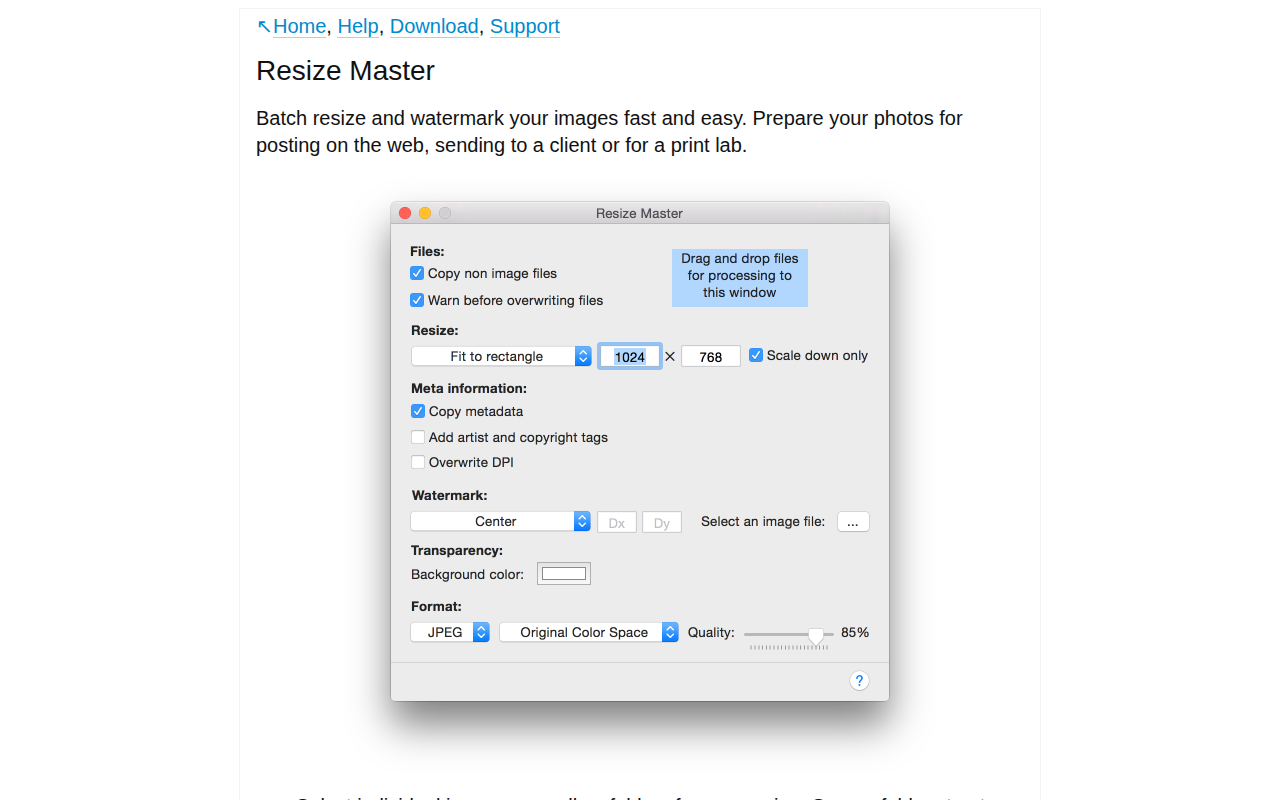
Resize Master
Batch resize and watermark your images fast and easy.
Media Conversion
Convert3DGUI
Command-line tool for converting 3D images between common file formats

Media Conversion
REDCINE-X PRO
Transcode and manipulate REDCODE RAW footage
Media Conversion
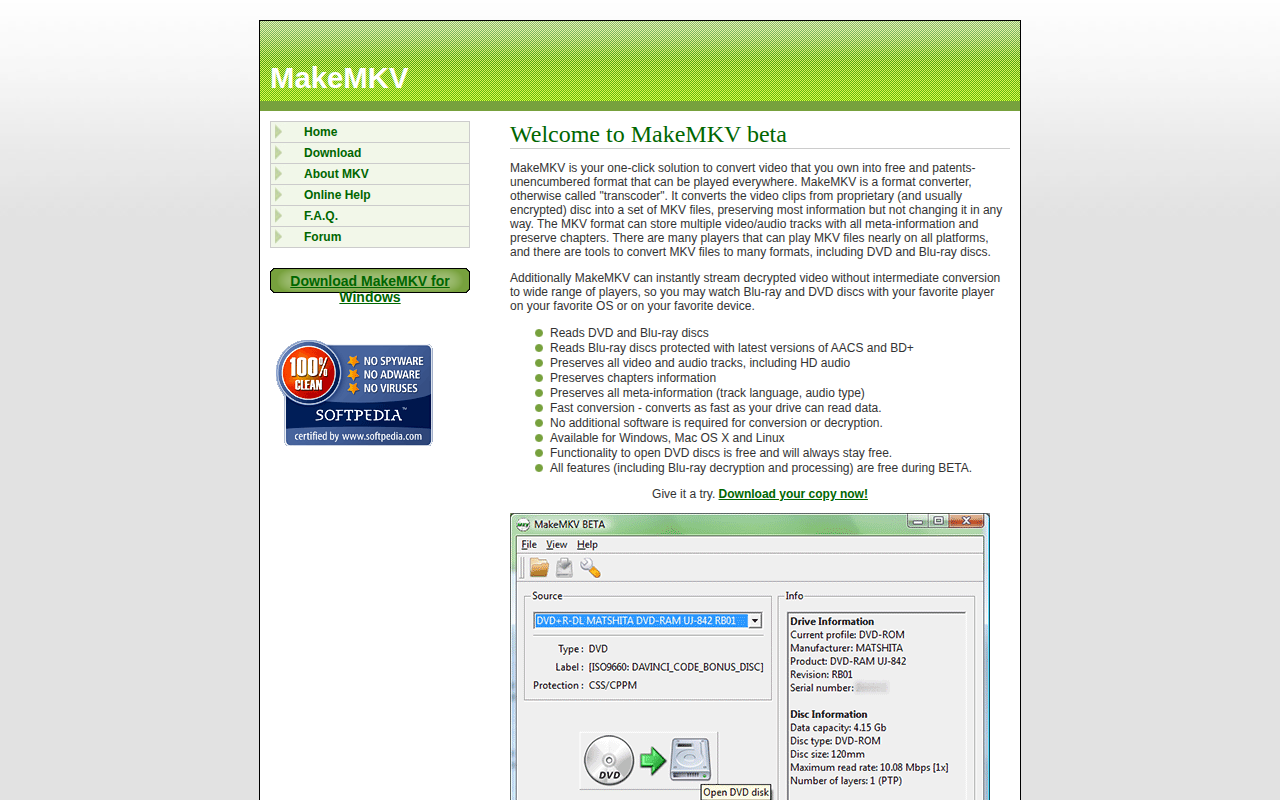
MakeMKV
Video format converter (transcoder)