
Zappy
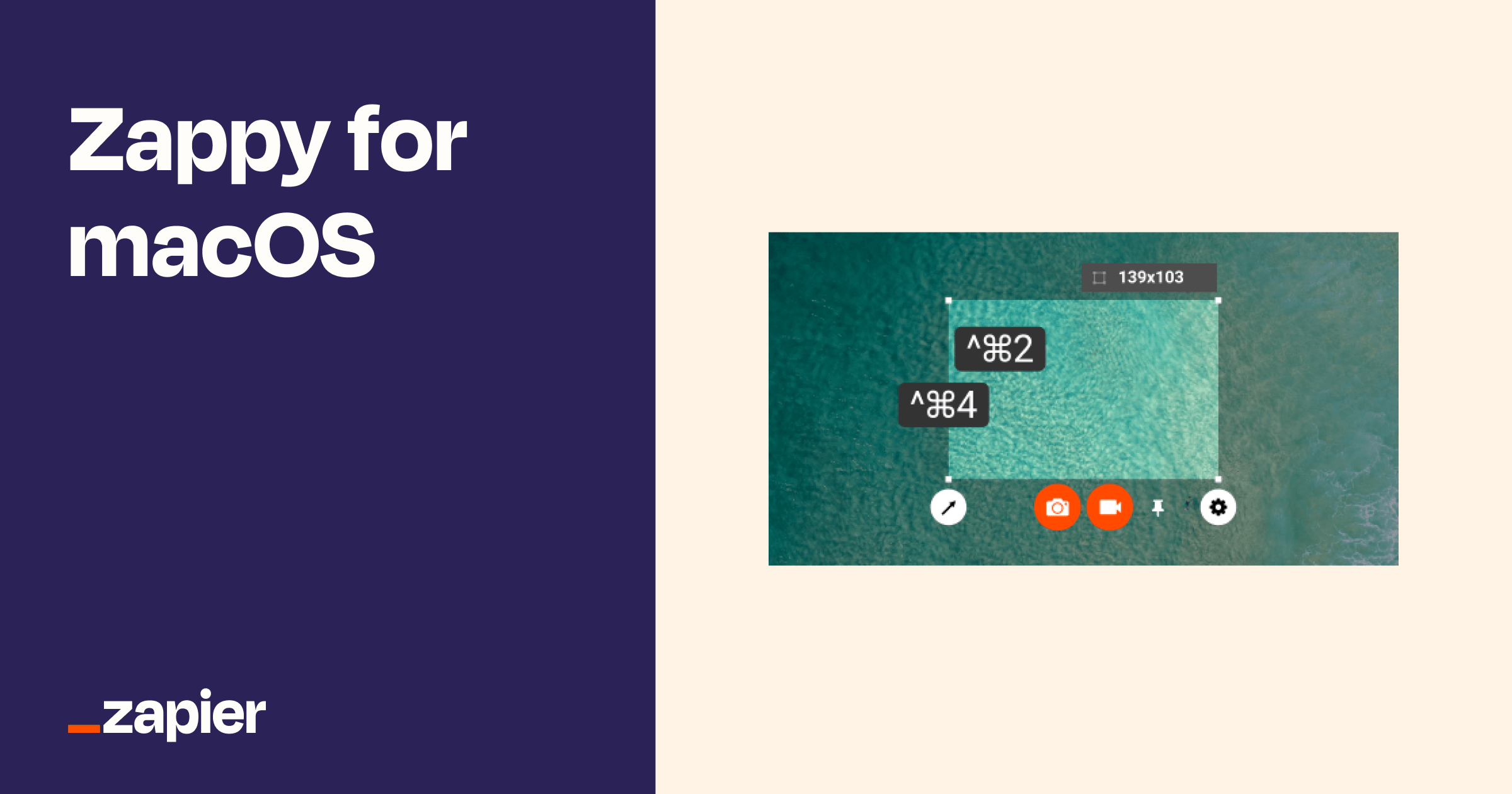
Zappy is a screenshot and screen recording app all in one. Has some simple editing tools built in.
Zappy provides macOS users with a unified tool for capturing screenshots, creating GIFs, and recording screen video. A customizable keyboard shortcut lets you select any screen region, after which you can add text, arrows, or drawings with a few clicks. Pressing Enter saves the capture locally, and for users with a paid Zapier account the file can be automatically uploaded to the cloud and a shareable URL copied to the clipboard.
The app includes simple editing features such as layering multiple screenshots, adding annotations, and incorporating audio or a selfie view into recordings, enabling quick visual walkthroughs without separate editing software. Past captures are easily accessible within the interface, allowing you to copy links or reuse images without searching through folders.
Zappy is aimed at individuals and teams who need fast visual communication while working remotely, offering built‑in sharing via URLs and integration with Zapier for automated workflow handling. The software is stable and available for free download.
Reviews
Loading reviews…
Similar apps

Documents, Forms & Contracts
Zight
Visual communication platform
Photo & Video Management
CloudApp
Work at the speed of sight. ![Freeware][Freeware Icon]
Screenshot & Screen Recording
Capty
Screen capture and recording tool with built-in editing and annotations.
Screenshot & Screen Recording
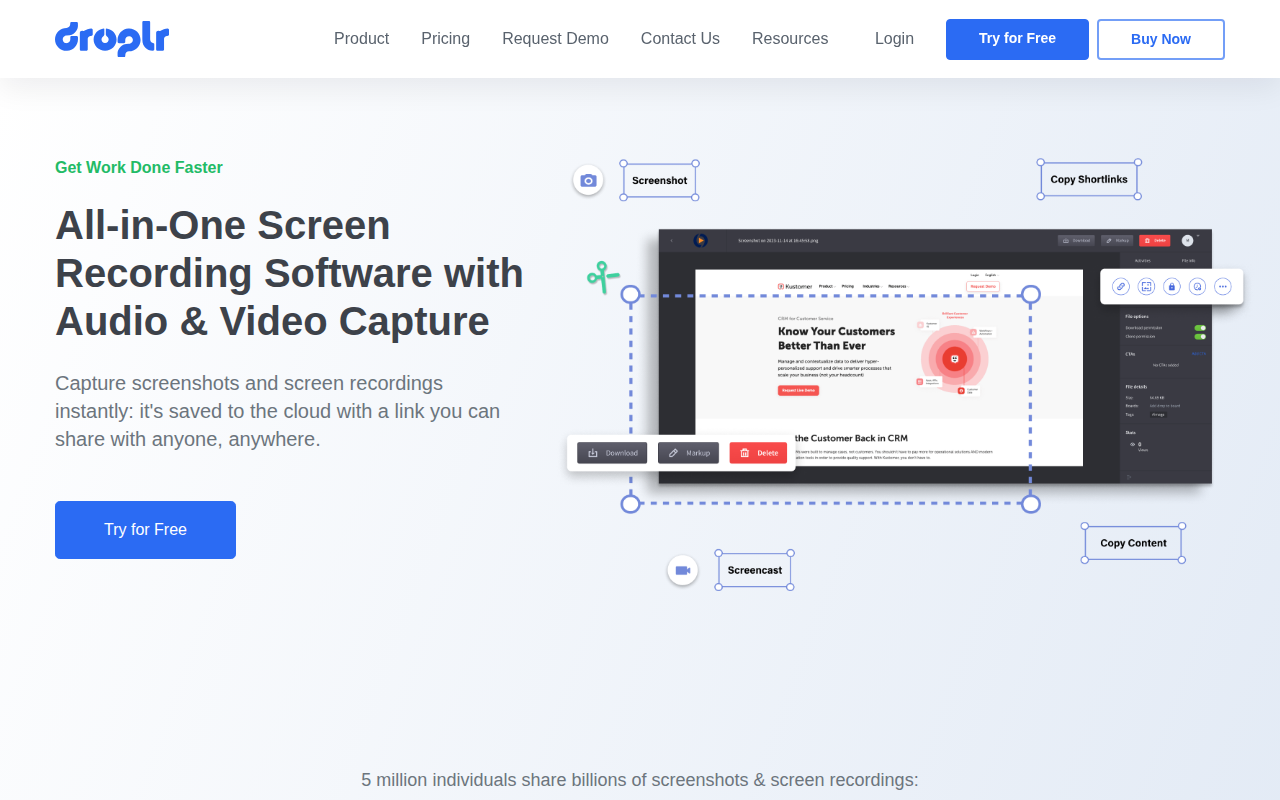
Droplr
Screenshot and screen recorder
Screenshot & Screen Recording
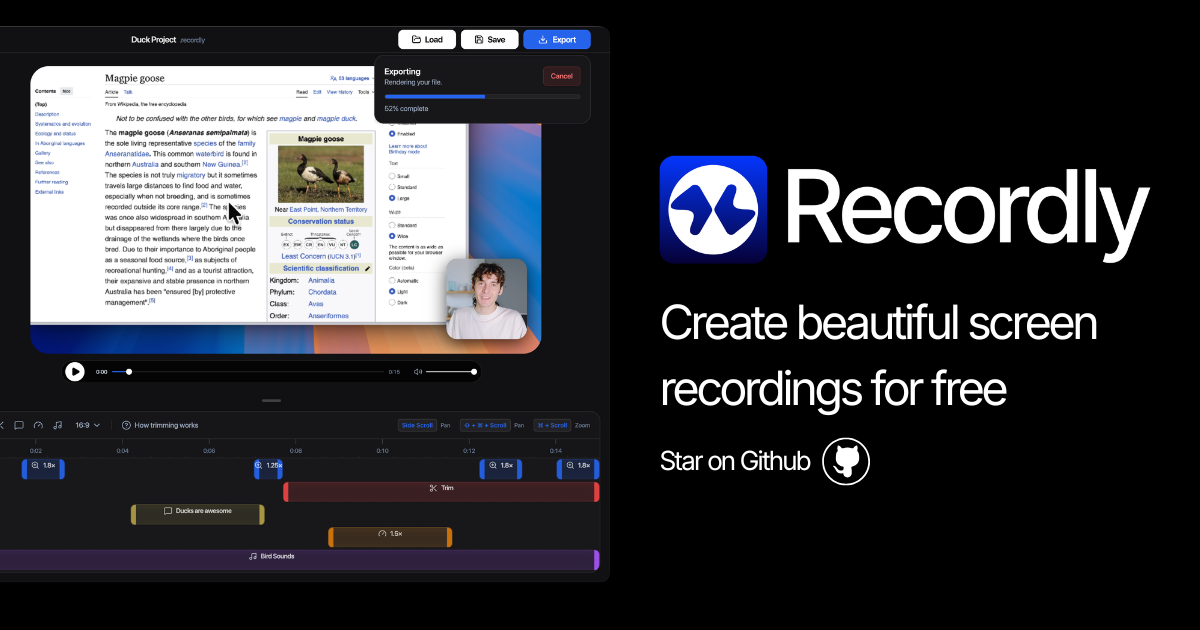
Recordly
Open-source screen recorder and editor for polished demos, tutorials, and product videos.
Screenshot & Screen Recording
Snapr
Screenshot, record, annotate & edit video in one app