

AppPorts
Move apps to external storage while keeping working launch links in `/Applications`.
AppPorts lets macOS users relocate large applications from the /Applications folder to an external drive—SSD, SD card, or NAS—while preserving a functional launch point in the original location. It does this by keeping the .app bundle locally and creating a symbolic link that points the internal Contents directory to the external storage, so the system and Launchpad treat the app as if it still resides on the internal disk.
The tool automatically protects system applications, checks whether an app is running before moving it, and offers a one‑click restore to move the app back and remove the link. Its interface, built with SwiftUI, supports Dark Mode, bilingual English/Chinese switching, and accessibility features such as VoiceOver and Braille display, and it includes a search bar for quickly finding apps on either storage medium.
AppPorts is open‑source and free, targeting macOS users who need to free up internal space without breaking their workflow, especially for multi‑gigabyte programs like Logic Pro, Xcode, or games. Its “Contents Linking” approach maintains native Finder icons, full Launchpad compatibility, and clean filesystem organization.
Reviews
Loading reviews…
Similar apps
File Management & Transfer
App Uninstaller
Lightweight app uninstaller with drag-and-drop support. Built with Swift and SwiftUI.
File Management & Transfer
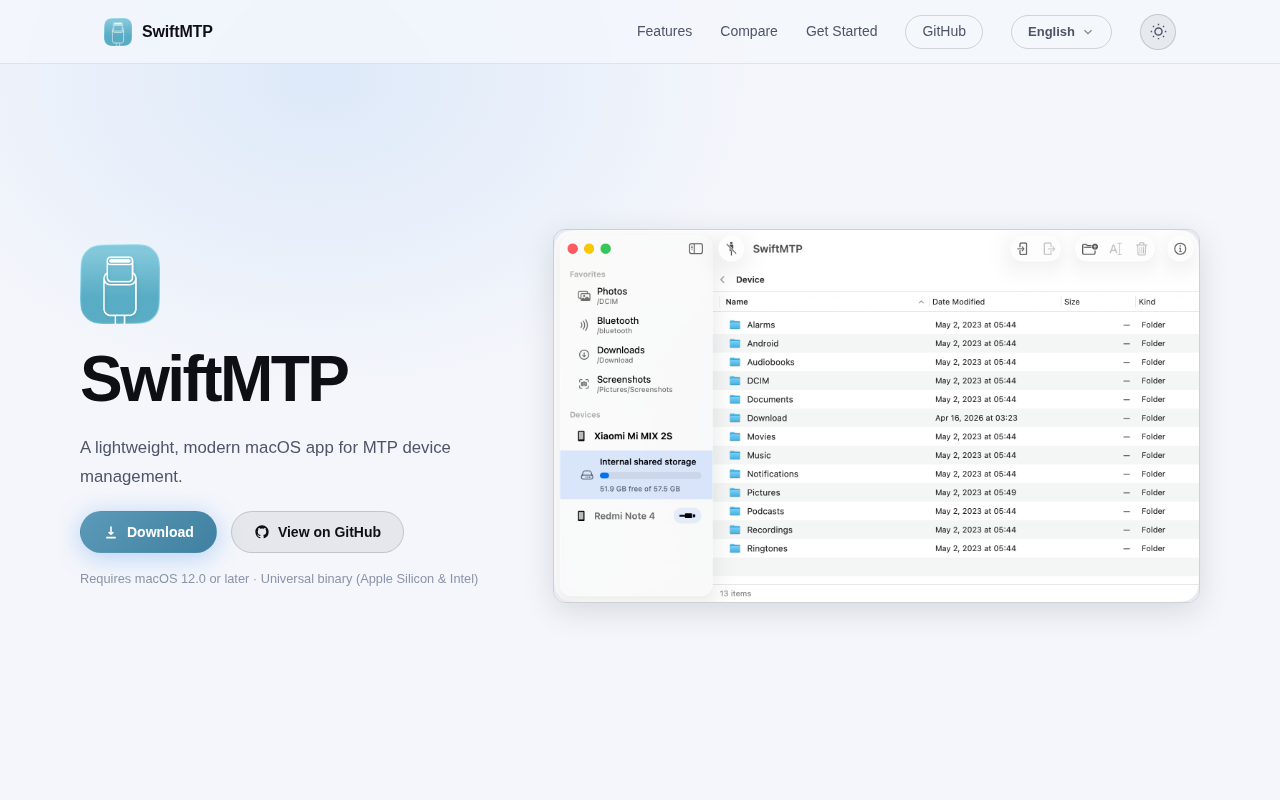
SwiftMTP
Open-source MTP device manager for browsing and transferring files between Mac and Android devices.

File Management & Transfer
Spacedrive
Open source cross-platform file explorer
File Management & Transfer
BBackupp
iOS device backup software
File Management & Transfer
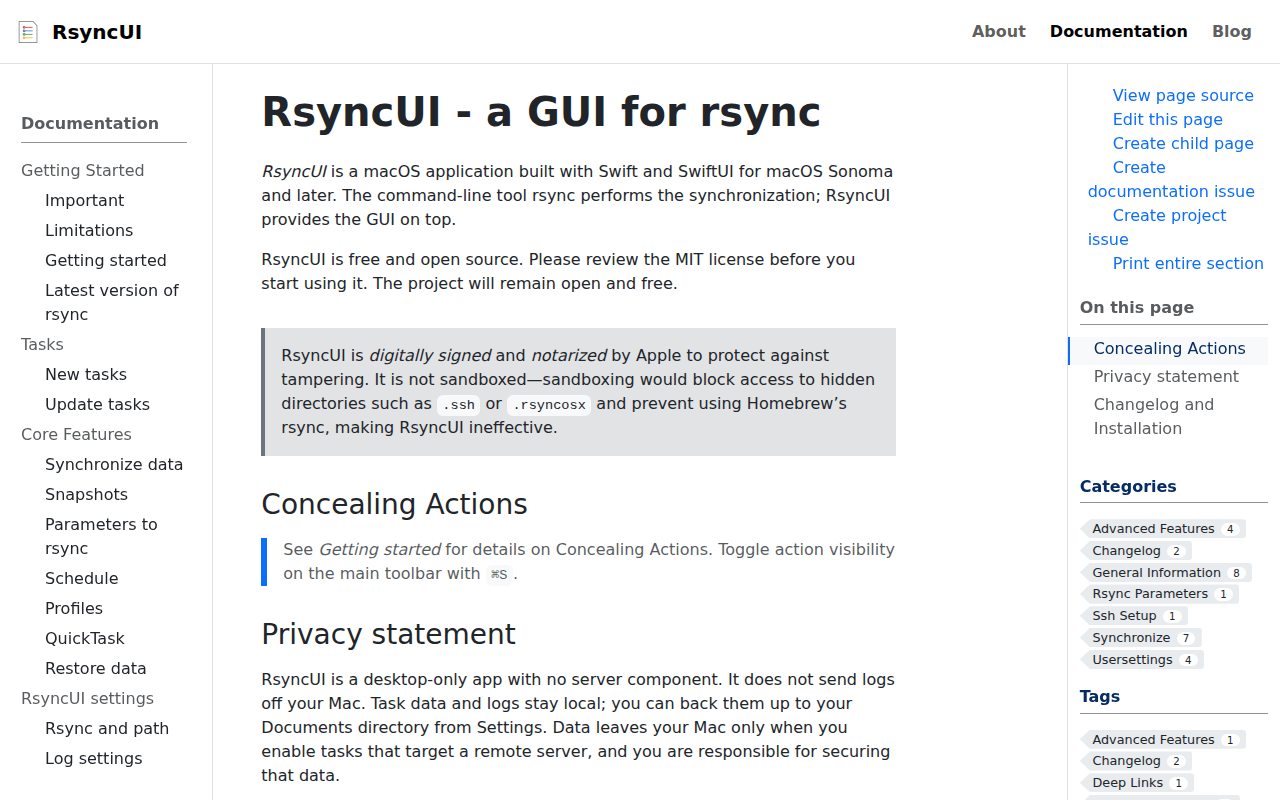
RsyncUI
GUI for rsync
File Management & Transfer
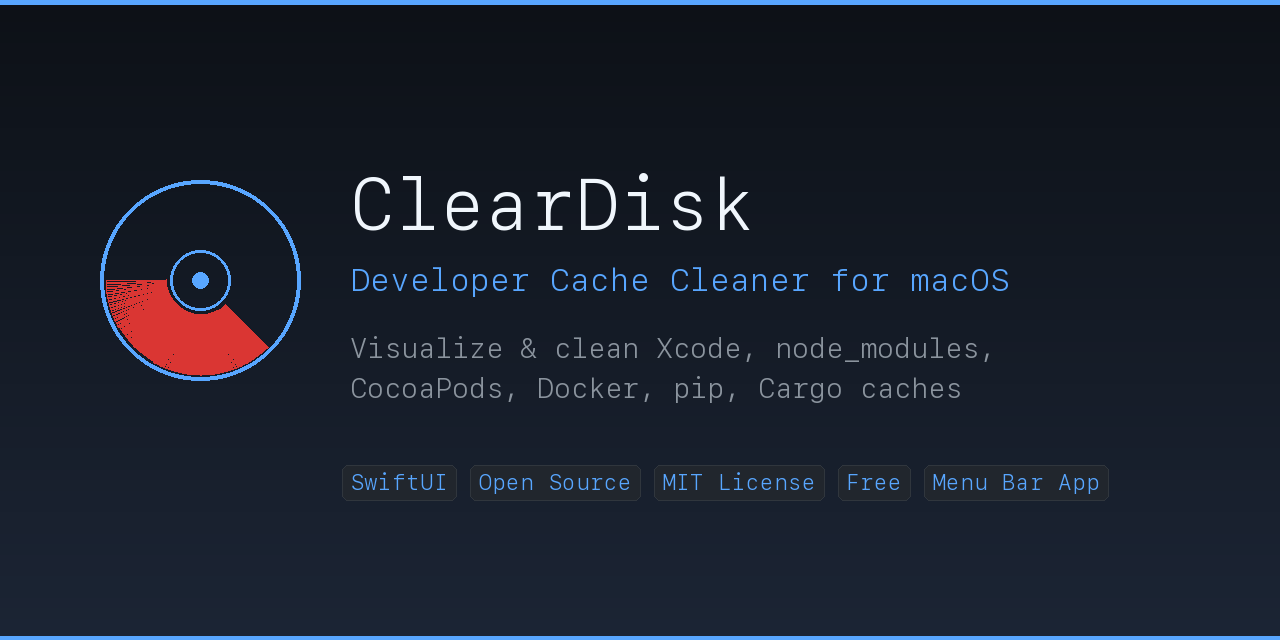
ClearDisk
Visualize and clean developer caches to quickly reclaim disk space.