
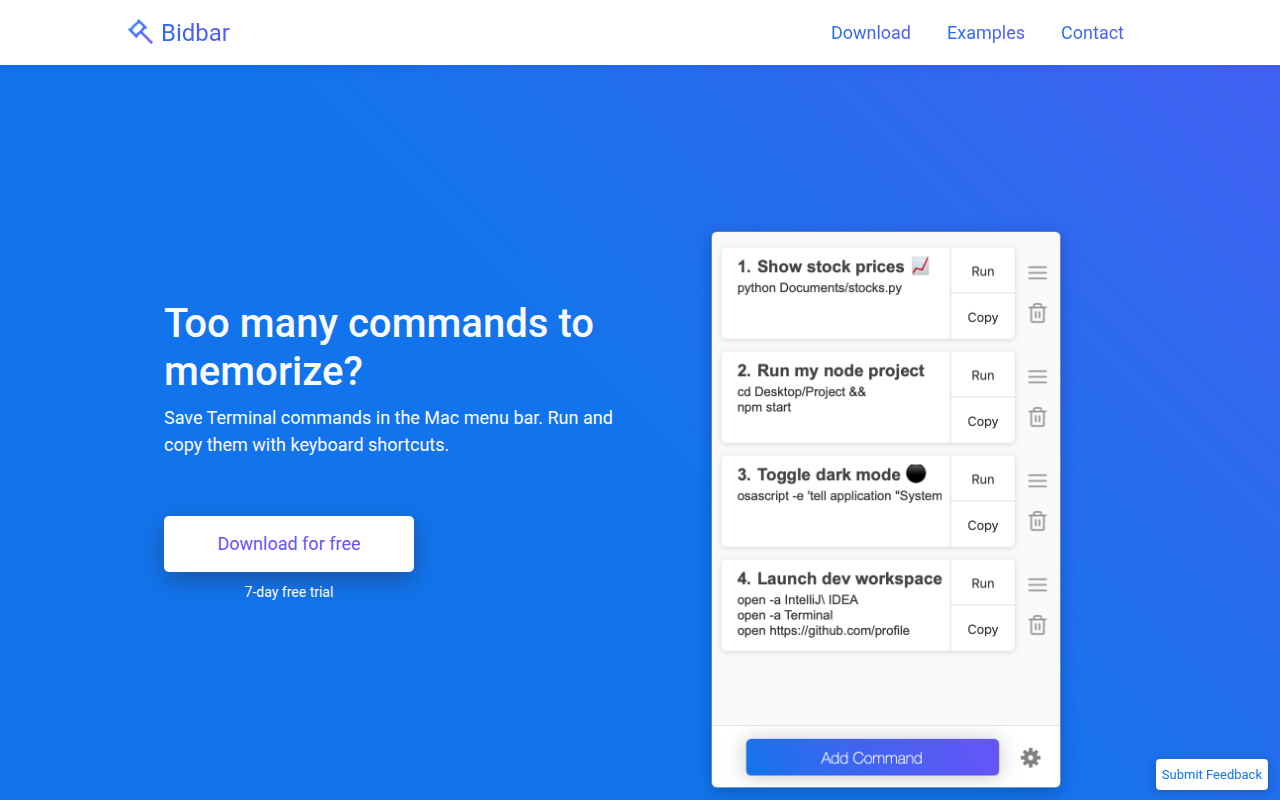
Bidbar
Manage bash commands from the menu bar and run them with keyboard shortcuts.
Bidbar places frequently used Terminal commands in the macOS menu bar, letting users invoke them with a single click or a keyboard shortcut. Each saved entry can be a simple one‑liner or a more complex script, and the interface supports up to nine commands that are accessible via shortcut combos such as ⌘ + 1 to run or ⌘ + Shift + 1 to copy. After execution, the tool presents the command’s output in a notification and offers a minimal window for detailed inspection.
The application is aimed at developers and power users who regularly work in the shell and want quick access to recurring commands without memorizing them. It accommodates a wide range of use cases, from Git operations and file searches to launching applications, toggling system settings, and running scripts in various languages.
Bidbar provides a lightweight, menu‑driven workflow that integrates directly with macOS, delivering command execution, output viewing, and shortcut‑based copying in a single, always‑available UI element.
Reviews
Loading reviews…
Similar apps
Window & Desktop Management
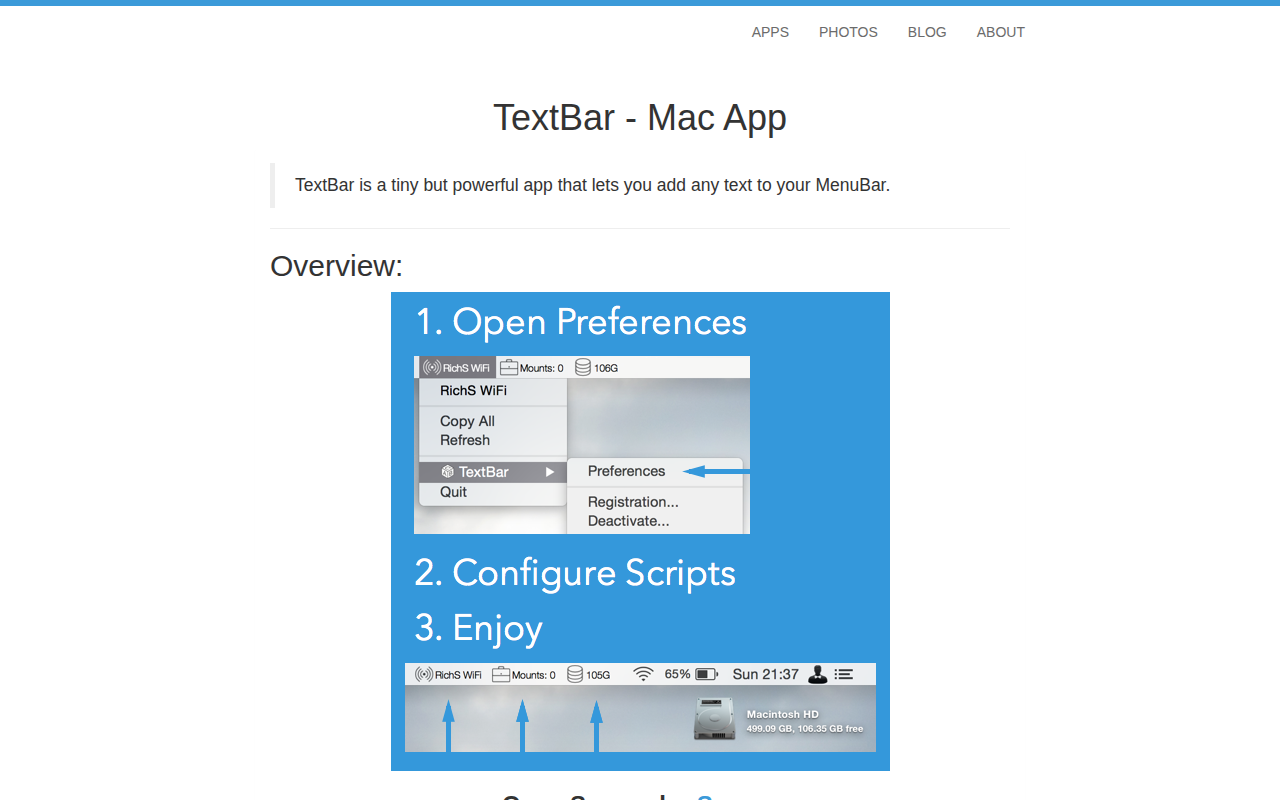
TextBar
Add any text to menu bar
Terminals & CLI
Command Pad
Start and stop command-line tools and monitor the output
Window & Desktop Management
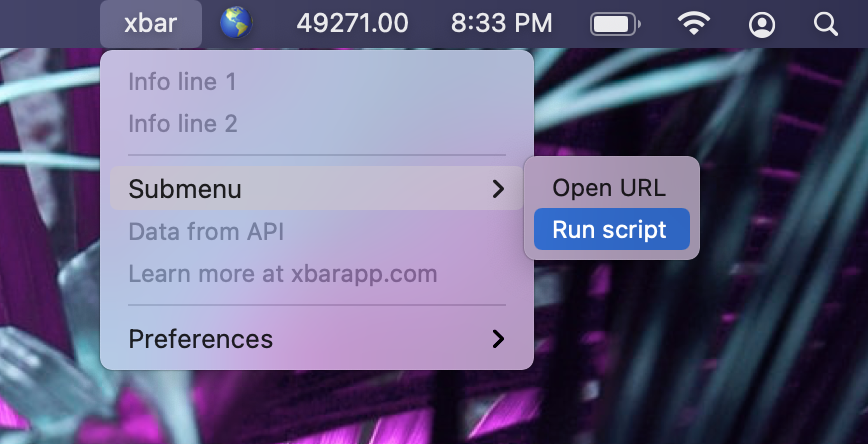
Xbar
Put the output from any script or program into your macOS Menu Bar (the BitBar reboot).
Clipboard, Input & Automation
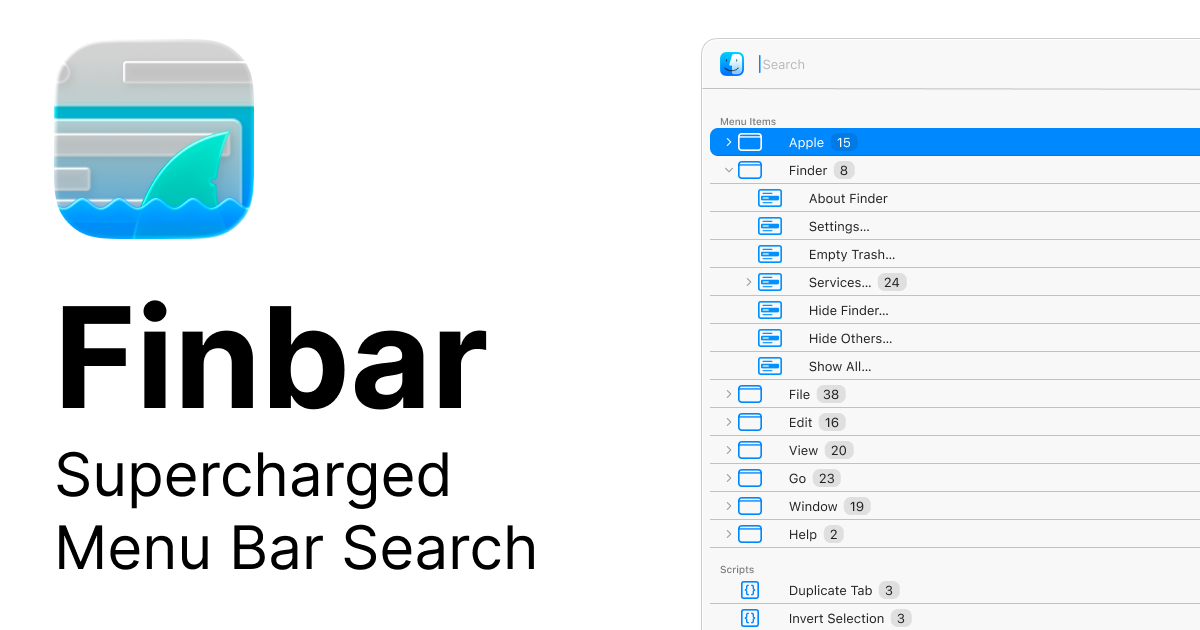
Finbar
Menu bar searching utility
Window & Desktop Management
Bartender
Organize or hide menu bar icons on your Mac.

Window & Desktop Management
SwiftBar
Powerful macOS menu bar customization tool.