
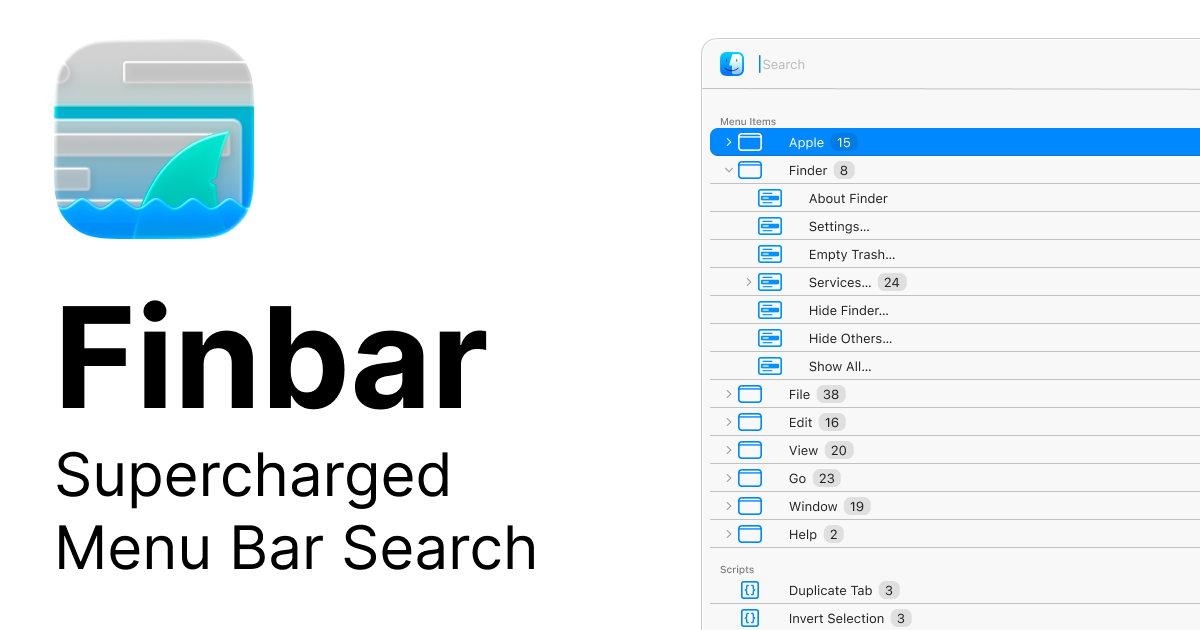
Finbar
Menu bar searching utility
Finbar replaces the macOS built‑in menu bar search with a more feature‑rich command palette. It indexes all menu items, applies fuzzy filtering, and presents results in either a flat list sorted by match score or an outline that preserves the original hierarchy. Users can type only a few characters to locate a command, then drill down into sub‑menus without leaving the search view.
The utility records every selected item, building a persistent “recents” list that stays relevant across launches and adapts to dynamically changing titles. It also supports custom rule sets that hide irrelevant entries, and it can import shell scripts or AppleScript files placed in a designated folder, effectively extending the menu bar with user‑defined commands. Hot‑key shortcuts for the top nine items and quick access to the system help menu further streamline workflow.
Finbar is written with AppKit, keeping it lightweight and responsive on macOS. Its design targets power users who need rapid, context‑aware navigation of complex menu structures while maintaining low resource usage.
Reviews
Loading reviews…
Similar apps
Clipboard, Input & Automation
Paletro
Command palette in any application
DevOps & Infrastructure
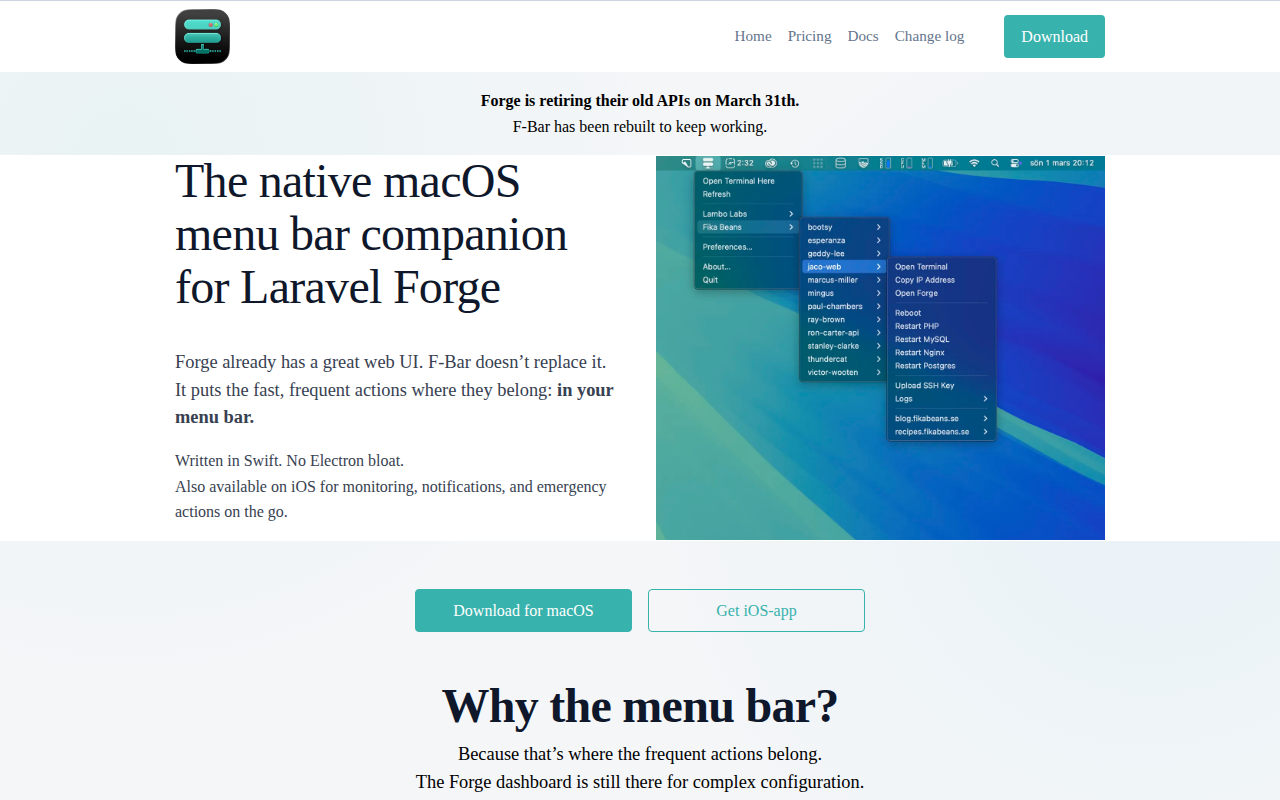
F-Bar
Manage Laravel Forge servers from the menubar
Window & Desktop Management
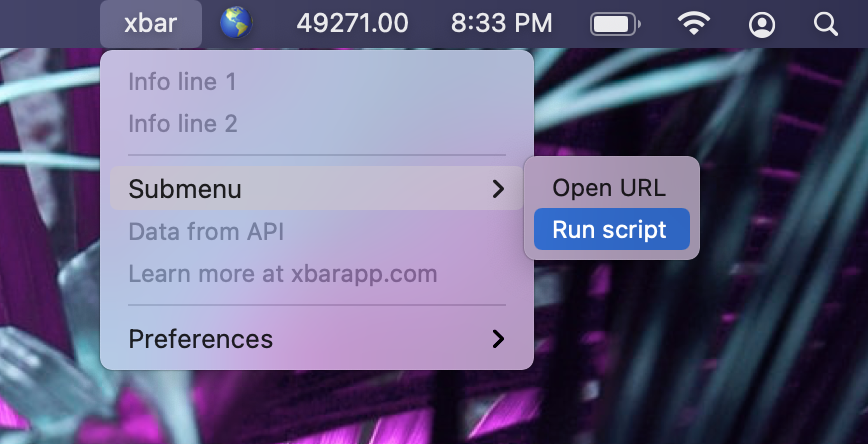
Xbar
Put the output from any script or program into your macOS Menu Bar (the BitBar reboot).
Window & Desktop Management
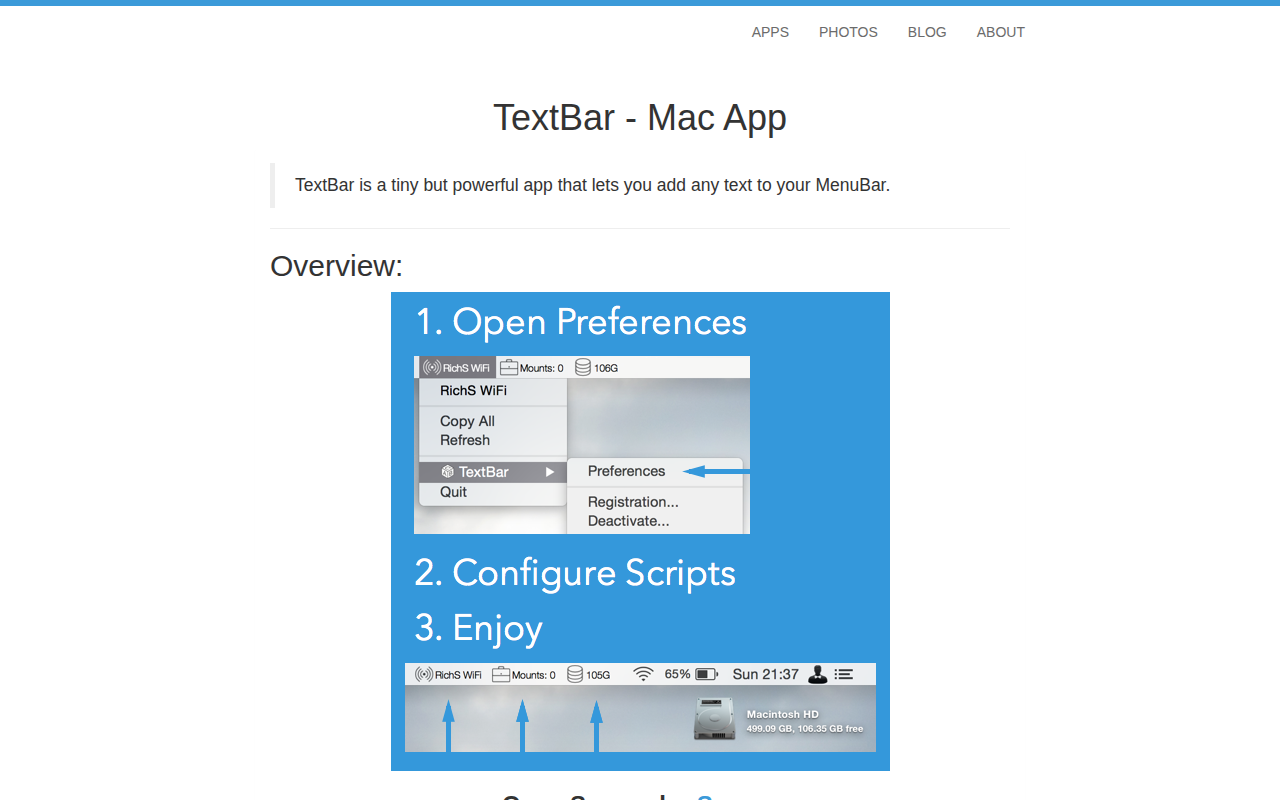
TextBar
Add any text to menu bar
Clipboard, Input & Automation
FnKeyboard
Quick access to function keys from the menu bar.
Window & Desktop Management
Bartender
Organize or hide menu bar icons on your Mac.