

Black Light
Apply special vision effects on your screen
Black Light lets macOS users modify the visual appearance of their display by combining dimming, tinting, clipping, gamma shift, color inversion, and HDTV luminance adjustments into custom effects. Users can create presets such as a reddish screen for astronomy, an orange‑yellow tint to reduce blue light at night, or subtle gamma changes to highlight details in dark games. Each effect can be applied manually via hot keys, automatically at scheduled times, or triggered by the frontmost application.
The software supports smooth transitions between effects, configurable separately for manual and timed activations, and can chain multiple color changes throughout the day based on the system clock or local sunrise and sunset times. It also offers multi‑screen handling, inactivity and mouse‑tracking controls, and menu‑bar access for quick adjustments.
Designed for productivity and visual comfort, Black Light provides fine‑grained control over screen color and luminance without requiring external hardware, making it suitable for users who want to reduce eye strain, customize viewing conditions, or experiment with screen aesthetics.
Reviews
Loading reviews…
Similar apps

Display & Accessibility
f.lux
Makes the color of your computer's display adapt to the time of day. ![Freeware][Freeware Icon]
Design & UI Prototyping
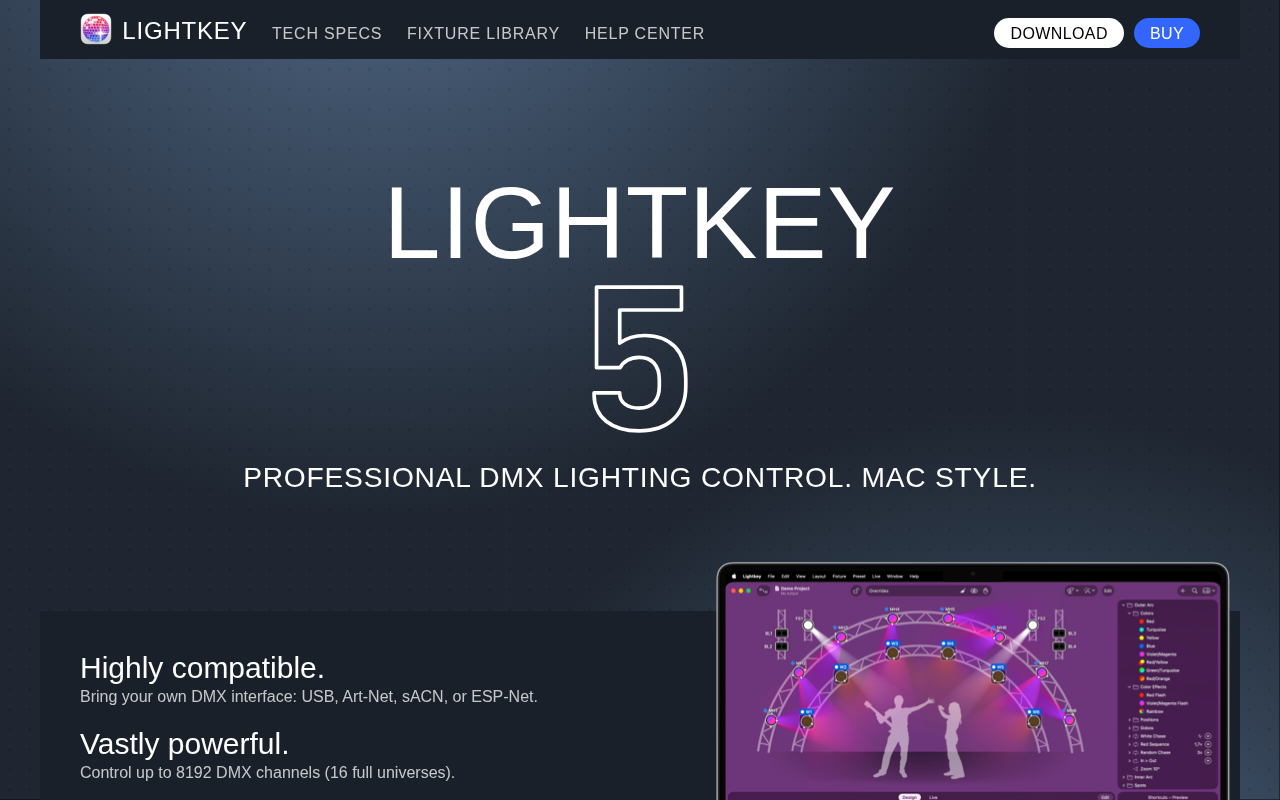
Lightkey
DMX lighting control
Display & Accessibility
Nocturnal
Dimness and night shift menu bar app
Display & Accessibility
DisplayCAL
Display calibration and characterization powered by ArgyllCMS

Display & Accessibility
Iris
Blue light filter and eye protection software
Puzzle & Casual
Black Ink
Download, solve, and print crossword puzzles