

f.lux
Makes the color of your computer's display adapt to the time of day. ![Freeware][Freeware Icon]
The program adjusts a computer’s display color temperature according to the local time, making the screen appear warmer after sunset and reverting to a daylight‑like hue during the day. Users input their geographic location and typical lighting conditions, and the software automatically transitions the color balance to match indoor lighting at night and natural sunlight in the morning.
It targets anyone who spends time in front of a screen and wants to reduce eye strain or improve sleep quality by minimizing blue‑light exposure in the evening. The tool is offered as free software for personal use on macOS, Windows, and Linux, with separate corporate licensing options.
What distinguishes it is the automatic, time‑based color adaptation that runs in the background after an initial setup, requiring no further user interaction unless the lighting environment changes. The application also includes links to related sleep‑ and lighting‑information resources.
Reviews
Loading reviews…
Similar apps
Display & Accessibility
Iris
Blue light filter and eye protection software
Display & Accessibility
Gray
Per-app light/dark mode switcher. ![Freeware][Freeware Icon]
Display & Accessibility
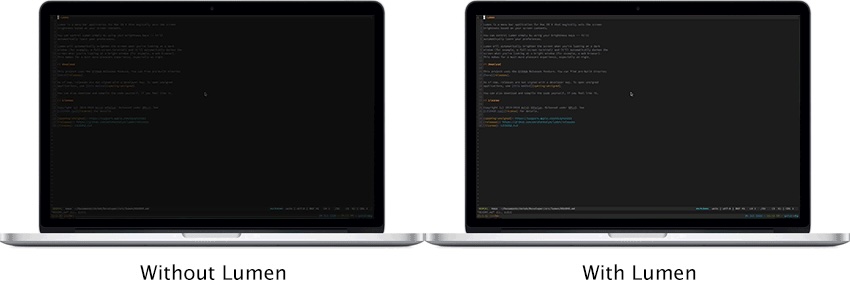
Lumen
Magic auto brightness based on screen contents
Display & Accessibility
Nocturnal
Dimness and night shift menu bar app
Display & Accessibility
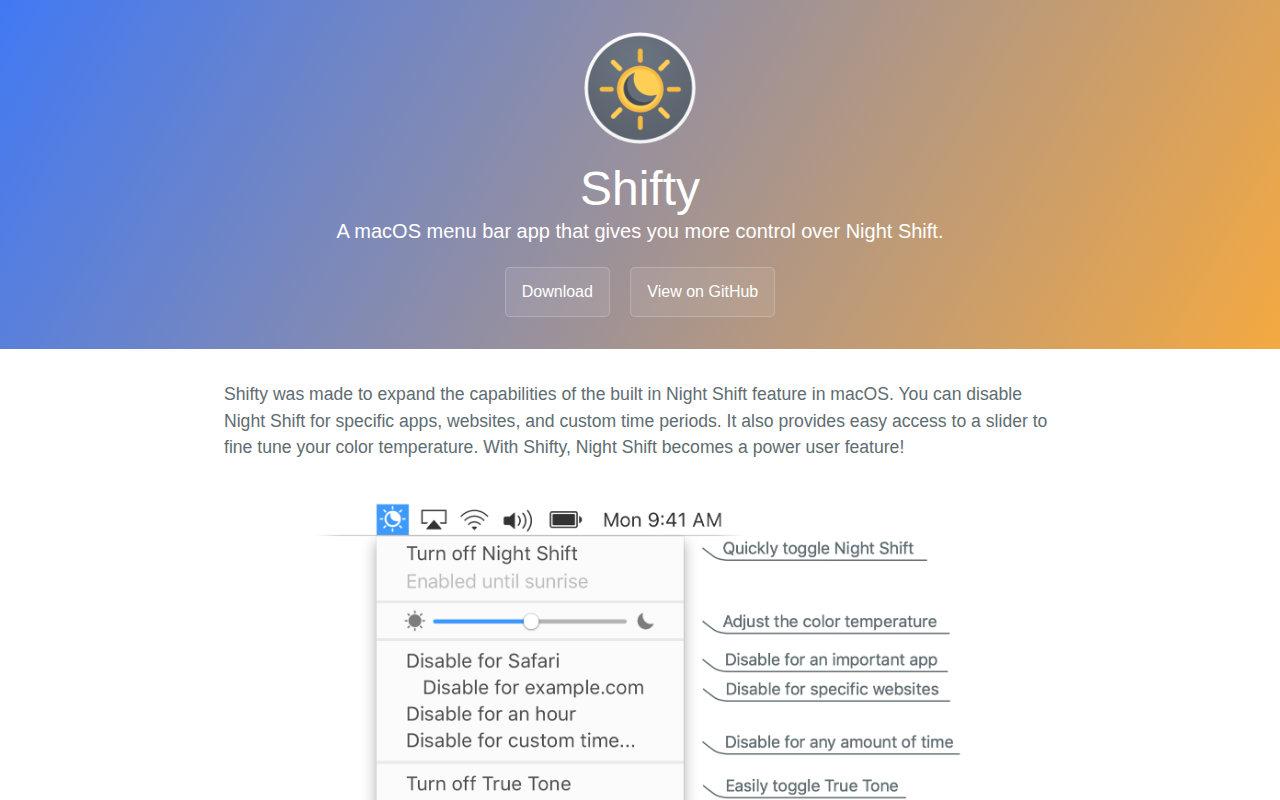
Shifty
A macOS menu bar app that gives you more control over Night Shift.

Display & Accessibility
Lunar
Help you adujst brightness, contrast and volumn of your external display.