

CleanShot
Screen capturing tool
CleanShot X is a macOS‑only application that captures screenshots and records the screen, offering a range of built‑in tools for annotation, scrolling capture, and background customization. Users can quickly save, copy, or drag and drop captures, and the overlay provides instant sharing options. The app includes OCR for extracting text from images, a self‑timer for delayed captures, and the ability to hide desktop icons or other visual clutter during a shot.
Beyond static images, CleanShot X supports screen recordings that can be saved as video files or optimized GIFs, with options to record webcam, microphone, and system audio, as well as highlight mouse clicks and keystrokes. A trimming tool and crosshair mode assist in refining the output. The background tool supplies several ready‑made backgrounds and allows custom images, helping users create polished visuals for social media or documentation.
The software also integrates with CleanShot Cloud, enabling one‑click uploads and link generation for collaboration, while supporting custom domains and branding for team use. Features such as pinning screenshots on top of other windows, scaling down Retina captures, and managing workflow tweaks round out a comprehensive screen‑capturing solution for macOS users.
Reviews
Loading reviews…
Similar apps

Photo & Video Management
CleanShot X
Discover a superior way to capture your Mac's screen.
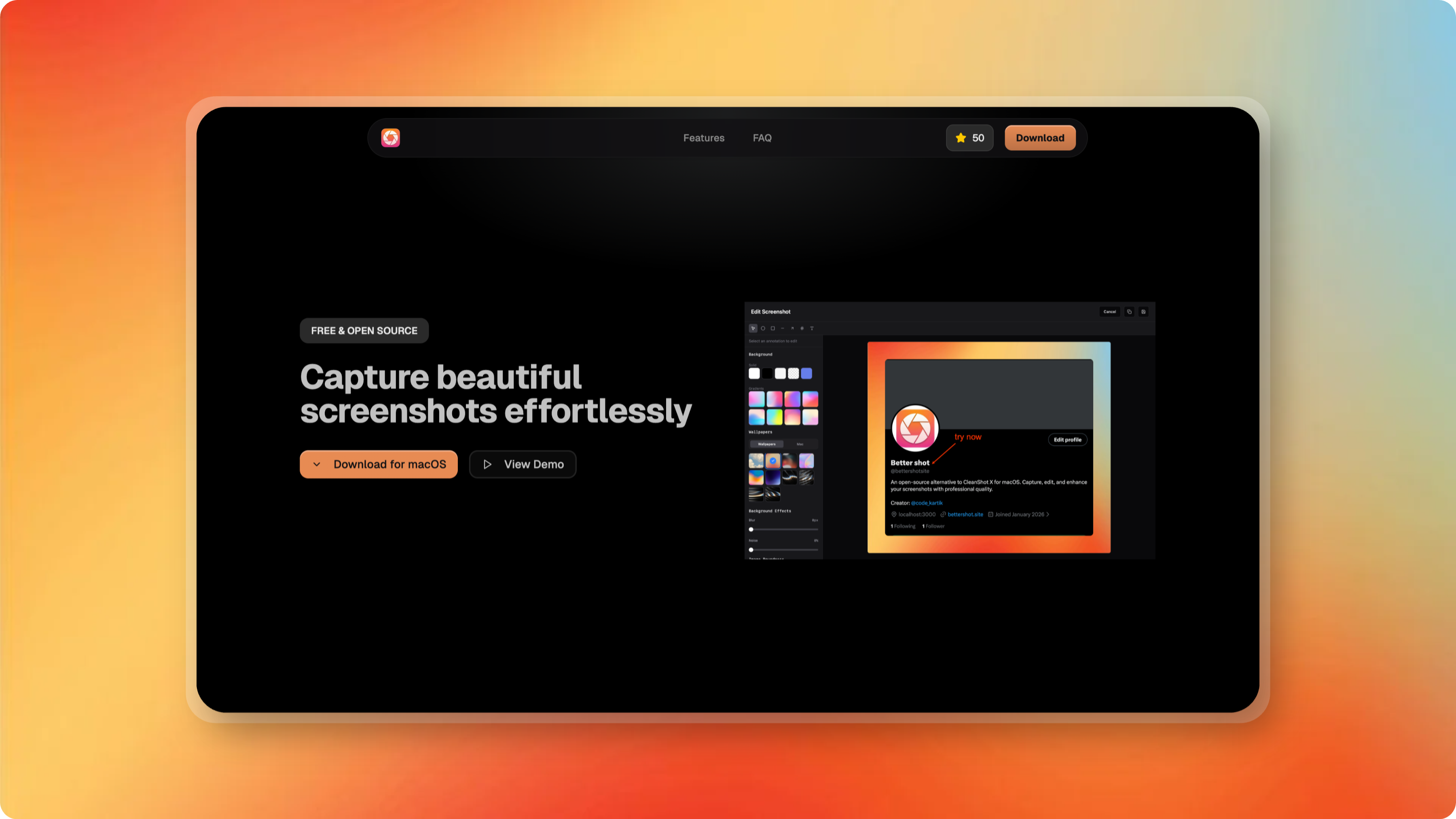
Photo & Video Management
Better Shot
Screen capturing and editing tool
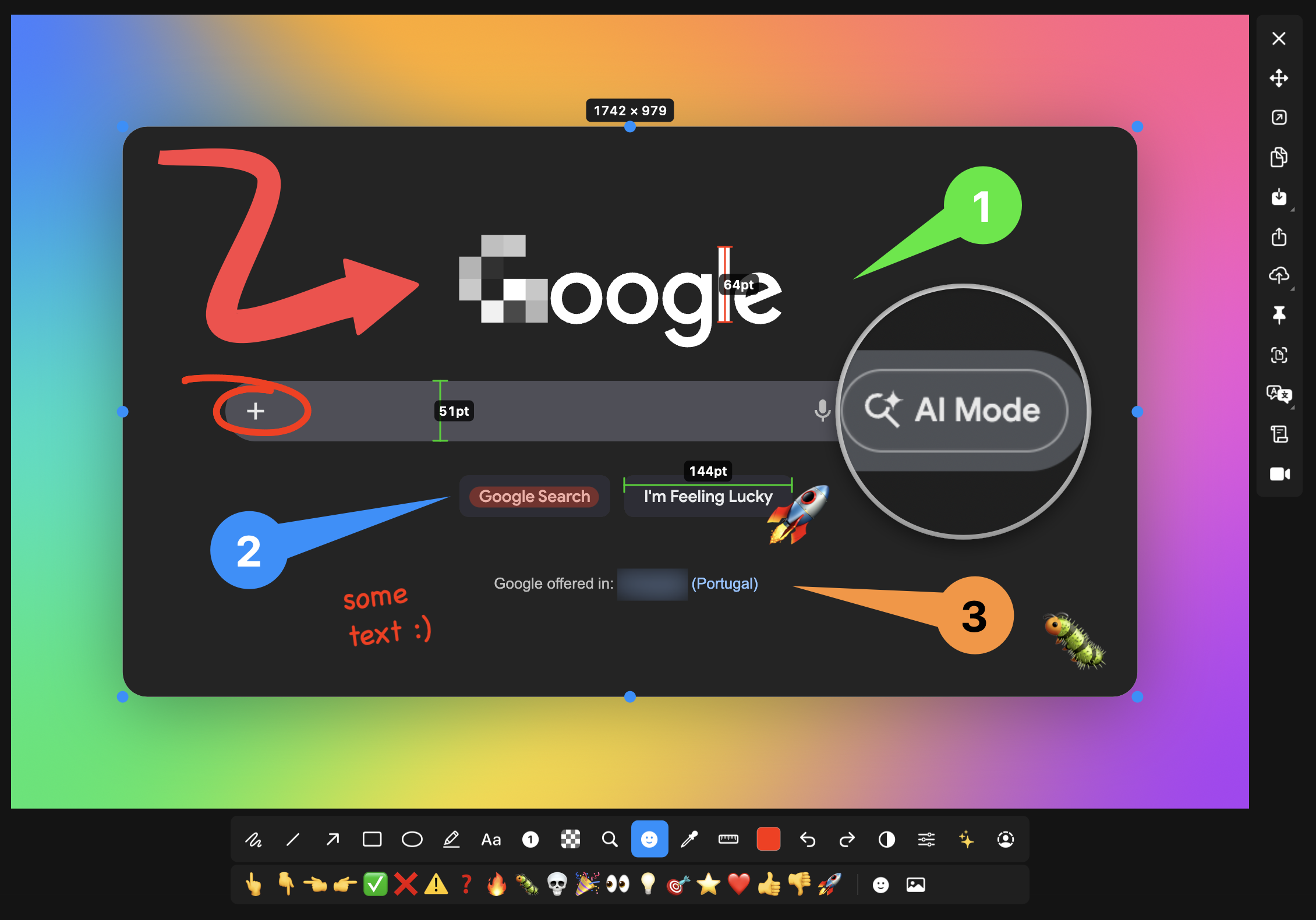
Screenshot & Screen Recording
macshot
Screenshot and annotation tool with screen recording, scrolling capture, and OCR.
Screenshot & Screen Recording
Xnapper
Screenshot tool
Screenshot & Screen Recording
PixPin
Screenshot tool
Screenshot & Screen Recording
Flameshot
Screenshot software with built-in annotation tools