
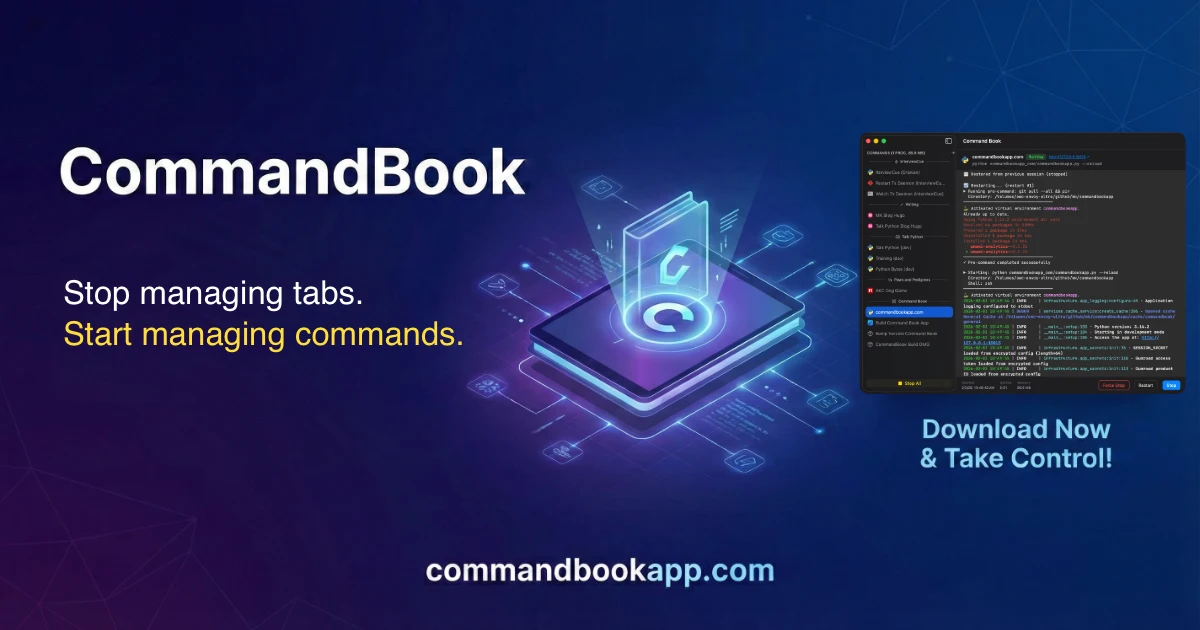
Command Book
A terminal companion for long-running terminal commands (freemium)
Command Book is a native macOS application that stores and runs long‑running terminal commands such as web servers, databases, and background workers. Users can assign a name, working directory, and environment variables to each command, and optionally prepend pre‑commands (e.g., a git pull) so the latest code is always used. The app keeps a permanent record of saved commands, allowing quick selection and execution without re‑typing or navigating to the correct folder.
Running processes are managed by Command Book, which preserves their state across app restarts and system reboots. The sidebar maintains the order of commands, output history remains intact, and crashed processes can be automatically restarted after a configurable delay. Users can interrupt, stop, or restart processes directly from the interface.
The output view supports full‑color, massive buffers with up to 500 000 lines per process, searchable via case‑sensitive or regex queries. Detected URLs in the output are displayed as clickable links, and a keyboard‑first command palette (⌘K) lets users search, run, and edit commands without leaving the keyboard. The free tier includes a limited number of saved commands and output lines.
Reviews
Loading reviews…
Similar apps
Terminals & CLI
Command Pad
Start and stop command-line tools and monitor the output
Clipboard, Input & Automation
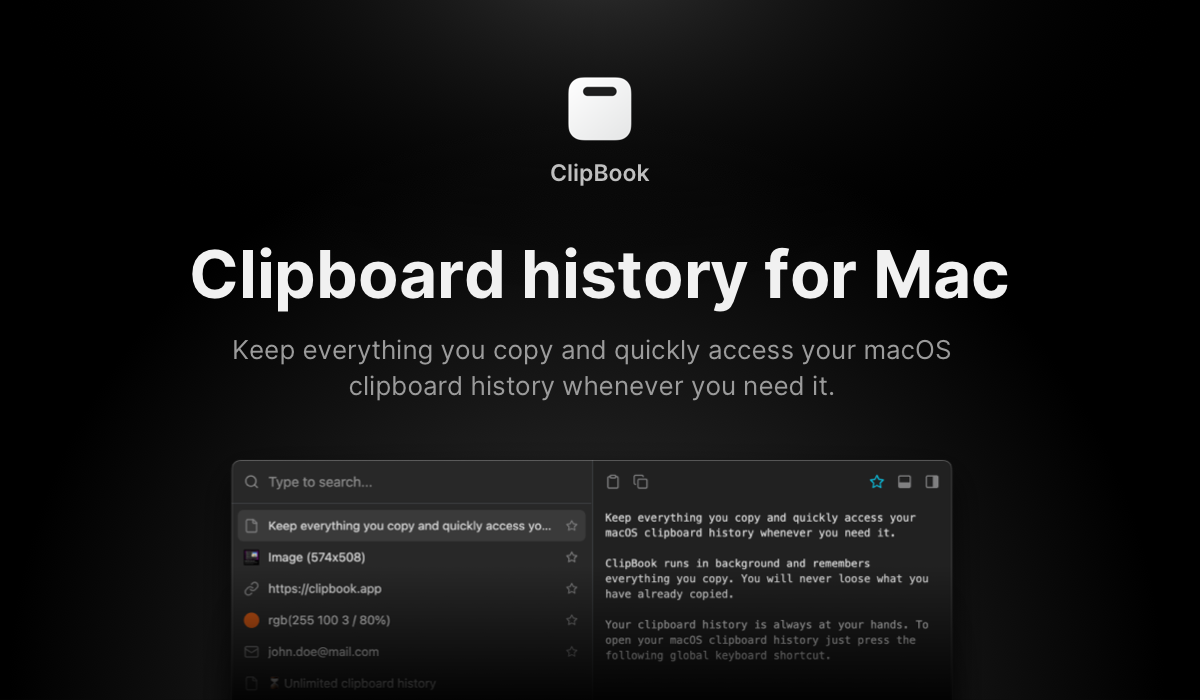
ClipBook
Clipboard history app
Terminals & CLI
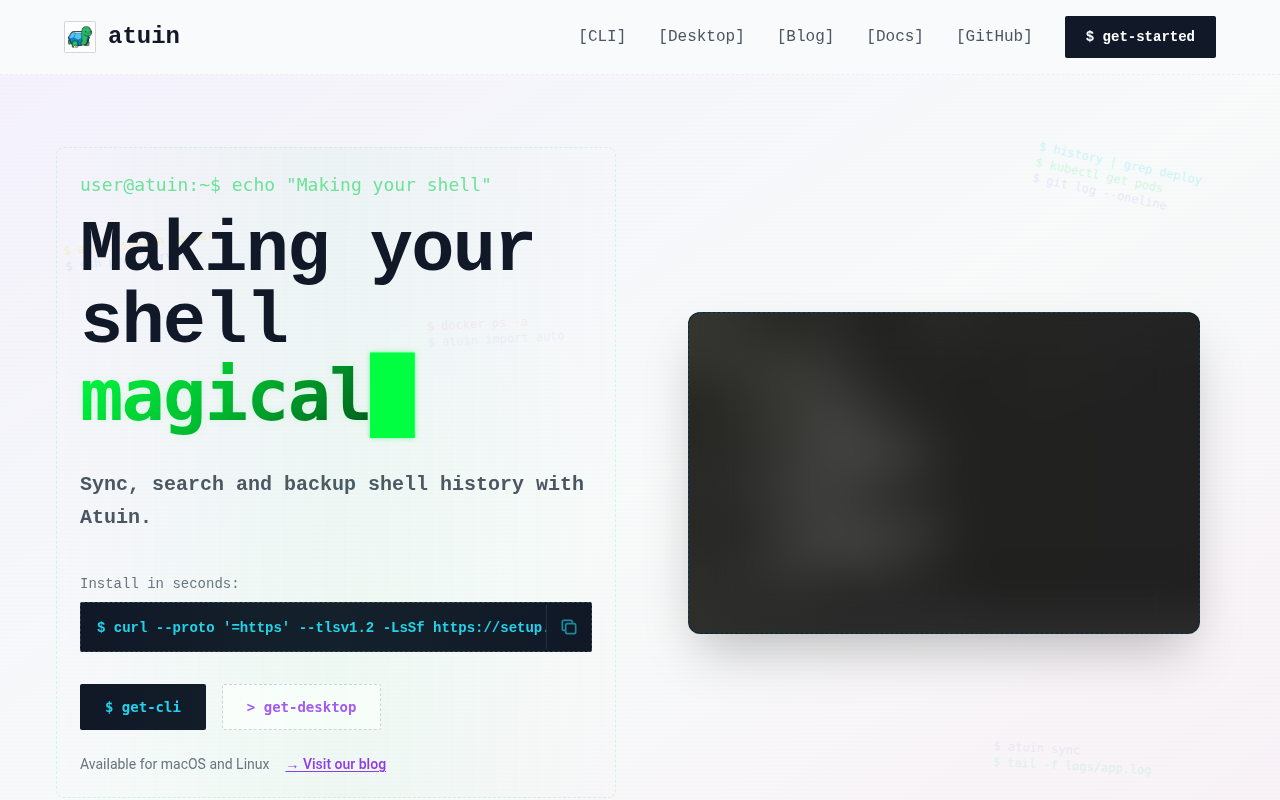
Atuin Desktop
Runbook editor for terminal workflows
Terminals & CLI
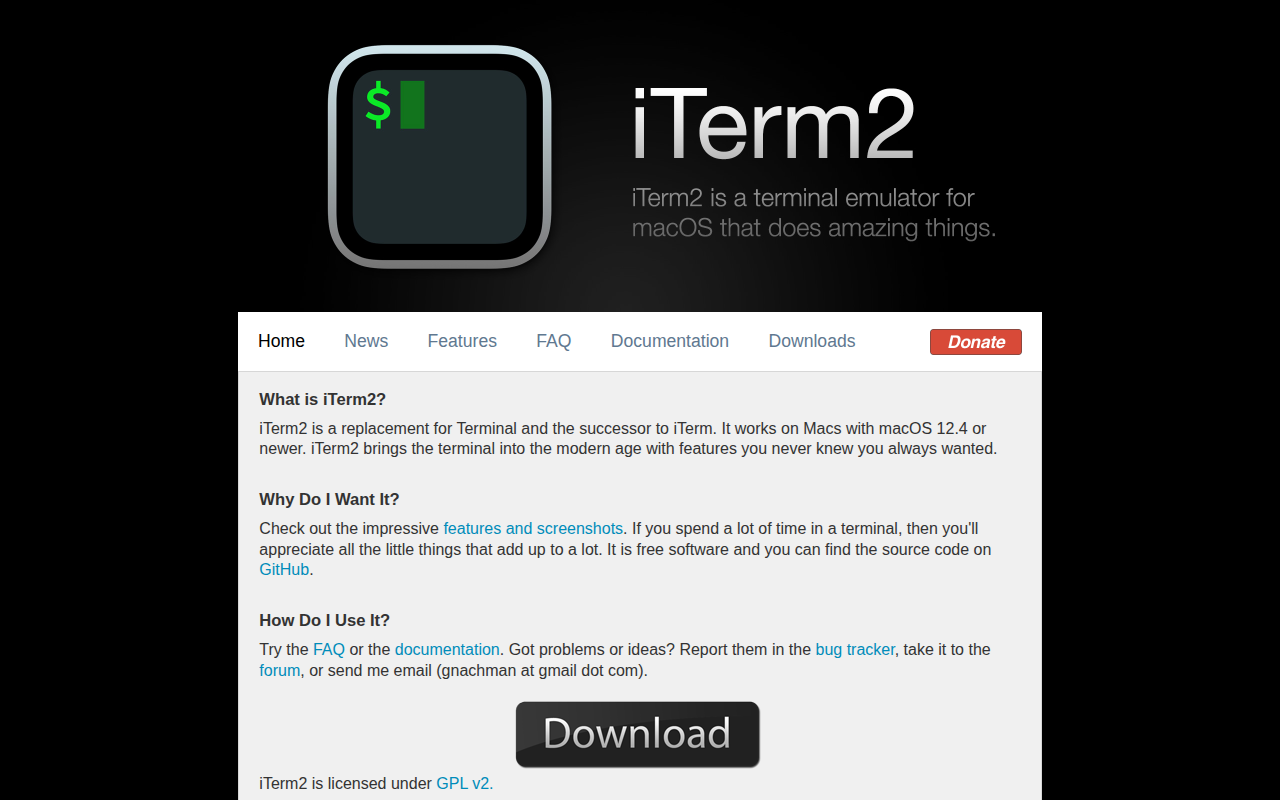
iTerm2
iTerm2 is an amazing terminal emulator for OS X.
Terminals & CLI
SupaSidebar
Arc-like sidebar to save links, files and folders from any browser
Terminals & CLI
Script Kit
Create and run scripts