
DarkModeBuddy
Automatically switch between light and dark modes based on ambient light sensor
DarkModeBuddy runs continuously in the background on macOS and monitors the built‑in ambient light sensor that also controls screen brightness. When the measured light level stays below a user‑defined threshold for a configurable period, the app switches the system appearance to Dark Mode; when the light rises above the threshold, it returns to Light Mode. This behavior avoids the flickering that can occur with rapid changes in illumination.
The tool is aimed at Mac users who want their interface theme to reflect actual lighting conditions rather than the time‑based “Auto” mode provided by macOS. It is useful for anyone who works for the Mac in varying environments and prefers the visual comfort of a theme that matches the surrounding light.
DarkModeBuddy requires macOS Catalina or later and a Mac equipped with an internal ambient light sensor; external displays are not supported. The application is stable, open‑source, and distributed for free, with optional donations to support development.
Reviews
Loading reviews…
Similar apps
Display & Accessibility
Brightness Sync
Utility to synchronise the brightness of LG UltraFine display(s)
Display & Accessibility
Nightfall
Menu bar utility for toggling dark mode
Display & Accessibility
Nocturnal
Dimness and night shift menu bar app
Display & Accessibility
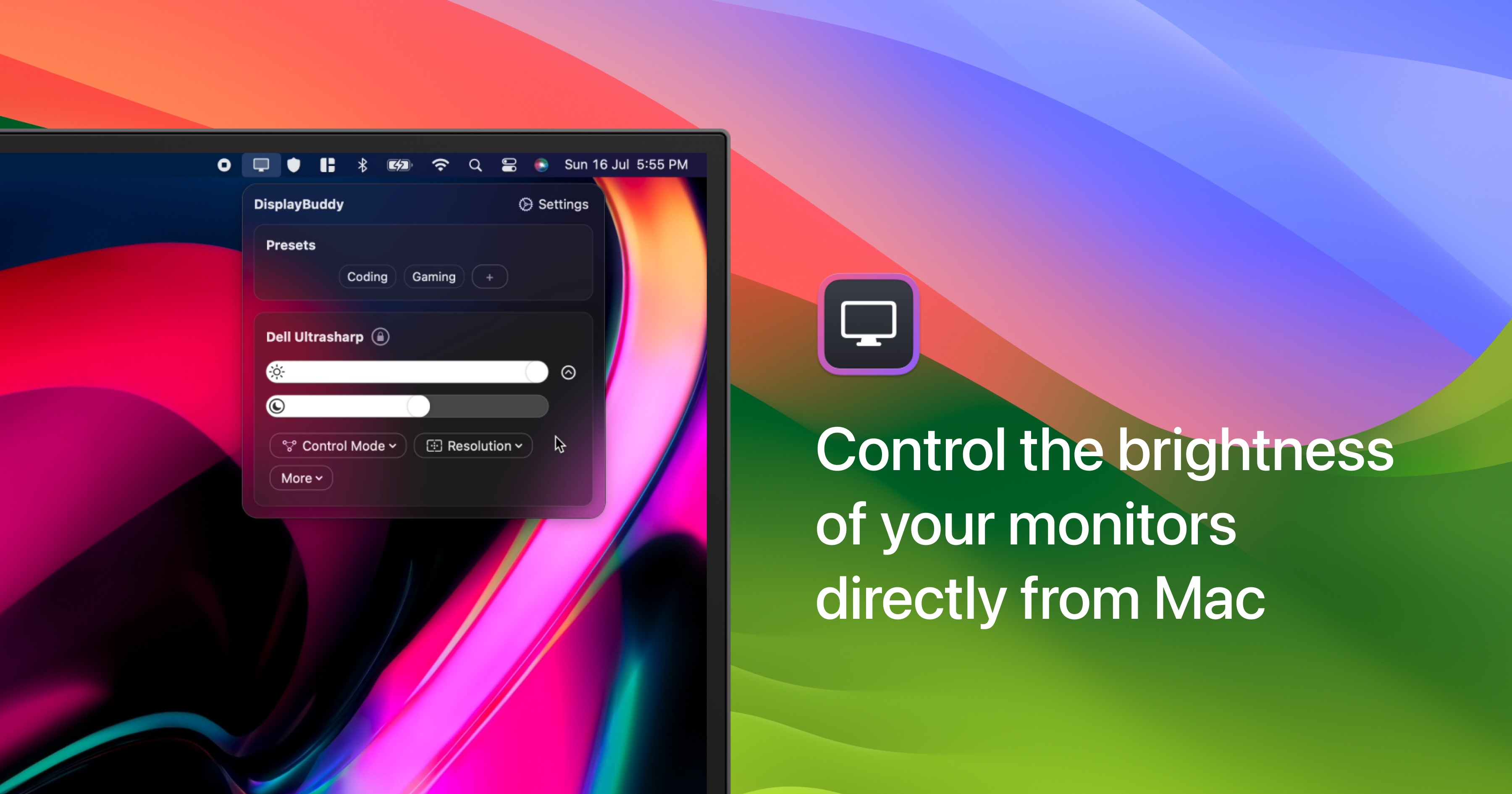
DisplayBuddy
Control external display brightness, contrast, and input source.
Display & Accessibility
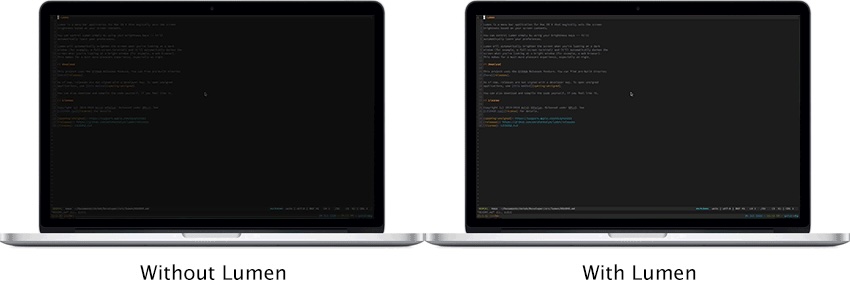
Lumen
Magic auto brightness based on screen contents
Display & Accessibility
Brisync
Utility to automatically control the brightness of external displays