
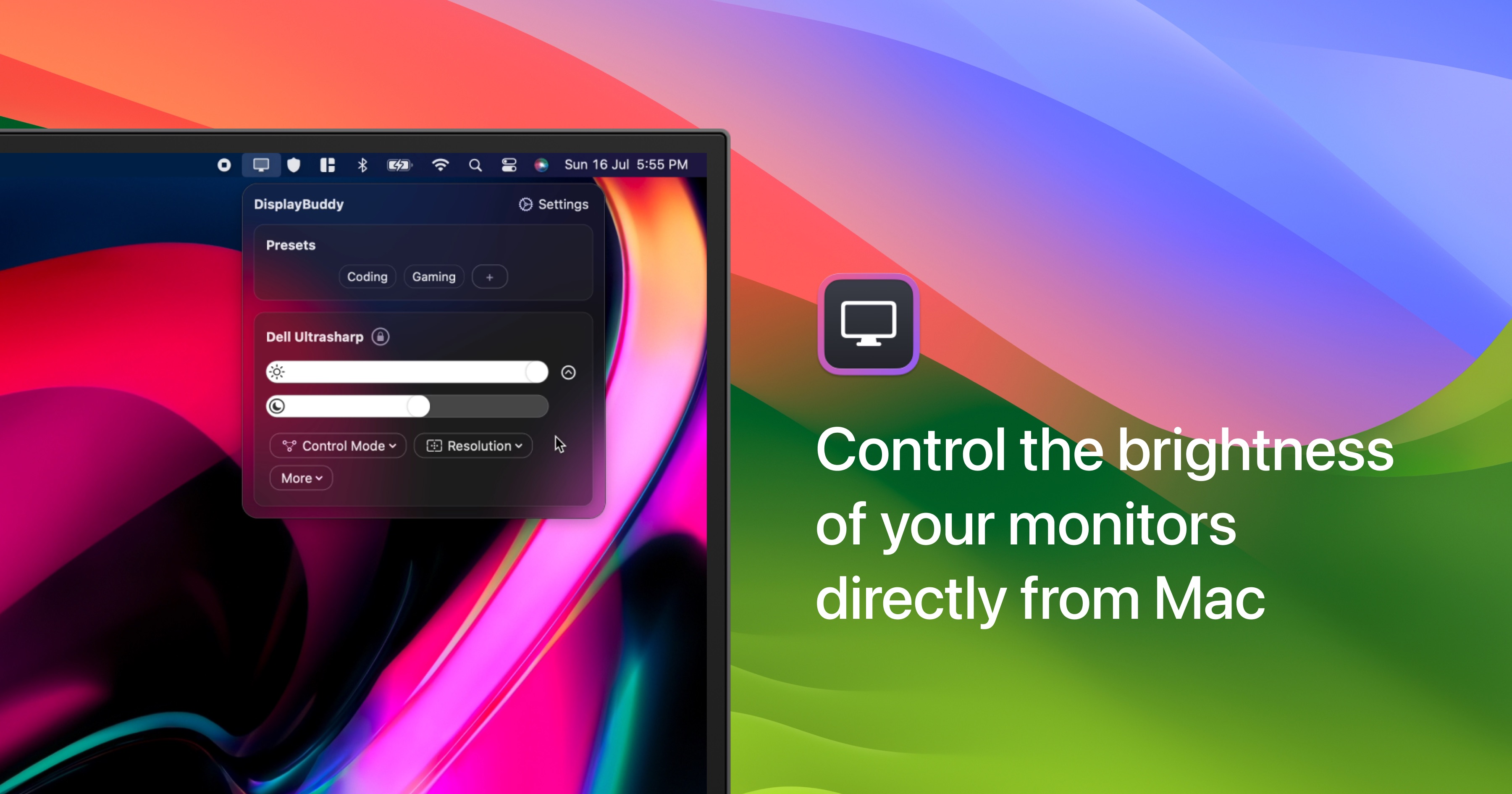
DisplayBuddy
Control external display brightness, contrast, and input source.
DisplayBuddy lets users adjust brightness, contrast, volume, and input source of external monitors directly from their computer. It communicates with displays via DDC, supporting a wide range of brands such as Dell, LG, Samsung, and Xiaomi. The interface is integrated into the macOS menu bar and also works on Windows, providing sliders and shortcuts for quick changes without using hardware buttons.
The application offers preset management, allowing users to save and restore groups of settings for different scenarios like work, movies, or gaming. Presets can be applied across multiple monitors with a single action, and keyboard shortcuts enable rapid adjustments. Compatibility includes Apple Silicon Macs and multiple displays on a single system.
DisplayBuddy focuses on providing fine‑grained control over external screens, handling real‑time brightness and contrast changes and supporting input source selection. It is positioned as a stable utility for users who need consistent, software‑based monitor management across major display manufacturers.
Reviews
Loading reviews…
Similar apps
Display & Accessibility
MonitorControl
Control external display brightness and volume directly.
Display & Accessibility
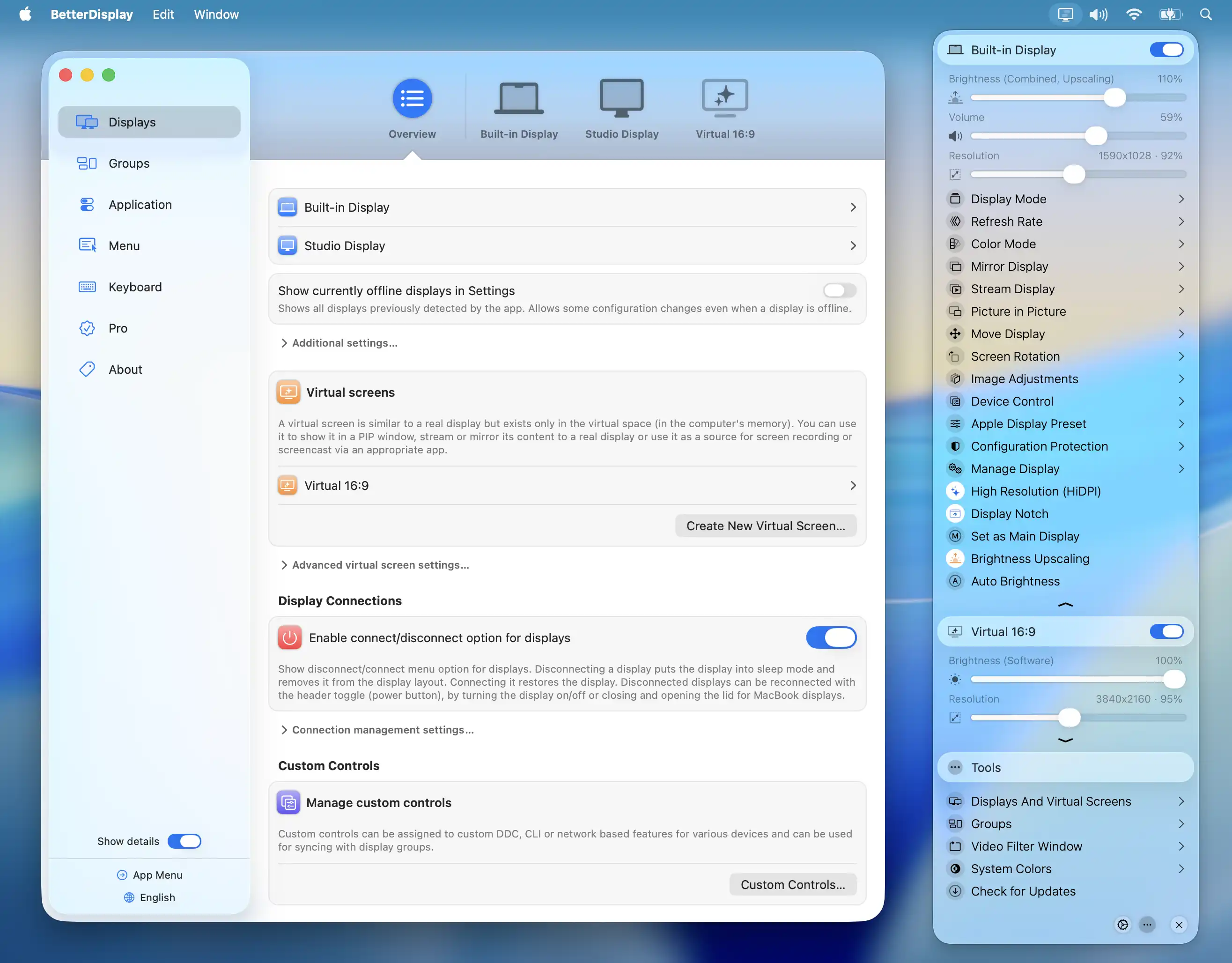
BetterDisplay
Display management tool
Display & Accessibility
Display Pilot 2
Display control utility
Display & Accessibility
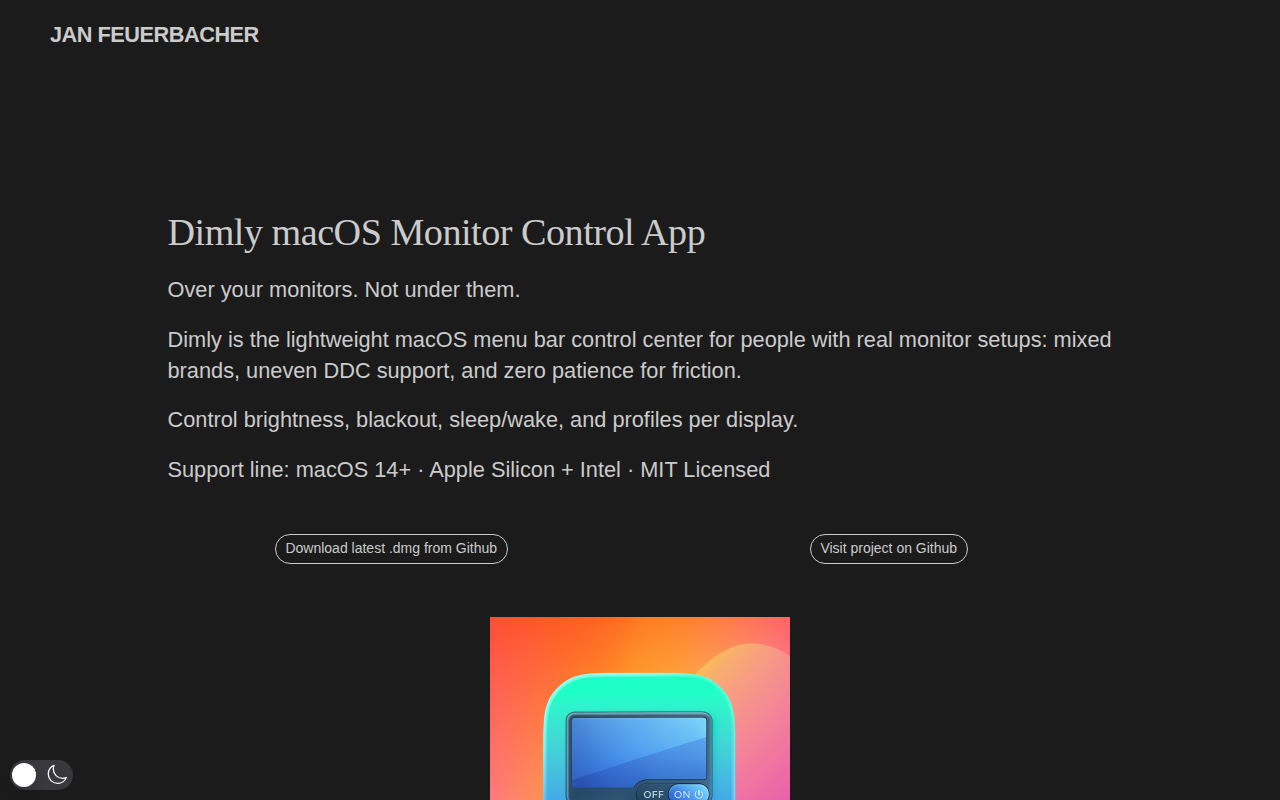
Dimly
Control brightness across mixed monitor setups from one menu bar app.
Display & Accessibility
Brisync
Utility to automatically control the brightness of external displays
Display & Accessibility
Brightness Sync
Utility to synchronise the brightness of LG UltraFine display(s)